https://github.com/spang-lab/fastret
FastRet is an R package for predicting retention times in liquid chromatography. It can be used through the R console or through a graphical user interface.
https://github.com/spang-lab/fastret
data-science lcms
Last synced: 4 months ago
JSON representation
FastRet is an R package for predicting retention times in liquid chromatography. It can be used through the R console or through a graphical user interface.
- Host: GitHub
- URL: https://github.com/spang-lab/fastret
- Owner: spang-lab
- Created: 2024-06-07T07:07:06.000Z (about 2 years ago)
- Default Branch: main
- Last Pushed: 2025-09-23T06:47:24.000Z (10 months ago)
- Last Synced: 2025-10-22T03:56:14.273Z (9 months ago)
- Topics: data-science, lcms
- Language: R
- Homepage: https://spang-lab.github.io/FastRet/
- Size: 24.8 MB
- Stars: 2
- Watchers: 1
- Forks: 0
- Open Issues: 0
-
Metadata Files:
- Readme: README.md
- Changelog: NEWS.md
Awesome Lists containing this project
README
[](https://github.com/spang-lab/FastRet/actions)
[](https://app.codecov.io/gh/spang-lab/FastRet?branch=main)
[](https://cran.r-project.org/package=FastRet)
[](https://cranlogs.r-pkg.org/badges/grand-total/FastRet)
# FastRet
FastRet is an R package for predicting retention times in liquid chromatography. It can be used through the R console or through a graphical user interface (GUI). The package's key features include the ability to
1. Train new predictive models specific for your own chromatography column
2. Use pre-trained models to predict retention times of molecules
3. Adjust pre-trained models to accommodate modifications in chromatography columns
## Installation
You can install the development version of FastRet from [GitHub](https://github.com/) by entering the following commands in an R session:
```R
if (Sys.which("java")[1] == "") stop("Please install a Java SDK first.")
install.packages("pak")
pak::pkg_install("spang-lab/FastRet")
```
For further details see [Installation](https://spang-lab.github.io/FastRet/articles/Installation.html).
## Usage
The easiest way to use FastRet is through its GUI. To start the GUI, [install the package](#installation) and then run the following command in an interactive R terminal:
```R
FastRet::start_gui()
```
After running the above code, you should see an output like
```
Listening on http://localhost:8080
```
in your R console. This means that the GUI is now running and you can access it via the URL `http://localhost:8080` in your browser. If your terminal supports it, you can also just click on the displayed link.
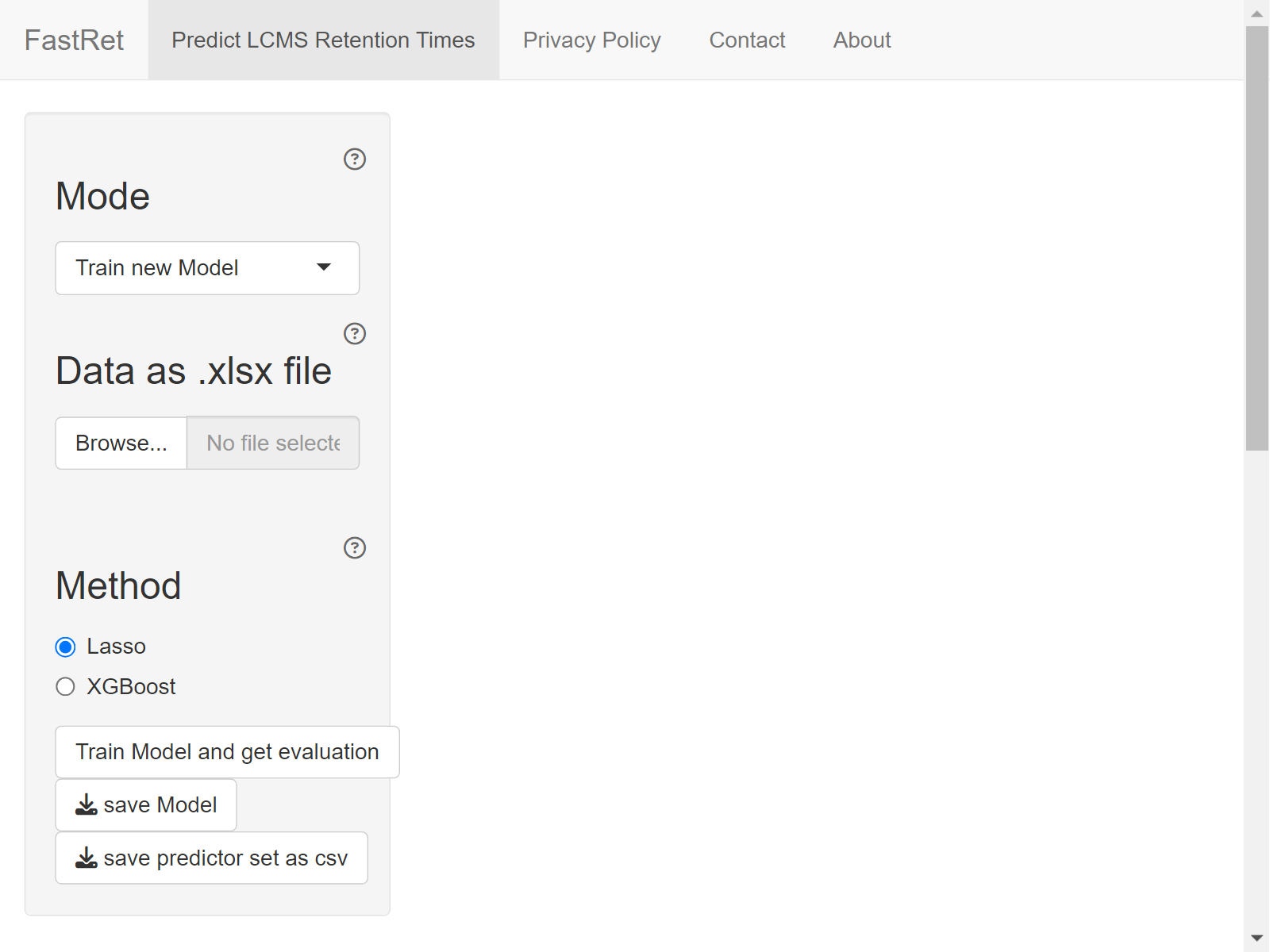
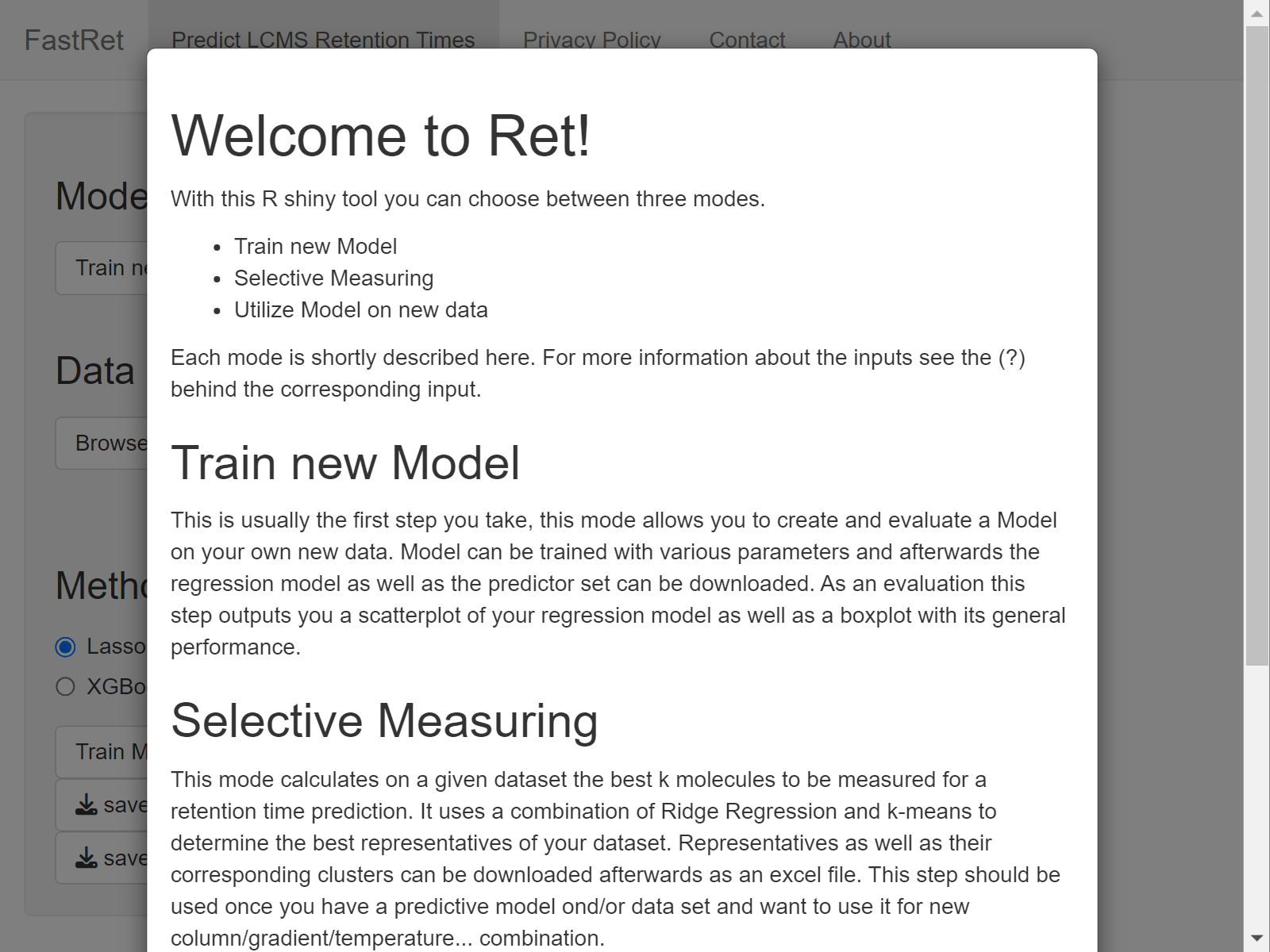
By default, the GUI opens in Mode *Train new Model*. To apply or adjust pretrained models, select mode *Predict Retention Time* or *Adjust existing Model* instead. For more information about the individual modes and the various input fields, click on the little question mark symbols next to the different input fields or have a look at the documentation page for [GUI Usage](https://spang-lab.github.io/FastRet/articles/GUI-Usage.html).
## Documentation
FastRet's documentation is available at [spang-lab.github.io/FastRet](https://spang-lab.github.io/FastRet/). It includes pages about
- [GUI Usage](https://spang-lab.github.io/FastRet/articles/GUI-Usage.html)
- [CLI Usage](https://spang-lab.github.io/FastRet/articles/CLI-Usage.html)
- [Package Internals](https://spang-lab.github.io/FastRet/articles/Package-Internals.html)
- [Contribution Guidelines](https://spang-lab.github.io/FastRet/articles/Contributing.html)
- [Function Reference](https://spang-lab.github.io/FastRet/reference/index.html)