https://github.com/sparkfun/rf_links
These wireless transmitters and receivers easily fit into a breadboard and work well with microcontrollers to create a very simple wireless data link.
https://github.com/sparkfun/rf_links
sparkfun sparkfun-products wireless
Last synced: about 1 year ago
JSON representation
These wireless transmitters and receivers easily fit into a breadboard and work well with microcontrollers to create a very simple wireless data link.
- Host: GitHub
- URL: https://github.com/sparkfun/rf_links
- Owner: sparkfun
- Created: 2014-02-04T23:28:40.000Z (over 12 years ago)
- Default Branch: main
- Last Pushed: 2022-10-13T22:05:40.000Z (over 3 years ago)
- Last Synced: 2025-04-14T21:41:39.141Z (about 1 year ago)
- Topics: sparkfun, sparkfun-products, wireless
- Language: C++
- Homepage: https://www.sparkfun.com
- Size: 47.9 KB
- Stars: 59
- Watchers: 54
- Forks: 90
- Open Issues: 0
-
Metadata Files:
- Readme: README.md
Awesome Lists containing this project
README
RF Link Transmitter and Receivers
==============
315MHz
434MHz
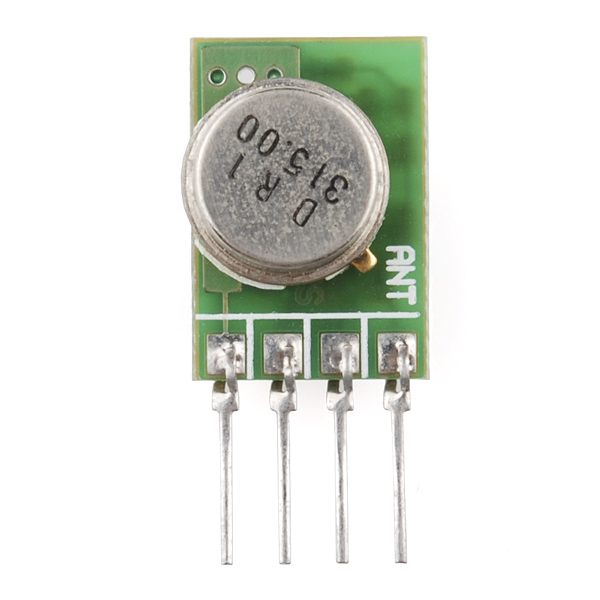
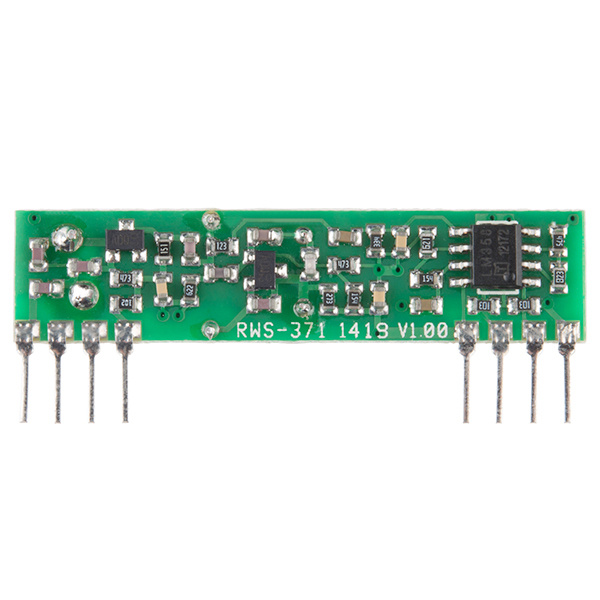
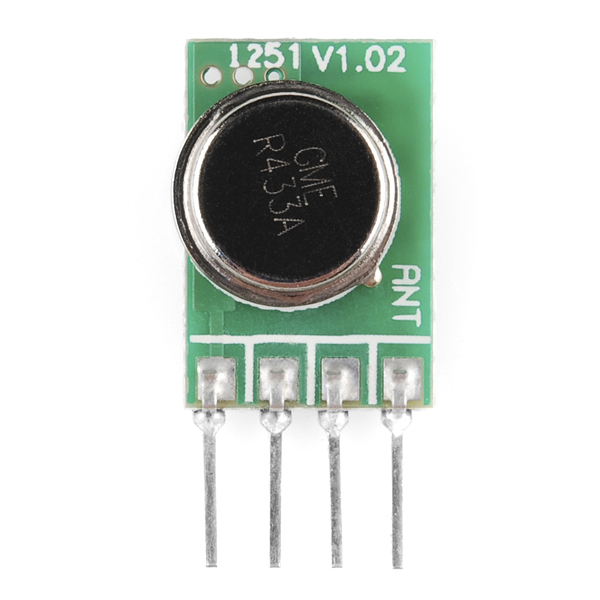
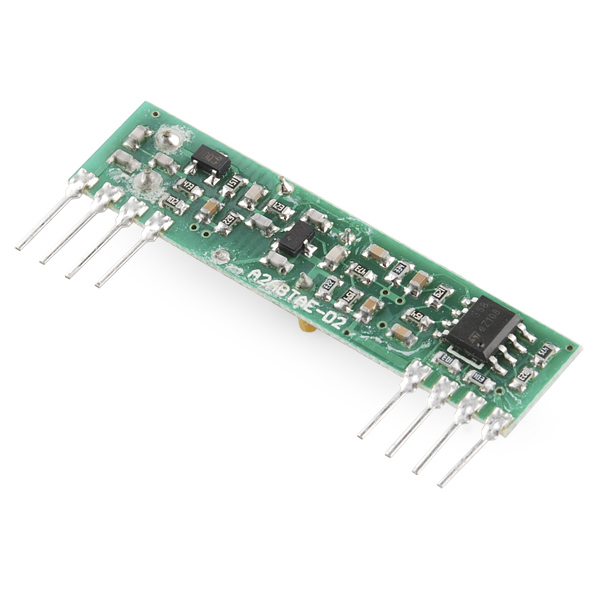
RF Link Transmitter - 315MHz
[WRL-10535]
RF Link Receiver - 315MHz
[WRL-10533]
RF Link Transmitter - 434MHz
[WRL-10534]
RF Link Receiver - 434MHz
[WRL-10532]
These wireless transmitters and receivers easily fit into a breadboard and work well with microcontrollers to create
a very simple wireless data link. The original legacy VirtualWire library that is used in this GitHub repo can be found [here](http://www.airspayce.com/mikem/arduino/VirtualWire/). However, we recommend using the latest [RadioHead library](http://www.airspayce.com/mikem/arduino/RadioHead/), which supports more architectures.
_Note: The 315MHz RF Link receivers are almost identical to the 434MHz RF Link receivers. SparkFun does everything in our power to make sure you receive the product you requested. However, if you are concerned you may have received the incorrect product you can verify which version receiver this is by running a simple test circuit with it's corresponding RF Link transmitter (i.e. make sure to use the 315MHz RF Link transmitter with the 315MHz RF Link receiver)._
Repository Contents
-------------------
* **/Firmware** - Arduino libraries and example sketches
Documentation
--------------
* **[Installing an Arduino Library Guide](https://learn.sparkfun.com/tutorials/installing-an-arduino-library)** - Basic information on how to install an Arduino library.
* **[RadioHead Library](http://www.airspayce.com/mikem/arduino/RadioHead/)** - RadioHead Arduino Library, you'll want to use this one to control the RF Links. This supports more architectures.
* **_[VirtualWire Library](http://www.airspayce.com/mikem/arduino/VirtualWire/)_** - Legacy Virtual Library
Product Versions
----------------
315MHz
* [WRL-10535](https://www.sparkfun.com/products/10535)- RF Link Transmitter - 315MHz
* [WRL-10533](https://www.sparkfun.com/products/10533)- RF Link Receiver - 315MHz
434MHz
* [WRL-10534](https://www.sparkfun.com/products/10534)- RF Link Transmitter - 434MHz
* [WRL-10532](https://www.sparkfun.com/products/10532)- RF Link Receiver - 434MHz
License Information
-------------------
All other code is open source so please feel free to do anything you want with it;
you buy me a beer if you use this and we meet someday ([Beerware license](http://en.wikipedia.org/wiki/Beerware)).
Distributed as-is; no warranty is given.