https://github.com/spite/THREE.UpdatableTexture
https://github.com/spite/THREE.UpdatableTexture
Last synced: about 1 year ago
JSON representation
- Host: GitHub
- URL: https://github.com/spite/THREE.UpdatableTexture
- Owner: spite
- Created: 2017-07-25T12:22:57.000Z (almost 9 years ago)
- Default Branch: master
- Last Pushed: 2017-10-25T15:35:10.000Z (over 8 years ago)
- Last Synced: 2025-03-30T14:34:52.341Z (about 1 year ago)
- Language: JavaScript
- Size: 510 KB
- Stars: 74
- Watchers: 5
- Forks: 12
- Open Issues: 1
-
Metadata Files:
- Readme: README.md
Awesome Lists containing this project
README
# THREE.UpdatableTexture
An extended `THREE.Texture` to provide support for partial updates, via [`texSubImage2D`](https://developer.mozilla.org/en-US/docs/Web/API/WebGLRenderingContext/texSubImage2D).
`UpdatableTexture` lets you update only a part of a texture: it's useful for incremental loads of large images, for tiled resources, etc.
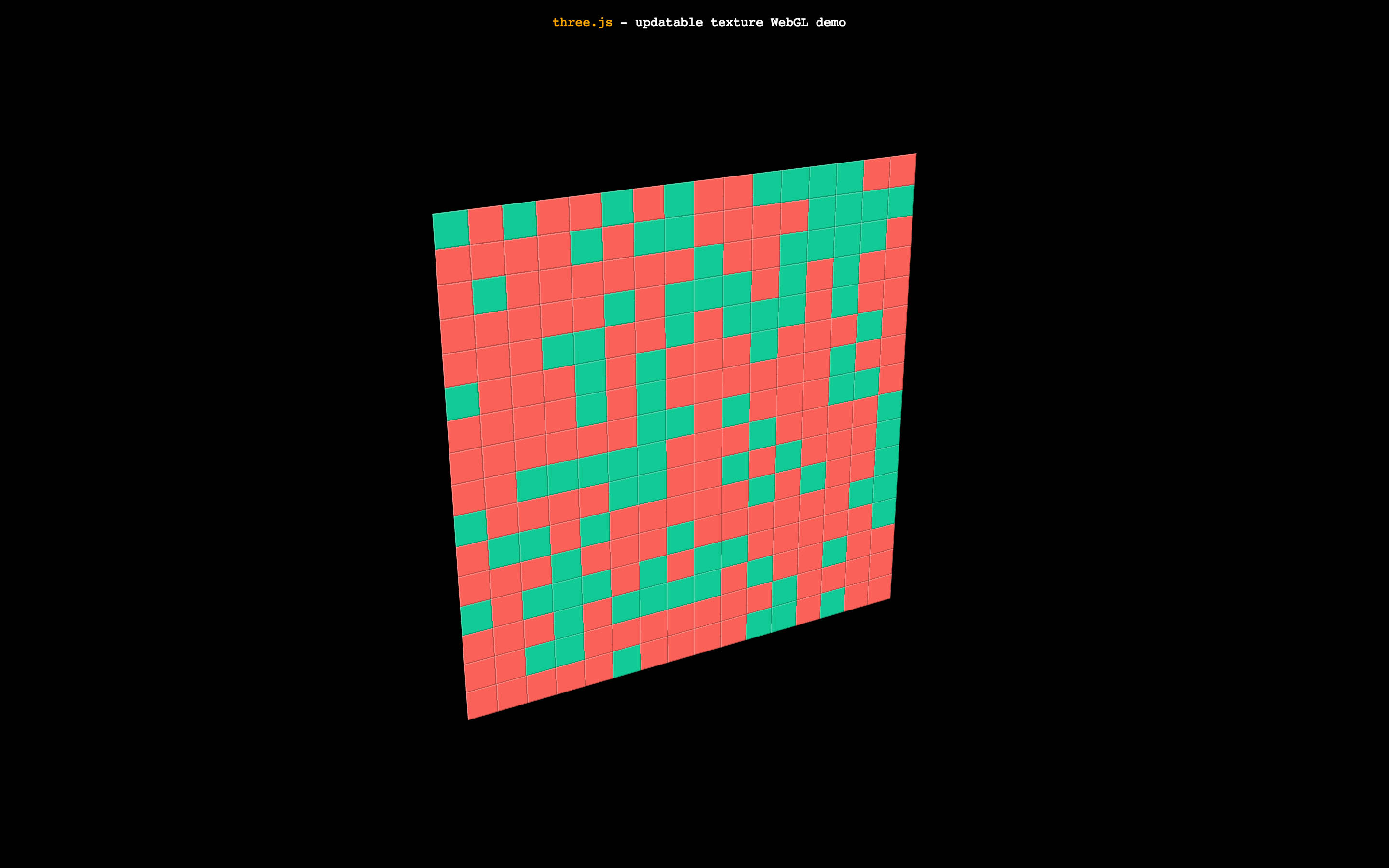
Check a [demo of partially updated texture](https://spite.github.io/THREE.UpdatableTexture/).
[](https://spite.github.io/THREE.UpdatableTexture)
The demo uses a 512x512 texture updated with blocks of 32x32. The best texture size and tile size it's a bit up to your target performance.
#### How to use ####
Include three.js lib and the script in your project:
```html
```
You can create `UpdatableTexture` like any other `THREE.Texture`:
```js
// UpdatableTexture has the same signature as THREE.Texture
let a = texture = new UpdatableTexture();
```
You have to attach a `renderer` to it (*this will change if this textures makes into three.js core*)
```js
texture.setRenderer( renderer );
```
You can modify the `UpdatableTexture` attributes the same way you do with `THREE.Texture`
```js
texture.minFilter = texture.magFilter = THREE.NearestFilter;
texture.generateMipmaps = false;
```
Since the `UpdatableTexture` will be updated from one or more pieces, first you need to set the size:
```js
texture.setSize( width, height );
```
From then on, you can use to update a part of the texture:
```js
texture.update( source, x, y );
```
`source` can be an `ArrayBufferView`, an `ImageData`, an `HTMLImageElement`, an `HTMLCanvasElement`, an `HTMLVideoElement` or an `ImageBitmap`.
`x` and `y` are the offsets inside the big texture in which to draw the smaller texture. The width and height of the smaller texture is read from the resource. Make sure offset plus dimensions is not bigger than the large texture dimensions.
#### So how do I actually use it? ####
This will let you update parts of the texture, the rest is up to your ideas and needs. For instance, you can pre-tile your assets and load them via `Fetch` and `createImageBitmap`, and update the final texture in a scheduled fashion. Or you can download a large image, and then update parts. Right now you need to create an intermediate canvas to hold the partial part of the image, since WebGL methods don't have cropping features, but they do in WebGL2.
### License ####
MIT licensed
Copyright (C) 2017 Jaume Sanchez Elias, http://www.clicktorelease.com