https://github.com/spring-cloud/spring-cloud-dataflow-ui
This repo provides the Dashboard application of Spring Cloud Data Flow
https://github.com/spring-cloud/spring-cloud-dataflow-ui
angular spring-cloud typescript
Last synced: about 1 year ago
JSON representation
This repo provides the Dashboard application of Spring Cloud Data Flow
- Host: GitHub
- URL: https://github.com/spring-cloud/spring-cloud-dataflow-ui
- Owner: spring-cloud
- License: apache-2.0
- Created: 2015-11-06T16:57:06.000Z (over 10 years ago)
- Default Branch: main
- Last Pushed: 2024-10-10T18:23:09.000Z (over 1 year ago)
- Last Synced: 2024-10-29T15:19:03.895Z (over 1 year ago)
- Topics: angular, spring-cloud, typescript
- Language: TypeScript
- Homepage: https://dataflow.spring.io/
- Size: 14.3 MB
- Stars: 212
- Watchers: 41
- Forks: 118
- Open Issues: 42
-
Metadata Files:
- Readme: README.md
- License: LICENSE
- Code of conduct: CODE_OF_CONDUCT.adoc
- Security: SECURITY.md
Awesome Lists containing this project
README


Introduction •
How To Use •
Acknowledgments
## Introduction
This is the **Spring Cloud Data Flow Dashboard** user interface (UI). The UI uses [Angular][]. **Source code documentation** is available at https://cloud.spring.io/spring-cloud-dataflow-ui/.
> The Git repository for the main **Spring Cloud Data Flow** project is at: https://github.com/spring-cloud/spring-cloud-dataflow
---
## Showcase
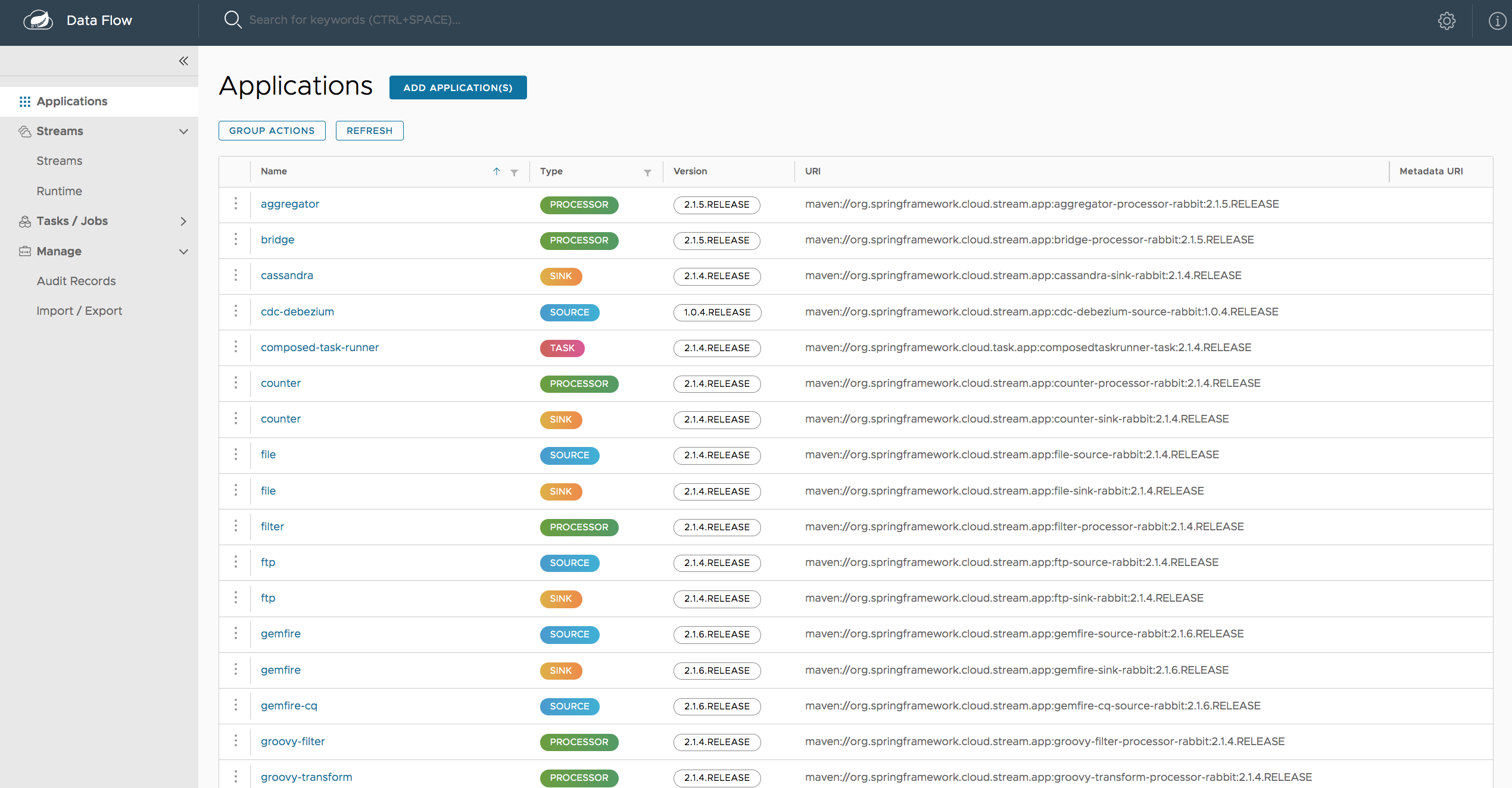
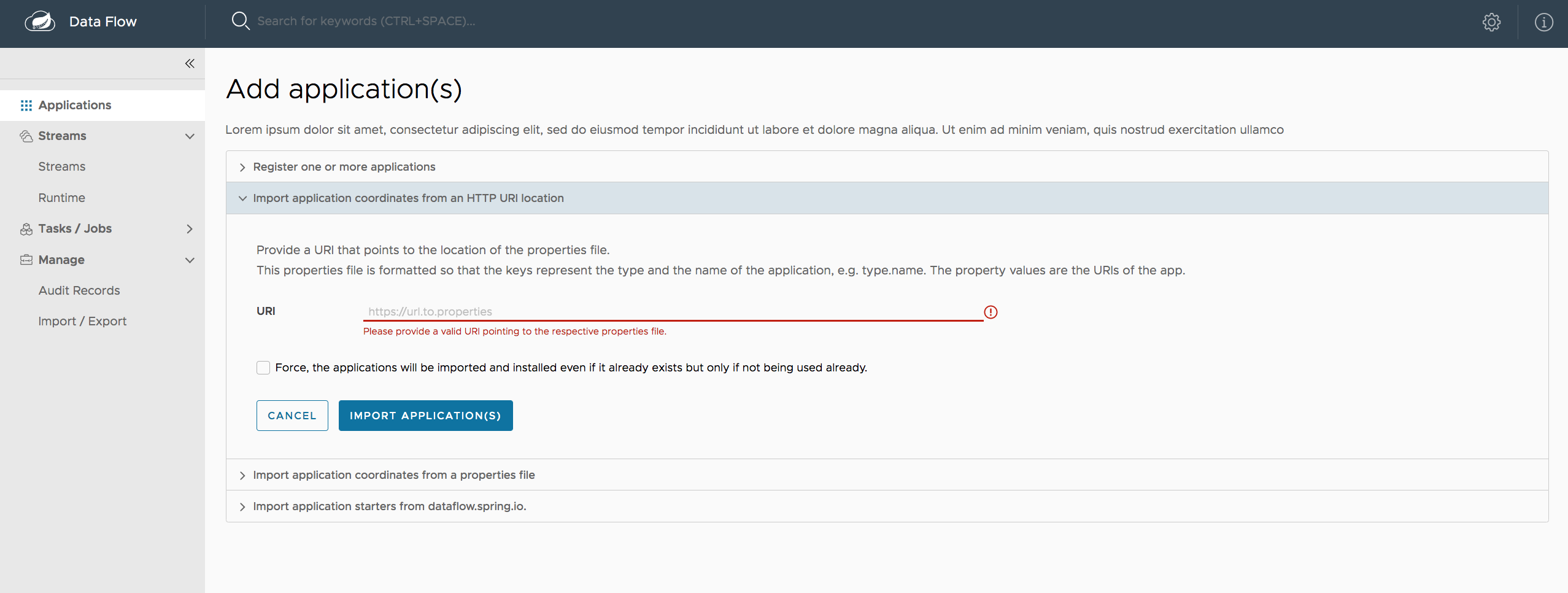
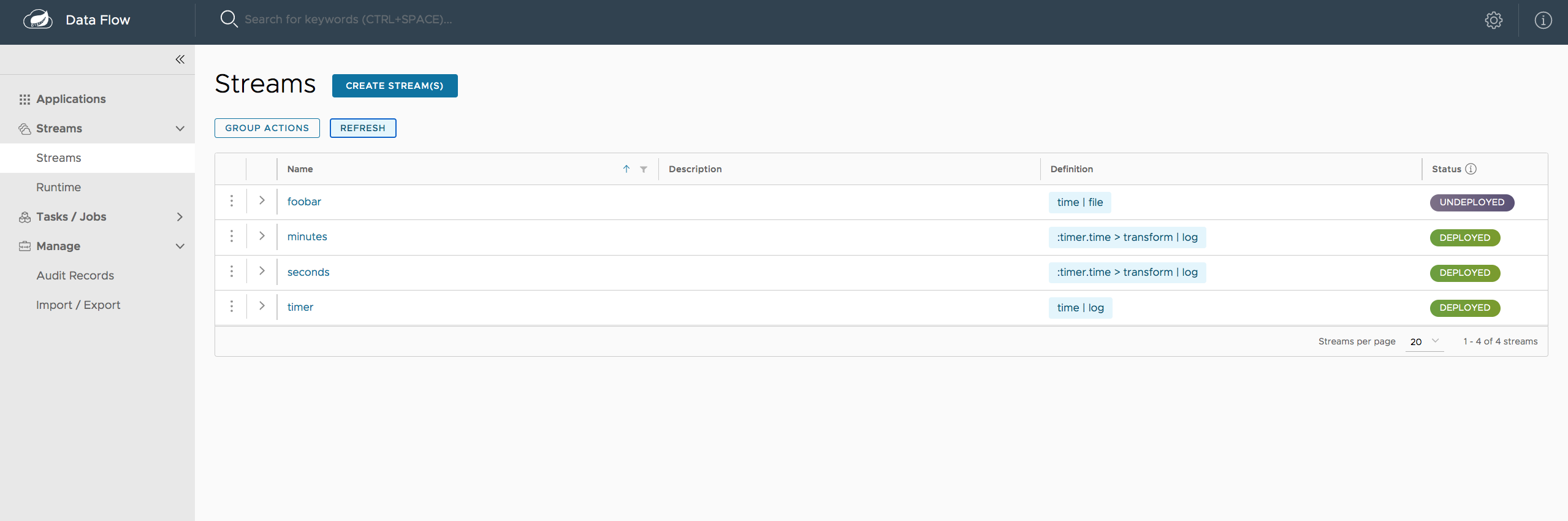
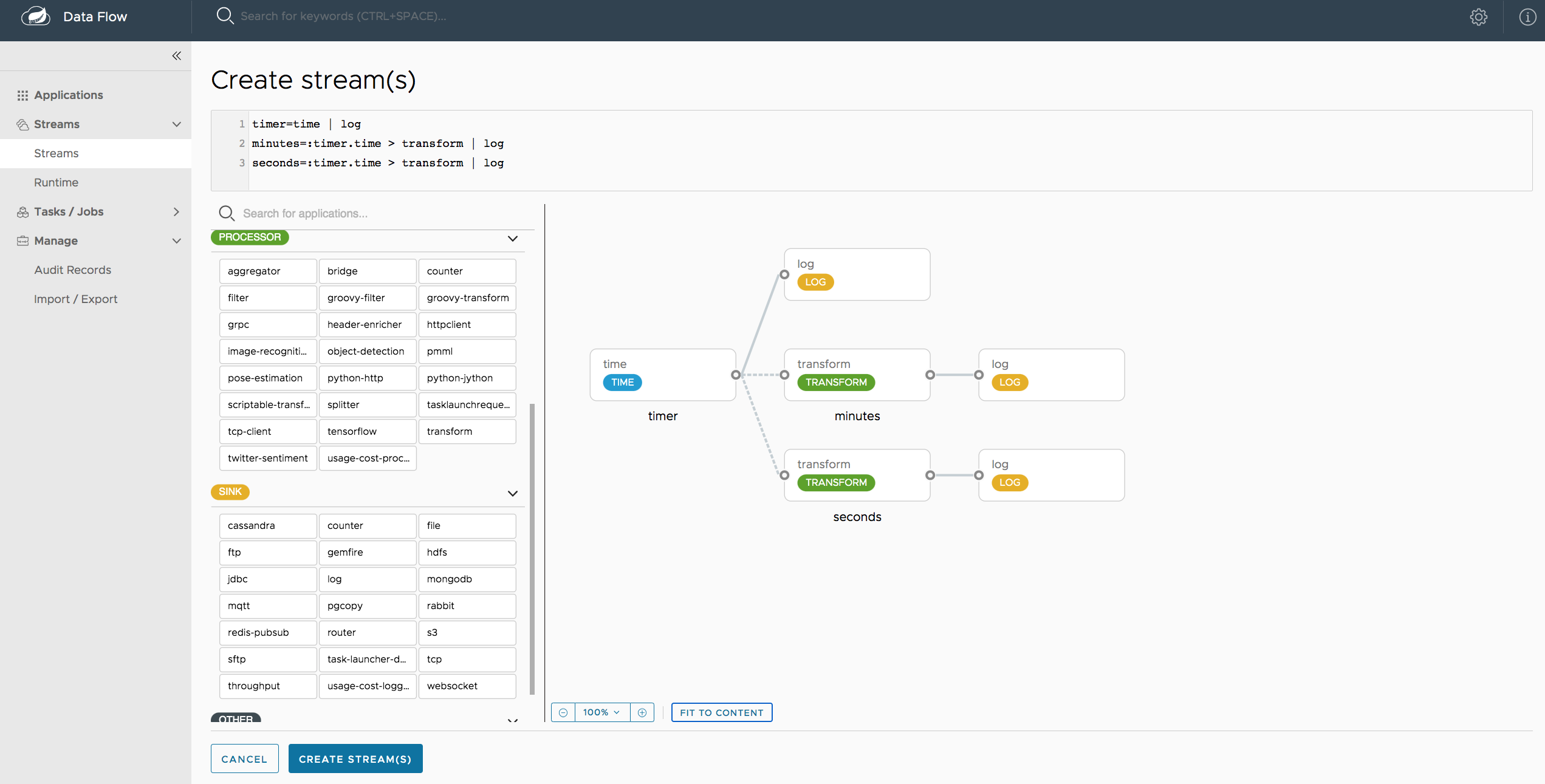
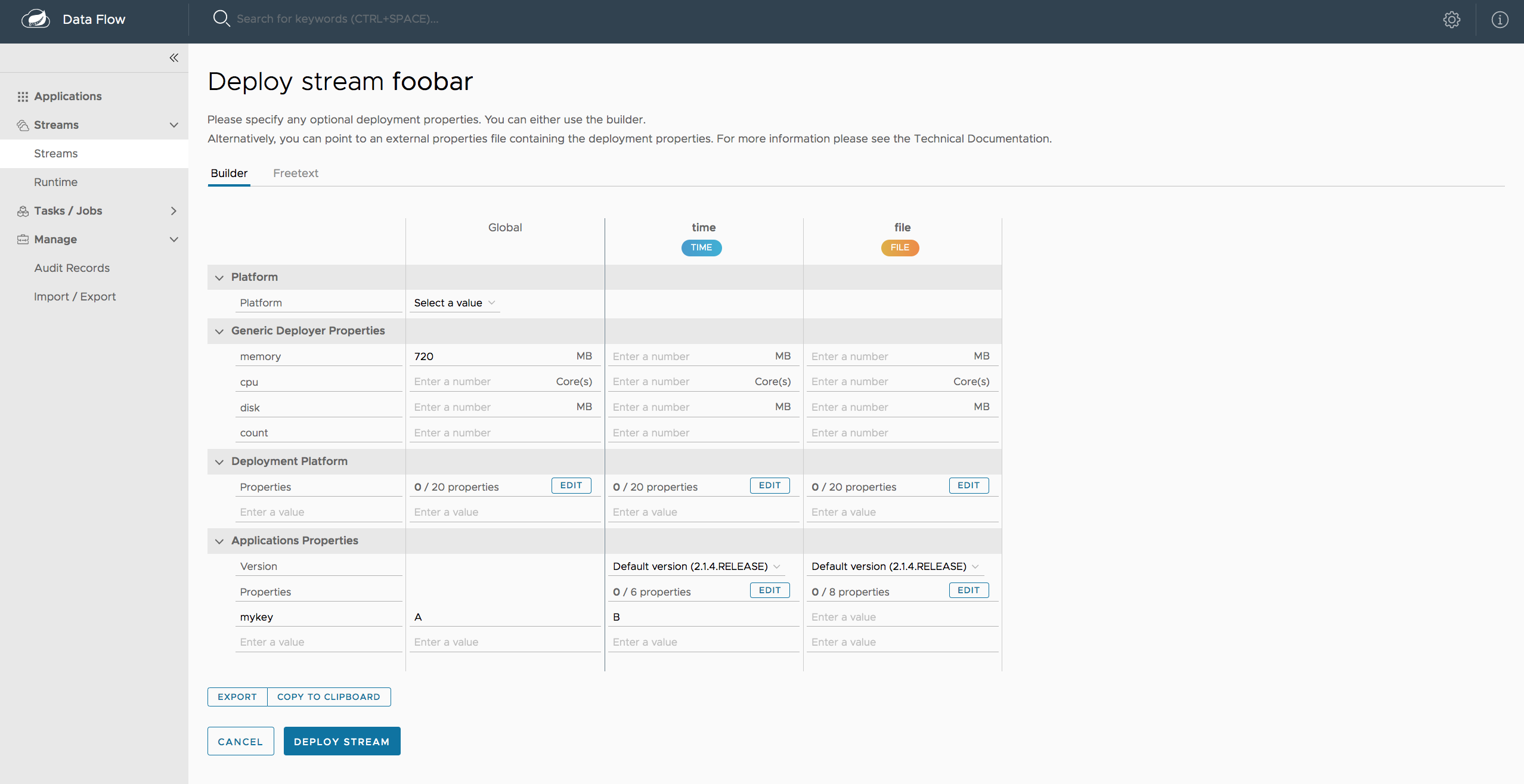
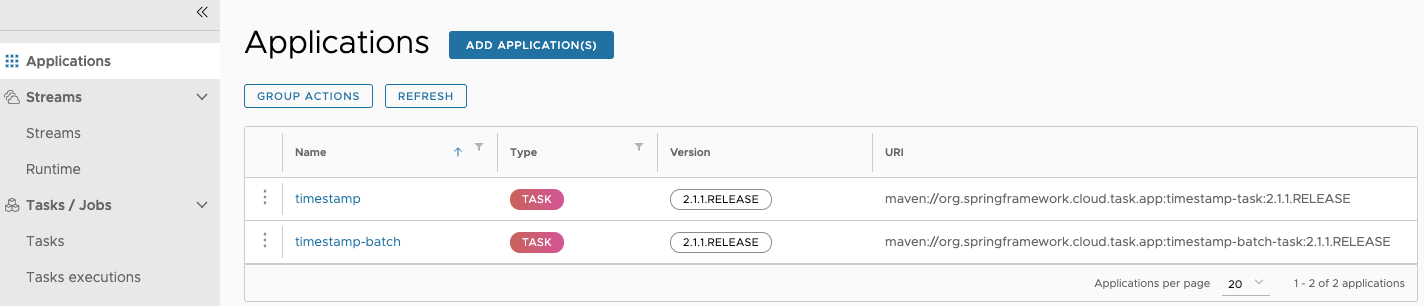
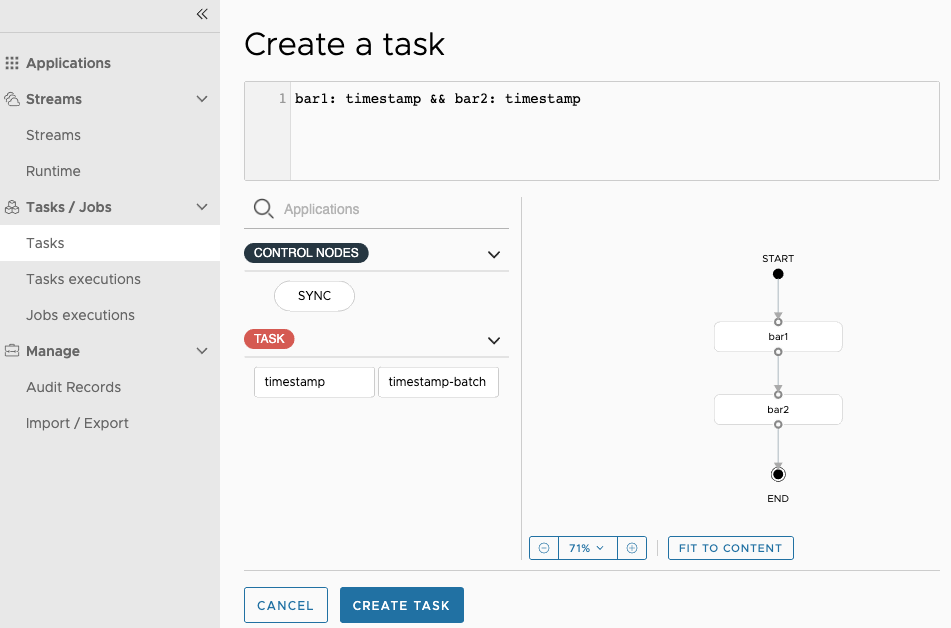
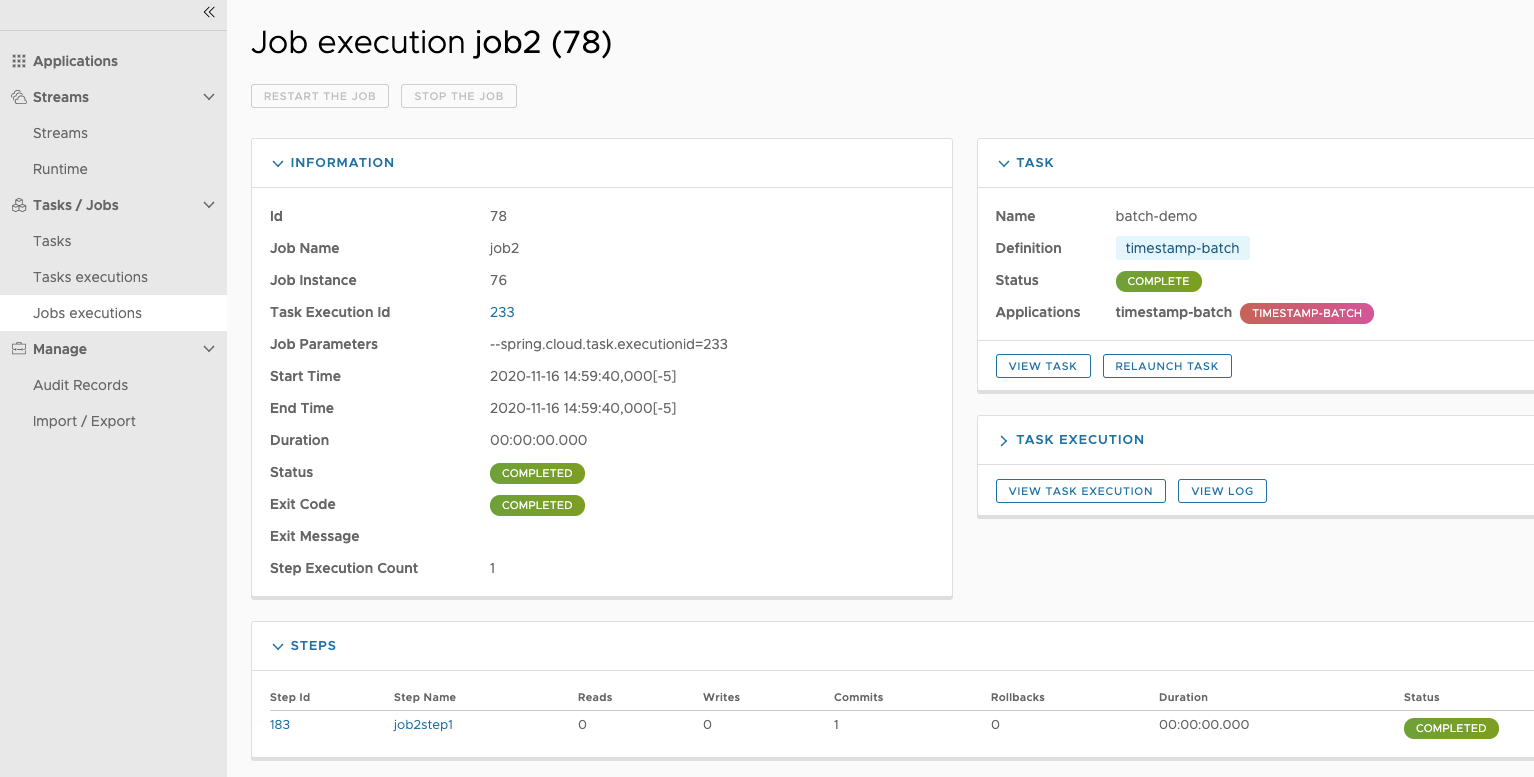
---
## How To Use
Two build tool chains are supported. Primarily, the **Spring Cloud Data Flow UI** uses [npm][] ([Node.js][]-based) for managing dependencies and the execution of the build. In order to provide easier **Continuous Integration** (CI) support, [Maven][] can also be used to execute the build.
The **Spring Cloud Data Flow Dashboard** uses [Maven][], specifically the [frontend-maven-plugin][] which will actually execute [npm][] underneath. Using the [frontend-maven-plugin][], however, the required tooling, including [Node.js][] will be downloaded, installed and executed for you.
### Building the Project using Maven
Please ensure that at a minimum [Maven][] and [Git][] are available on your system (Using [Maven][] is also the easiest route for Java developers to get started).
$ git clone https://github.com/spring-cloud/spring-cloud-dataflow-ui.git
$ cd spring-cloud-dataflow-ui
$ mvn clean install
This will create `target/spring-cloud-dataflow-ui-1.3.0.BUILD-SNAPSHOT.jar` and also install the build artifact into the local Maven repository.
### Building the Project using npm
For UI development purposes, we recommend using [npm][] directly. Please ensure that at a minimum [Node.js][], [npm][] and the [Angular CLI][] are available on your system. In order to execute the build simply do:
$ git clone https://github.com/spring-cloud/spring-cloud-dataflow-ui.git
$ cd spring-cloud-dataflow-ui/ui
$ npm install
$ ng build --prod
Before building be sure that the `ng-serve` development server has been shutdown.
**If you want to contribute and help developing the project, please, have a look at the [Developer Guideline](README_DEV.md/#development).**
## Developer Certificate of Origin
All commits must include a **Signed-off-by** trailer at the end of each commit message to indicate that the contributor agrees to the Developer Certificate of Origin.
For additional details, please refer to the blog post [Hello DCO, Goodbye CLA: Simplifying Contributions to Spring](https://spring.io/blog/2025/01/06/hello-dco-goodbye-cla-simplifying-contributions-to-spring).
---
## Acknowledgments
This project uses code from several open source packages:
[Angular](https://angular.io),
[Clarity Design](https://clarity.design/),
[RxJS](https://github.com/ReactiveX/rxjs),
[Spring Flo](https://github.com/spring-projects/spring-flo),
[Ngx Toastr](https://github.com/scttcper/ngx-toastr),
[NGRX](https://ngrx.io/),
[luxon](https://moment.github.io/luxon//) (...)
This project is powered by:

[Angular]: https://angular.io/
[Angular CLI]: https://cli.angular.io/
[frontend-maven-plugin]: https://github.com/eirslett/frontend-maven-plugin
[Git]: https://git-scm.com/
[Maven]: https://maven.apache.org/
[Node.js]: https://nodejs.org/
[npm]: https://www.npmjs.com/
[Protractor]: https://github.com/angular/protractor