https://github.com/sprout2000/photon-image-viewer
Classic light-mode image viewer for macOS
https://github.com/sprout2000/photon-image-viewer
image-viewer macos
Last synced: 2 months ago
JSON representation
Classic light-mode image viewer for macOS
- Host: GitHub
- URL: https://github.com/sprout2000/photon-image-viewer
- Owner: sprout2000
- License: mit
- Created: 2024-10-20T02:04:15.000Z (over 1 year ago)
- Default Branch: main
- Last Pushed: 2026-04-17T06:49:54.000Z (3 months ago)
- Last Synced: 2026-04-17T08:34:06.227Z (3 months ago)
- Topics: image-viewer, macos
- Language: TypeScript
- Homepage:
- Size: 1.93 MB
- Stars: 0
- Watchers: 1
- Forks: 0
- Open Issues: 0
-
Metadata Files:
- Readme: README.md
- License: LICENSE.md
Awesome Lists containing this project
README
# Photon Image Viewer
Classic light-mode image viewer for macOS.
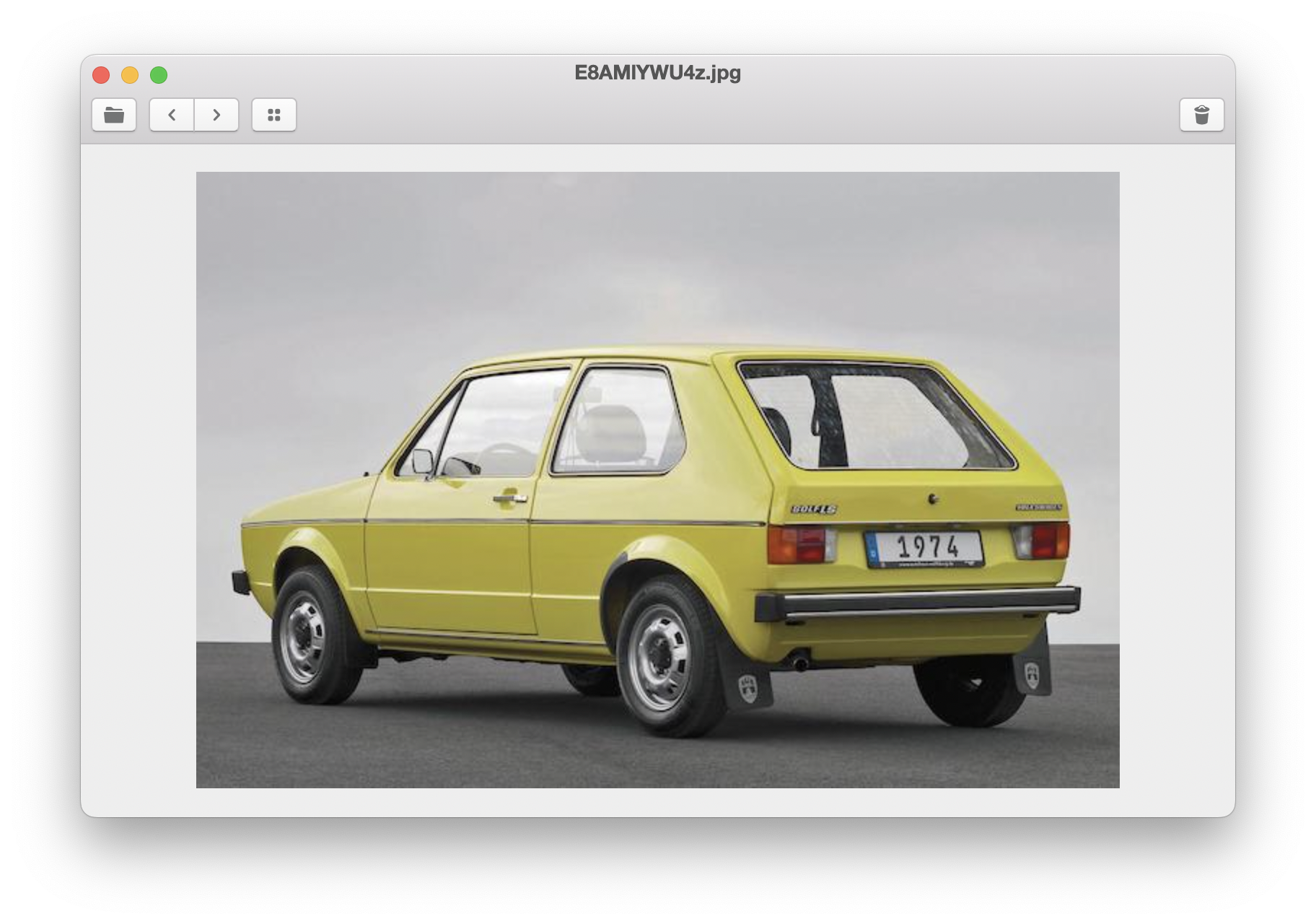
## :green_book: Usage
### :keyboard: Keyboard Shortcuts
| Key | Function |
| :----------------------------------------------------------------: | :--------------- |
| J, ⌃+N, ⌘+→ | Next Image |
| K, ⌃+P, ⌘+← | Previous Image |
| + | Zoom In |
| - | Zoom Out |
| 0 | Reset Zoom |
| ← ↑ ↓ → | Pan |
| Fn+Delete | Move to Trash |
| H, ⌃+G | Toggle Grid View |
### :computer_mouse: Mouse Operations
| Mouse | Function |
| :----------: | :---------- |
| Drag | Pan |
| Wheel | Zoom in/out |
| Double click | Reset zoom |
## :hammer_and_wrench: How to build?
You will need to have [Node.js](https://nodejs.org/) and [Git](https://git-scm.com/) installed.
```sh
# 1. Clone this repo.
git clone https://github.com/sprout2000/photon-image-viewer.git
# 2. Install dependencies.
cd photon-image-viewer
npm install
# 3. Build the app and create an installer.
npm run build && npm run package
```
And then, you will find the installer in the `release` directory.
## :copyright: Copyright
Copyright (c) 2020 sprout2000