https://github.com/sproutcore/rich-text-editor
A rich text editor for SproutCore.
https://github.com/sproutcore/rich-text-editor
Last synced: 10 months ago
JSON representation
A rich text editor for SproutCore.
- Host: GitHub
- URL: https://github.com/sproutcore/rich-text-editor
- Owner: sproutcore
- License: other
- Created: 2014-06-02T19:49:22.000Z (about 12 years ago)
- Default Branch: master
- Last Pushed: 2020-06-03T08:19:15.000Z (about 6 years ago)
- Last Synced: 2024-03-25T23:06:47.605Z (over 2 years ago)
- Language: JavaScript
- Size: 814 KB
- Stars: 6
- Watchers: 12
- Forks: 6
- Open Issues: 18
-
Metadata Files:
- Readme: README.md
- License: license.js
Awesome Lists containing this project
README
Note: The DOM structure of SC.WYSIWYGEditorView has changed. If you need to retain the view's previous version for a legacy project, you can check out the v0.9 tag (`git checkout v0.9`).
# SproutCore Rich Text Editor
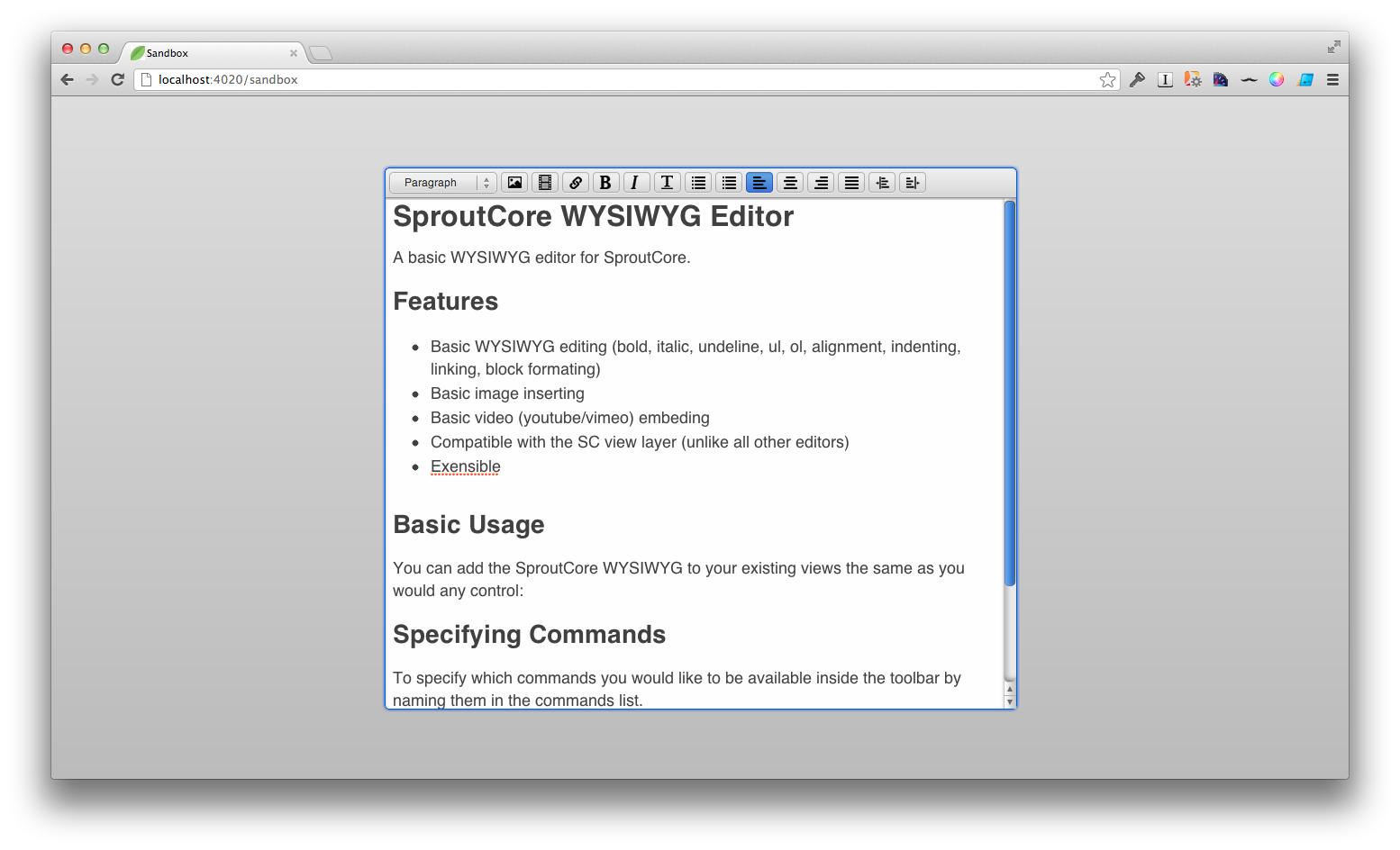
A basic WYSIWYG editor for SproutCore.
## Features
- Basic WYSIWYG editing (bold, italic, underline, ul, ol, alignment, indenting, linking, block formating)
- Basic image inserting
- Basic video (youtube/vimeo) embeding
- Compatible with the SC view layer (unlike all other editors)
- Undo/Redo Support
- Move image inside the editor by drag'n'drop
- Extensible
## Basic Usage
You can add the SproutCore WYSIWYG to your existing views the same as you would any control:
MYApp.MyView = SC.View.extend({
childViews: ['editor'],
editor: SC.WYSIWYGView.extend({
valueBinding: 'MyApp.myController.content'
})
})
## Specifying Commands
To specify which commands you would like to be available inside the toolbar, simply add them to the commands list.
MYApp.MyView = SC.View.extend({
childViews: ['editor'],
editor: SC.WYSIWYGView.extend({
commands: [ 'link', 'bold', 'italic', 'underline'],
valueBinding: 'MyApp.myController.content'
})
})
## Add Commands
To create a custom command, create an object which mixes in SC.WYSIWYGCommand and add it to the command factory.
MyApp.MyCommand = SC.Object.extend(SC.WYSIWYGCommand, {
commandName: 'myMagicCommand',
execute: function(source, editor) {
// do some stuff
}
});
SC.WYSIWYGCommandFactory.registerCommand(MyApp.MyCommand);
Once it is registered with the command factory, you can simply add it to the command list in the WYSIWYGView.
MYApp.MyView = SC.View.extend({
childViews: ['editor'],
editor: SC.WYSIWYGView.extend({
commands: [ 'link', 'bold', 'italic', 'underline', 'myMagicCommand'],
valueBinding: 'MyApp.myController.content'
})
})
## Editor API
To determine if a command has been executed against the current selection use the following command (detailed: https://dvcs.w3.org/hg/editing/raw-file/tip/editing.html):
queryCommandState: function(command)
To determine the command value (if available) of the current selection:
queryCommandValue: function(command)
To execute and arbitrary command against the editor:
execCommand: function(commandName, showDefaultUI, value)
To insert arbitrary html at the current location:
insertHtmlAtCaret: function(html)
## TODOs
- Add some tests boy howdy
- refine the video embed command
- refine the image embed command
- full screen support ?
- image / file uploading (probably with the sproutcore-fileupload framework)
- clean up the way the styles are enumerated / displayed (kindof brittle with the css + js views)
## Thanks to LearnDot & Joe Gaudet
Special thanks to LearnDot's Joe Gaudet for incepting, developing and open-sourcing this project!