https://github.com/spyoungtech/win-bash-aliases
Bash commands for windows
https://github.com/spyoungtech/win-bash-aliases
Last synced: 9 months ago
JSON representation
Bash commands for windows
- Host: GitHub
- URL: https://github.com/spyoungtech/win-bash-aliases
- Owner: spyoungtech
- License: mit
- Created: 2019-01-26T03:17:44.000Z (over 7 years ago)
- Default Branch: master
- Last Pushed: 2019-03-05T07:50:38.000Z (over 7 years ago)
- Last Synced: 2025-01-26T09:32:39.406Z (over 1 year ago)
- Language: Python
- Homepage:
- Size: 69.3 KB
- Stars: 2
- Watchers: 2
- Forks: 0
- Open Issues: 1
-
Metadata Files:
- Readme: README.md
- License: LICENSE
Awesome Lists containing this project
README
# win-bash-aliases
[](https://ci.appveyor.com/project/spyoungtech/win-bash-aliases/branch/master)
[](https://pypi.org/project/win-bash-aliases/)
[](https://pypi.org/project/win-bash-aliases/)
Ever have this problem?
```
C:\Users\You\> vi foo.txt
'vi' is not recognized as an internal or external command,
operable program or batch file.
```
Well, no more! Proxy unix commands to WSL from your Windows native shell with `win-bash-aliases`
Mix windows and bash commands
```
C:\Users\You>dir | grep bytes
6 File(s) 4,195 bytes
7 Dir(s) 191,543,554,048 bytes free
```
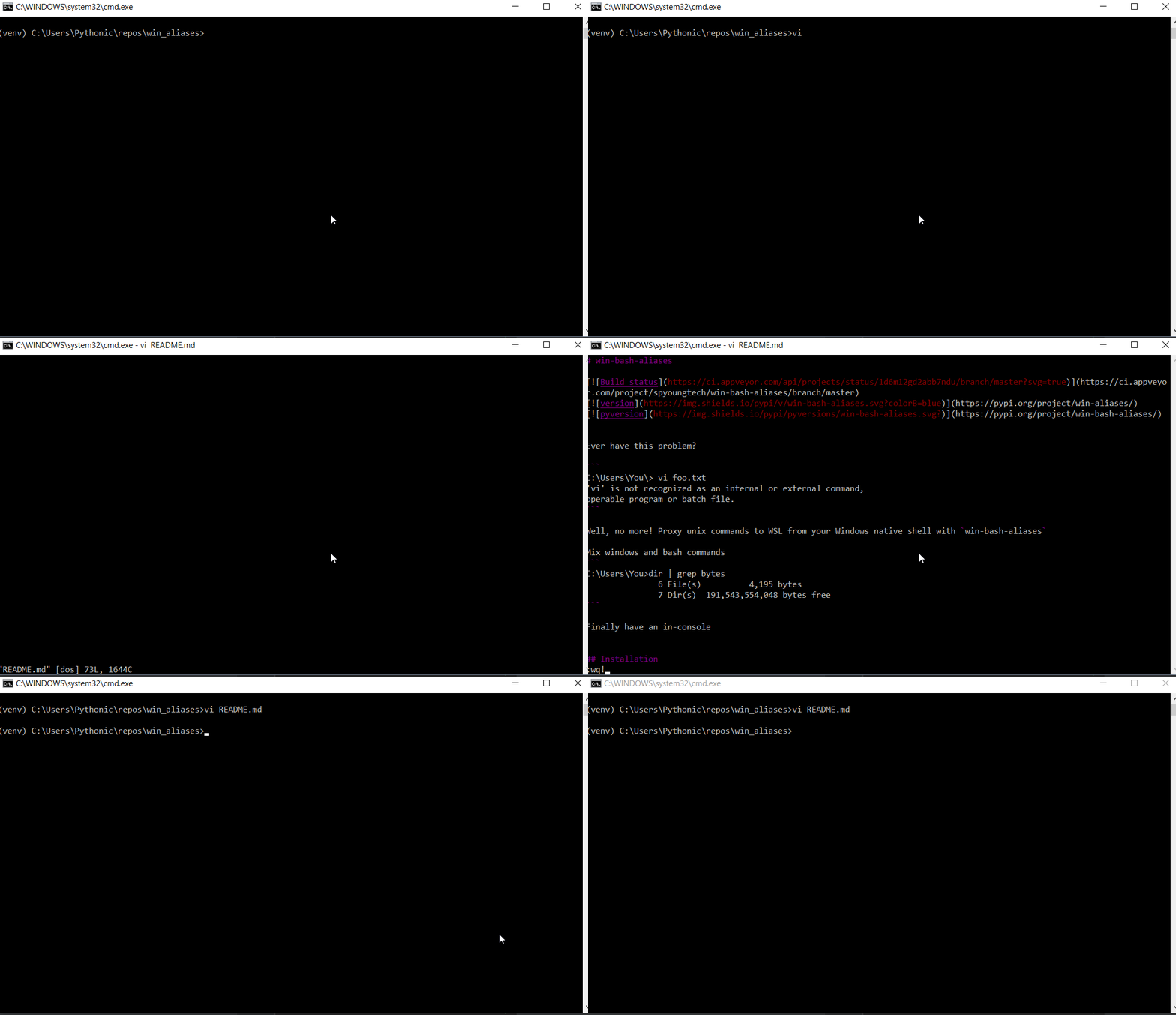
vi in cmd and powershell!
## Installation
### Prerequsites
To use this package you must have Windows Subsystem for Linux installed.
```
py -m pip install win-bash-aliases
```
## Commands available
```
awk
cat
cp
curl
grep
less
ls
man
more
mv
nano
rm
ssh
tail
tar
vi
vim
wc
```
Your favorite unix command not here? Open a PR and I'll add it! It's as simple as adding a string to a list.
Note: some commands, like `xargs`, are impractical to use because they would execute inside the WSL environment.
## FAQ
> Is this safe to use in production?
🤷
You should expect some things not to behave perfectly at this stage in development.
> How does it work?
Just console entry points and wrapping around `bash -c`