https://github.com/sschreier/sschreiershowcase
A shopware 6 extension to implement a shop without a buy function and therefore as a pure showcase.
https://github.com/sschreier/sschreiershowcase
shopware shopware-platform-plugin shopware-plugin shopware6 shopware6-plugin showcase website
Last synced: 3 months ago
JSON representation
A shopware 6 extension to implement a shop without a buy function and therefore as a pure showcase.
- Host: GitHub
- URL: https://github.com/sschreier/sschreiershowcase
- Owner: sschreier
- License: gpl-3.0
- Created: 2024-05-20T09:47:11.000Z (about 2 years ago)
- Default Branch: master
- Last Pushed: 2025-10-11T11:30:56.000Z (8 months ago)
- Last Synced: 2025-12-14T10:58:43.646Z (6 months ago)
- Topics: shopware, shopware-platform-plugin, shopware-plugin, shopware6, shopware6-plugin, showcase, website
- Language: Twig
- Homepage: https://www.web-solutions-dresden.de/shop-ohne-kauf-funktion-als-reines-schaufenster
- Size: 29.3 KB
- Stars: 1
- Watchers: 3
- Forks: 0
- Open Issues: 0
-
Metadata Files:
- Readme: README.md
- License: LICENSE
Awesome Lists containing this project
README
# An extension to implement a shop without a buy function and therefore as a pure showcase for Shopware 6
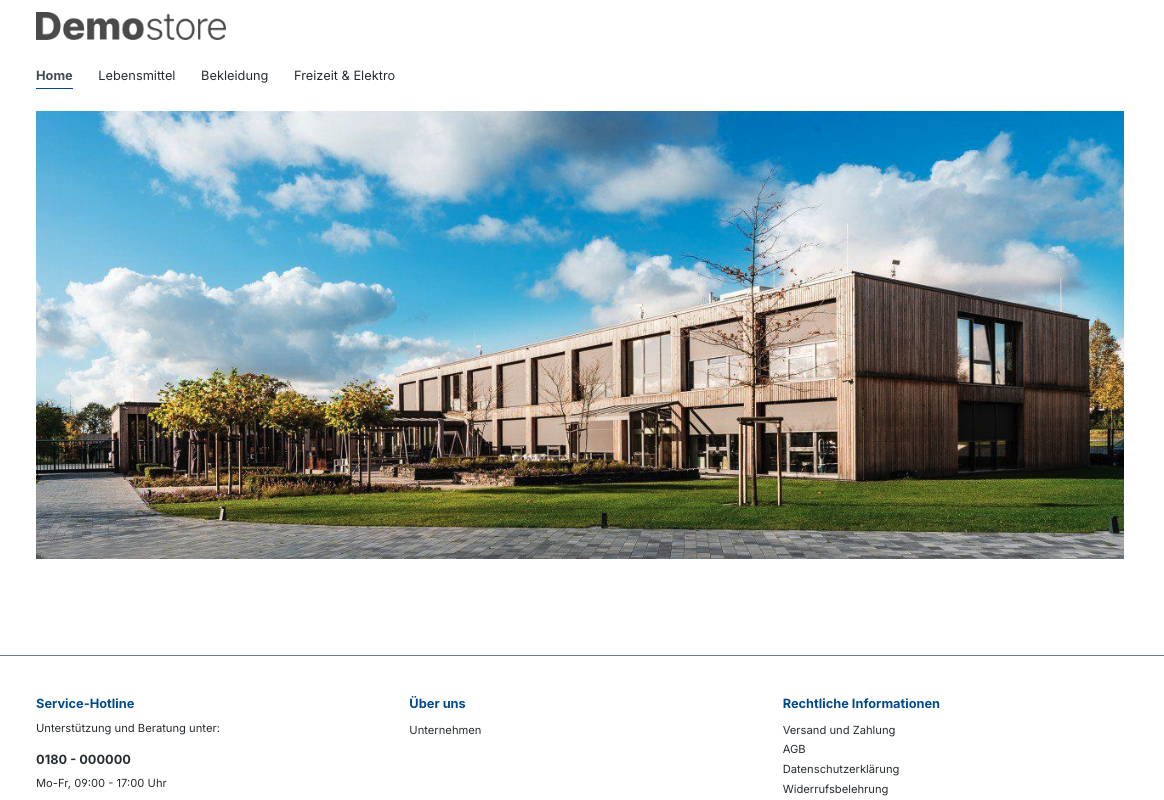
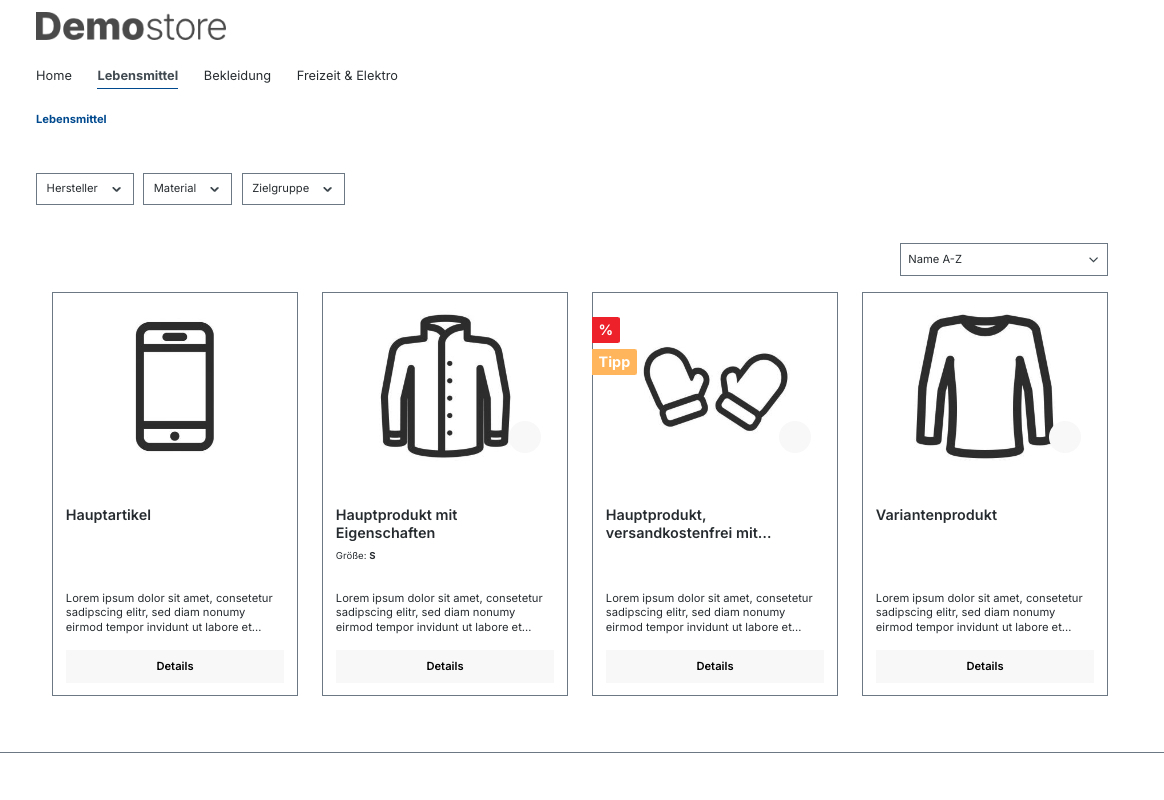
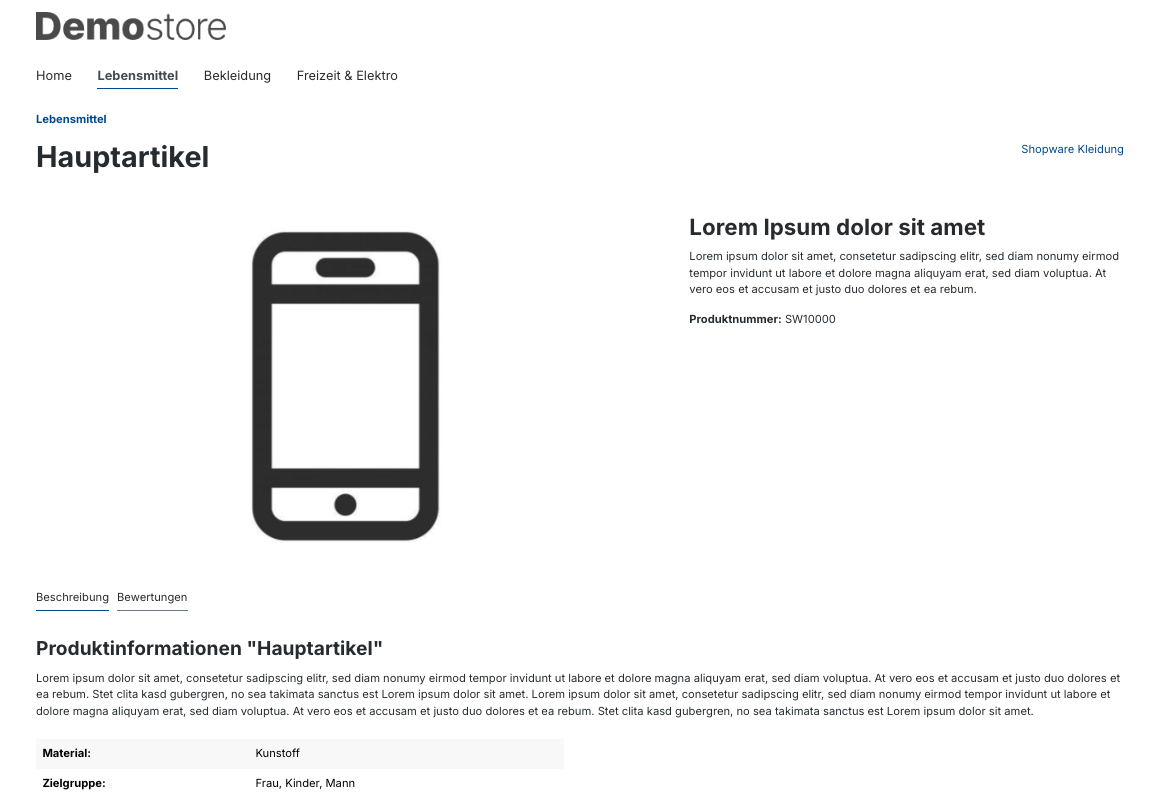
An extension to _implement a shop without a buy function_ and therefore as a pure showcase. To do this, you can _hide_ the _search field_, the _wish list button_, the _customer account button_ and the _cart button_ and _the prices_. _If_ the _functions are hidden_, the _pages are redirected to a self-defined target_. The _redirection can be to_ the _homepage_, a _category_ or a _landing page_.
## how to use it
### product settings
- assigning a custom **product page layout** for the product in the tab "**Layout**"
### product page layout settings
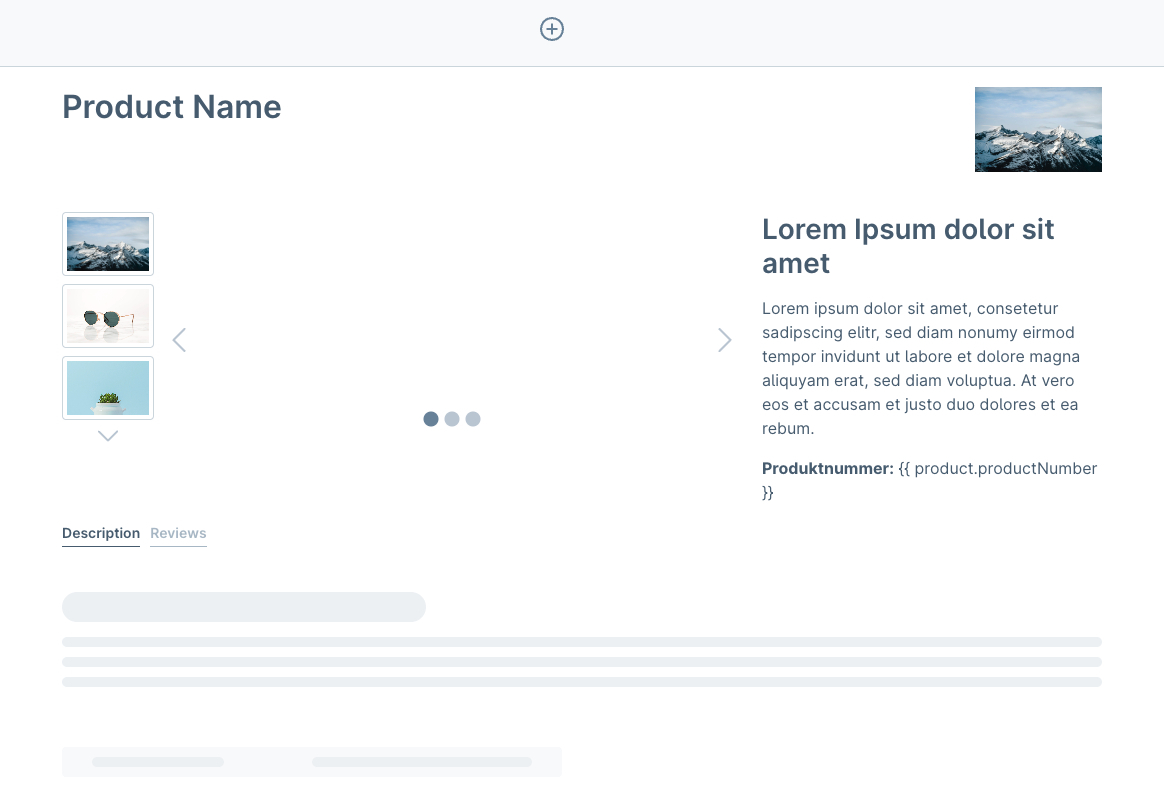
- create a **product page layout** under "**Content**" and "**Shopping Experiences**"
- replace the cms element **Buy box** with a cms element **Text** via the **replace element icon** if the cart should not be shown
- remove the cms block **Cross Selling** if you don't want to display assigned products
### shop settings
- deactivate the switch **Activate wishlist** under **Settings**, **Shop** and **Cart settings** in the area "**Wishlist**" if the wish list should not be shown
- deactivate the switch **Display buy buttons in listings** under **Settings**, **Shop** and **Products** in the area "**Product**" if the cart should not be shown
## Possible Configurations
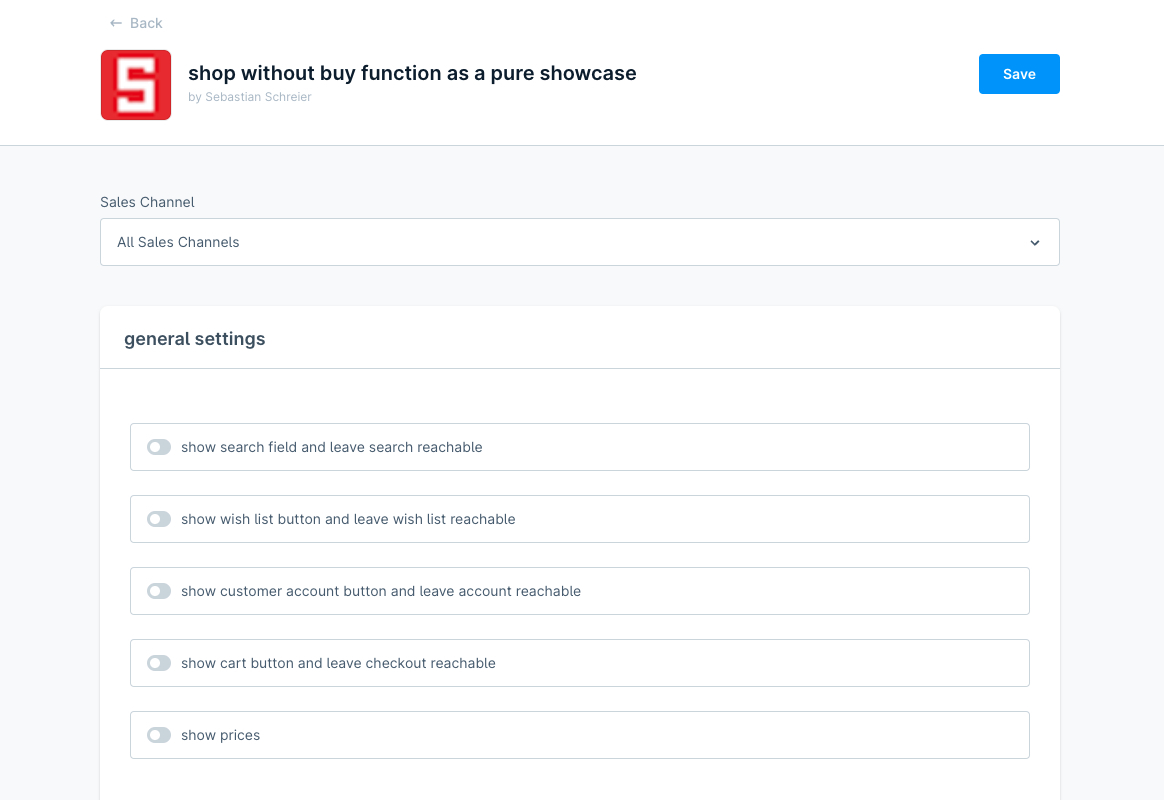
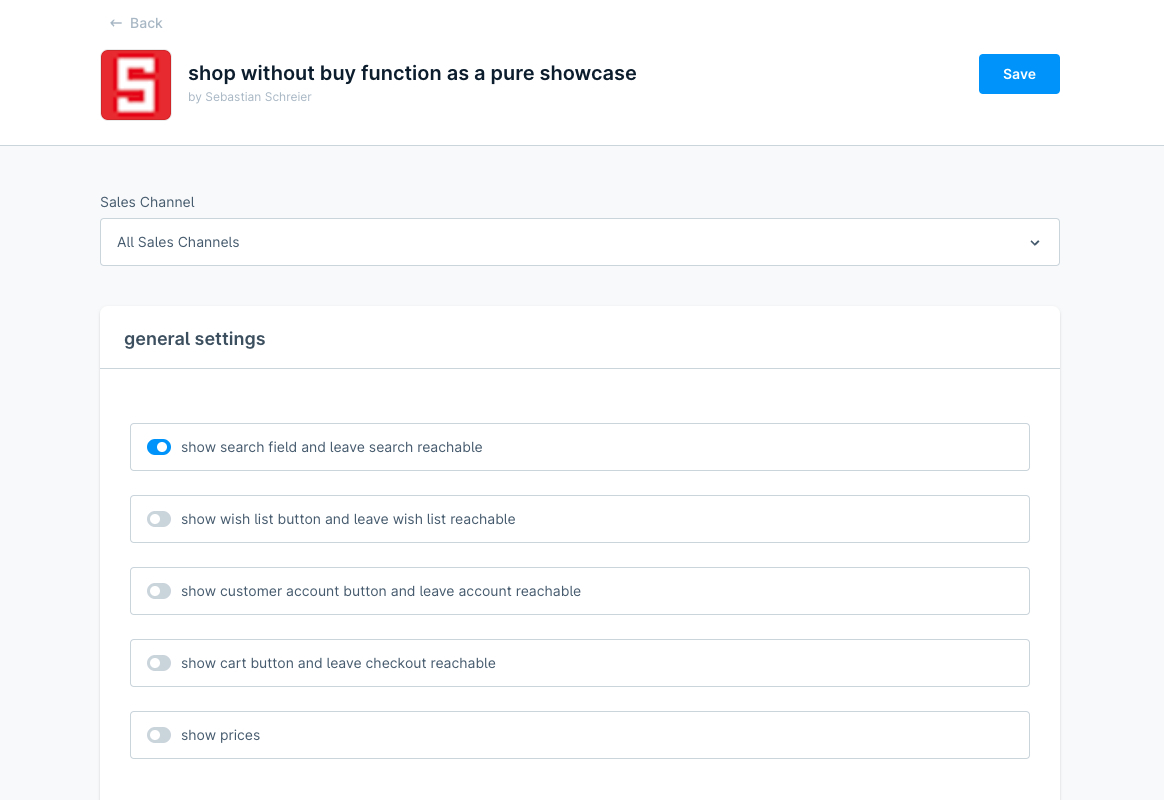
- select, if the search field should be shown (*1)
- select, if the wish list button should be shown (*1)
- select, if the customer account button should be shown (*1)
- select, if the cart button should be shown (*1)
- select, if the prices should be shown
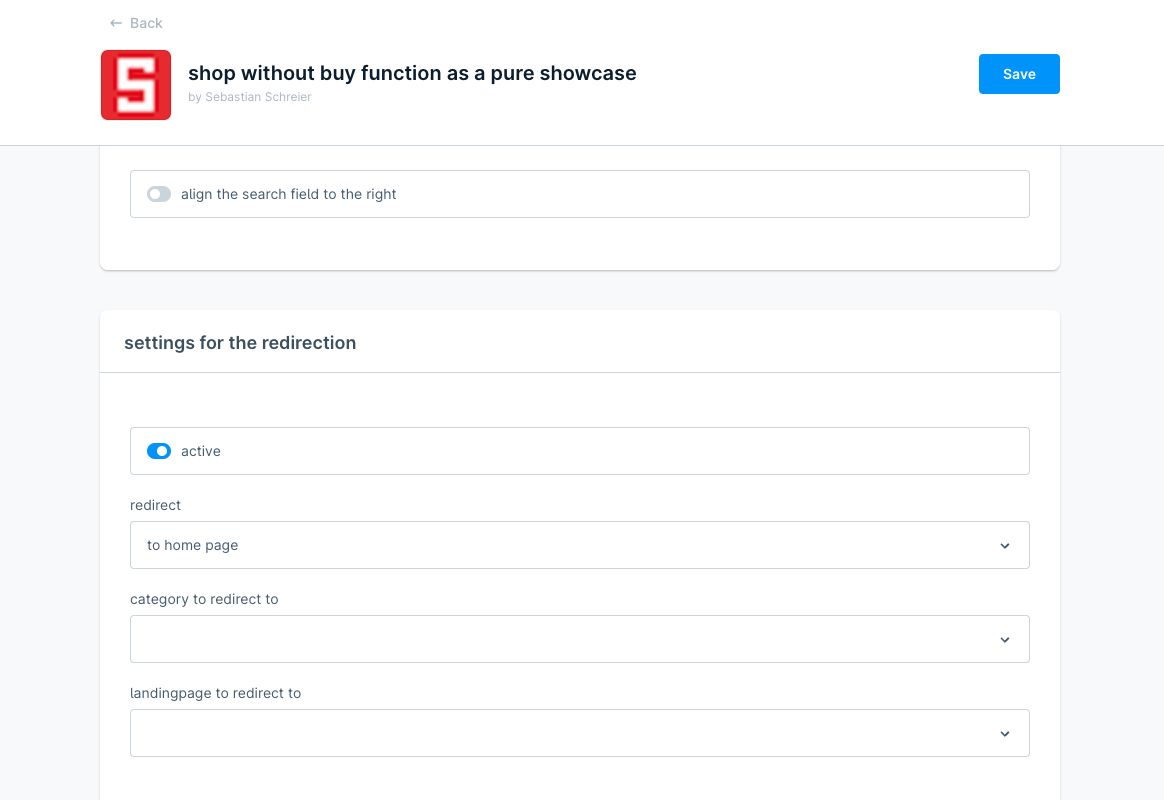
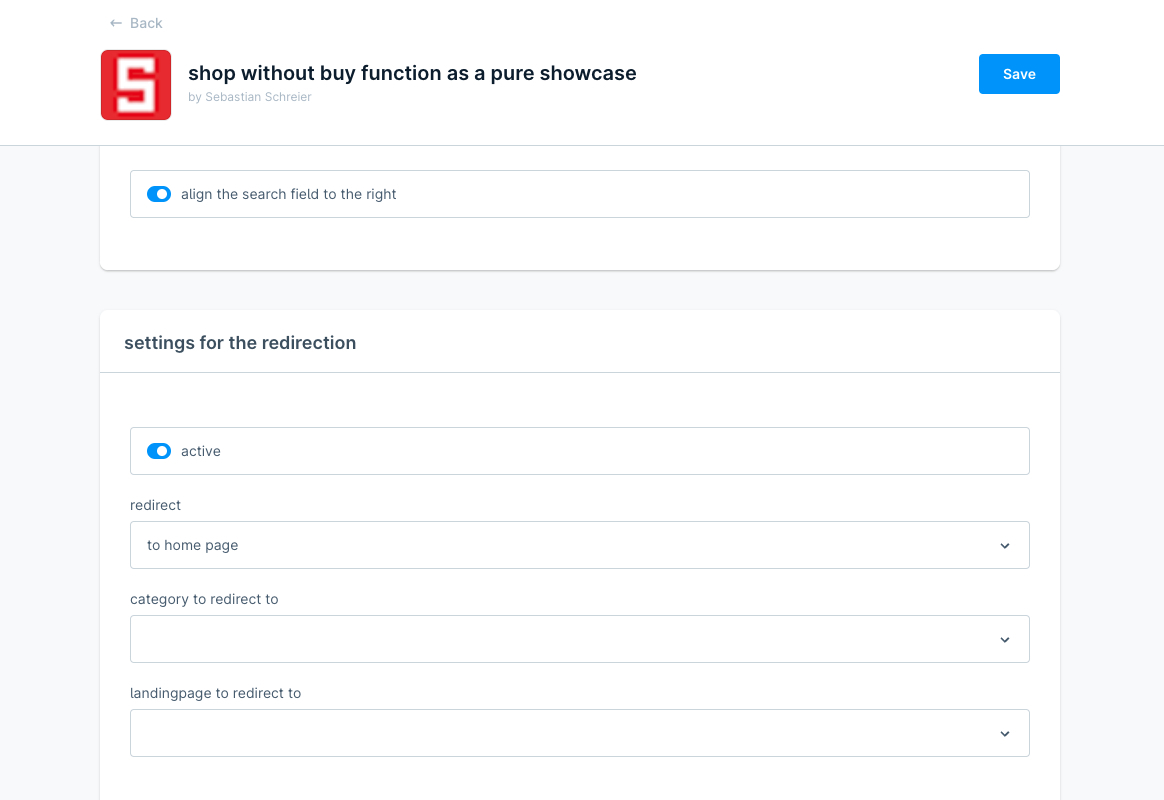
- select, if the search field should be right-aligned
## Possible Configurations for the redirection
- activate the redirection (*1)
- select the redirect target (*1)
- select the category to redirect to (*1)
- select the landingpage to redirect to (*1)
### (*1): some changes in the settings within the configuration are not immediately visible in the frontend of the shop
After changing settings specifically for the redirections, you should over and over again "**browse privately**" in a **new window** (in **Google Chrome** you can find the **Incognito mode** at the top right over the button **...** and **New Incognito Window**)
## How to install the extension
### via zip and console (recommended)
1. Download the latest _SschreierShowcase-master.zip_.
2. Unzip the zip file and rename the folder to _SschreierShowcase_.
3. Move the folder to the project folder _custom/plugins/_ .
4. Connect to the console via ssh:
```
bin/console plugin:refresh
bin/console plugin:install --activate SschreierShowcase
```
### via composer
1. Add the repository URL to the composer.json of the project
```
"repositories": [
...,
{
"type": "vcs",
"url": "https://github.com/sschreier/SschreierShowcase"
}
],
```
2. Connect to the console via ssh and install the plugin via the command
```
composer require sschreier/sschreiershowcase
bin/console plugin:refresh
bin/console plugin:install --activate SschreierShowcase
```
### via https://packagist.org
- Connect to the console via ssh and install the plugin via the command
```
composer require sschreier/sschreiershowcase
bin/console plugin:refresh
bin/console plugin:install --activate SschreierShowcase
```
### via zip upload
1. Download the latest _SschreierShowcase-master.zip_.
2. Unzip the zip file and rename the folder to _SschreierShowcase_.
3. Zip the folder to _SschreierShowcase.zip_.
4. Upload the zip in the Shopware Administration.
5. Install & Activate the extension.
#### extension update (zip)
1. Download the latest _SschreierShowcase-master.zip_.
2. Unzip the zip file and rename the folder to _SschreierShowcase_.
3. Zip the folder to _SschreierShowcase.zip_.
4. Upload the zip in the Shopware Administration.
5. Update the extension.
## Images
### home page as pure showcase without search field, wish list button, customer account button and cart button and prices
### product category as pure showcase without search field, wish list button, customer account button and cart button and prices
### product detail page as pure showcase without search field, wish list button, customer account button, cart button, prices and buy box
### home page as pure showcase without wish list button, customer account button, cart button and prices but with search field
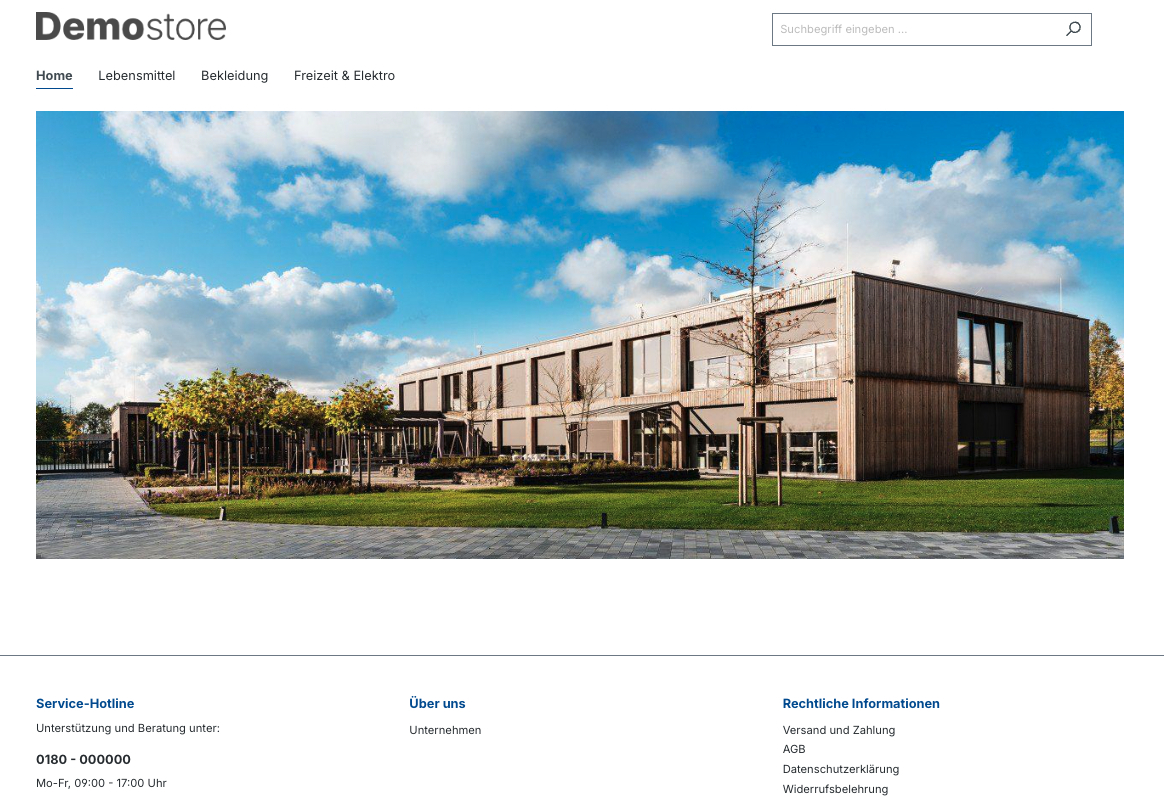
### home page as pure showcase without wish list button, customer account button, cart button and prices but with opened search field with no prices
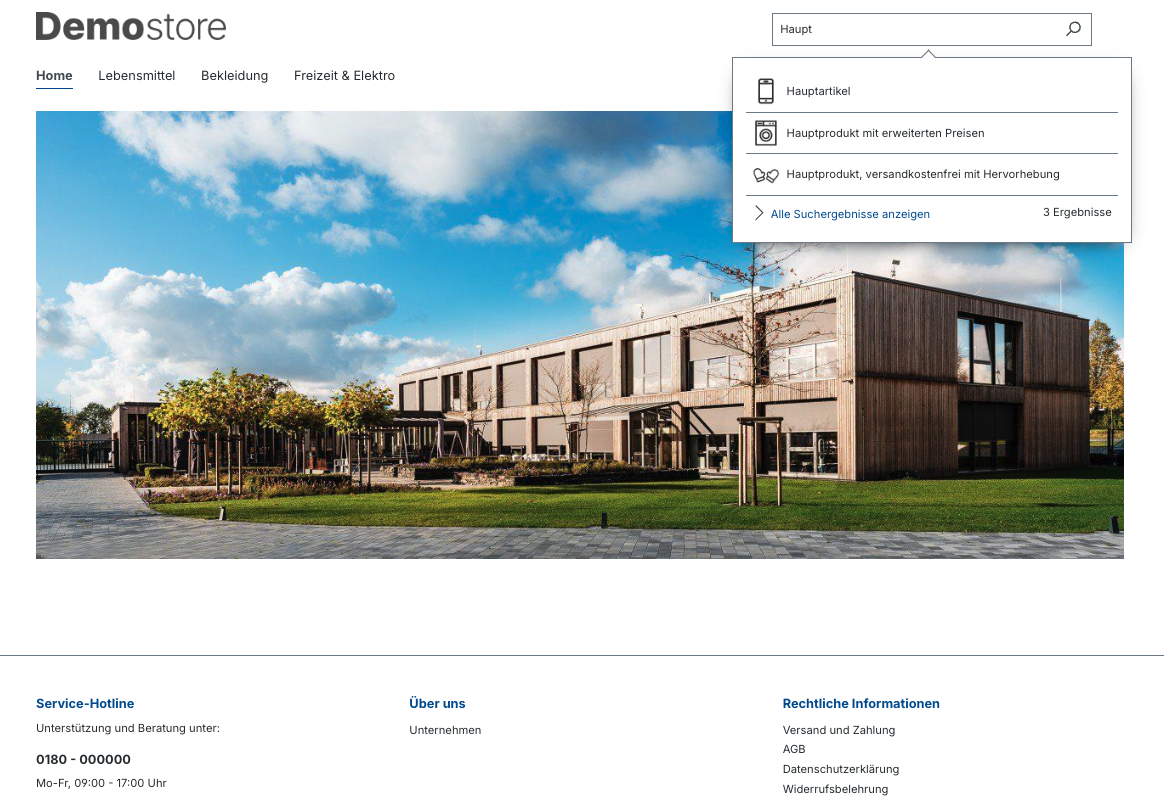
### product category as pure showcase without wish list button, customer account button, cart button and prices but with search field
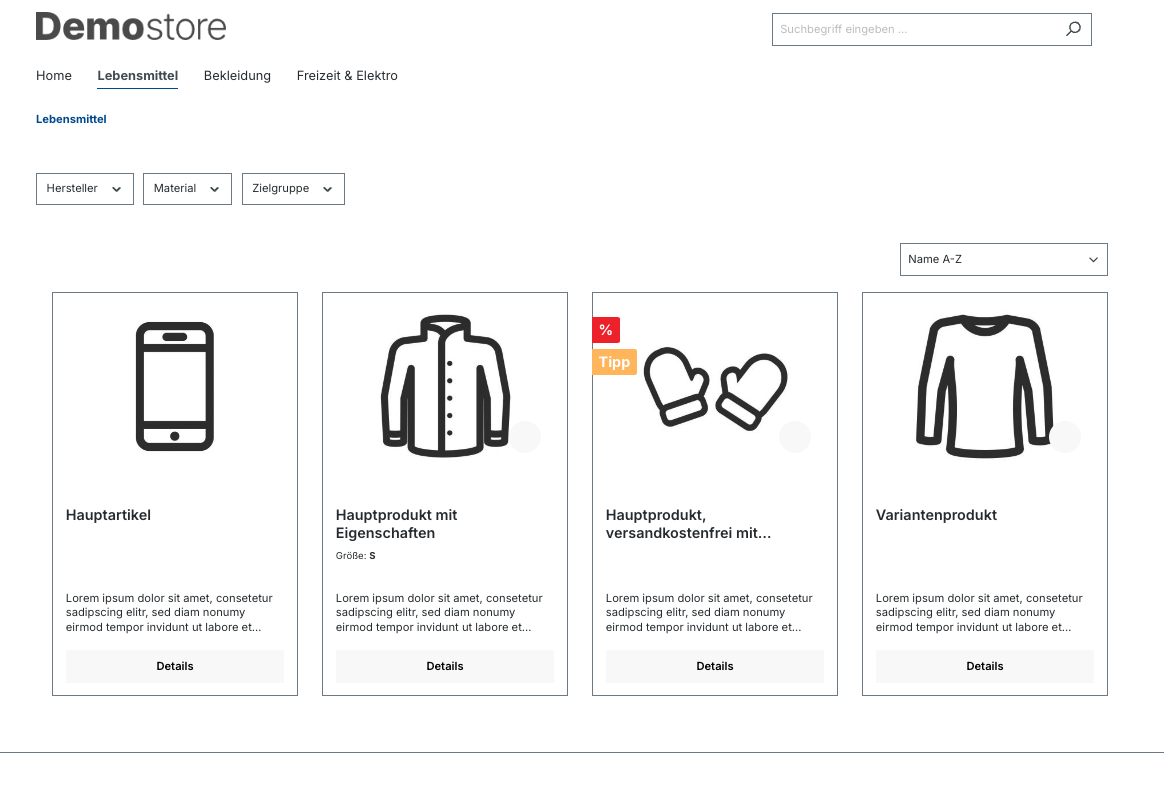
### product detail page as pure showcase without wish list button, customer account button, cart button, prices and buy box but with search field
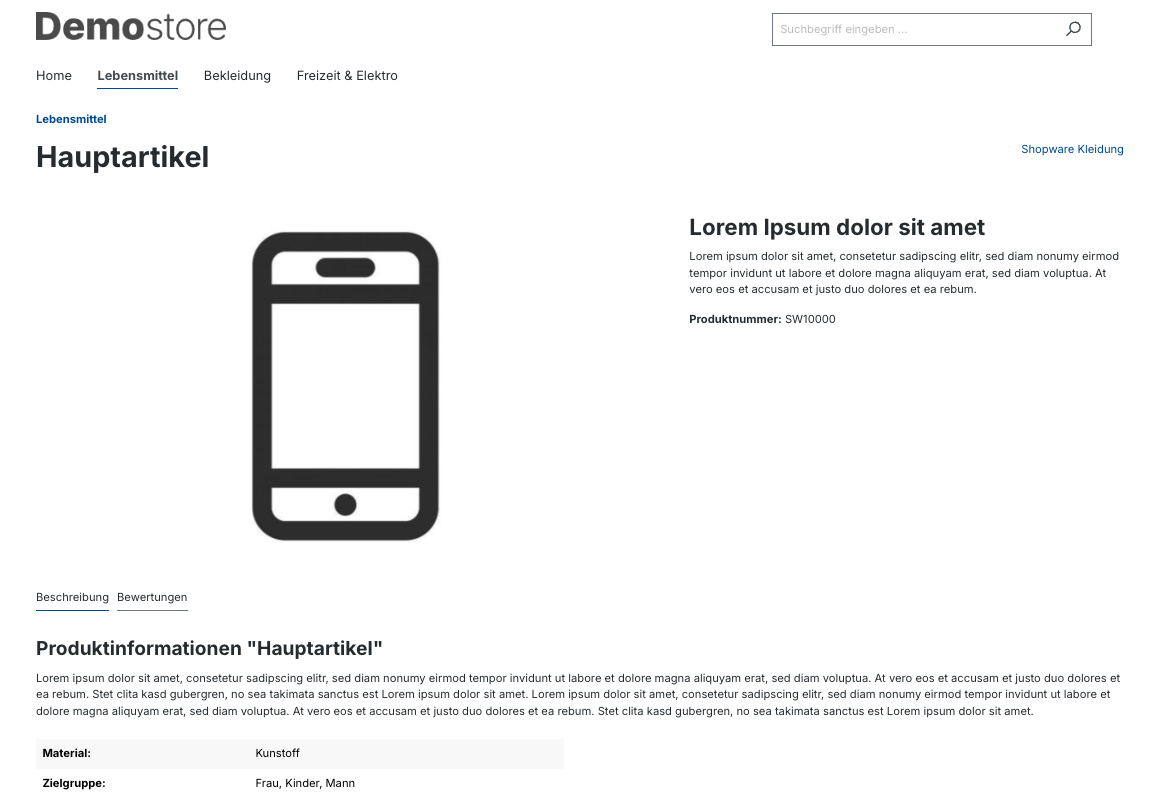
### extension configuration for case 1 part 1
### extension configuration for case 1 part 2
### extension configuration for case 2 part 1
### extension configuration for case 2 part 2
### product page layout without the cms element Buy box