https://github.com/st0ffern/react-native-mediapicker
Media picker for React Native
https://github.com/st0ffern/react-native-mediapicker
camera media mediapicker photos picker react-native
Last synced: 11 months ago
JSON representation
Media picker for React Native
- Host: GitHub
- URL: https://github.com/st0ffern/react-native-mediapicker
- Owner: st0ffern
- Created: 2016-07-16T14:17:38.000Z (about 10 years ago)
- Default Branch: master
- Last Pushed: 2017-10-12T08:08:26.000Z (almost 9 years ago)
- Last Synced: 2024-04-23T18:34:47.139Z (over 2 years ago)
- Topics: camera, media, mediapicker, photos, picker, react-native
- Language: JavaScript
- Size: 7.36 MB
- Stars: 22
- Watchers: 1
- Forks: 10
- Open Issues: 3
-
Metadata Files:
- Readme: README.md
Awesome Lists containing this project
README
# react-native-mediapicker [](https://www.npmjs.org/package/react-native-mediapicker) [](https://www.npmjs.org/package/react-native-mediapicker) [](https://david-dm.org/stoffern/react-native-mediapicker) [](http://commitizen.github.io/cz-cli/) []()
[](https://greenkeeper.io/)
Media Picker for React Native
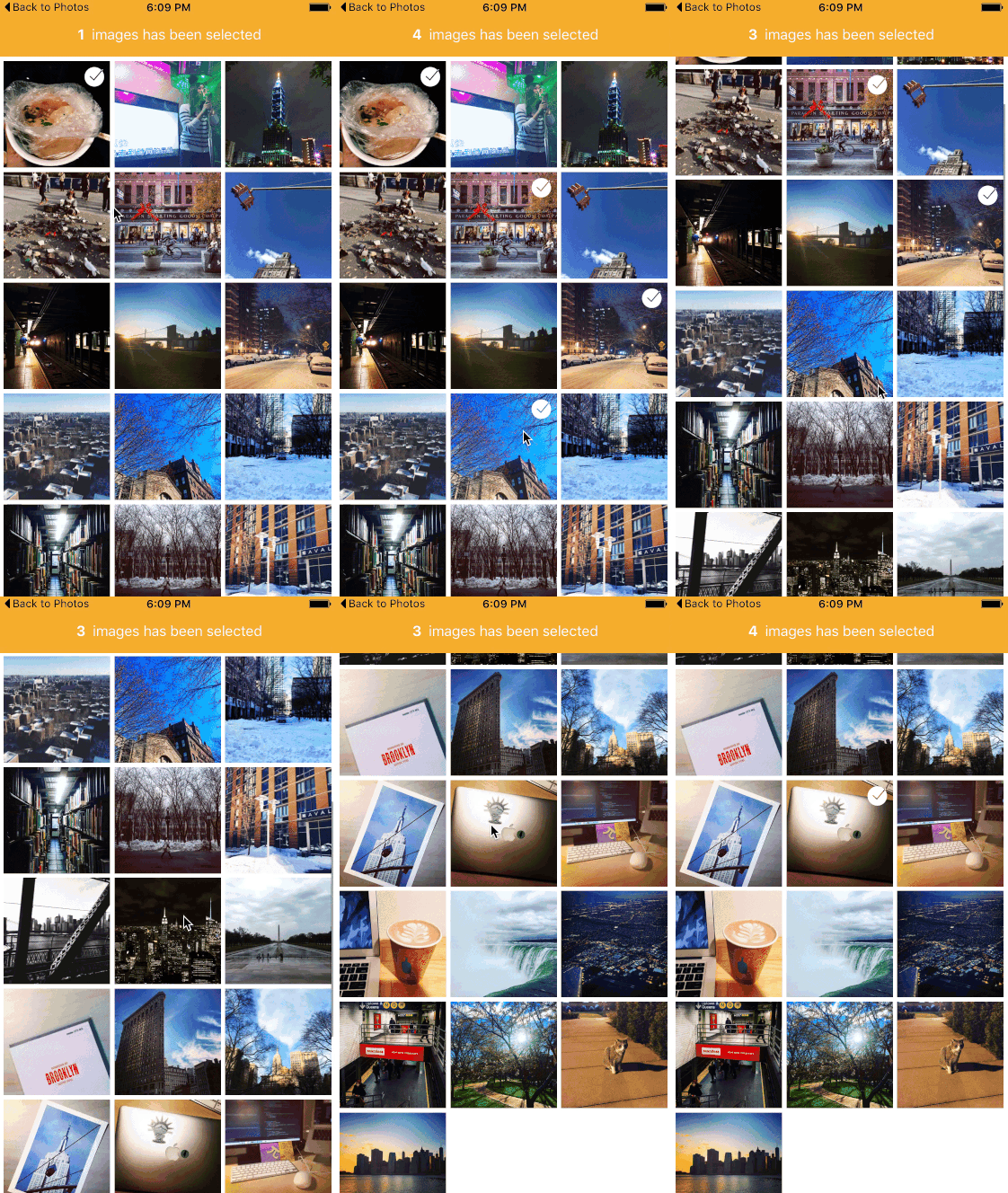
## Props
- `callback`: ***required*** Callback function when images was selected.
- `groupTypes`: The group where the photos will be fetched, one of 'Album', 'All', 'Event', 'Faces', 'Library', 'PhotoStream' and 'SavedPhotos'. (Default: SavedPhotos)
- `assetType`: The asset type, one of 'Photos', 'Videos' or 'All'. (Default: Photos)
- `maximum`: Maximum number of selected images. (Default: 15)
- `imagesPerRow`: Number of images per row. (Default: 3)
- `imageMargin`: Margin size of one image. (Default: 5)
- `selectedMarker`: Custom selected image marker component. (Default: checkmark).
- `backgroundColor`: Set background color. (Default: white).
- `selected`: set preselected items (Default: none ).
- `showLoading`: show loading spinners before image will show? (Default: true ).
## Installation
```bash
npm i -S react-native-mediapicker
```
or
```bash
yarn add react-native-mediapicker
```
### Link Native Modules (IOS)
In XCode, you need to add a link to RCTCameraRoll. You will find more information in the [react-native docs](https://facebook.github.io/react-native/docs/linking-libraries-ios.html#content)
### Add Purpose String (IOS)
For IOS10 you need to add a “Privacy - Photo Library Usage Description”-key to Info.plist. For more information, see this [blog](https://useyourloaf.com/blog/privacy-settings-in-ios-10/)
## Usage Examples
```js
import MediaPicker from "react-native-mediapicker"
```
```javascript
this.whenClicked(items)}
groupTypes="SavedPhotos"
assetType="Photos"
maximum={1}
imagesPerRow={3}
imageMargin={5}
showLoading={true}
backgroundColor="black"
selectedMarker={
} />
```