https://github.com/stepzen-dev/gatsby-visualization
https://github.com/stepzen-dev/gatsby-visualization
Last synced: 6 months ago
JSON representation
- Host: GitHub
- URL: https://github.com/stepzen-dev/gatsby-visualization
- Owner: stepzen-dev
- Created: 2021-04-16T14:47:42.000Z (about 5 years ago)
- Default Branch: main
- Last Pushed: 2021-04-16T15:20:37.000Z (about 5 years ago)
- Last Synced: 2025-01-11T20:15:05.172Z (over 1 year ago)
- Language: JavaScript
- Size: 21.5 KB
- Stars: 0
- Watchers: 2
- Forks: 0
- Open Issues: 0
-
Metadata Files:
- Readme: README.md
Awesome Lists containing this project
README

Gatsby Visualization Starter
A starter with Gatsby and GraphQL Voyager prebuilt for StepZen endpoint configurations.
## 🚀 Quick start
1. **Create the StepZen Endpoint.**
Installing and using the StepZen CLI to spin up the GraphQL endpoint.
```shell
# Install StepZen CLI
$ npm install -g stepzen
# In the stepzen folder, run...
$ stepzen start
```
Open http://localhost:5000/foo/bar to view the HelloWorld data.
2. **Creating the Gatsby Site.**
Navigate into your root folder.
```shell
$ cd ..
$ npm or yarn install
```
```
$ cp .env.example .env
// paste your account key and endpoint from StepZen start into .env
$ yarn or npm start
```
Your site is now running at http://localhost:8000!
Edit `src/pages/index.js` to see your site update in real-time!
3. **Visualizing the StepZen Endpoint**
Navigate into your explorer file and open up a new terminal.
```shell
$ cd ..
$ npm or yarn install
```
```
$ cp .env.example .env
// paste your account key and endpoint from StepZen start into .env
$ yarn or npm start
```
Open http://localhost:9000 to view the visualization of your data.
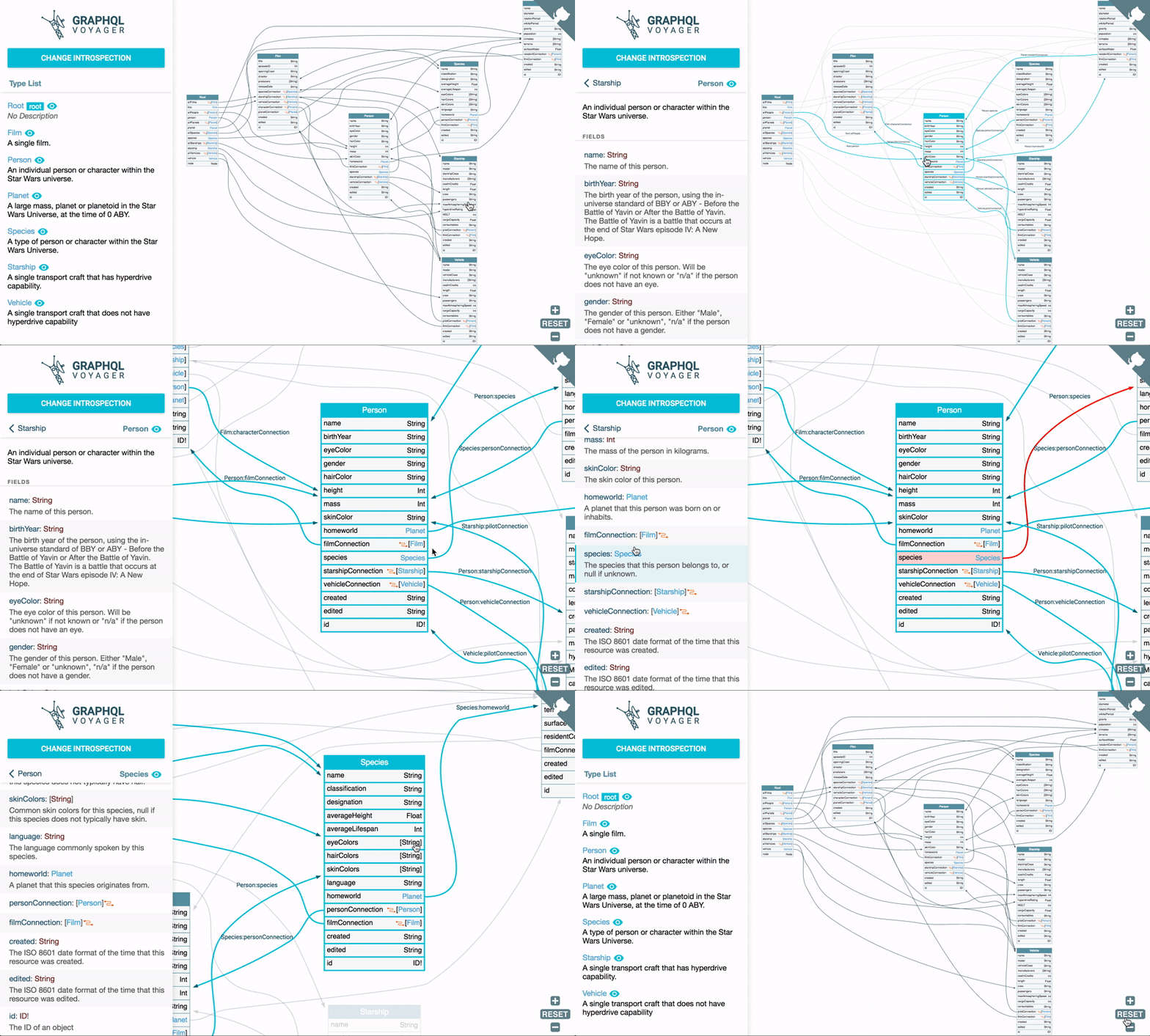
Now there are three different development environments running locally on your computer! Every update to the StepZen data in the `./stepzen` root folder will now update in real time for all local environments.
1. The StepZen endpoint at `http://localhost:5000/foo/bar`
2. The Gatsby Site at `http://localhost:8000`
3. The GraphQL Voyager at `http://localhost:9000`