https://github.com/studiometa/playground
A reusable online code editor
https://github.com/studiometa/playground
Last synced: over 1 year ago
JSON representation
A reusable online code editor
- Host: GitHub
- URL: https://github.com/studiometa/playground
- Owner: studiometa
- License: mit
- Created: 2024-02-09T15:36:25.000Z (over 2 years ago)
- Default Branch: develop
- Last Pushed: 2025-03-03T16:55:48.000Z (over 1 year ago)
- Last Synced: 2025-03-28T02:05:11.834Z (over 1 year ago)
- Language: TypeScript
- Homepage: https://studiometa-playground.pages.dev
- Size: 1.23 MB
- Stars: 1
- Watchers: 5
- Forks: 1
- Open Issues: 8
-
Metadata Files:
- Readme: README.md
- Changelog: CHANGELOG.md
- License: LICENSE
Awesome Lists containing this project
README
# @studiometa/playground
[](https://www.npmjs.com/package/@studiometa/playground/)
[](https://www.npmjs.com/package/@studiometa/playground/)
[](https://bundlephobia.com/package/@studiometa/playground)
[](https://david-dm.org/studiometa/js-toolkit)
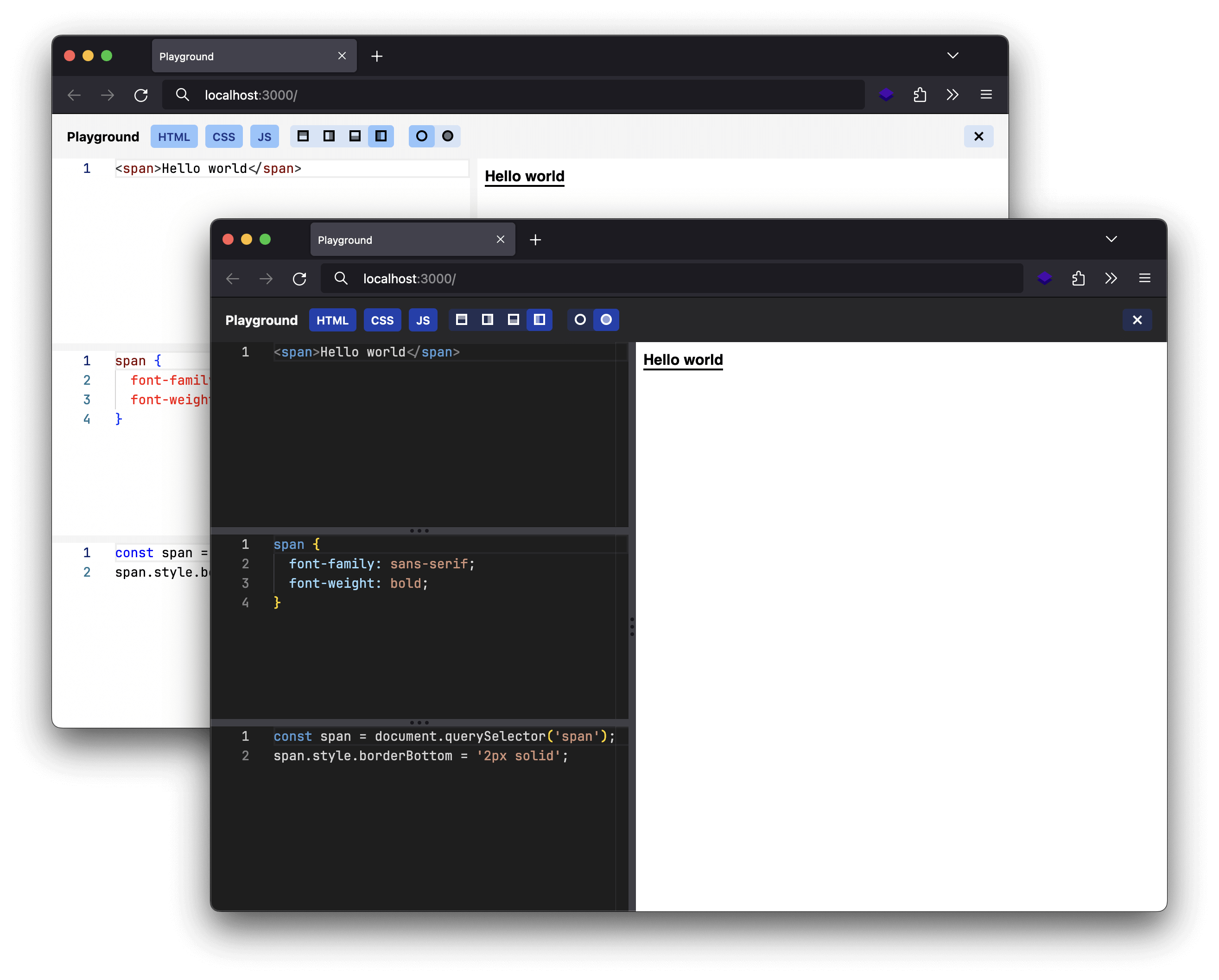
A packaged small code editor for shareable demo, deploy it in seconds.
## Usage
Install the package:
```sh
npm install @studiometa/playground
```
Create the following files:
**src/templates/pages/index.twig**
```twig
{% include '@playground/pages/index.twig' %}
```
**meta.config.js**
```js
import { playgroundPreset, defineWebpackConfig } from '@studiometa/playground/preset';
export default defineWebpackConfig({
presets: [playgroundPreset()],
});
```
**tailwind.config.js**
```js
import { tailwindConfig } from '@studiometa/playground/tailwind';
export default tailwindConfig();
```
And then run `npx meta dev` and open `http://localhost:3000`.
You can configure the playground by passing a configuration object to the `playgroundPreset` function. Have a look at [the demo](https://github.com/studiometa/playground/blob/main/packages/demo/meta.config.js) for all available options.
When you are ready, run `npx meta build` and you can deploy the generated `dist/` folder to any static hosting of your choice.