https://github.com/sujjeee/svgls
A CLI for easily adding SVG icons to your project.
https://github.com/sujjeee/svgls
cli nodejs npm-package svg-icons svgl typescript
Last synced: 12 months ago
JSON representation
A CLI for easily adding SVG icons to your project.
- Host: GitHub
- URL: https://github.com/sujjeee/svgls
- Owner: sujjeee
- Created: 2023-12-15T09:50:03.000Z (over 2 years ago)
- Default Branch: main
- Last Pushed: 2024-08-21T09:36:02.000Z (almost 2 years ago)
- Last Synced: 2025-06-14T13:53:09.534Z (about 1 year ago)
- Topics: cli, nodejs, npm-package, svg-icons, svgl, typescript
- Language: TypeScript
- Homepage: https://www.npmjs.com/package/svgls
- Size: 2.91 MB
- Stars: 16
- Watchers: 1
- Forks: 1
- Open Issues: 0
-
Metadata Files:
- Readme: README.md
Awesome Lists containing this project
README
# svgls cli
#### A CLI for easily adding SVG icons to your project. 🧩
## Usage
### Initialize Config
> This is optional command. It's only needed if you want to set a default workspace path.
Use the `init` command to initialize a config file for a new project:
```bash
npx svgls init
```
This will prompt you to enter the path you want to use for your workspace and save it in a `svgls.json` file.
You can edit this file manually later if you want to change the path.
### Add SVGs
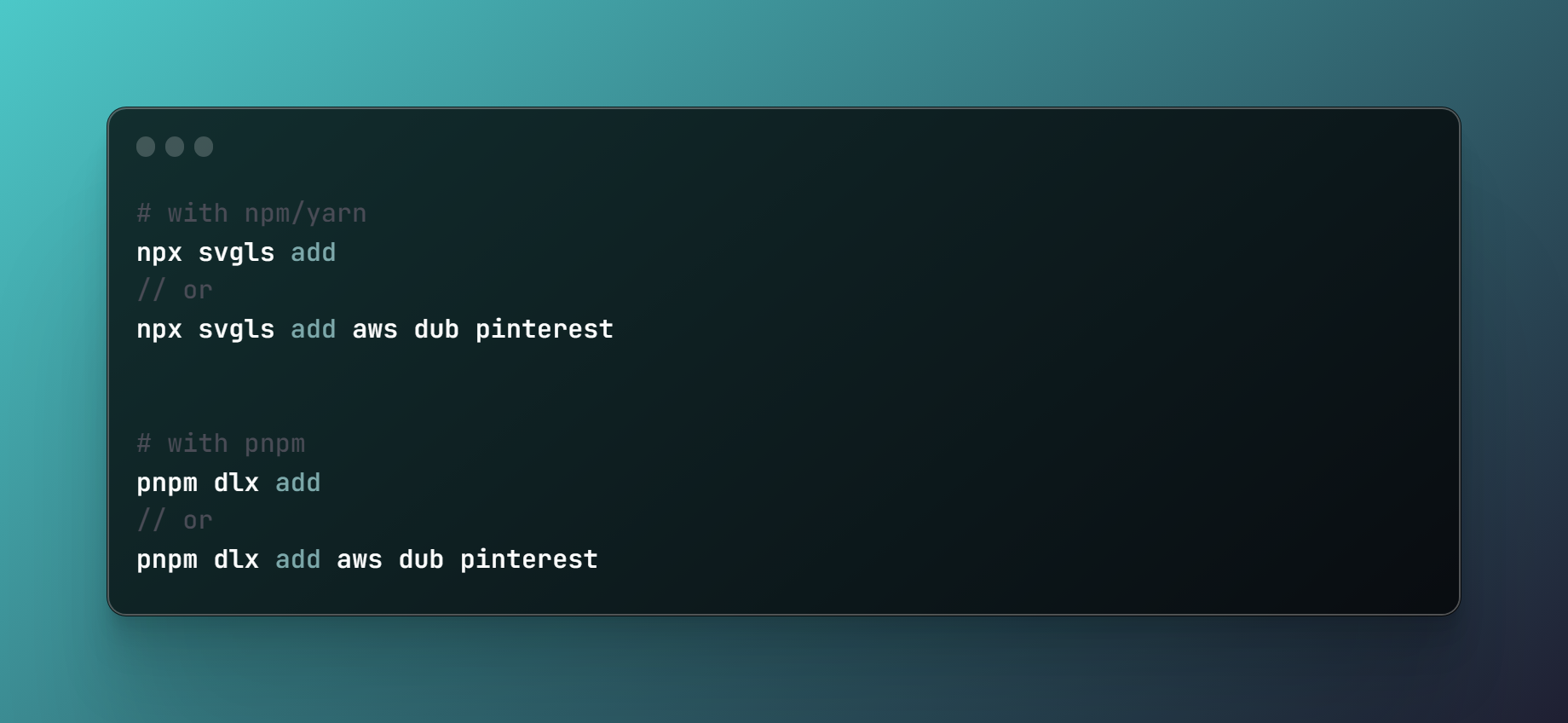
Use the `add` command to interactively add SVGs to your project:
```bash
npx svgls add
```
This launches an interactive mode where you can:
- Use arrow keys to navigate the SVG list
- Press spacebar to select/deselect SVGs
- Press enter to confirm selection
You can also pass a space-separated list of SVG names on the command line:
### Example
```bash
npx svgls add aws dub github
```
## Credits
SVG icons from [pheralb's](https://twitter.com/pheralb_) open-source SVG repository.
Visit https://svgl.vercel.app to browse and download SVGs manually.