https://github.com/sumandey7684/mac-os-simulation
This open-source project aims to replicate some of the Mac OS(Monterey, at the time of writing)'s desktop experience on the web, using HTML, CSS & JavaScript
https://github.com/sumandey7684/mac-os-simulation
apple css git html javascript macos nodejs responsive simulation
Last synced: 3 months ago
JSON representation
This open-source project aims to replicate some of the Mac OS(Monterey, at the time of writing)'s desktop experience on the web, using HTML, CSS & JavaScript
- Host: GitHub
- URL: https://github.com/sumandey7684/mac-os-simulation
- Owner: sumandey7684
- License: mit
- Created: 2025-02-13T17:14:49.000Z (over 1 year ago)
- Default Branch: main
- Last Pushed: 2025-02-13T17:31:23.000Z (over 1 year ago)
- Last Synced: 2025-04-12T08:59:16.374Z (over 1 year ago)
- Topics: apple, css, git, html, javascript, macos, nodejs, responsive, simulation
- Language: HTML
- Homepage: https://macos-simulation-suman.netlify.app/
- Size: 15.6 MB
- Stars: 0
- Watchers: 1
- Forks: 0
- Open Issues: 0
-
Metadata Files:
- Readme: README.md
- License: LICENSE
Awesome Lists containing this project
README
## Hello World 👋
I am planing to make a mac OS simulator using HTML, CSS, and JavaScript 😍
Mac OS Desktop
Mac Os Monterey
[](https://forthebadge.com)
[](https://forthebadge.com)
[](https://forthebadge.com)
You can try this project:
Sample Desktop Application 👇
[](https://mhmdmhd6.github.io/Mac-OS-Desktop/)
Sample Mobile Application 👇
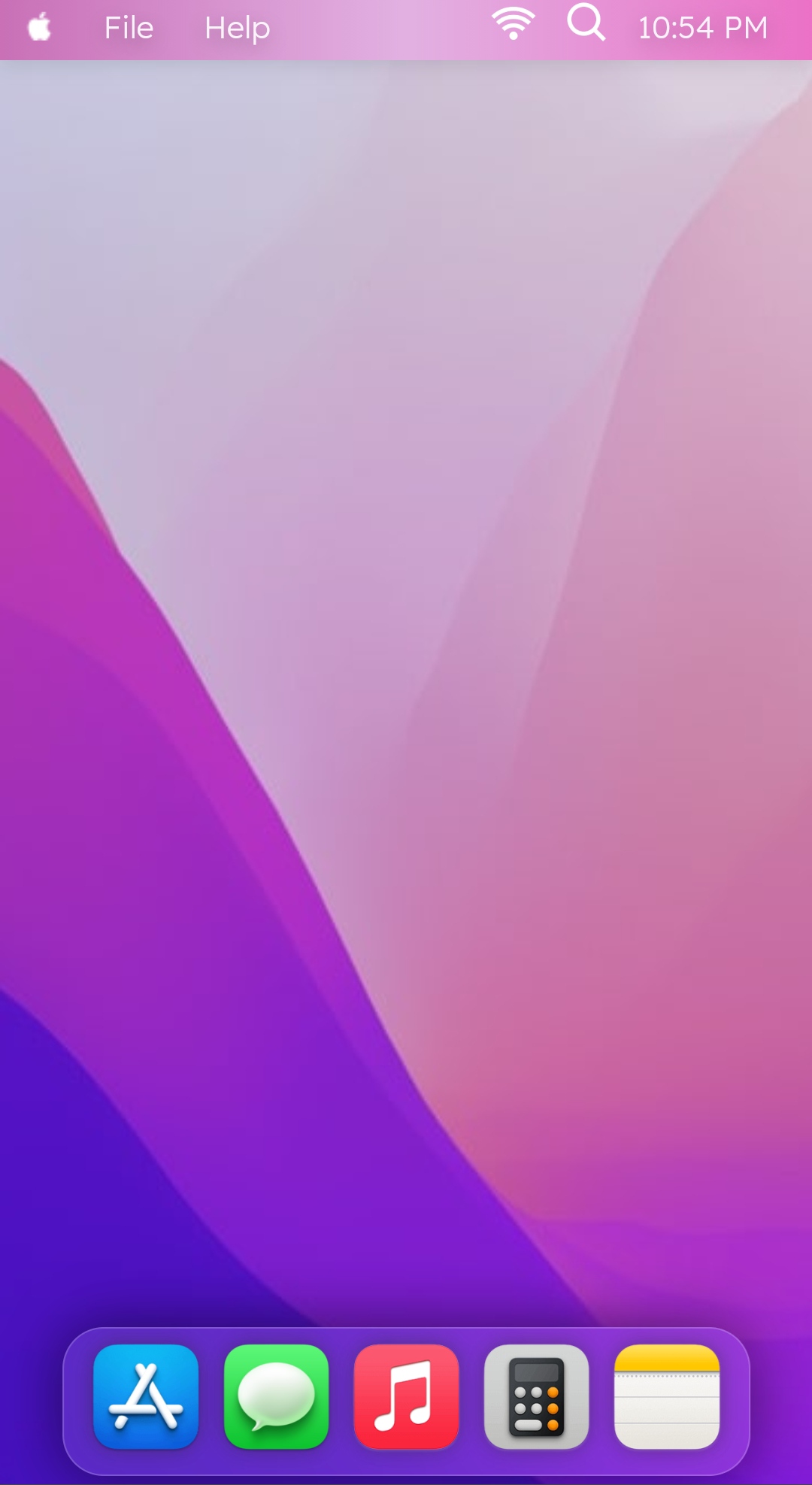
## Built With
This project was built using these technologies.
- JavaScript
- HTML
- CSS
- BootStrap
- VsCode
- Deployed on Vercel
## Features are: 😀
- New background image.
- Blurring the navbar (Bottom and Top).
- New icons are added to the bottom taskbar.
- Menu is added to top taskbar.
- Dots under the icons of open apps.
- Apps name is in top navbar.
- Add light theme to project.
- Right click Menubar.
- control center for control brightness, sound, WiFi and others.
## Sample images for the changes are as follow:👇
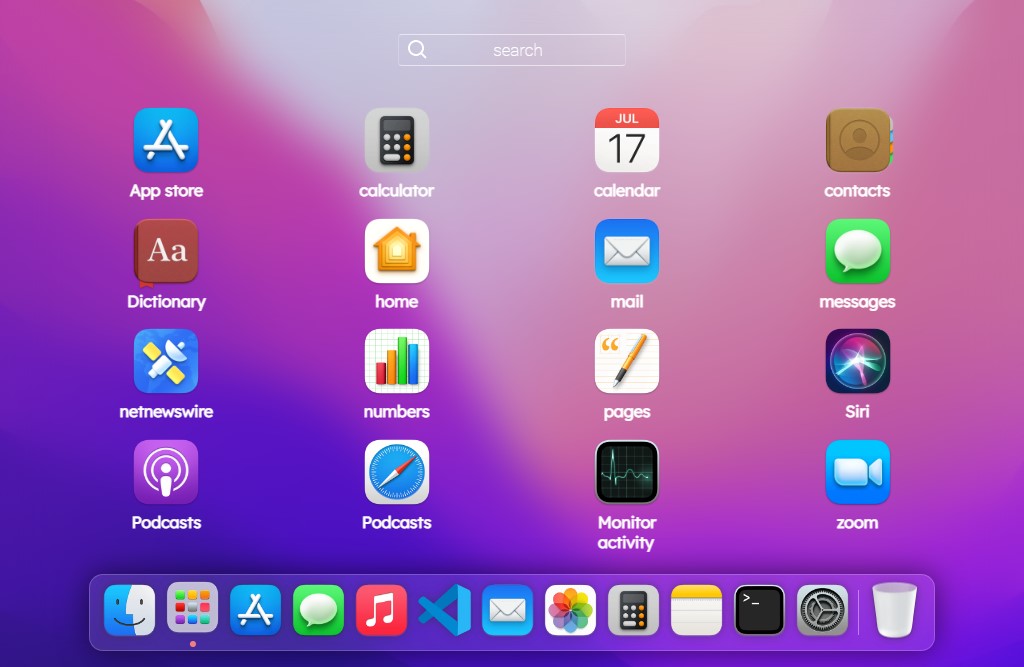
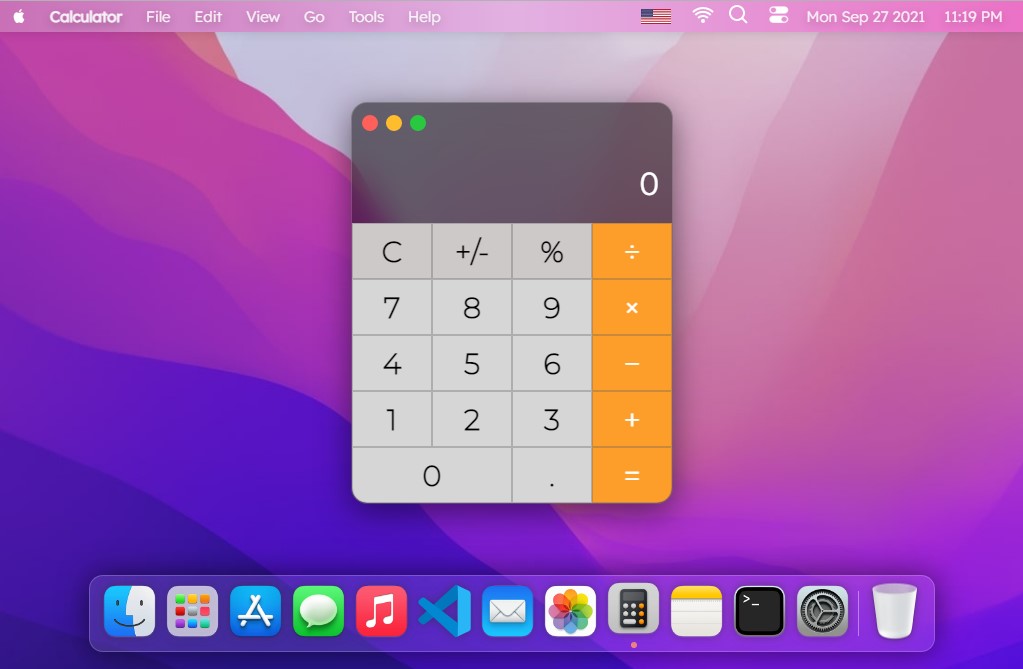
In this version I have added new icons, launchpad, Notepad and calculator. 😃
An example of new icons those are added:
> This is how the new features looks like :)
| new feature in this version | Launchpad |
| --------------------------------------------------------------------------------------------------------------------- | ------------------------------------------------------------------------------------------------------------------- |
|  |  |
| Terminal | Calculator App |
| ------------------------------------------------------------------------------------------------------------------------------ | ------------------------------------------------------------------------------------------------------------------------------ |
|  |
|  |
|
and also Note app

📌 Please feel free to contribute to this project with your commmits, and share this with your friends if you like this projects.😁 😃
## list of Shorcuts :
> Alt + t = opening Terminal
> Alt + o = opening Launchpad
> Alt + s = opening serach in launchpad
### 🛠 Installation and Setup Instructions
To get started just clone this repository. You will need `node.js` and `git` installed globally on your machine.
### Show your support
Give a ⭐ if you like this website! Fork it and contribute