https://github.com/sunjay-dev/video-calling-app
A web app for instant video calls with screen sharing and real-time room creation, using WebRTC and Socket.io with a smooth React interface.
https://github.com/sunjay-dev/video-calling-app
material-ui react redis socket-io webrtc
Last synced: 3 months ago
JSON representation
A web app for instant video calls with screen sharing and real-time room creation, using WebRTC and Socket.io with a smooth React interface.
- Host: GitHub
- URL: https://github.com/sunjay-dev/video-calling-app
- Owner: sunjay-dev
- Created: 2025-06-11T15:56:17.000Z (about 1 year ago)
- Default Branch: main
- Last Pushed: 2025-06-25T20:54:39.000Z (about 1 year ago)
- Last Synced: 2025-06-25T21:36:02.768Z (about 1 year ago)
- Topics: material-ui, react, redis, socket-io, webrtc
- Language: JavaScript
- Homepage: https://call.sunjay.xyz
- Size: 396 KB
- Stars: 0
- Watchers: 0
- Forks: 0
- Open Issues: 0
-
Metadata Files:
- Readme: readme.md
Awesome Lists containing this project
README
# 📞 WebRTC Video Calling App
A real-time one-on-one video calling application built using **React**, **WebRTC**, **Socket.io**, and **Node.js**. Features include camera/audio toggle, room link sharing, negotiation handling, and call ending.
---
## 🚀 Features
- Peer-to-peer video calling using WebRTC
- Signaling via Socket.io
- Auto negotiation handling
- Toggle camera/microphone
- Shareable joining link
- Clean React-based UI
- Code base joining
---
## 🛠️ Tech Stack
- **Frontend:** React, Tailwind CSS
- **Backend:** Node.js, Express, Socket.io, Redis
- **Other:** WebRTC
- **UI Components:** reactVideoplayer, Material UI
---
## 📦 Installation
### 1. Clone the repository
```bash
git clone https://github.com/sunjay-dev/Video-calling-App
cd video-calling-App
````
### 2. Install dependencies
#### Backend (Node.js + Socket.io)
```bash
cd Backend
npm install
```
#### Frontend (React)
```bash
cd Frontend
npm install
```
---
## ▶️ Running Locally
### Start Backend
```bash
cd Backend
```
#### Create .env file
```bash
REDIS_HOST=REDIS_HOST_URI
REDIS_PASSWORD=REDIS_PASSWORD
REDIS_PORT=REDIS_PORT
PORT=PORT
```
```bash
npm start
```
### Start Frontend
```bash
cd Frontend
```
#### Create .env file
```bash
VITE_BACKEND_URL=BACKEND_URL
```
```bash
npm run dev
```
Open `http://localhost:5173` in your browser.
---
## 🌐 How It Works
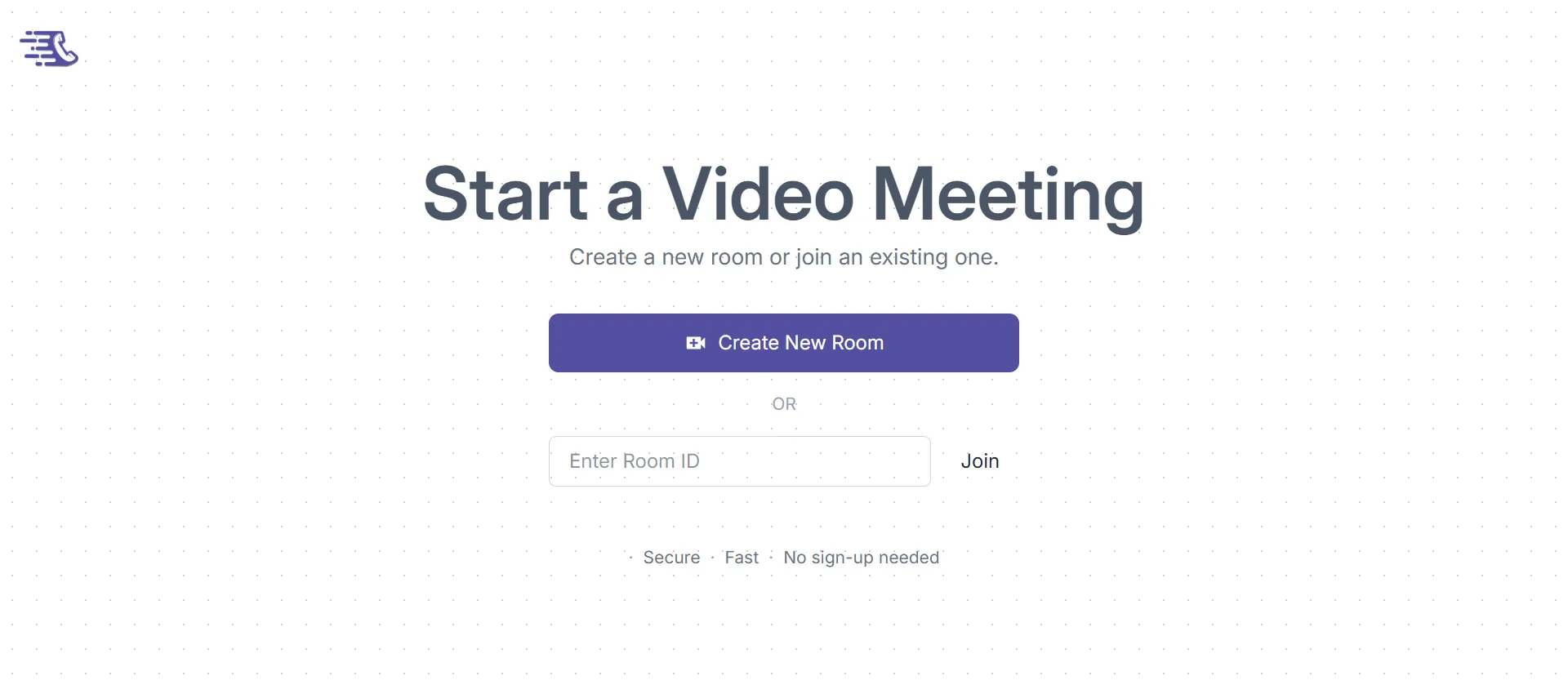
1. A user creates a room.
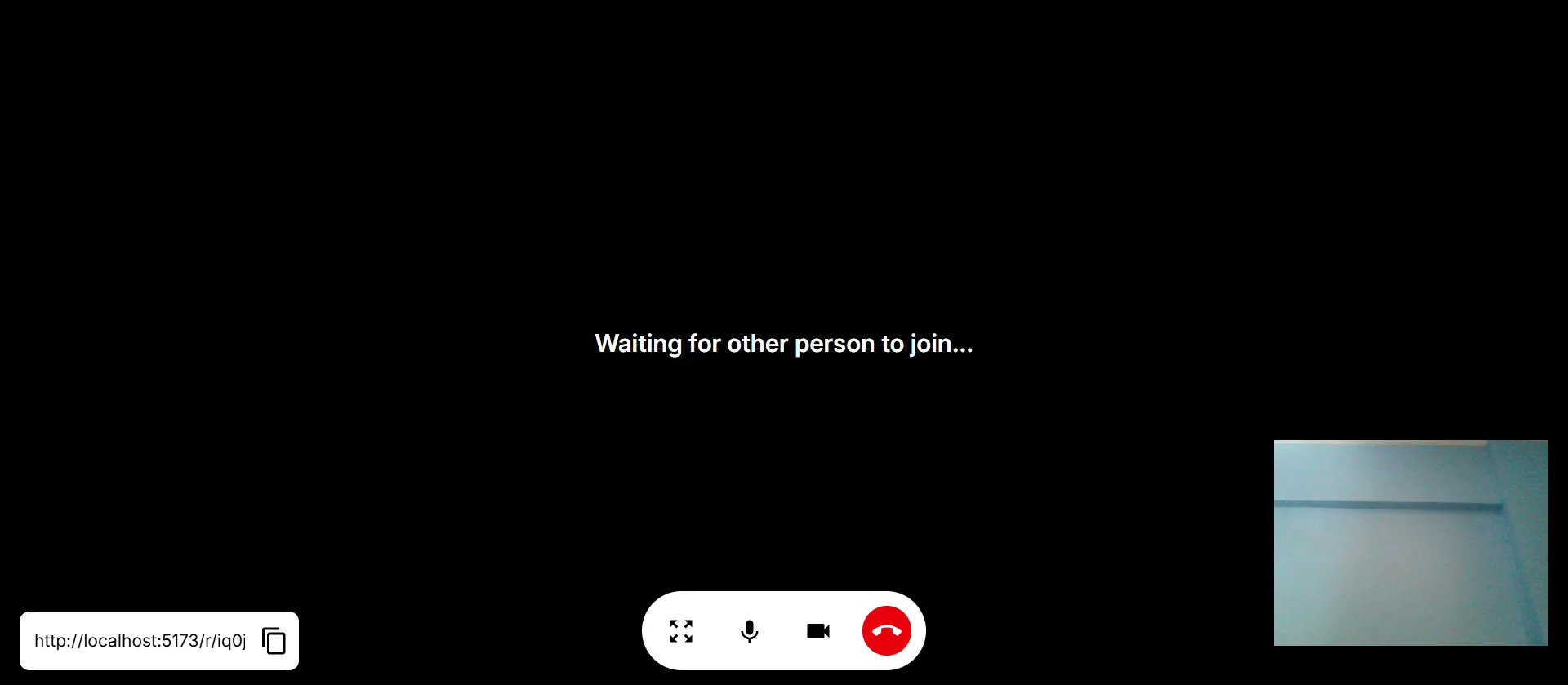
2. The room link is shared with another user.
3. When the second user joins, WebRTC offer/answer exchange happens via Socket.io.
4. Media streams are transferred directly peer-to-peer.
5. Automatic re-negotiation is handled as needed.
---
## 🔐 Permissions
This app requires access to:
* 📷 Camera
* 🎤 Microphone
Make sure to allow permissions in your browser.
---
## 📁 Project Structure
```
/
├── Frontend/ # React frontend
│ └── components/ # UI components
│ └── context/ # Socket context
│ └── services/ # Peer (WebRTC) logic
│ └── App.jsx
│ └── main.jsx
│
├── Backend/ # Express + Socket.io backend
│ └── App.js
| └── server.js
│ └── socket.js
|
├── Assests/ # ScreenShots of App
├── README.md
```
---
## 📸 Screenshots
#### Home
#### Room
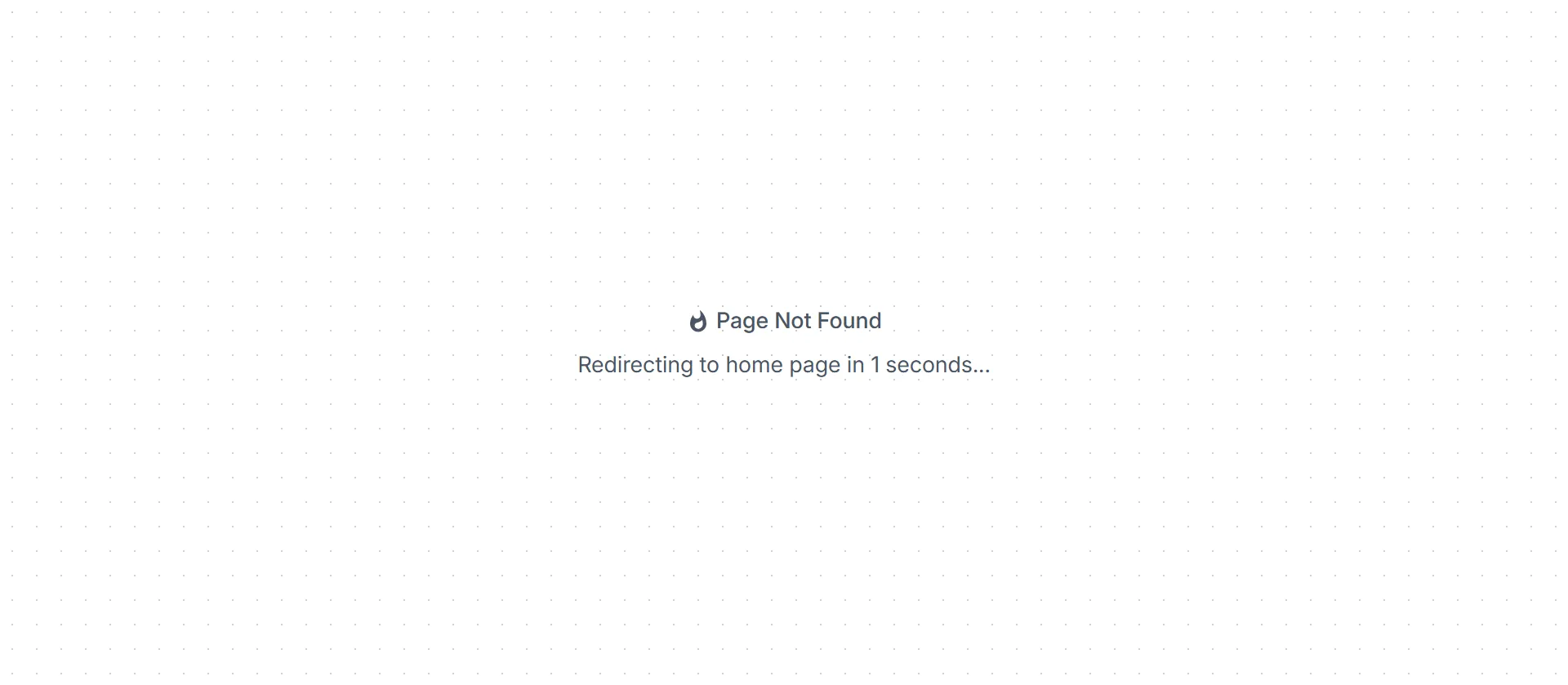
#### 404 Page
---