https://github.com/sunthecoder/css-wireframe-long-practice
https://github.com/sunthecoder/css-wireframe-long-practice
Last synced: over 1 year ago
JSON representation
- Host: GitHub
- URL: https://github.com/sunthecoder/css-wireframe-long-practice
- Owner: SunTheCoder
- Created: 2024-06-08T17:03:52.000Z (about 2 years ago)
- Default Branch: main
- Last Pushed: 2024-06-09T00:55:01.000Z (about 2 years ago)
- Last Synced: 2025-01-27T07:15:51.028Z (over 1 year ago)
- Language: HTML
- Size: 35.2 KB
- Stars: 0
- Watchers: 1
- Forks: 0
- Open Issues: 0
-
Metadata Files:
- Readme: README.md
Awesome Lists containing this project
README
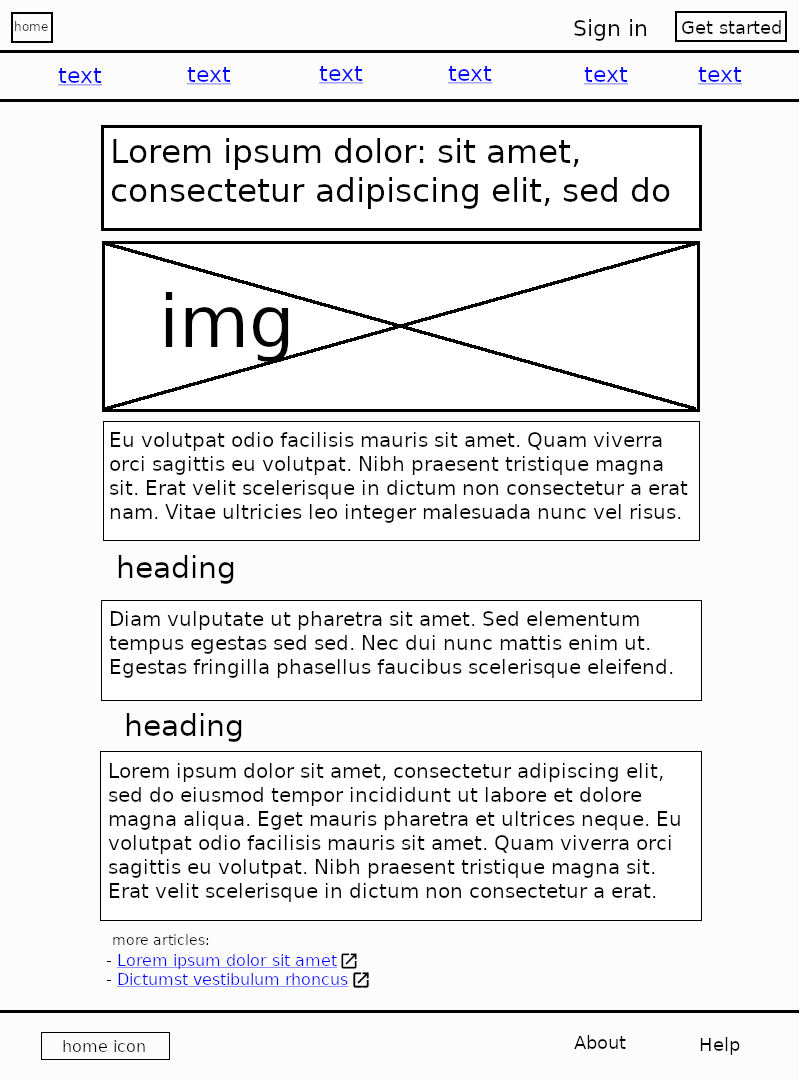
# Basic CSS Wireframe Long Practice
In this practice you will be using CSS to style the HTML that you have
identified from the wireframe.
## Set up
You can choose to use the HTML that you or your pair created in the HTML
Wireframe practice or use the one provided in the starter repo found by
clicking the `Download Project` link below.
## Instructions
Your main focus is to replicate the styling for components (button, links,
paragraphs, headings, font-family, lists, grid) from scratch, based on the
wireframe specs.
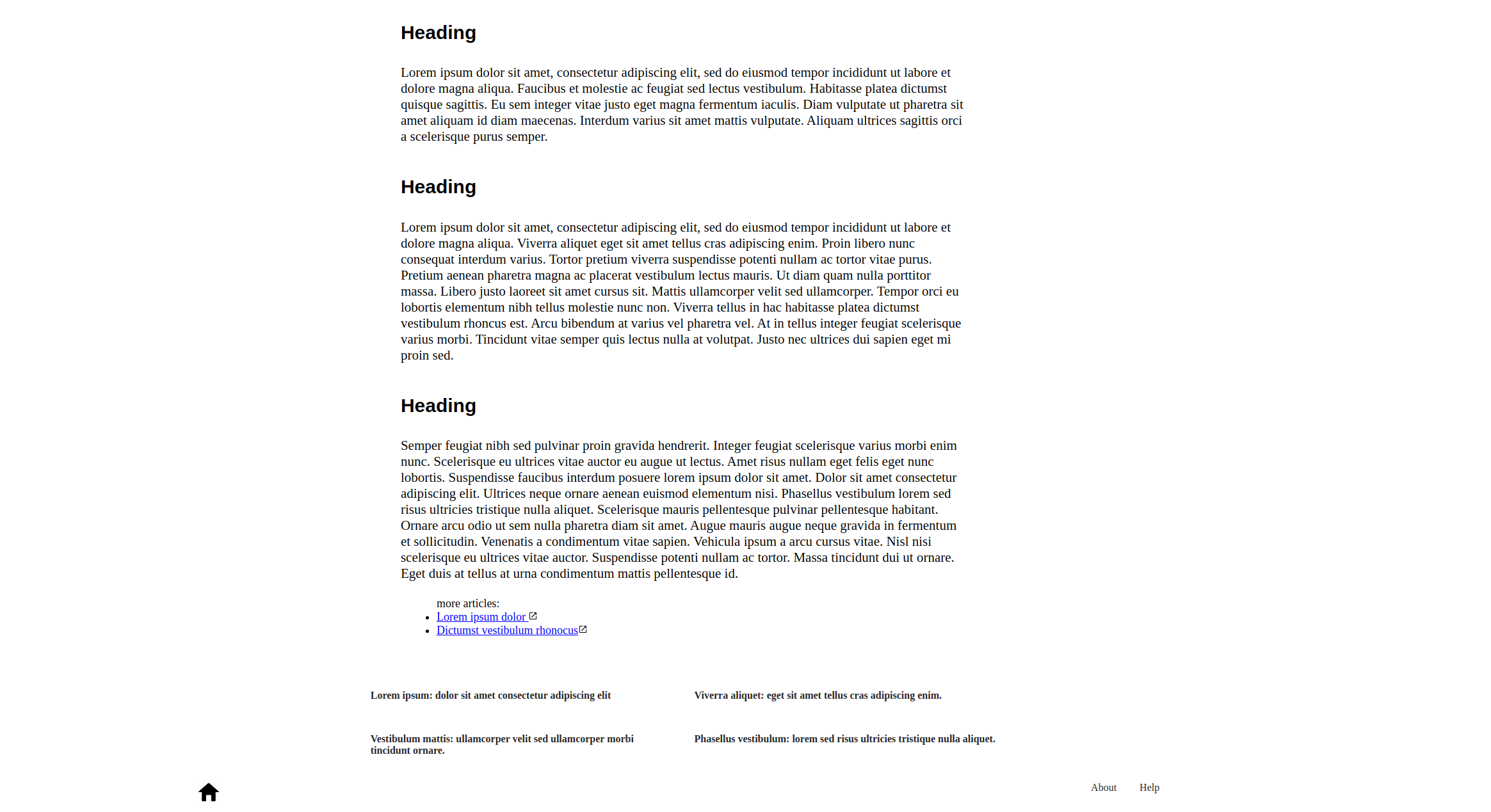
The project should look similar to the example images below.
Tip: Use the [lorem ipsum generator][lorem] to get lorem ipsum text used in the
wireframe
Get the JS image [here][jsimage].
Bonus: Add a grid that contains at least 4 elements at the end of your article
as seen on the example below.
Bonus: Add CSS effects to your elements, like a color change when you hover over
a button or a shadow effect to the nav bar.

[lorem]: https://loremipsum.io/
[jsimage]: https://appacademy-open-assets.s3-us-west-1.amazonaws.com/Modular-Curriculum/content/css/css-project-practice1.png