https://github.com/surajkareppagol/crepl
🔄 CREPL - C Read Eval Print Loop
https://github.com/surajkareppagol/crepl
code repl
Last synced: about 2 months ago
JSON representation
🔄 CREPL - C Read Eval Print Loop
- Host: GitHub
- URL: https://github.com/surajkareppagol/crepl
- Owner: surajkareppagol
- Created: 2024-02-19T05:39:54.000Z (over 2 years ago)
- Default Branch: main
- Last Pushed: 2025-03-21T15:04:18.000Z (over 1 year ago)
- Last Synced: 2025-03-21T16:22:47.612Z (over 1 year ago)
- Topics: code, repl
- Language: Python
- Homepage:
- Size: 16.6 KB
- Stars: 2
- Watchers: 1
- Forks: 0
- Open Issues: 0
-
Metadata Files:
- Readme: README.md
Awesome Lists containing this project
README
# CREPL
`CREPL` is REPL (read–eval–print loop) program written in Python for C.
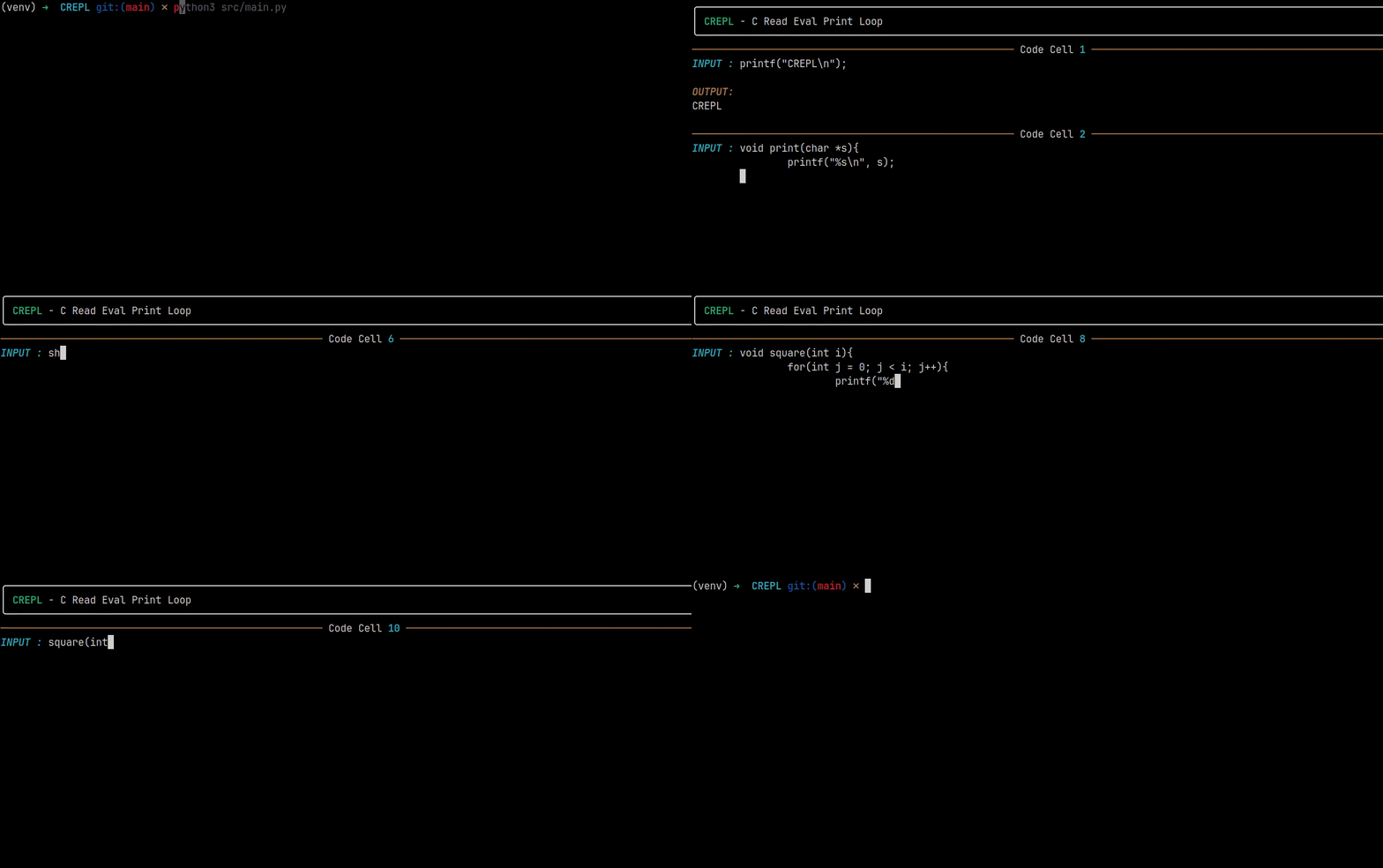
## How It Works ?
The program has three has three containers for three sections, that is,
- `file_global` for global statements such as `macros`, `global variables` etc.
- `file_functions` for all the function statements
- `file_local` for all local statements
The content from these three lists is written to a temporary `C` file, and it is compiled and executed, the result it displayed, if there are any errors, errors will be displayed.
If there is an error, the lists will revert back to previous code.
## 🌟 What's New ?
- Restructured the program
- Added support for multi-line statements
- Added support for nested statements
- Used Regex to distinguish local and global statements
- Add `show` and `global:` or `g:` keyword
- Add `repeat` or `r` keyword
## C Template
```c
#include
int main(){
return 0;
}
```
## Usage
```bash
git clone https://github.com/surajkareppagol/CREPL
cd CREPL
```
Activate virtual environment,
```bash
python3 -m venv venv
source venv/bin/activate
```
```bash
pip install -r requirements.txt
```
```bash
python3 src/main.py
```
To deactivate virtual environment,
```bash
deactivate
```
## Keywords
- `exit` or `exit()`
Exit the CREPL by resetting the template.
- `clear` or `clear()`
Clear the screen.
- `reset` or `reset()`
Reset the template.
- `show` or `show()`
View current content of template file.
- `g:` or `global:`
Add global statements, use `g: #include ` or `global: #define MAX 100`
- `repeat` or `r`
To execute once again