https://github.com/sutharjay1/draw-img
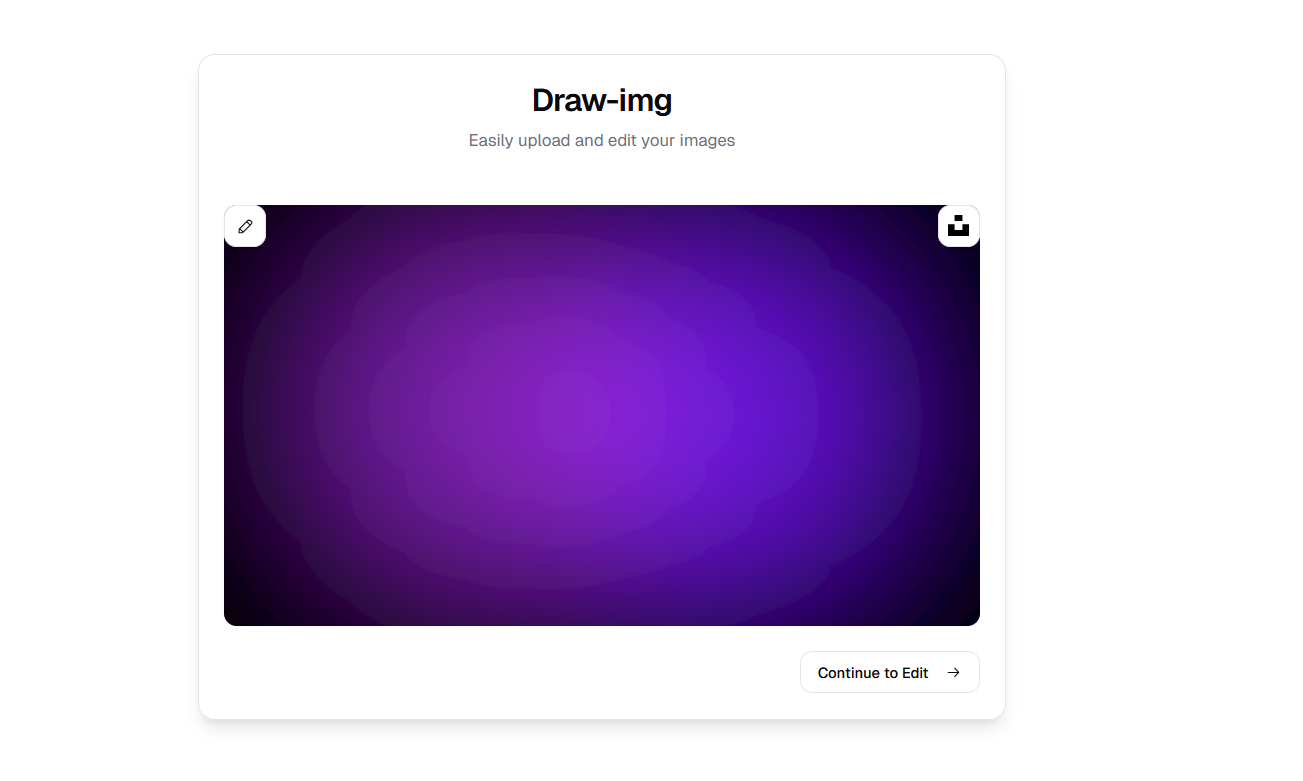
Draw-Img is a feature-rich web application designed to facilitate image editing and drawing with a focus on simplicity and accessibility
https://github.com/sutharjay1/draw-img
cloudinary react-canvas-draw react-router reactjs typescript vite zustand
Last synced: 2 months ago
JSON representation
Draw-Img is a feature-rich web application designed to facilitate image editing and drawing with a focus on simplicity and accessibility
- Host: GitHub
- URL: https://github.com/sutharjay1/draw-img
- Owner: sutharjay1
- Created: 2024-12-12T21:40:37.000Z (over 1 year ago)
- Default Branch: main
- Last Pushed: 2024-12-13T10:09:47.000Z (over 1 year ago)
- Last Synced: 2025-10-28T04:24:56.137Z (8 months ago)
- Topics: cloudinary, react-canvas-draw, react-router, reactjs, typescript, vite, zustand
- Language: TypeScript
- Homepage: https://draw-img.vercel.app/
- Size: 84 KB
- Stars: 0
- Watchers: 1
- Forks: 0
- Open Issues: 0
-
Metadata Files:
- Readme: README.md
Awesome Lists containing this project
README
# Draw-Img
Draw-Img is a feature-rich web application designed to facilitate image editing and drawing with a focus on simplicity and accessibility. This project leverages React, TypeScript, and Tailwind CSS to deliver an interactive user experience. It integrates modern tools such as Cloudinary for image storage and TanStack React Query for state management.
---
[](https://draw-img.vercel.app/)
---
## Features
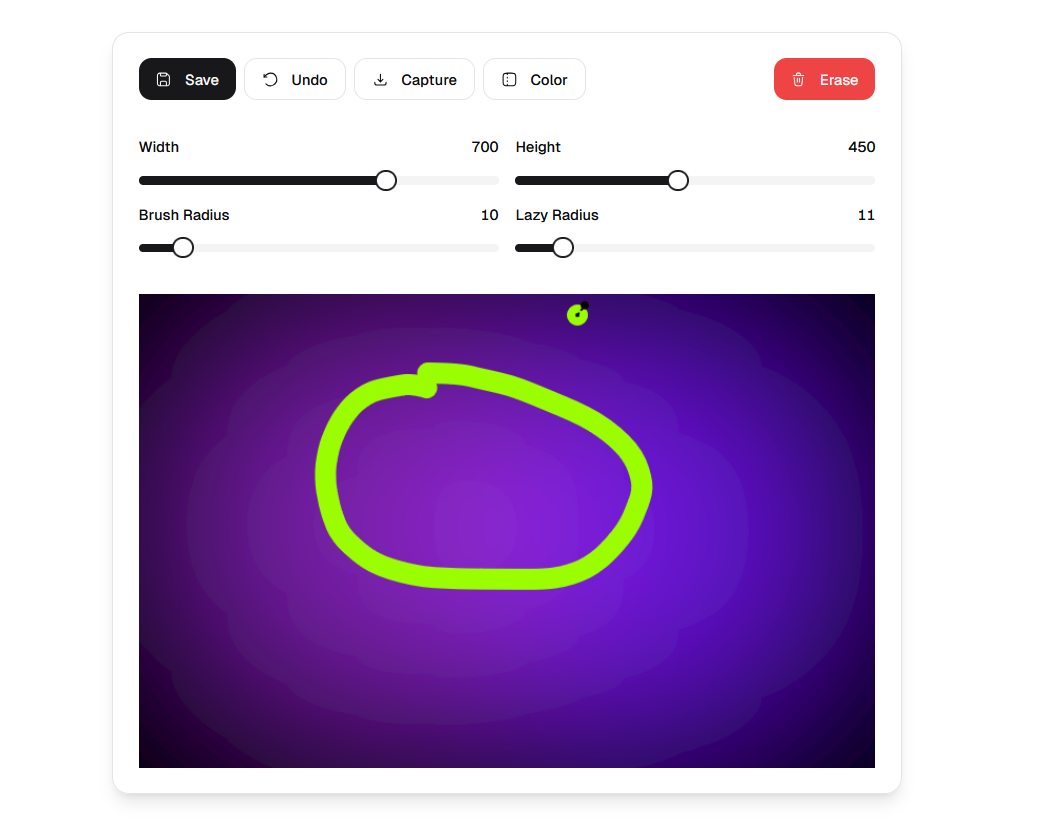
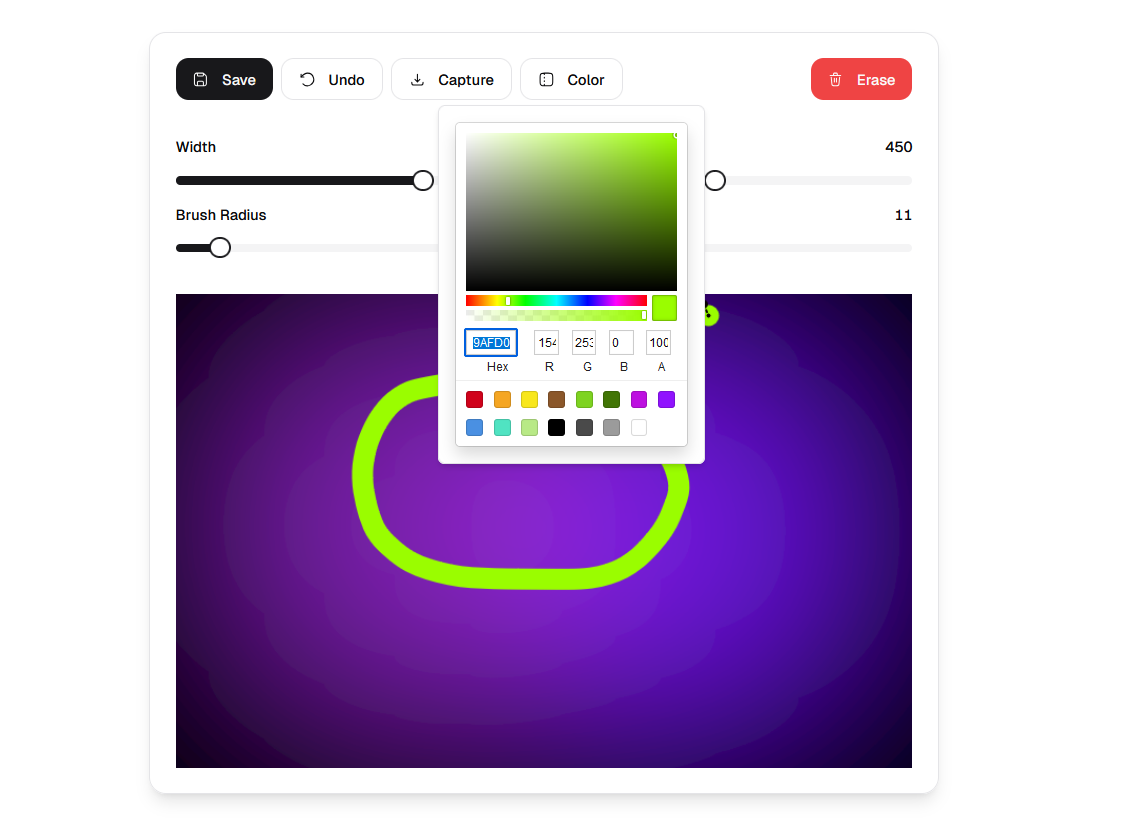
- **Drawing Canvas**: Use `react-canvas-draw` to draw and edit images dynamically.
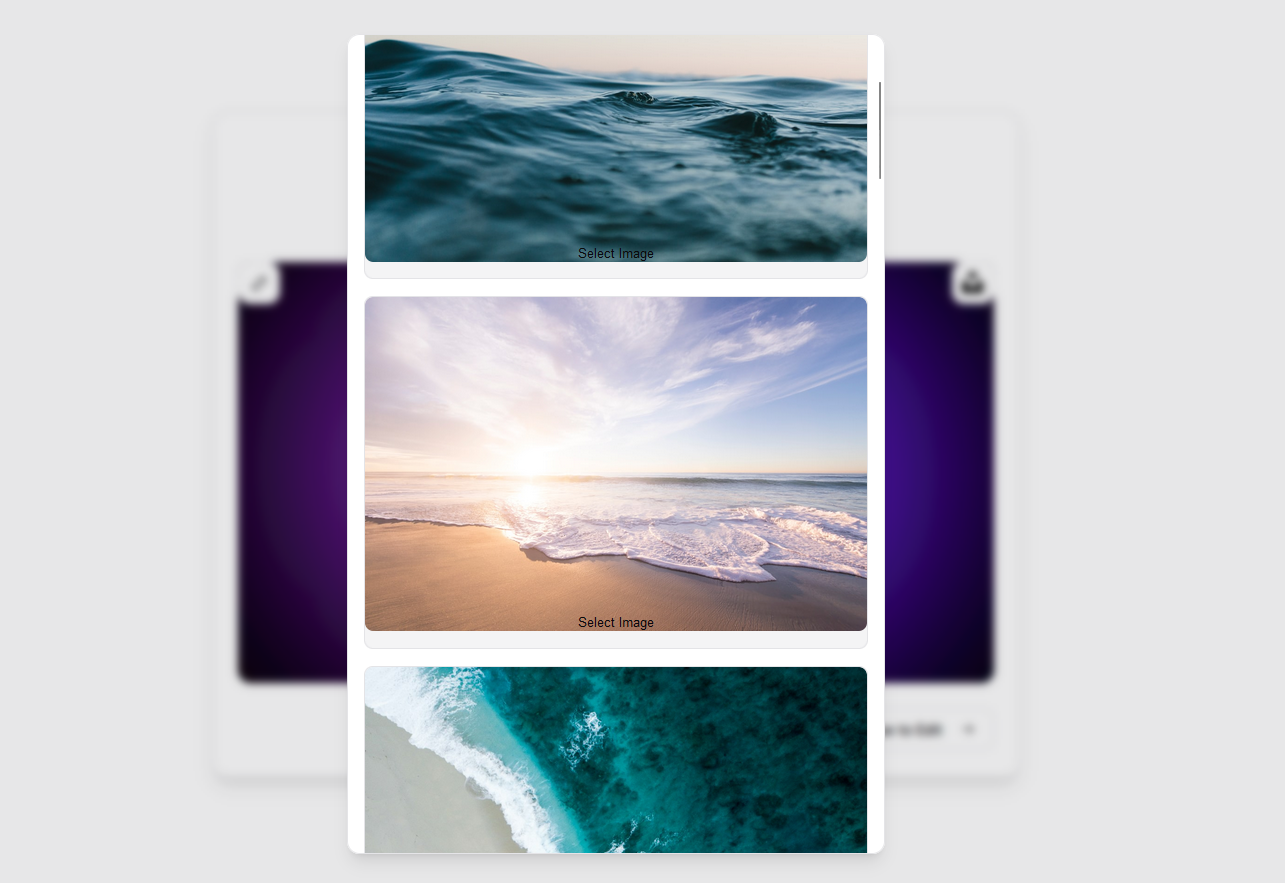
- **Image Upload**: Upload images locally or directly to Cloudinary.
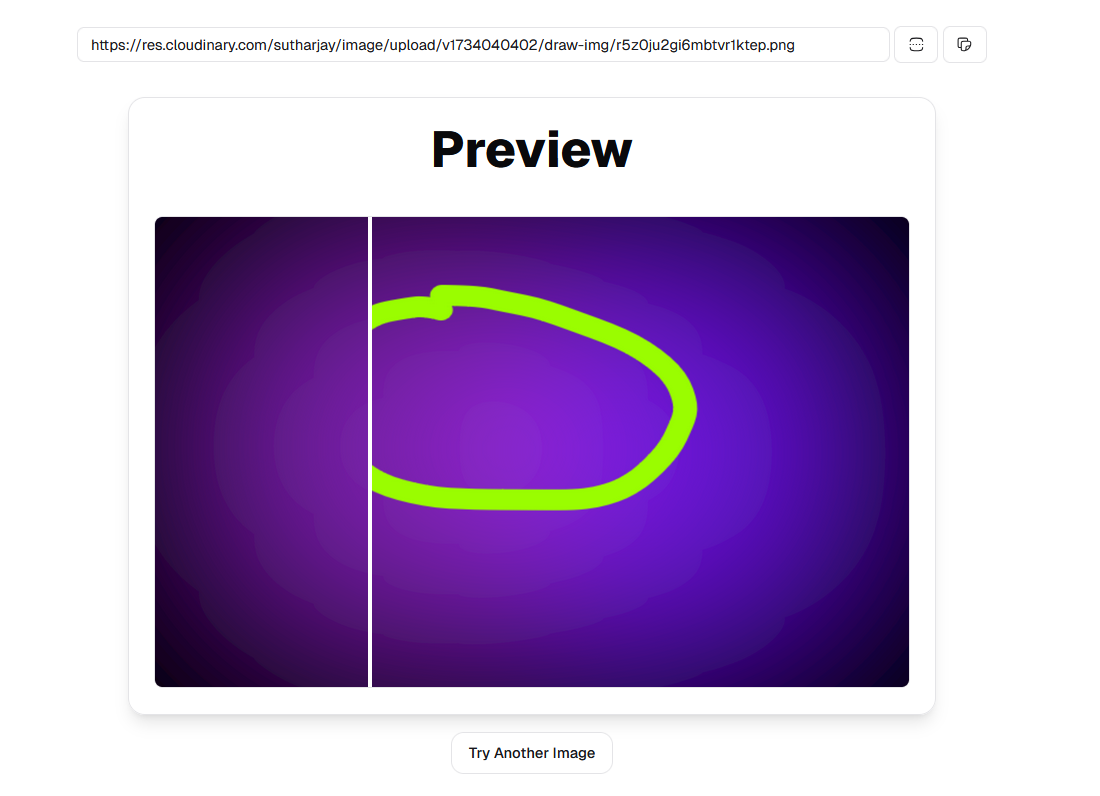
- **Image Comparison**: Compare images side by side using an interactive slider.
- **Progressive Loading**: Utilize Radix UI components for enhanced user experience.
- **Form Validation**: Powered by React Hook Form with Zod schema validation.
- **QR Code Generator**: Create QR codes seamlessly.
- **Dark Mode**: Supports dark/light themes with `next-themes`.
- **Responsive Design**: Tailwind CSS ensures a mobile-friendly interface.
- **State Management**: Zustand handles global state efficiently.
---
---
## Installation
1. Clone the repository:
```bash
git clone https://github.com/sutharjay1/draw-img.git
cd draw-img
```
2. Install dependencies using pnpm:
```bash
pnpm install
```
3. Start the development server:
```bash
pnpm dev
```
4. Access the application at `http://localhost:5173`.
---
## Environment Variables
```env
VITE_CLOUDINARY_URL=""
VITE_CLOUDINARY_CLOUD_NAME=""
VITE_CLOUDINARY_UPLOAD_PRESET=""
VITE_CLOUDINARY_API_KEY=""
VITE_CLOUDINARY_API_SECRET=""
VITE_UNSPLASH_URL=""
VITE_UNSPLASH_ACCESS_KEY=""
VITE_UNSPLASH_SECRET_KEY=""
```
---
## Usage
### Drawing Canvas
Navigate to the drawing canvas via the "Edit" page. Use tools like pen and eraser to create or modify images.
### Image Upload
- Drag and drop files into the upload area.
- Optionally, save files to Cloudinary by configuring your credentials in `.env`.
### QR Code Generation
Create QR codes dynamically by entering text in the "Preview" section.
---
## Tech Stack
- **Frontend**: React, TypeScript
- **Styling**: Tailwind CSS, Radix UI
- **State Management**: Zustand, TanStack React Query
- **Utilities**: Prettier
- **Image Handling**: Cloudinary, React Dropzone,
---
## Scripts
| Script | Description |
| --------------- | ------------------------------------ |
| `pnpm dev` | Start the development server |
| `pnpm build` | Build the application for production |
| `pnpm preview` | Preview the production build locally |
| `pnpm lint` | Run ESLint for code quality checks |
| `pnpm lint:fix` | Automatically fix ESLint issues |
| `pnpm format` | Format code using Prettier |
---
## Deployment
1. Build the project:
```bash
pnpm build
```
2. Deploy the `dist` folder to your hosting provider or use Vercel with the included `vercel.json` configuration.
---
## Contribution
Contributions are welcome! Please follow these steps:
1. Fork the repository.
2. Create a new branch (`git checkout -b feature-name`).
3. Commit changes (`git commit -m 'Add feature'`).
4. Push to the branch (`git push origin feature-name`).
5. Open a pull request.
---
## License
This project is licensed under the MIT License. See `LICENSE` for details.
---
## Challenge
- `react-canvas-draw` had error with getting the dataURI of the drawn stroke read the [repository](https://github.com/embiem/react-canvas-draw) and got to know that it was compiler issue that was solve with the help of `@ts-ignore`
---
## Acknowledgements
Special thanks to contributors and the open-source community for the tools and libraries used in this project.