https://github.com/syncano/syncano-react-demo-stripe-payments
A simple app to demonstrate the integration of stripe-payments socket
https://github.com/syncano/syncano-react-demo-stripe-payments
Last synced: about 2 months ago
JSON representation
A simple app to demonstrate the integration of stripe-payments socket
- Host: GitHub
- URL: https://github.com/syncano/syncano-react-demo-stripe-payments
- Owner: Syncano
- License: mit
- Created: 2018-01-18T10:35:15.000Z (over 8 years ago)
- Default Branch: master
- Last Pushed: 2018-04-30T18:08:04.000Z (about 8 years ago)
- Last Synced: 2025-12-10T06:27:12.422Z (6 months ago)
- Language: JavaScript
- Size: 384 KB
- Stars: 1
- Watchers: 4
- Forks: 0
- Open Issues: 0
-
Metadata Files:
- Readme: README.md
- License: LICENSE
Awesome Lists containing this project
README
## syncano-react-demo-stripe-payments
This demo features a sample payment interface that uses [Syncano Stripe socket](https://syncano.io/#/sockets/stripe-payments) to illustrate payment and card services on the web.
### Description/ Usage
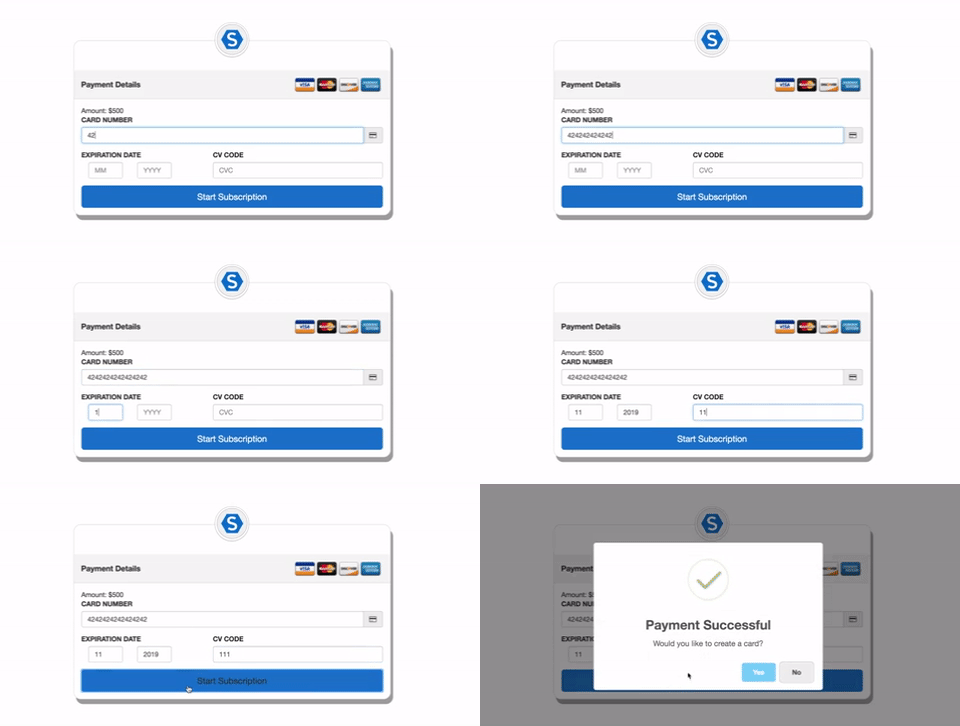
This simple demo allows you to make payment, create cards and delete cards as a customer.
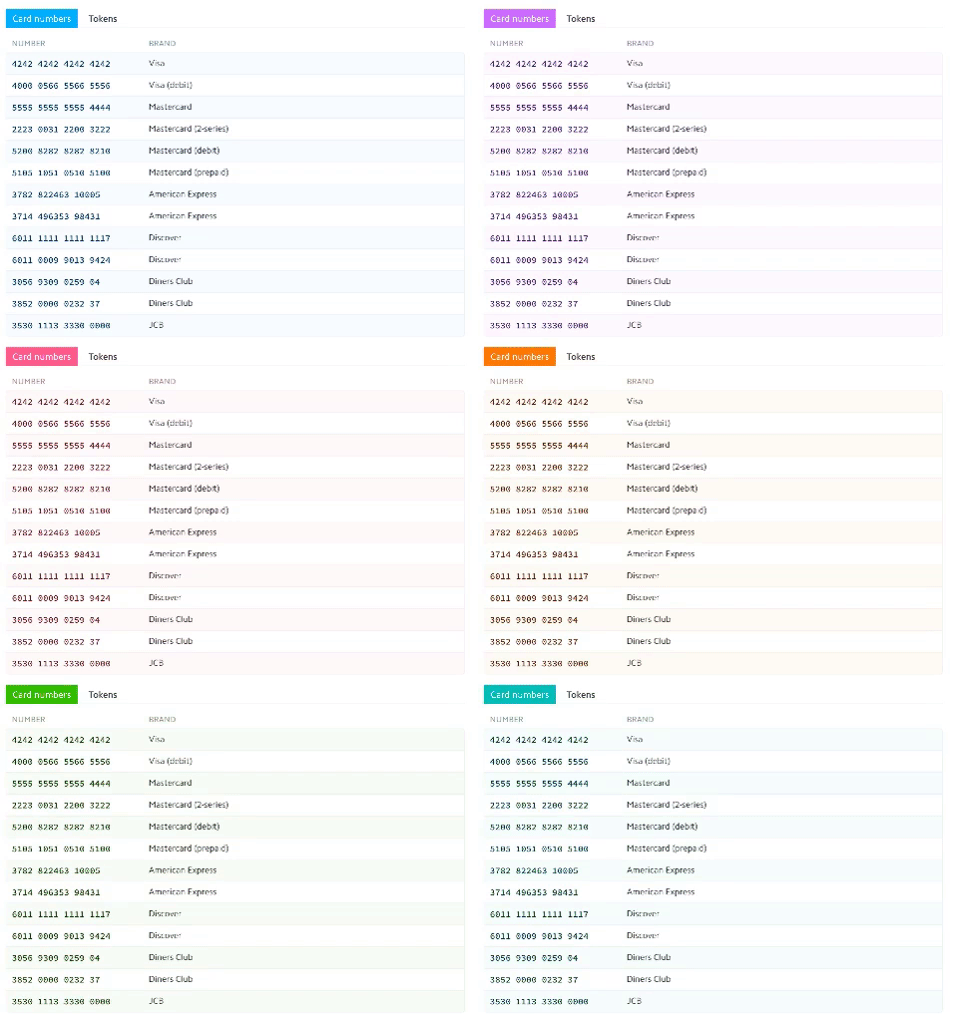
On mounting of the application, a `customerID` is generated to identify user, When the page loads, it displays a form with bunch of inputs ready to receive credit card data. Remember to use any of [Stripe testing credit card](https://stripe.com/docs/testing#cards), any three or four digit CVC code (depending on the of type card) and a valid month and year; to make payments on this demo application. On successful submission of credit card, a user can decide to create a card and a token would be generated to ensure card is being created. Created cards can also be deleted.
### Local Setup
- Clone this repo
- Move to project repo
- Install dependencies `npm install`
- Create a .env file on the root directory. Assign the instance name where two-factor-auth socket attached to the `SYNCANO_INSTANCE`
e.g `SYNCANO_INSTANCE=abcd`
- Run `npm start` to start project