https://github.com/synerise/jinja-code-snippet
https://github.com/synerise/jinja-code-snippet
Last synced: 6 months ago
JSON representation
- Host: GitHub
- URL: https://github.com/synerise/jinja-code-snippet
- Owner: Synerise
- Created: 2024-04-17T08:31:28.000Z (about 2 years ago)
- Default Branch: main
- Last Pushed: 2024-04-19T12:10:29.000Z (about 2 years ago)
- Last Synced: 2024-05-10T16:32:08.542Z (about 2 years ago)
- Size: 22.5 KB
- Stars: 0
- Watchers: 3
- Forks: 0
- Open Issues: 0
-
Metadata Files:
- Readme: README.md
Awesome Lists containing this project
README
# jinja-code-snippet
## Installation
For instruction regarding snippet installation in Visual Studio Code please refer https://code.visualstudio.com/docs/editor/userdefinedsnippets#_create-your-own-snippets
In your snippet file paste code from [jinjava.jsonc](jinjava.jsonc) file
## How to use it
1. Code snippets are templates that make it easier to enter repeating code patterns, such as loops or conditional-statements. This snippet are global, so work with all language. You can use snippets in JavaScript, Jinjava Raw, HTML, CSS, or with any language choosen in VSC.
2. To use snippets, click ctr+space, you’ll see the list:

3. Each snippet has a description shown when you select it using arrows.

4. When you’re familiar with snippet names, you can start entering snippet name, e.g. *aggregate*. VSC will show only snippets with text you just entered.

5. To increase the comfort of work, some elements of code are highlighted and can be completed without the need to select text. To move from one placeholder to another use TAB
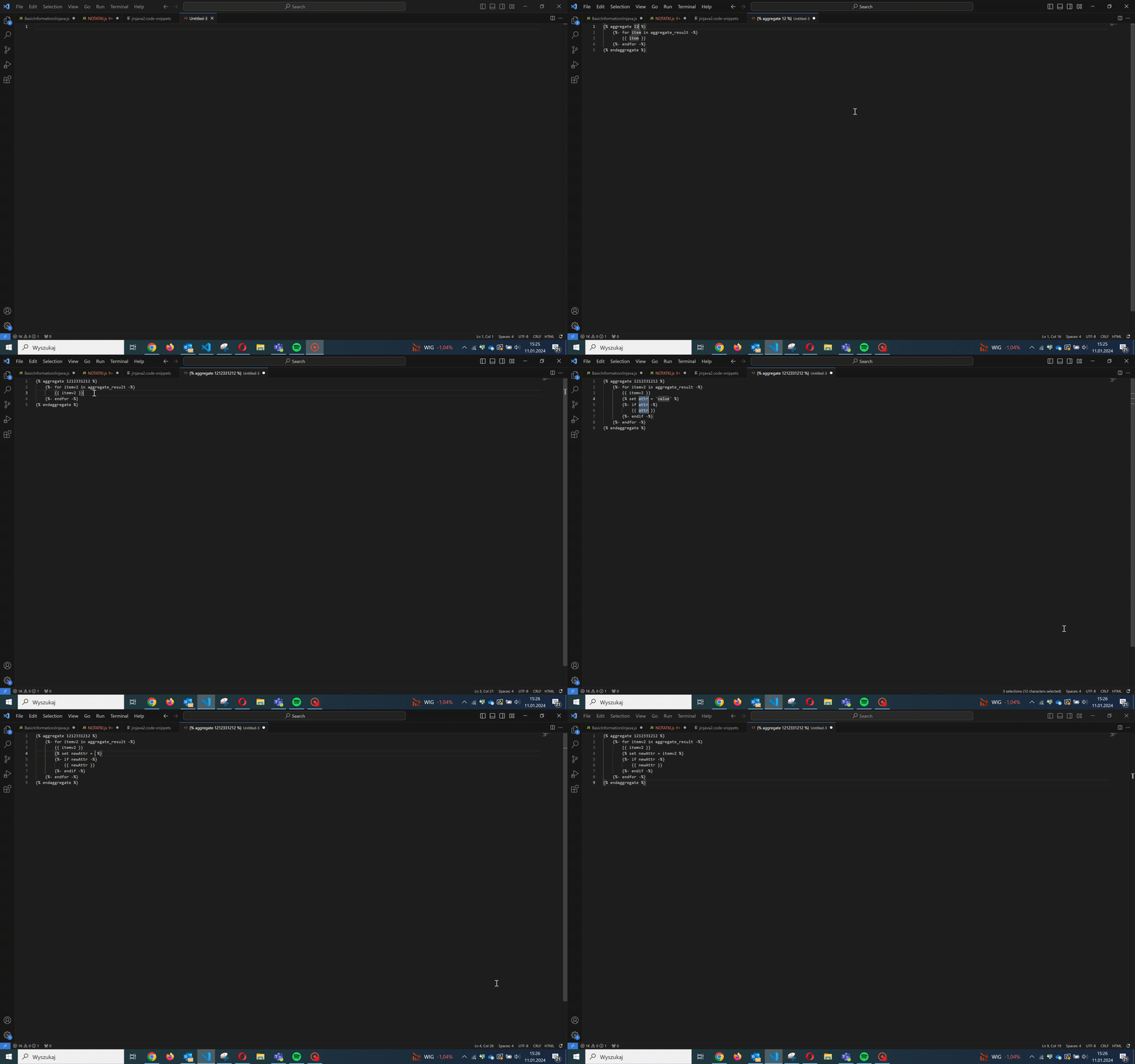
6. Check how in few seconds you can generate jinjava recommendations syntax:
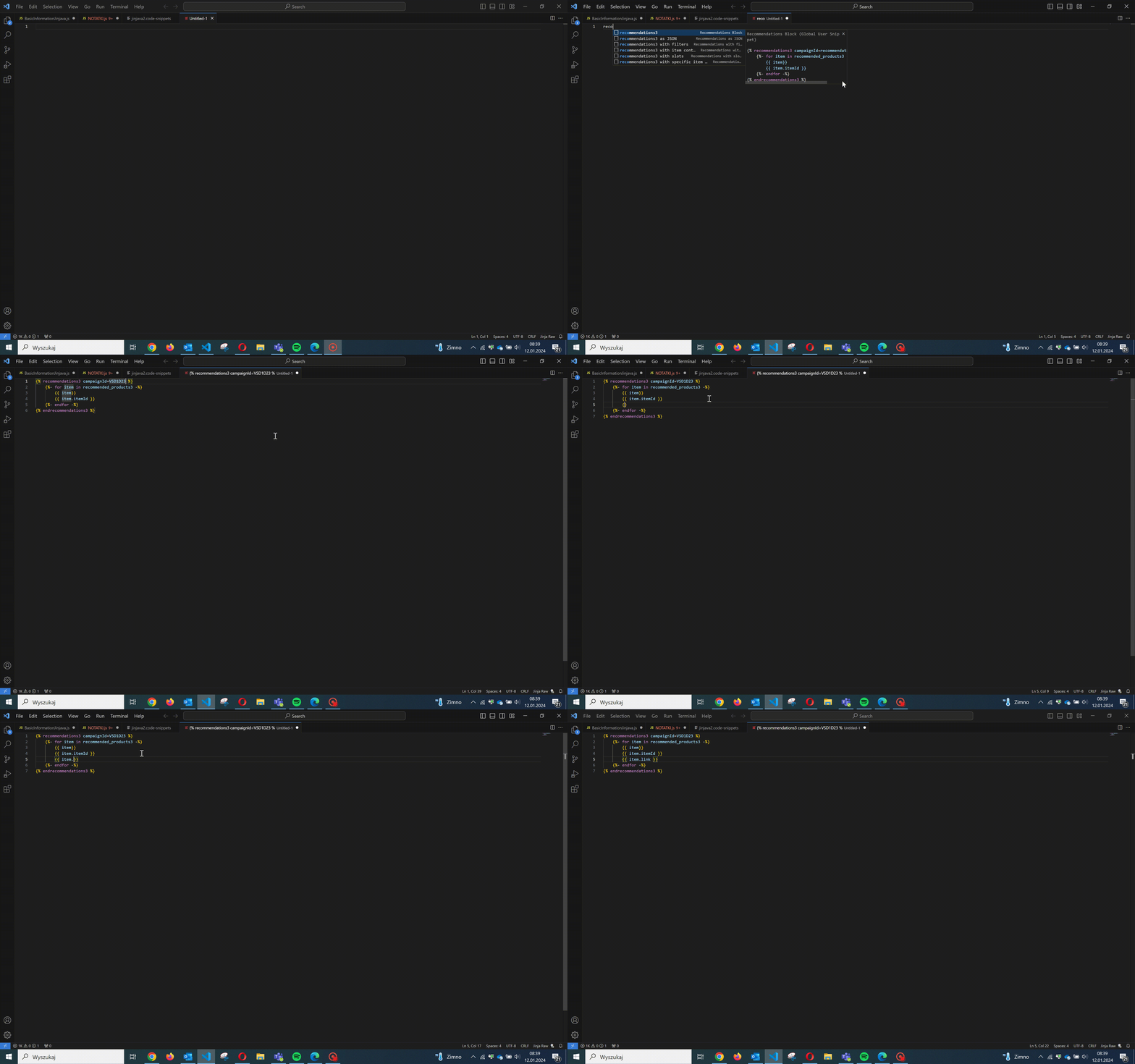
## Documentation
Full documentation of jinjava inserts in Synerise available at https://hub.synerise.com/developers/inserts/
## Author
Synerise.
If you need support please feel free to contact us via help desk portal at https://hgintelligence.atlassian.net/servicedesk/customer/portal/1 (for direct customers) or https://hgintelligence.atlassian.net/servicedesk/customer/portal/11 (for partners).