https://github.com/sysl-dev/wooden-blocks
A Box2D Wrapper for Love@d
https://github.com/sysl-dev/wooden-blocks
Last synced: 3 months ago
JSON representation
A Box2D Wrapper for Love@d
- Host: GitHub
- URL: https://github.com/sysl-dev/wooden-blocks
- Owner: sysl-dev
- License: mit
- Created: 2023-11-13T03:40:47.000Z (over 2 years ago)
- Default Branch: main
- Last Pushed: 2023-11-13T03:53:55.000Z (over 2 years ago)
- Last Synced: 2025-08-26T17:24:36.069Z (11 months ago)
- Language: Lua
- Size: 46.9 KB
- Stars: 0
- Watchers: 1
- Forks: 0
- Open Issues: 0
-
Metadata Files:
- Readme: README.md
- License: LICENSE
Awesome Lists containing this project
README
# About Wooden Blocks
Wooden Blocks is a library that makes using Box2D a bit easier in love.
# Test File (Love 11.4)
[Love File](https://github.com/sysl-dev/Wooden-Blocks/raw/main/WoodenBlockTest.love)
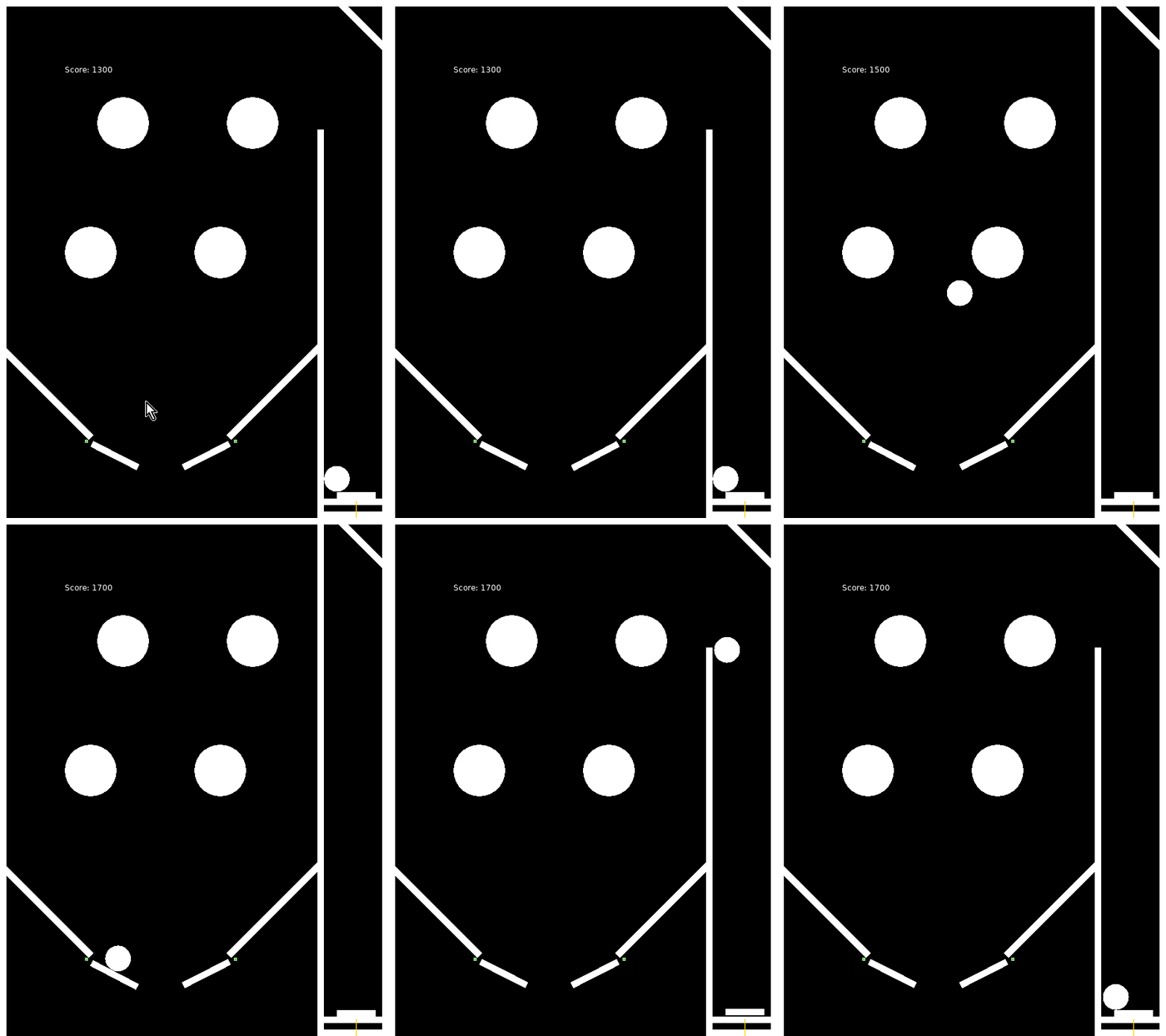
Z - Left / X - Right / Space - Launch
## Using the Library
1. Require it.
```lua
local Wb = require("library.Wooden_Blocks")
```
2. Run the setup and assign defaults.
```lua
Wb.setup({
world_gravity_x = 0, -- Gravity V (Negitive is ^)
world_gravity_y = 320, -- Gravity > (Negitive is <)
world_allow_sleep = true, -- Allow non-moving objects to sleep. (Likely will always be true)
pixels_per_meter = 16, -- How big is a meter in your world in pixels.
mouse = {Utilities.pixel_scale.mouse.get_x, Utilities.pixel_scale.mouse.get_y}, -- Using a non-standard mouse? Pass the function here.
pause = false, -- Start Paused?
-- You can also pass a table to change the debug colors used for testing.
})
```
3. Add the update code under the love.update callback.
```lua
Wb.update(dt, Wb.object_pool, Wb.joint_pool, optional velocity_iterations, optional position_iterations)
-- The iterations allow you to give more time for physics to resolve, higher is better but more intensive.
```
4. Add a debug drawing function under the love.draw callback.
```lua
Wb.debug_draw_pool(Wb.object_pool, Wb.joint_pool, [Display Object Names: true/false])
```
5. Create some shapes under the love.load callback.
```lua
-- Note BASE_HEIGHT and BASE_WIDTH are the width/height of the window.
local BASE_WIDTH, BASE_HEIGHT = love.graphics.getDimensions()
Wb.object_pool[#Wb.object_pool+1] = Wb.create_simple_object({
name = "floor",
x = 0,
y = BASE_HEIGHT - 10,
w = BASE_WIDTH,
h = 10,
body_type = "static",
})
```
# Creating Objects
## Required Values
```lua
Wb.object_pool[#Wb.object_pool+1] = Wb.create_simple_object({
x = 0, -- X Position
y = BASE_HEIGHT - 10, -- Y Position
w = BASE_WIDTH, -- Width
h = 10, -- Height
body_type = "dynamic", -- static, dynamic or kinematic
})
```
### Optional Values
```lua
shape = [string] -- What shape to use, defaults to rectangle.
radius = [number] -- if used for non-circle shapes, w/h become radius*2
mass = [number] -- How heavy something is. (Use Density instead)
density = [number] -- How dense the mass is in the object.
sensor = [true/false] -- Used for sensing things / no collision
restitution = [0.0/1.0] -- How fast the object comes to a stop. Between 0.0 (Brick) - 1.0 (Infinite)
friction = [0.0/1.0] -- How objects slide against this object. 0 - friction-less to 1.0 sandpaper
angle = [number] -- Starting angle
active = [true/false] -- Is this object active?
can_sleep = [true/false] -- Can this object sleep if inactive?
angular_damping = [0.0/1.0] -- A spinning body with no damping and no external forces will continue spinning indefinitely.
bullet = [true/false] -- Spends more time checking this shapes calculations for impact.
lock_angle = [true/false] -- Can this object rotate?
gravity_scale = [number (1)] -- How much does gravity impact this object?
__scale = [true/false] -- Drawing command, if using built in simple drawing, scale to shape.
```
### Optional Values - Groups/Masking
```lua
group = [number (0)] -- Sets the group the fixture belongs to.
-- Fixtures with the same group will always
-- collide if the group is positive or never
-- collide if it's negative. The group zero
-- means no group.
category = [table/number (1)] -- Sets the categories the fixture belongs to.
-- There can be up to 16 categories represented
-- as a number from 1 to 16.
mask = [table/number (nil)] -- Sets the category masks of the fixture.
-- There can be up to 16 categories represented
-- as a number from 1 to 16.
-- This fixture will NOT collide with the fixtures
-- that are in the selected categories if the other
-- fixture also has a category of this fixture selected.
```
## Built in Shapes
1. rectangle, circle, triangle, triangle-right, hexagon, glass

2. wine-glass, heart, spade, diamond, cross, star

3. arrow, moon, pentagon, octogon, trapezoid, parallelogram

4. kite, club, tall-gem, gem, four-star, stairs

# Creating Joints
## Rope Joint
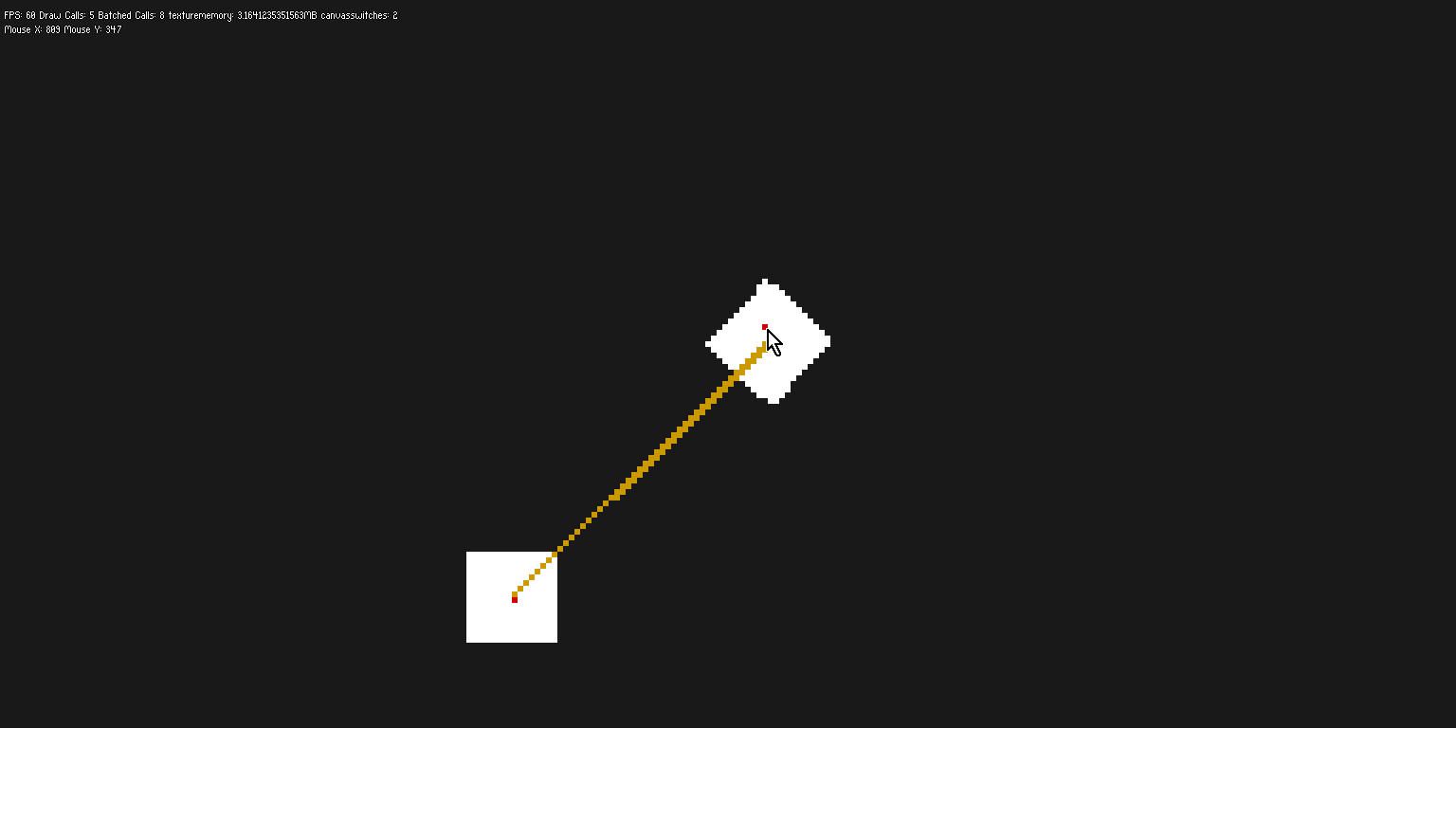
Does what it says on the tin, acts like a rope.
### Creating
```lua
Wb.object_pool[#Wb.object_pool+1] = Wb.create_simple_object({
name = "floor",
x = 0,
y = BASE_HEIGHT - 16,
w = BASE_WIDTH,
h = 16,
body_type = "static",
__scale = true,
})
Wb.object_pool[#Wb.object_pool+1] = Wb.create_simple_object({
name = "block1",
x = BASE_WIDTH/2 - 18 * 1,
y = BASE_HEIGHT/2,
w = 16,
h = 16,
body_type = "dynamic",
shape = "rectangle",
})
Wb.object_pool[#Wb.object_pool+1] = Wb.create_simple_object({
name = "block2",
x = BASE_WIDTH/2 + 18 * 1,
y = BASE_HEIGHT/2,
w = 16,
h = 16,
body_type = "dynamic",
shape = "rectangle",
})
Wb.joint_pool[#Wb.joint_pool+1] = Wb.create_joint({
name = "see-saw",
type = "rope",
collide_connected = true,
pool = Wb.object_pool,
body1 = Wb.get_body_by_name("block1", Wb.object_pool),
body2 = Wb.get_body_by_name("block2", Wb.object_pool),
x1 = Wb.get_properties_by_name("block1").cx,
y1 = Wb.get_properties_by_name("block1", Wb.object_pool).cy,
x2 = Wb.get_properties_by_name("block2", Wb.object_pool).cx,
y2 = Wb.get_properties_by_name("block2", Wb.object_pool).cy,
max_length = 64,
})
```
## Distance Joint
Acts like there is a stick between two objects. Note, the stick can overlap with the objects. May be worthwhile to use revolve joints w/ rectangles instead.
### Creating
```lua
Wb.object_pool[#Wb.object_pool+1] = Wb.create_simple_object({
name = "floor",
x = 0,
y = BASE_HEIGHT - 16,
w = BASE_WIDTH,
h = 16,
body_type = "static",
__scale = true,
})
Wb.object_pool[#Wb.object_pool+1] = Wb.create_simple_object({
name = "block1",
x = BASE_WIDTH/2 - 18 * 1,
y = BASE_HEIGHT/2,
w = 16,
h = 16,
body_type = "dynamic",
shape = "rectangle",
})
Wb.object_pool[#Wb.object_pool+1] = Wb.create_simple_object({
name = "block2",
x = BASE_WIDTH/2 + 18 * 1,
y = BASE_HEIGHT/2,
w = 16,
h = 16,
body_type = "dynamic",
shape = "rectangle",
})
Wb.joint_pool[#Wb.joint_pool+1] = Wb.create_joint({
name = "joint2",
type = "distance",
collide_connected = true,
pool = Wb.object_pool,
body1 = Wb.get_body_by_name("block1", Wb.object_pool),
body2 = Wb.get_body_by_name("block2", Wb.object_pool),
x1 = Wb.get_properties_by_name("block1").cx,
y1 = Wb.get_properties_by_name("block1", Wb.object_pool).cy,
x2 = Wb.get_properties_by_name("block2", Wb.object_pool).cx,
y2 = Wb.get_properties_by_name("block2", Wb.object_pool).cy,
})
```

## Weld Joint
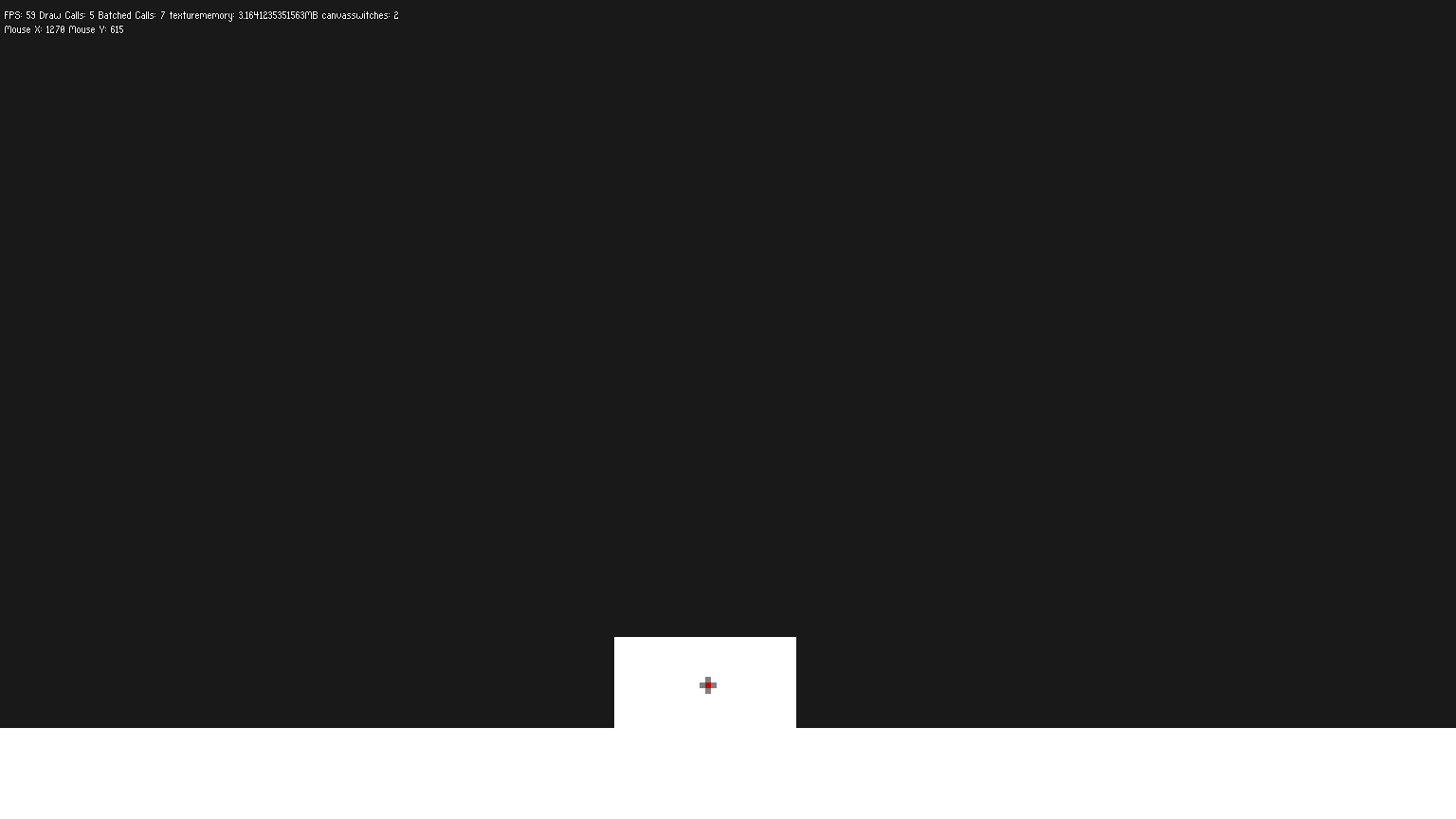
Connect two objects together at any point in the world.
### Create
```lua
Wb.object_pool[#Wb.object_pool+1] = Wb.create_simple_object({
name = "floor",
x = 0,
y = BASE_HEIGHT - 16,
w = BASE_WIDTH,
h = 16,
body_type = "static",
__scale = true,
})
Wb.object_pool[#Wb.object_pool+1] = Wb.create_simple_object({
name = "block1",
x = BASE_WIDTH/2 - 16 * 0,
y = BASE_HEIGHT/2,
w = 16,
h = 16,
body_type = "dynamic",
shape = "rectangle",
})
Wb.object_pool[#Wb.object_pool+1] = Wb.create_simple_object({
name = "block2",
x = BASE_WIDTH/2 + 16 * 1,
y = BASE_HEIGHT/2,
w = 16,
h = 16,
body_type = "dynamic",
shape = "rectangle",
})
Wb.joint_pool[#Wb.joint_pool+1] = Wb.create_joint({
name = "joint3",
type = "weld",
collide_connected = true,
pool = Wb.object_pool,
body1 = Wb.get_body_by_name("block1", Wb.object_pool),
body2 = Wb.get_body_by_name("block2", Wb.object_pool),
x = Wb.get_properties_by_name("block1").cx + Wb.get_properties_by_name("block1").w/2,
y = Wb.get_properties_by_name("block1", Wb.object_pool).cy,
})
```
## Revolute Joint
Connect two objects together as if they had a hinge between each point.
### Create
```lua
Wb.object_pool[#Wb.object_pool+1] = Wb.create_simple_object({
name = "floor",
x = 0,
y = BASE_HEIGHT - 16,
w = BASE_WIDTH,
h = 16,
body_type = "static",
__scale = true,
})
Wb.object_pool[#Wb.object_pool+1] = Wb.create_simple_object({
name = "block1",
x = BASE_WIDTH/2 - 18 * 1,
y = BASE_HEIGHT/2,
w = 16,
h = 16,
body_type = "dynamic",
shape = "rectangle",
})
Wb.object_pool[#Wb.object_pool+1] = Wb.create_simple_object({
name = "block2",
x = BASE_WIDTH/2 + 18 * 1,
y = BASE_HEIGHT/2,
w = 16,
h = 16,
body_type = "dynamic",
shape = "rectangle",
})
Wb.joint_pool[#Wb.joint_pool+1] = Wb.create_joint({
name = "joint4",
type = "revolute",
collide_connected = true,
pool = Wb.object_pool,
body1 = Wb.get_body_by_name("block1", Wb.object_pool),
body2 = Wb.get_body_by_name("block2", Wb.object_pool),
x = Wb.get_properties_by_name("block1").cx + 8 + 10,
y = Wb.get_properties_by_name("block1", Wb.object_pool).cy,
})
```
## Wheel Joint
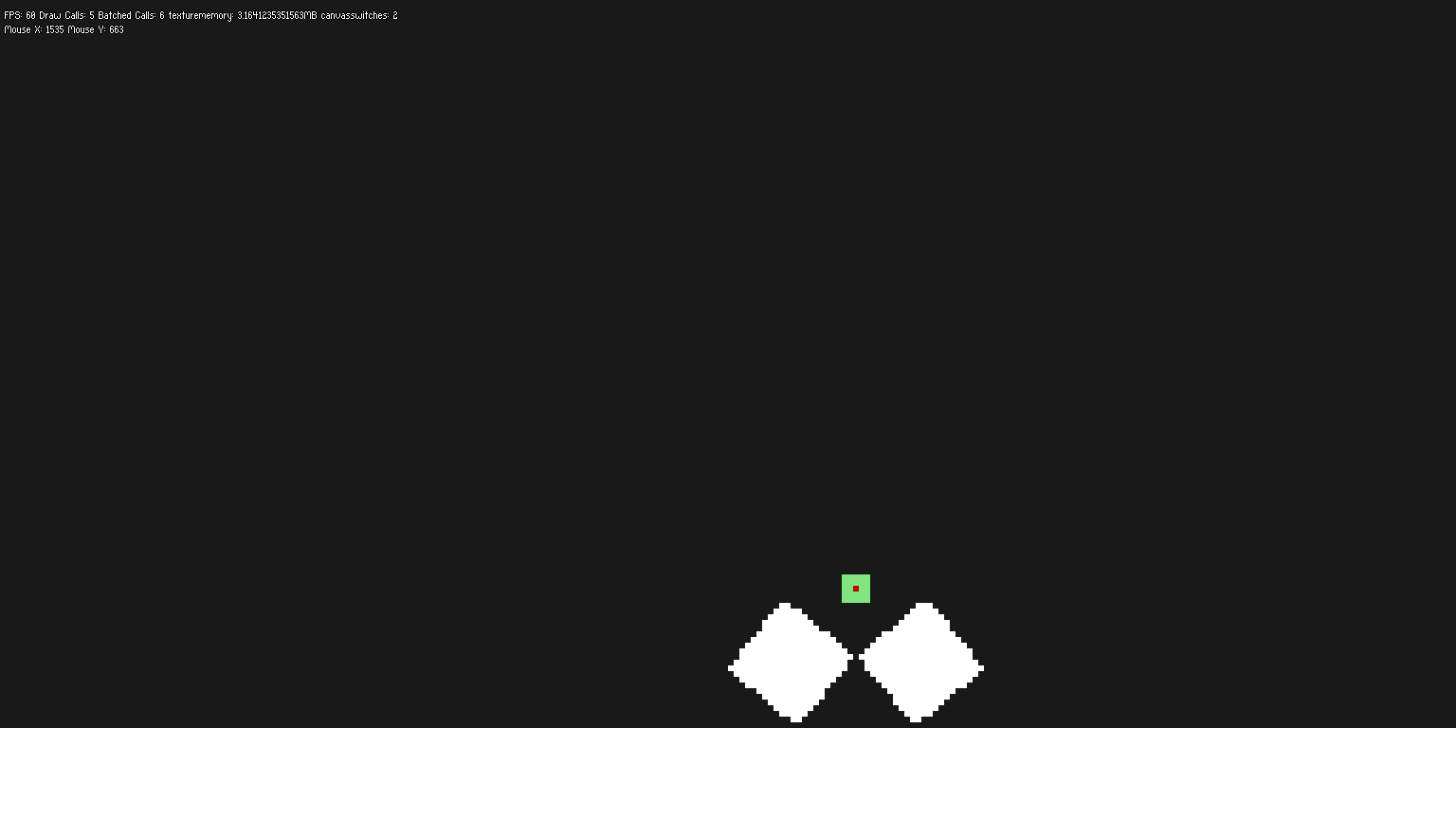
Allows the objects to pull apart from each other while pulling back together. Think like a pull-cord on a toy, if enough force is applied it separates, but one the force is removed it pulls back in.
### Create
```lua
Wb.object_pool[#Wb.object_pool+1] = Wb.create_simple_object({
name = "floor",
x = 0,
y = BASE_HEIGHT - 16,
w = BASE_WIDTH,
h = 16,
body_type = "static",
__scale = true,
})
Wb.object_pool[#Wb.object_pool+1] = Wb.create_simple_object({
name = "block1",
x = BASE_WIDTH/2 + 16 * 1,
y = BASE_HEIGHT/2,
radius = 8,
body_type = "dynamic",
shape = "circle",
})
Wb.object_pool[#Wb.object_pool+1] = Wb.create_simple_object({
name = "block2",
x = BASE_WIDTH/2 - 16 * 1,
y = BASE_HEIGHT/2,
radius = 8,
body_type = "dynamic",
shape = "circle",
})
Wb.joint_pool[#Wb.joint_pool+1] = Wb.create_joint({
name = "cool_wheel",
type = "wheel",
collide_connected = true,
pool = Wb.object_pool,
body1 = Wb.get_body_by_name("block1", Wb.object_pool),
body2 = Wb.get_body_by_name("block2", Wb.object_pool),
x1 = Wb.get_properties_by_name("block1", Wb.object_pool).cx,
y1 = Wb.get_properties_by_name("block1", Wb.object_pool).cy,
x2 = Wb.get_properties_by_name("block1", Wb.object_pool).cx,
y2 = Wb.get_properties_by_name("block2", Wb.object_pool).cy,
ax = 0.5,
ay = 0,
})
Wb.get_joint_by_name("cool_wheel"):setMaxMotorTorque(1000)
Wb.get_joint_by_name("cool_wheel"):setMotorSpeed(360)
Wb.get_joint_by_name("cool_wheel"):setMotorEnabled(true)
Wb.get_joint_by_name("cool_wheel"):setSpringFrequency(10)
Wb.get_joint_by_name("cool_wheel"):setSpringDampingRatio(0)
```

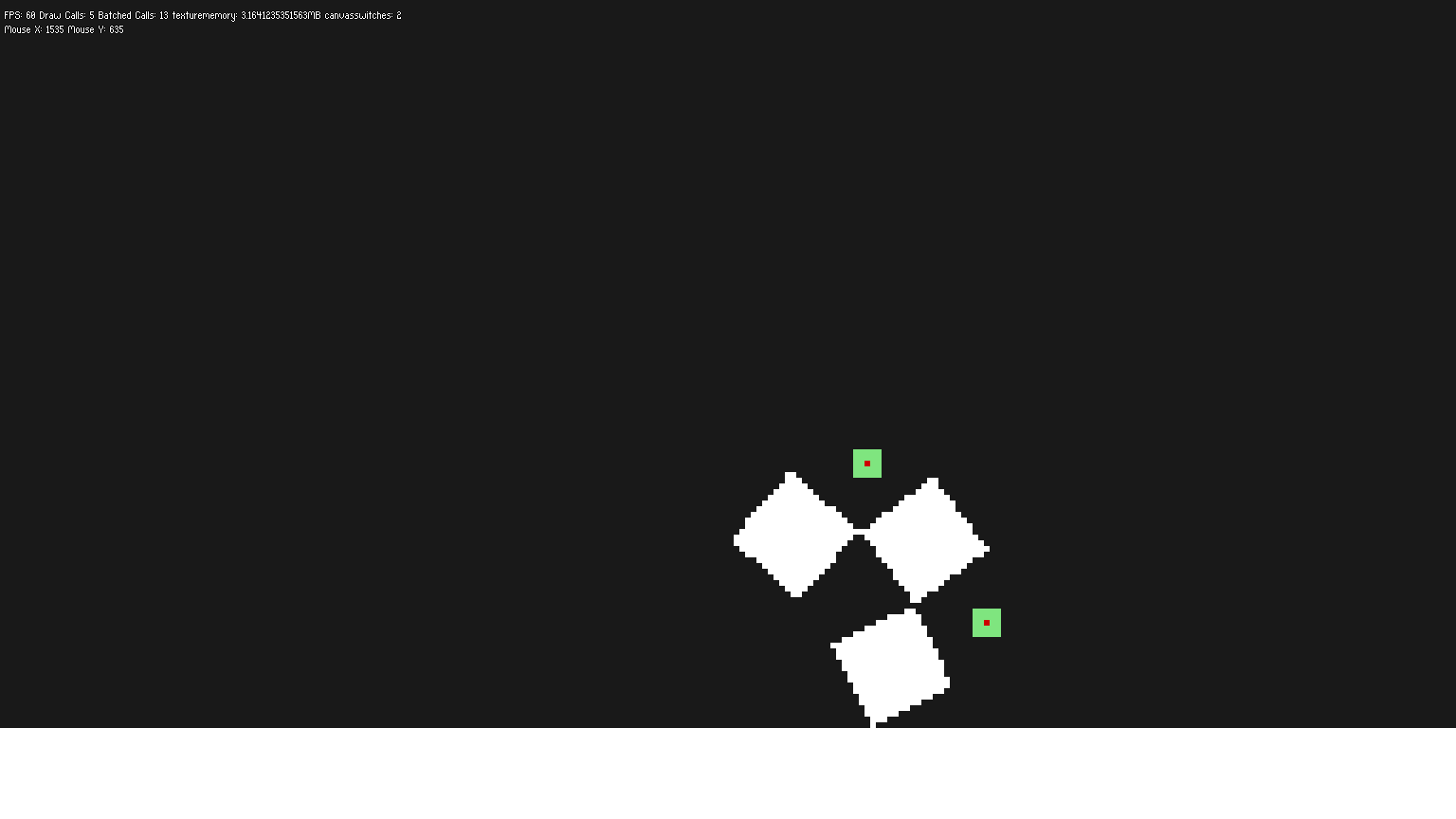
## Gear Joint
Connects two [prismatic](https://love2d.org/wiki/PrismaticJoint) or [revolute](https://love2d.org/wiki/RevoluteJoint) joints. Allows you to force something to behave as interconnected.
### Create
```lua
Wb.object_pool[#Wb.object_pool+1] = Wb.create_simple_object({
name = "floor",
x = 0,
y = BASE_HEIGHT - 16,
w = BASE_WIDTH,
h = 16,
body_type = "static",
__scale = true,
})
Wb.object_pool[#Wb.object_pool+1] = Wb.create_simple_object({
name = "block1",
x = BASE_WIDTH/2 - 18 * 1,
y = BASE_HEIGHT/2,
w = 16,
h = 16,
body_type = "dynamic",
shape = "rectangle",
})
Wb.object_pool[#Wb.object_pool+1] = Wb.create_simple_object({
name = "block2",
x = BASE_WIDTH/2 + 18 * 1,
y = BASE_HEIGHT/2,
w = 16,
h = 16,
body_type = "dynamic",
shape = "rectangle",
})
Wb.object_pool[#Wb.object_pool+1] = Wb.create_simple_object({
name = "block3",
x = BASE_WIDTH/2 + 18 * 3,
y = BASE_HEIGHT/2,
w = 16,
h = 16,
body_type = "dynamic",
shape = "rectangle",
})
Wb.joint_pool[#Wb.joint_pool+1] = Wb.create_joint({
name = "jointa",
type = "revolute",
collide_connected = true,
pool = Wb.object_pool,
body1 = Wb.get_body_by_name("block1", Wb.object_pool),
body2 = Wb.get_body_by_name("block2", Wb.object_pool),
x = Wb.get_properties_by_name("block1").cx + 8 + 10,
y = Wb.get_properties_by_name("block1", Wb.object_pool).cy,
})
Wb.joint_pool[#Wb.joint_pool+1] = Wb.create_joint({
name = "jointb",
type = "revolute",
collide_connected = true,
pool = Wb.object_pool,
body1 = Wb.get_body_by_name("block2", Wb.object_pool),
body2 = Wb.get_body_by_name("block3", Wb.object_pool),
x = Wb.get_properties_by_name("block2").cx + 8 + 10,
y = Wb.get_properties_by_name("block2", Wb.object_pool).cy,
})
Wb.joint_pool[#Wb.joint_pool + 1] = Wb.create_joint({
name = "linked-jointa-jointb",
type = "gear",
collide_connected = true,
pool = Wb.object_pool,
joint1 = Wb.get_joint_by_name("jointa", Wb.joint_pool),
joint2 = Wb.get_joint_by_name("jointb"),
ratio = -1,
})
```
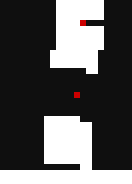
## Prismatic Joint
Connects two objects like they are on a sliding door. They can slide away a set distance and can slide together.
 ->
 ->

### Create
```lua
Wb.object_pool[#Wb.object_pool+1] = Wb.create_simple_object({
name = "floor",
x = 0,
y = BASE_HEIGHT - 16,
w = BASE_WIDTH,
h = 16,
body_type = "static",
__scale = true,
})
Wb.object_pool[#Wb.object_pool+1] = Wb.create_simple_object({
name = "block1",
x = BASE_WIDTH/2 - 18 * 1,
y = BASE_HEIGHT/2,
w = 16,
h = 16,
body_type = "dynamic",
shape = "rectangle",
})
Wb.object_pool[#Wb.object_pool+1] = Wb.create_simple_object({
name = "block2",
x = BASE_WIDTH/2 + 18 * 1,
y = BASE_HEIGHT/2,
w = 16,
h = 16,
body_type = "dynamic",
shape = "rectangle",
})
Wb.joint_pool[#Wb.joint_pool+1] = Wb.create_joint({
name = "jointa",
type = "prismatic",
collide_connected = true,
pool = Wb.object_pool,
body1 = Wb.get_body_by_name("block1", Wb.object_pool),
body2 = Wb.get_body_by_name("block2", Wb.object_pool),
x1 = Wb.get_properties_by_name("block1").cx,
y1 = Wb.get_properties_by_name("block1", Wb.object_pool).cy,
x2 = Wb.get_properties_by_name("block2").cx,
y2 = Wb.get_properties_by_name("block2", Wb.object_pool).cy,
ax = 1,
ay = 0,
})
Wb.get_joint_by_name("jointa"):setLowerLimit(24)
Wb.get_joint_by_name("jointa"):setUpperLimit(32)
```

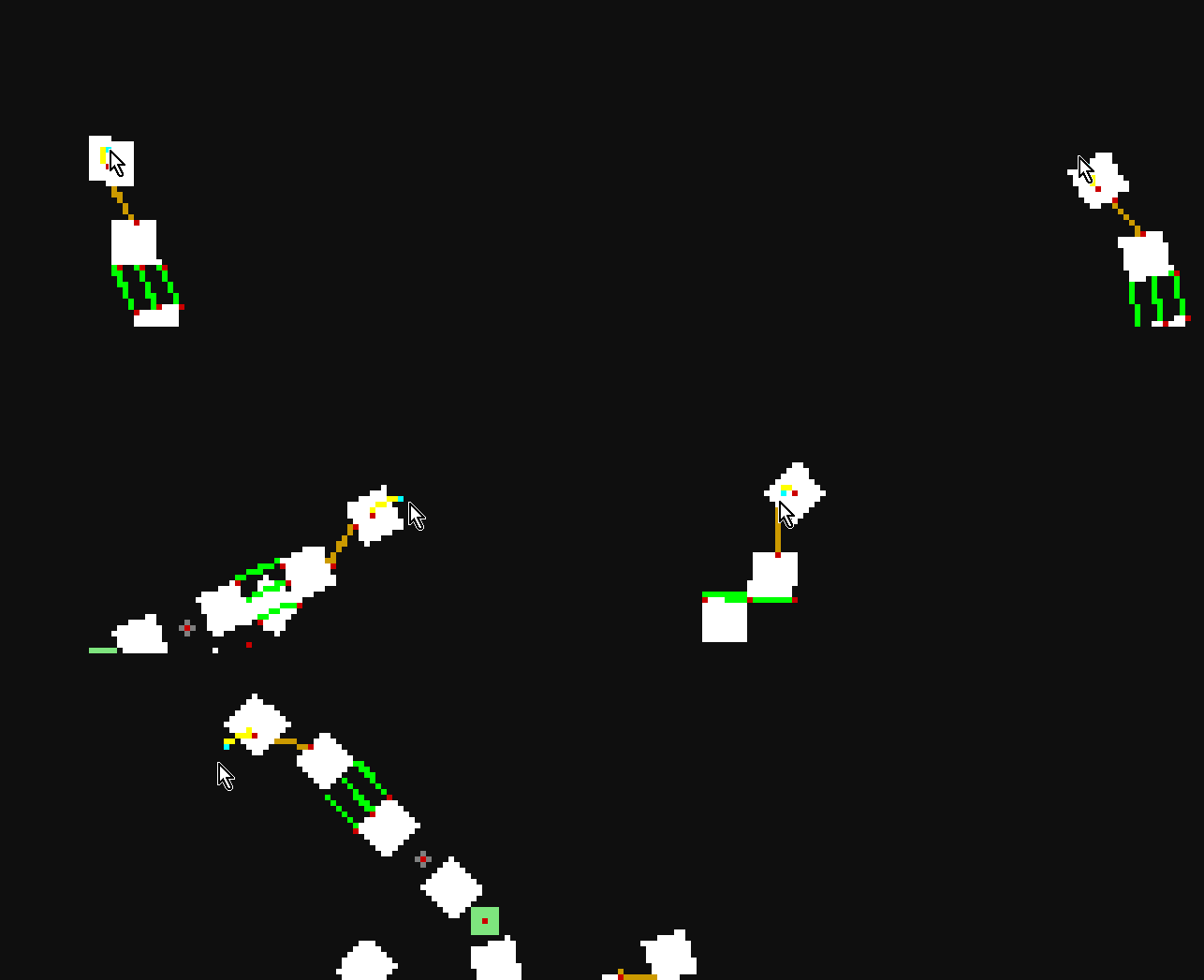
## Mouse Joint
Connect the object to an x/y position and the object will do it's best to follow it. This can be the mouse.
### Create (Mouse Click)
```lua
local mousecount = 0 -- Make sure you set this to 0 if you clear the objects loaded.
function love.mousepressed(x,y,button)
if button == 1 then
local created = Wb.create_mouse_joint({
joint_pool = Wb.joint_pool,
more_than_one_mouse_joint = true,
name = "mouse" .. tostring(mousecount)
})
if created then mousecount = mousecount + 1 end
end
if button == 2 then
local removed, removed_count = Wb.remove_mouse_joint({
joint_pool = Wb.joint_pool,
name = "mouse" .. tostring(mousecount - 1),
remove_one = false,
})
if removed then mousecount = mousecount - removed_count end
end -- print(mousecount)
end
```
### Create (Standard)
```lua
local followme = {x = 100, y = 100} -- This is what we use as a virtual cursor.
Wb.object_pool[#Wb.object_pool+1] = Wb.create_simple_object({
name = "floor",
x = 0,
y = BASE_HEIGHT - 16,
w = BASE_WIDTH,
h = 16,
body_type = "static",
__scale = true,
})
Wb.object_pool[#Wb.object_pool+1] = Wb.create_simple_object({
name = "block1",
x = BASE_WIDTH/2 - 18 * 1,
y = BASE_HEIGHT/2,
w = 16,
h = 16,
body_type = "dynamic",
shape = "rectangle",
})
Wb.joint_pool[#Wb.joint_pool+1] = Wb.create_joint({
name = "follow_followme",
type = "mouse",
collide_connected = false,
body1 = Wb.get_body_by_name("block1"),
x = Wb.get_properties_by_name("block1").cx,
y = Wb.get_properties_by_name("block1").cy,
})
-- Top of file
local t = 0
-- In love update
t = t + dt
followme.x = 100 + math.sin(t * 10) * 50
Wb.get_joint_by_name("follow_followme"):setTarget(followme.x, followme.y)
```

## Pulley Joint
Acts like a pulley system between two objects with a fake rope between them.
### Create
```lua
Wb.object_pool[#Wb.object_pool+1] = Wb.create_simple_object({
name = "roof",
x = 0,
y = 0,
w = BASE_WIDTH,
h = 16,
body_type = "static",
__scale = true,
})
Wb.object_pool[#Wb.object_pool+1] = Wb.create_simple_object({
name = "block1",
x = BASE_WIDTH/2 - 18 * 1,
y = 50,
w = 16,
h = 16,
body_type = "dynamic",
shape = "rectangle",
})
Wb.object_pool[#Wb.object_pool+1] = Wb.create_simple_object({
name = "block2",
x = BASE_WIDTH/2 + 18 * 1,
y = 50,
w = 16,
h = 16,
body_type = "dynamic",
shape = "rectangle",
})
Wb.joint_pool[#Wb.joint_pool + 1] = Wb.create_joint({
name = "platf",
type = "pulley",
collide_connected = true,
pool = Wb.object_pool,
body1 = Wb.get_body_by_name("block1", Wb.object_pool),
body2 = Wb.get_body_by_name("block2", Wb.object_pool),
x1 = Wb.get_properties_by_name("block1", Wb.object_pool).cx,
y1 = Wb.get_properties_by_name("block1", Wb.object_pool).cy-8,
x2 = Wb.get_properties_by_name("block2", Wb.object_pool).cx,
y2 = Wb.get_properties_by_name("block2", Wb.object_pool).cy-8,
ax = 0,
ay = 0,
gx1 = Wb.get_properties_by_name("block1", Wb.object_pool).cx,
gy1 = 16,
gx2 = Wb.get_properties_by_name("block2", Wb.object_pool).cx,
gy2 = 16,
ratio = 1,
})
```
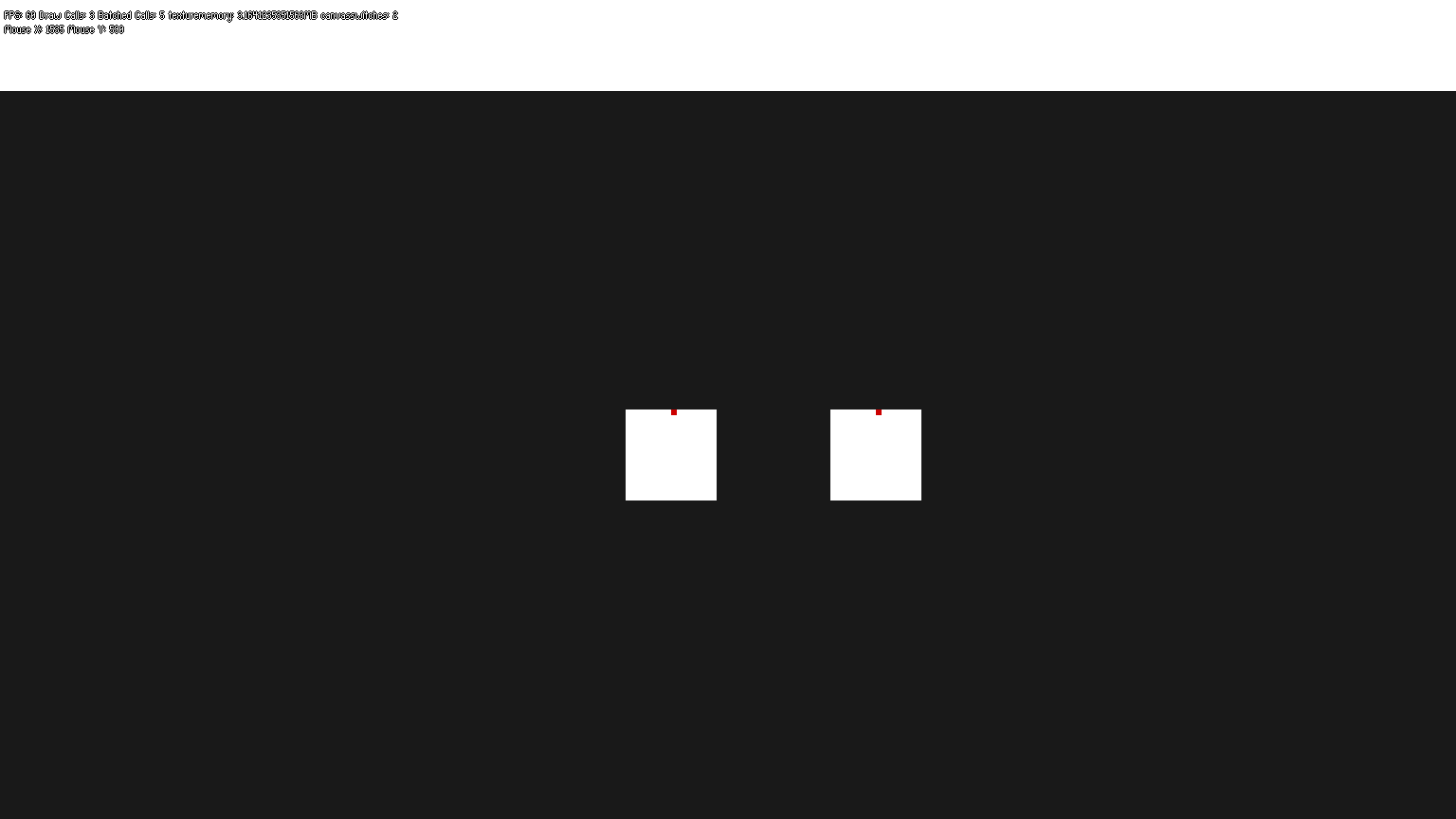
## Friction Joint
Reduces speed between two objects. Really needs a watcher to be useful.
### Create
```lua
Wb.object_pool[#Wb.object_pool+1] = Wb.create_simple_object({
name = "floor",
x = 0,
y = BASE_HEIGHT - 16,
w = BASE_WIDTH,
h = 16,
body_type = "static",
__scale = true,
})
Wb.object_pool[#Wb.object_pool+1] = Wb.create_simple_object({
name = "block1",
x = BASE_WIDTH/2 - 18 * 1,
y = 50,
w = 16,
h = 16,
body_type = "dynamic",
shape = "rectangle",
})
Wb.object_pool[#Wb.object_pool+1] = Wb.create_simple_object({
name = "block2",
x = BASE_WIDTH/2 - 18 * 1,
y = 50,
w = 64,
h = 16,
body_type = "dynamic",
shape = "rectangle",
})
Wb.joint_pool[#Wb.joint_pool + 1] = Wb.create_joint({
name = "therub",
type = "friction",
collide_connected = true,
pool = Wb.object_pool,
body1 = Wb.get_body_by_name("block1", Wb.object_pool),
body2 = Wb.get_body_by_name("block2", Wb.object_pool),
x1 = Wb.get_properties_by_name("block1", Wb.object_pool).cx,
y1 = Wb.get_properties_by_name("block1", Wb.object_pool).cy,
x2 = Wb.get_properties_by_name("block2", Wb.object_pool).cx,
y2 = Wb.get_properties_by_name("block2", Wb.object_pool).cy,
})
Wb.get_joint_by_name("therub"):setMaxForce(20)
Wb.get_joint_by_name("therub"):setMaxTorque(200)
```
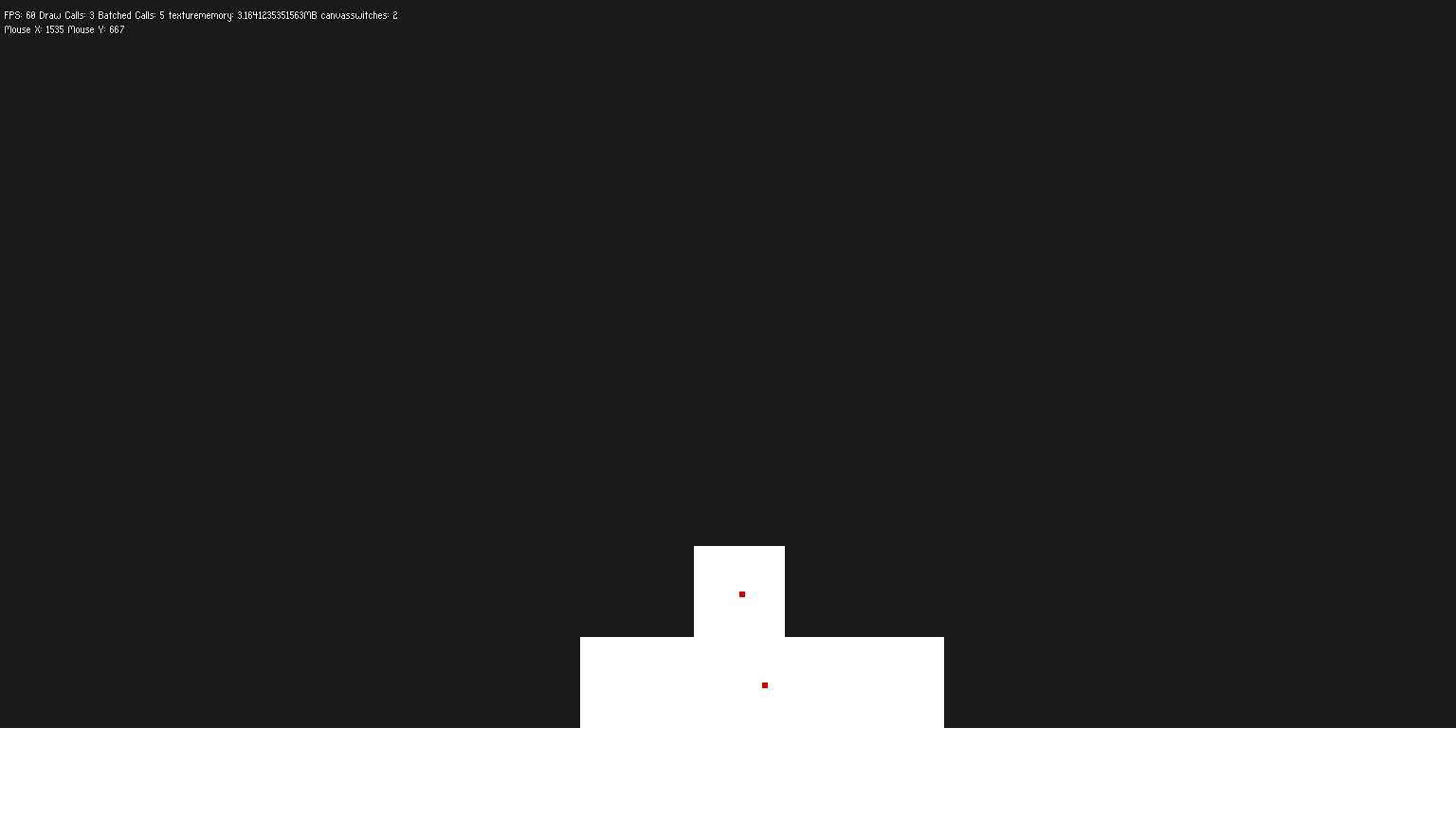
## Motor Joint
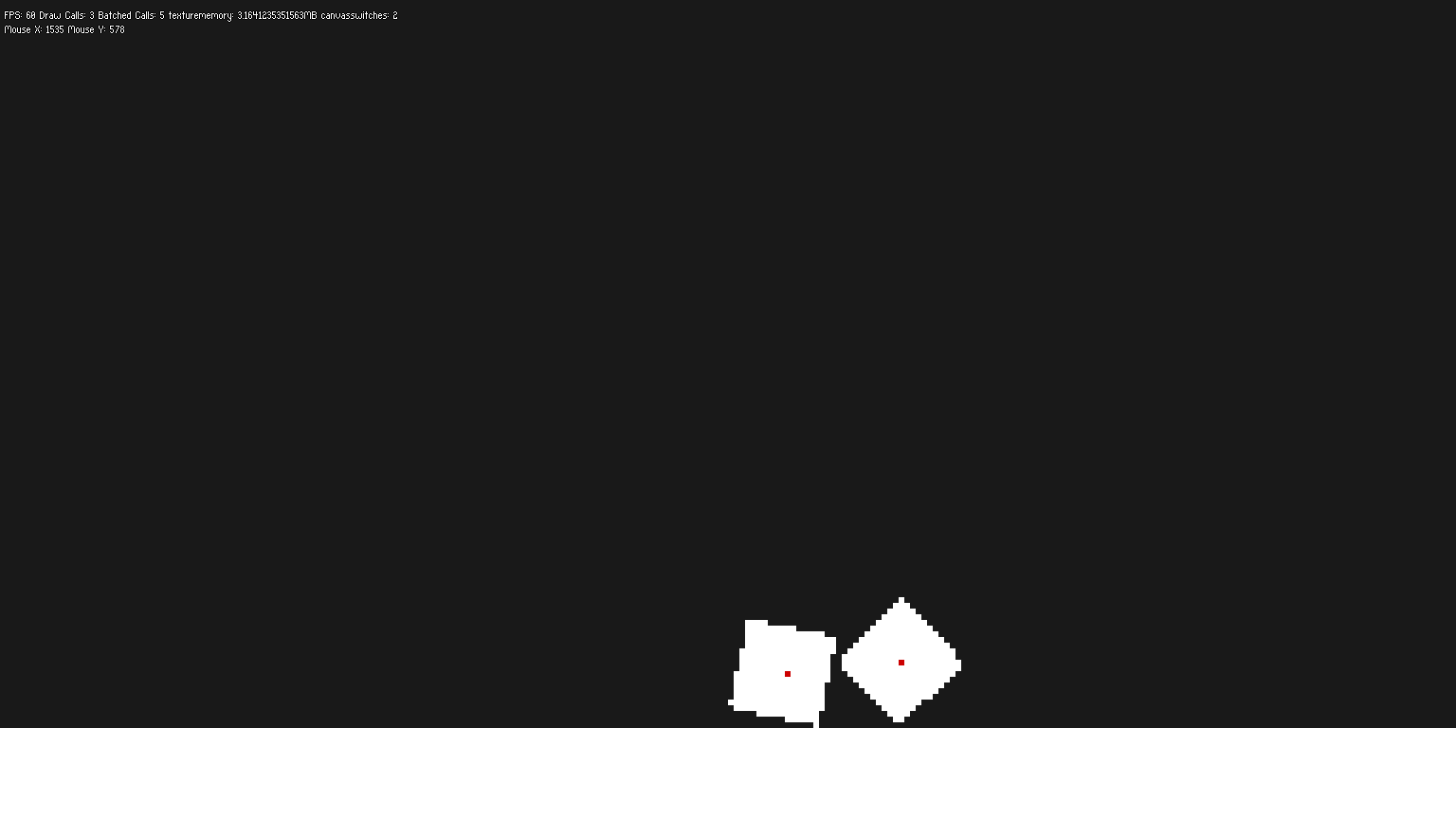
Link two objects and control the relative motion between them. Position and rotation offsets must be specified once the Motor Joint has been created, as well as the maximum motor force and torque that will be be applied to reach the target offsets.
```lua
Wb.object_pool[#Wb.object_pool+1] = Wb.create_simple_object({
name = "floor",
x = 0,
y = BASE_HEIGHT - 16,
w = BASE_WIDTH,
h = 16,
body_type = "static",
__scale = true,
})
Wb.object_pool[#Wb.object_pool+1] = Wb.create_simple_object({
name = "block1",
x = BASE_WIDTH/2 - 18 * 1,
y = 50,
w = 16,
h = 16,
body_type = "dynamic",
shape = "rectangle",
})
Wb.object_pool[#Wb.object_pool+1] = Wb.create_simple_object({
name = "block2",
x = BASE_WIDTH/2 - 18 * 2,
y = 50,
w = 16,
h = 16,
body_type = "dynamic",
shape = "rectangle",
})
Wb.joint_pool[#Wb.joint_pool + 1] = Wb.create_joint({
name = "motorz",
type = "motor",
collide_connected = true,
correction_factor = 0.5,
pool = Wb.object_pool,
body1 = Wb.get_body_by_name("block1", Wb.object_pool),
body2 = Wb.get_body_by_name("block2", Wb.object_pool),
})
Wb.get_joint_by_name("motorz"):setLinearOffset(5,5)
Wb.get_joint_by_name("motorz"):setAngularOffset(20)
Wb.get_joint_by_name("motorz"):setMaxForce(200)
Wb.get_joint_by_name("motorz"):setMaxTorque(200)
```
# Changing the Update Loop
## Add Callback Rules
Making changes to a [World](https://love2d.org/wiki/World) is not allowed inside of the beginContact, endContact, preSolve, and postSolve callback functions, as BOX2D locks the world during these callbacks.
## Adding Rules
You add it from the callback type, name of the rule and a function to add.
```lua
Wb.add_rule("begin", "test_rule_1", function (a, b, coll)
print("begin", a, b, coll) -- Print Callback
end)
Wb.add_rule("end", "test_rule_2", function (a, b, coll)
print("end", a, b, coll) -- Print Callback
end)
Wb.add_rule("pre", "test_rule_3", function (a, b, coll)
print("pre", a, b, coll) -- Print Callback
end)
Wb.add_rule("post", "test_rule_4", function (a, b, coll, normalimpulse, tangentimpulse)
print("post", a, b, coll, normalimpulse, tangentimpulse) -- Print Callback
end)
```
## Removing Rules
You remove it from the callback type and the name of the rule.
```lua
Wb.remove_rule("begin", "test_rule_1")
Wb.remove_rule("end", "test_rule_2")
Wb.remove_rule("pre", "test_rule_3")
Wb.remove_rule("post", "test_rule_4")
```
## Do something once before the update of the world.
If you need to do something once before the world updates, you can create a pre-update. This will run once.
```lua
--Wb.add_pre_update(rule_name, rule_function)
Wb.add_pre_update("printer", function(dt) print("Hi!") end)
```
## Do something every update.
If you need to do something once before the world updates, do the following.
```lua
--Wb.add_do_every_update(rule_name, rule_function)
Wb.add_do_every_update("printer", function(dt) print("Hi!") end)
-- Remove
--Wb.remove_do_every_update(rule_name)
.remove_do_every_update("printer")
```