https://github.com/szazeski/checkssl
simple cross platform command line tool to check ssl https certificate and chain is valid and not expired
https://github.com/szazeski/checkssl
certificate checkssl cli devops-tools golang https ssl tls
Last synced: 5 months ago
JSON representation
simple cross platform command line tool to check ssl https certificate and chain is valid and not expired
- Host: GitHub
- URL: https://github.com/szazeski/checkssl
- Owner: szazeski
- License: mit
- Created: 2020-09-10T01:16:14.000Z (almost 6 years ago)
- Default Branch: main
- Last Pushed: 2024-08-14T01:10:07.000Z (almost 2 years ago)
- Last Synced: 2024-08-14T03:09:23.315Z (almost 2 years ago)
- Topics: certificate, checkssl, cli, devops-tools, golang, https, ssl, tls
- Language: Go
- Homepage: https://www.checkssl.org
- Size: 10.8 MB
- Stars: 15
- Watchers: 2
- Forks: 1
- Open Issues: 2
-
Metadata Files:
- Readme: README.md
- License: LICENSE
Awesome Lists containing this project
README
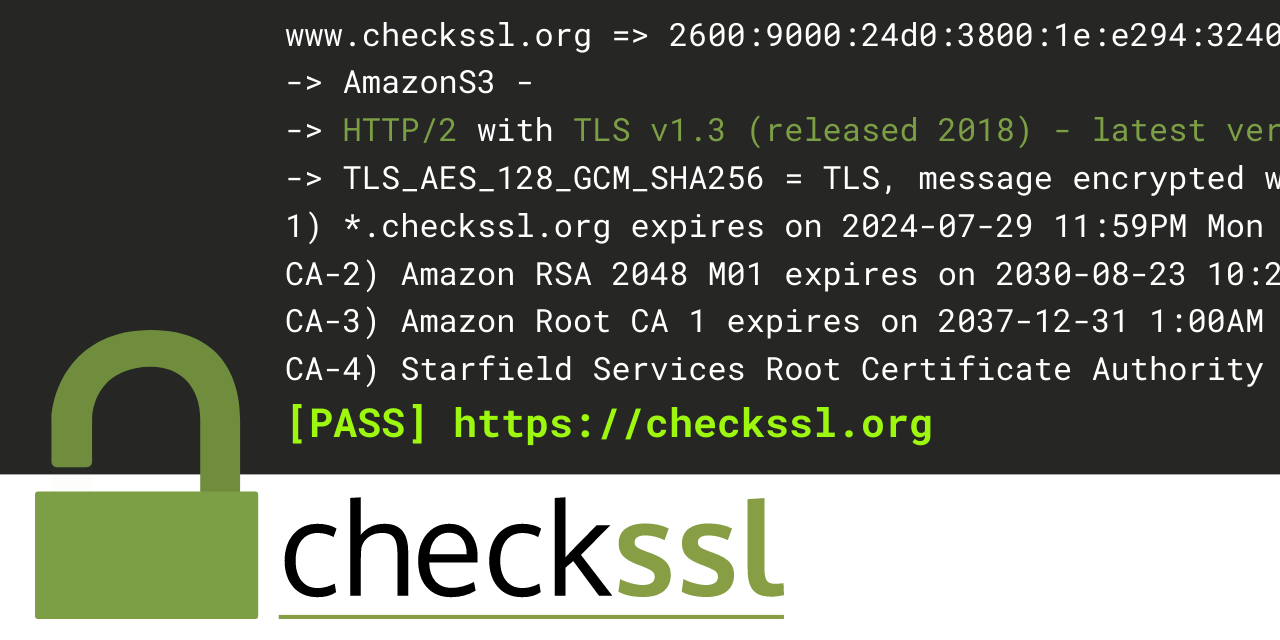
# checkssl
command line tool to check if a webserver has a valid https certificate.
[](https://github.com/szazeski/checkssl/actions/workflows/go.yml)
https://www.checkssl.org/
## Example
`checkssl checkssl.org`
```
www.checkssl.org => 2600:9000:24d0:b800:1e:e294:3240:93a1
-> AmazonS3 -
-> HTTP/2 with TLS v1.3 (released 2018) - latest version
-> TLS_AES_128_GCM_SHA256 = TLS, message encrypted with AES128 GCM, hashes are SHA256
1) *.checkssl.org expires on 2025-06-28 11:59PM Sat (350.2 days)
CA-2) Amazon RSA 2048 M03 expires on 2030-08-23 10:26PM Fri (2232.1 days)
CA-3) Amazon Root CA 1 expires on 2037-12-31 1:00AM Thu (4918.2 days)
CA-4) Starfield Services Root Certificate Authority - G2 expires on 2034-06-28 5:39PM Wed (3636.9 days)
[PASS] https://checkssl.org
```
If the certificate is not valid, a non-zero exit code will be returned to stop a ci build.
`checkssl expired.badssl.com`
```
expired.badssl.com => 104.154.89.105
-> nginx/1.10.3 (Ubuntu) -
-> HTTP/1.1 (OLD) with TLS v1.2 (released 2008) - Consider upgrading to TLS v1.3
-> TLS_ECDHE_RSA_WITH_AES_128_GCM_SHA256
1) *.badssl.com expired on 2015-04-12 11:59PM Sun (-3379.8 days)
CA-2) COMODO RSA Domain Validation Secure Server CA expires on 2029-02-11 11:59PM Sun (1674.2 days)
CA-3) COMODO RSA Certification Authority expired on 2020-05-30 10:48AM Sat (-1505.4 days)
https://expired.badssl.com x509: “*.badssl.com” certificate is expired
[FAIL] https://expired.badssl.com
```
`checkssl ebay.com`
```
=> 23.11.225.115
https://ebay.com stopped after 10 redirects
[FAIL] https://ebay.com
```
### Parameters
(You can use - or -- for all parameters)
`-days=60` allows you to specify a threshold of when checkssl should error to allow CI jobs to fail if the certs are about to expire in a few days.
`-json` will switch the output to JSON format for easier parsing with other applications.
`-csv` will switch the output to comma seperated values that are easier to use with a spreadsheet.
`-no-color` will not add terminal color syntax to output, helpful for CI systems that do not have color enabled.
`-no-output` will not show any text but still return a status code. Helpful for CI that just want to know if the certs are valid.
`-short` will reduce each target's output to just the pass/fail line with the url/dns.
`-no-header` will remove the csv header line from the output
`-timeout=5` will set the timeout to 5 seconds [default is 15]
### Return Codes
`0` All certificates passed
`2` Certificate(s) are expired
`3` Certificate(s) are valid now but user specified threshold failed (from -days flag)
`4` Certificate(s) are not yet valid
`5` General error, normally due to network failure
## Installation
### Linux/Mac
```
wget https://github.com/szazeski/checkssl/releases/download/v0.6.0/checkssl_$(uname -s)_$(uname -m).tar.gz -O checkssl.tar.gz && tar -xf checkssl.tar.gz && chmod +x checkssl && sudo mv checkssl /usr/local/bin/
```
### Docker
[Dockerhub](https://hub.docker.com/r/szazeski/checkssl) `docker run --rm szazeski/checkssl hub.docker.com`
### Mac
[macports](https://ports.macports.org/port/checkssl/) `sudo port install checkssl`
[homebrew](https://brew.sh/) `brew install szazeski/tap/checkssl`
### Windows (Powershell)
```
Invoke-WebRequest https://github.com/szazeski/checkssl/releases/download/v0.6.0/checkssl_Windows_x86_64.tar.gz -outfile checkssl.tar.gz; tar -xzf checkssl.tar.gz; echo "if you want, move the file to a PATH directory like WINDOWS folder"
```
then move to `C:\Windows\` or other PATH directory