https://github.com/taglia3/TGLParallaxCarousel
A lightweight 3D Linear Carousel with parallax effect
https://github.com/taglia3/TGLParallaxCarousel
Last synced: 11 months ago
JSON representation
A lightweight 3D Linear Carousel with parallax effect
- Host: GitHub
- URL: https://github.com/taglia3/TGLParallaxCarousel
- Owner: taglia3
- License: mit
- Created: 2016-04-03T14:08:40.000Z (about 10 years ago)
- Default Branch: master
- Last Pushed: 2023-09-04T07:22:38.000Z (almost 3 years ago)
- Last Synced: 2025-07-14T16:44:22.943Z (11 months ago)
- Language: Shell
- Size: 4.07 MB
- Stars: 438
- Watchers: 9
- Forks: 63
- Open Issues: 15
-
Metadata Files:
- Readme: README.md
- License: LICENSE
Awesome Lists containing this project
- awesome-ios - TGLParallaxCarousel - A lightweight 3D Linear Carousel with parallax effect. (Media / Image)
- awesome-ios-star - TGLParallaxCarousel - A lightweight 3D Linear Carousel with parallax effect. (Media / Image)
- fucking-awesome-ios - TGLParallaxCarousel - A lightweight 3D Linear Carousel with parallax effect. (Media / Image)
README
# TGLParallaxCarousel
[](https://travis-ci.org/taglia3/TGLParallaxCarousel)
[](http://cocoapods.org/pods/TGLParallaxCarousel)
[](http://cocoapods.org/pods/TGLParallaxCarousel)
[](http://cocoapods.org/pods/TGLParallaxCarousel)
A lightweight 3D Linear Carousel with parallax effect
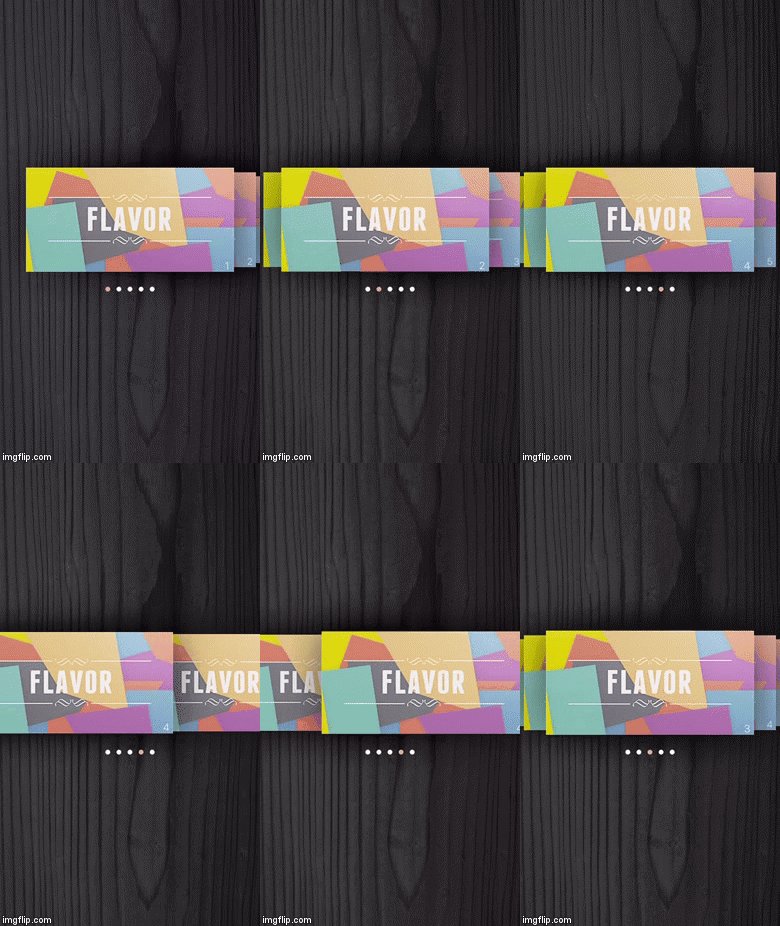
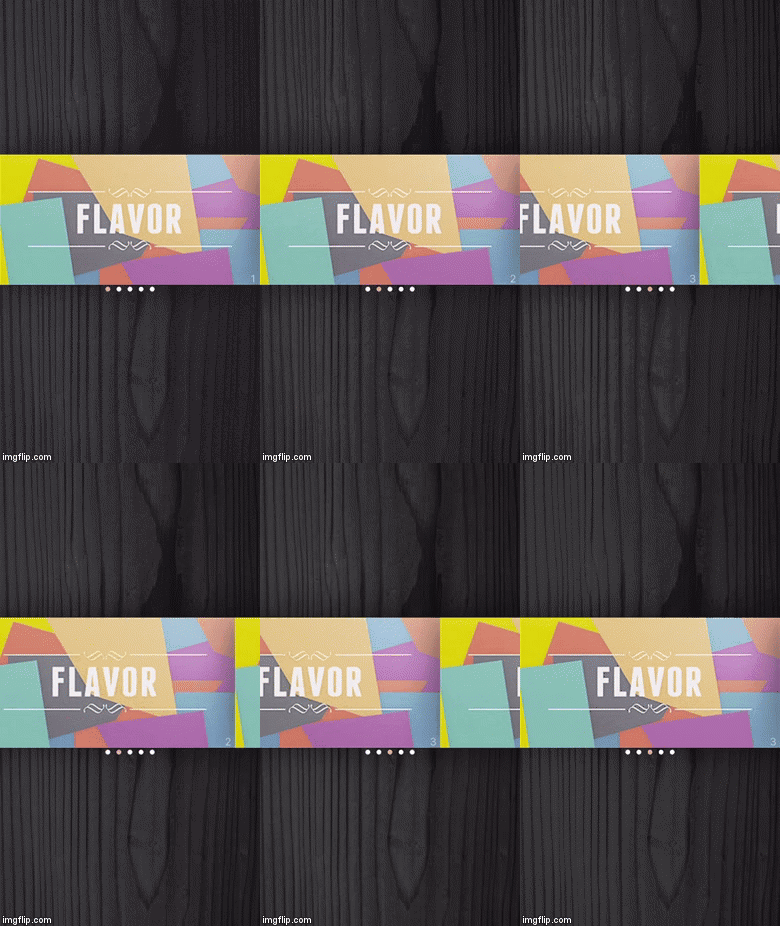
### [GIF] Threedimensional & Normal mode
## Installation
TGLParallaxCarousel is available through [CocoaPods](http://cocoapods.org). To install
it, simply add the following line to your Podfile:
Swift 3:
```ruby
pod 'TGLParallaxCarousel'
```
Swift 2.2:
```ruby
pod 'TGLParallaxCarousel' ', '~> 0.3'
```
## Usage
1) Place one UIView object in your VC in the Storyboard and set it as subclass of `TGLParallaxCarousel`
2) Create an IBOutlet in your VC.swift file, connect it a connect delegate and datasource.
```swift
@IBOutlet weak var carouselView: TGLParallaxCarousel!
override func viewDidLoad() {
super.viewDidLoad()
carouselView.delegate = self
carouselView.margin = 10
carouselView.selectedIndex = 2
carouselView.type = .threeDimensional
}
```
3) Conform to delegate
```swift
extension ViewController: TGLParallaxCarouselDelegate {
func numberOfItemsInCarouselView(_ carouselView: TGLParallaxCarousel) -> Int {
return 5
}
func carouselView(_ carouselView: TGLParallaxCarousel, itemForRowAtIndex index: Int) -> TGLParallaxCarouselItem {
return CustomView(frame: CGRect(x: 0, y: 0, width: 300, height: 150) , number: index)
}
func carouselView(_ carouselView: TGLParallaxCarousel, didSelectItemAtIndex index: Int) {
print("Tap on item at index \(index)")
}
func carouselView(_ carouselView: TGLParallaxCarousel, willDisplayItem item: TGLParallaxCarouselItem, forIndex index: Int) {
print("")
}
}
```
4) Enjoy!
## Author
taglia3, matteo.tagliafico@gmail.com
[LinkedIn](https://www.linkedin.com/in/matteo-tagliafico-ba6985a3), Matteo Tagliafico
## License
TGLParallaxCarousel is available under the MIT license. See the LICENSE file for more info.