https://github.com/talhabilal-dev/next-auth-kit
A comprehensive authentication kit for Next.js projects, built with TypeScript and MongoDB. This kit provides a robust foundation for custom authentication flows, including login, registration, email verification, password reset, and a sample dashboard with a sidebar.
https://github.com/talhabilal-dev/next-auth-kit
authentication authorization dashboard jwt-authentication mongodb mongoose nextjs tailwindcss template
Last synced: 4 months ago
JSON representation
A comprehensive authentication kit for Next.js projects, built with TypeScript and MongoDB. This kit provides a robust foundation for custom authentication flows, including login, registration, email verification, password reset, and a sample dashboard with a sidebar.
- Host: GitHub
- URL: https://github.com/talhabilal-dev/next-auth-kit
- Owner: talhabilal-dev
- Created: 2025-06-07T15:15:37.000Z (about 1 year ago)
- Default Branch: main
- Last Pushed: 2025-08-06T11:27:41.000Z (11 months ago)
- Last Synced: 2025-08-06T13:15:31.448Z (11 months ago)
- Topics: authentication, authorization, dashboard, jwt-authentication, mongodb, mongoose, nextjs, tailwindcss, template
- Language: TypeScript
- Homepage: https://next-auth-kit.talhabilal.dev/
- Size: 2.15 MB
- Stars: 2
- Watchers: 0
- Forks: 0
- Open Issues: 0
-
Metadata Files:
- Readme: README.md
Awesome Lists containing this project
README
# Next Auth Kit 🔐
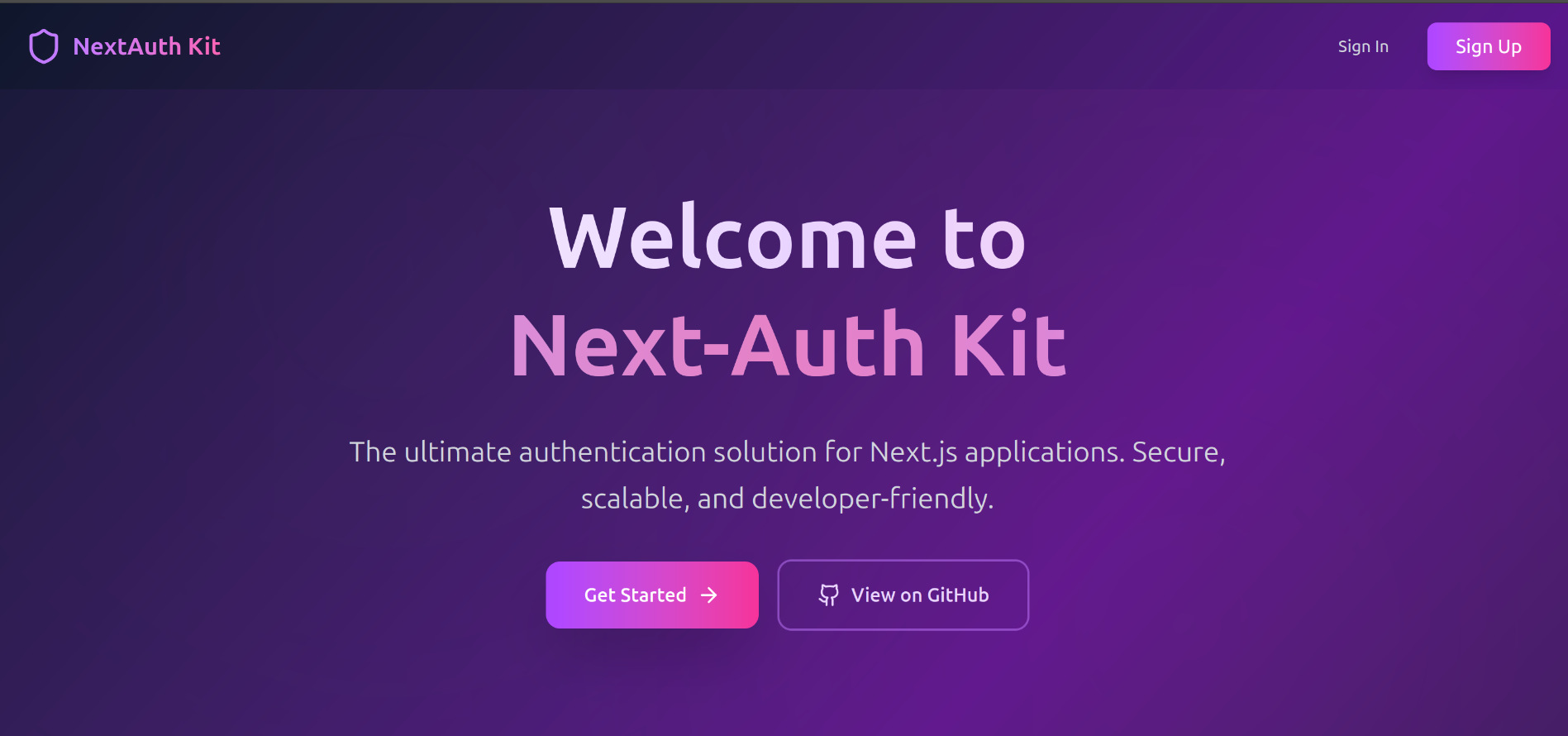
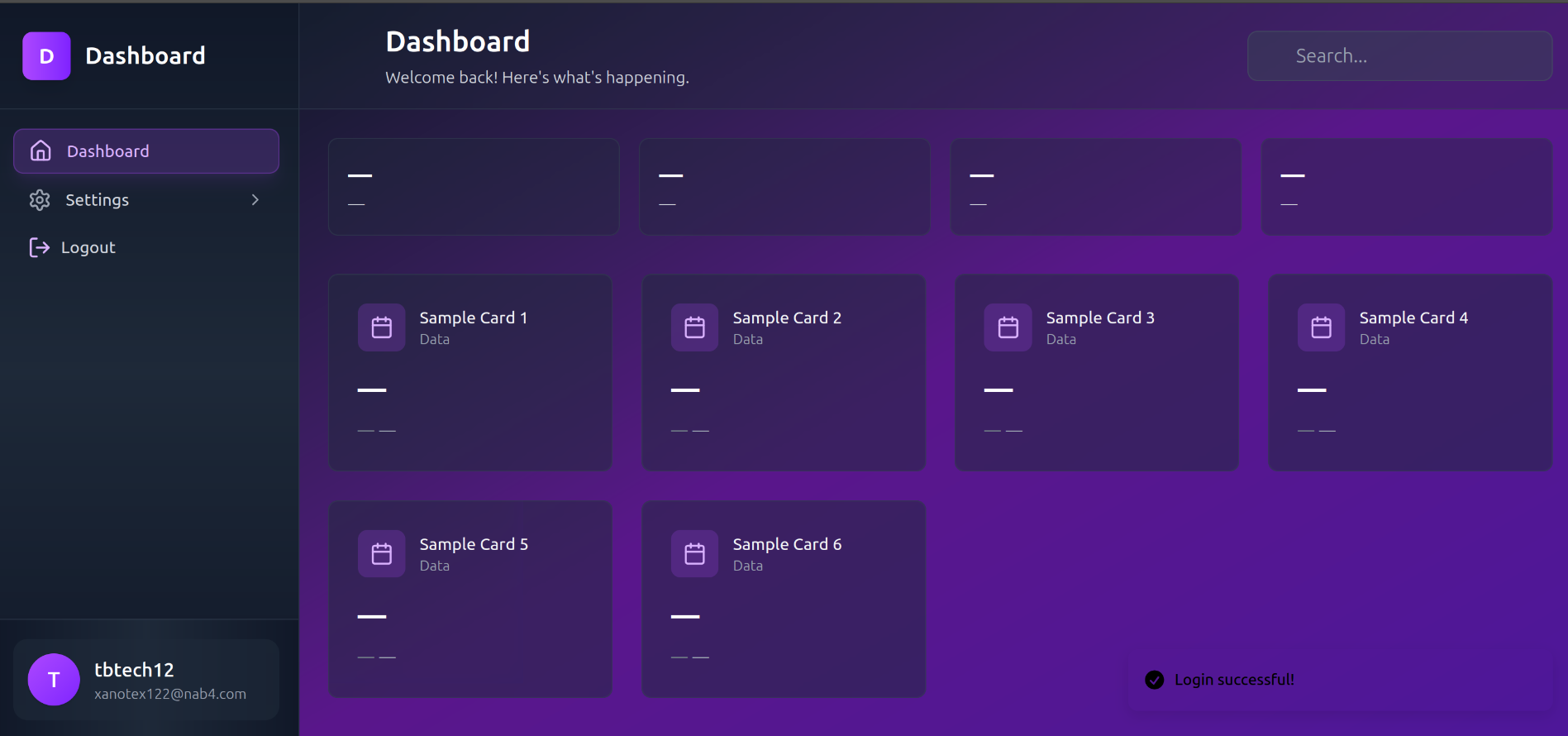
A complete authentication solution built with Next.js 15, TypeScript, and MongoDB. This project provides a robust, production-ready authentication system with all essential features and a beautiful, responsive dashboard featuring a stunning dark purple gradient theme.
## ✨ Features
### 🔒 Authentication System
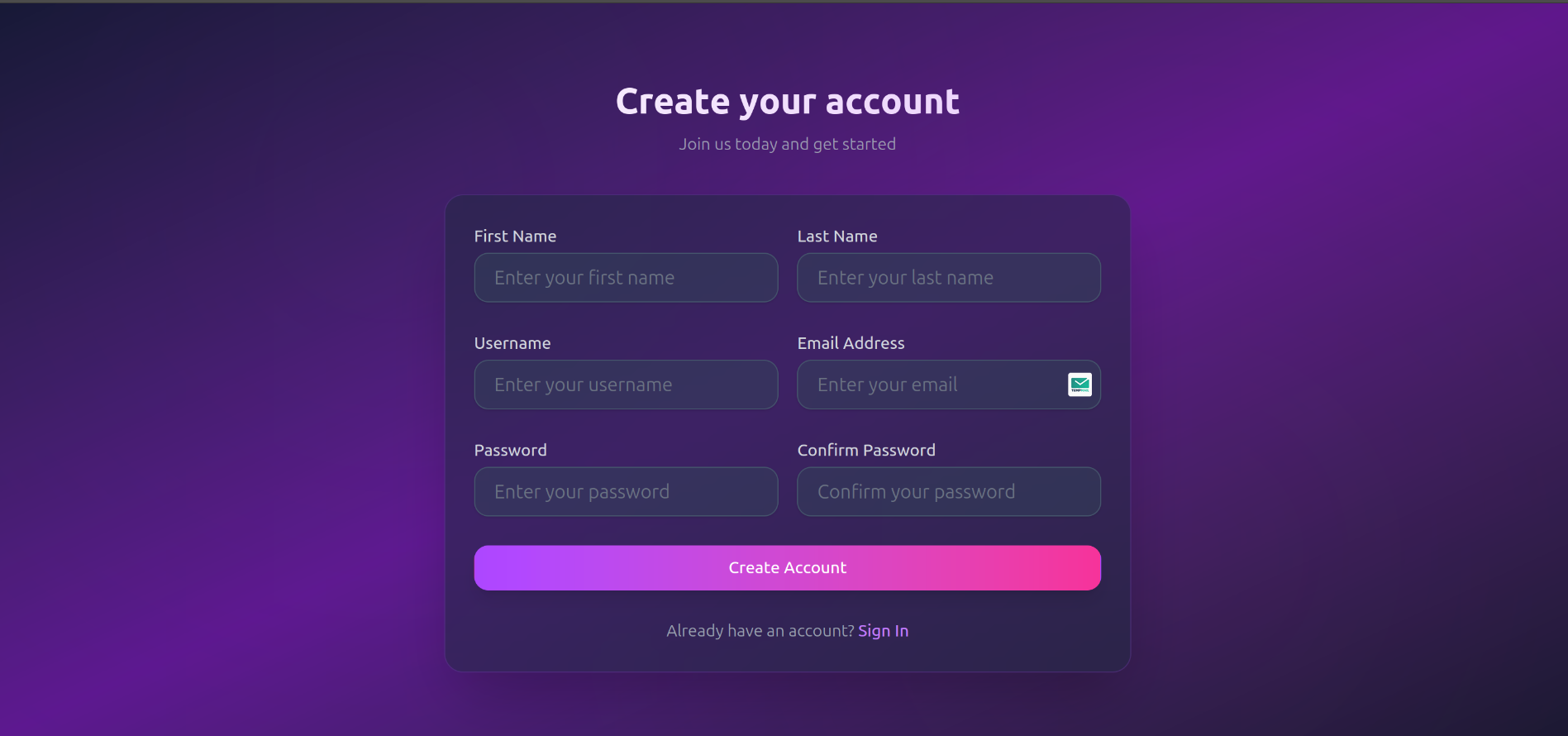
- **User Registration** - Complete signup flow with email verification
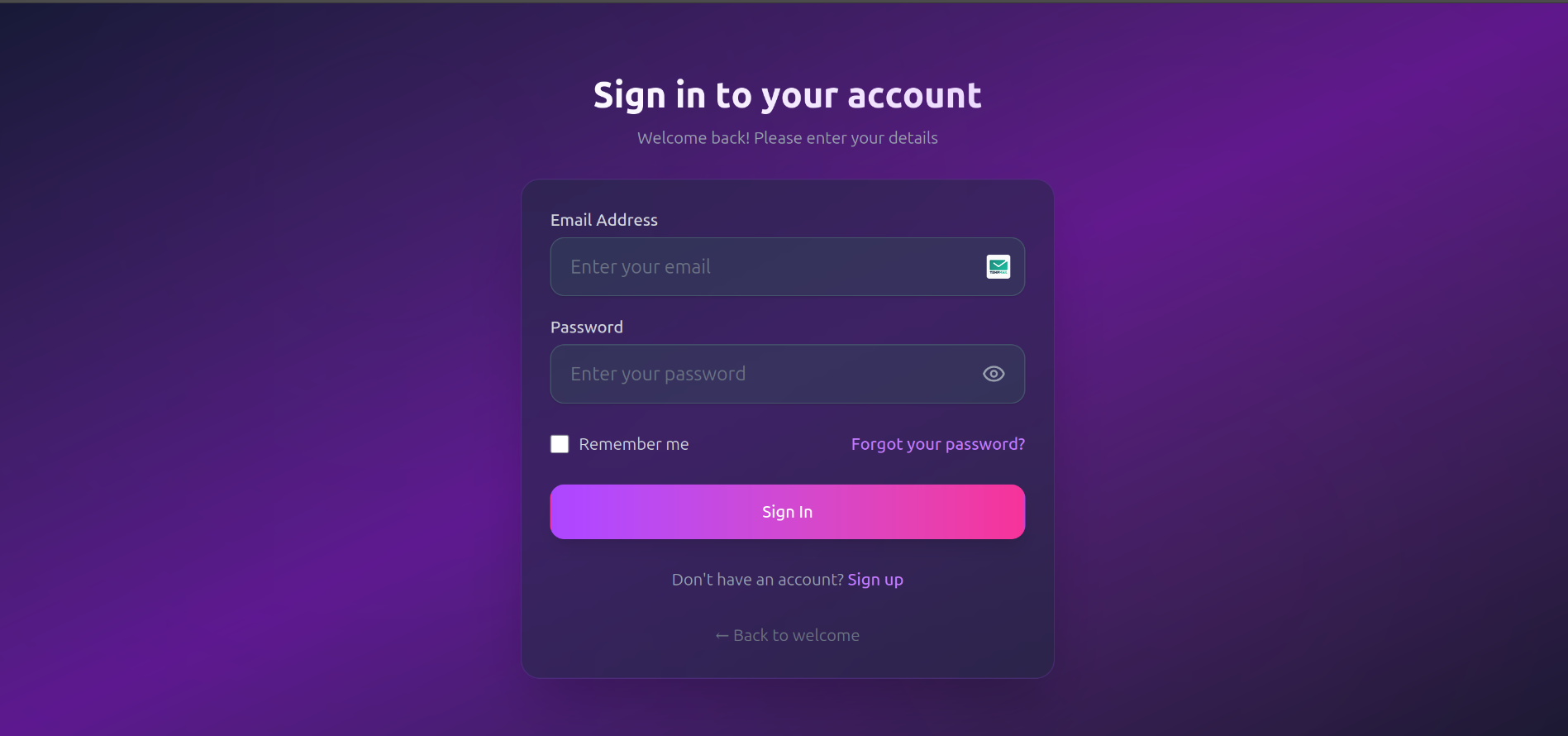
- **User Login** - Secure signin with JWT tokens
- **Email Verification** - Account activation via email
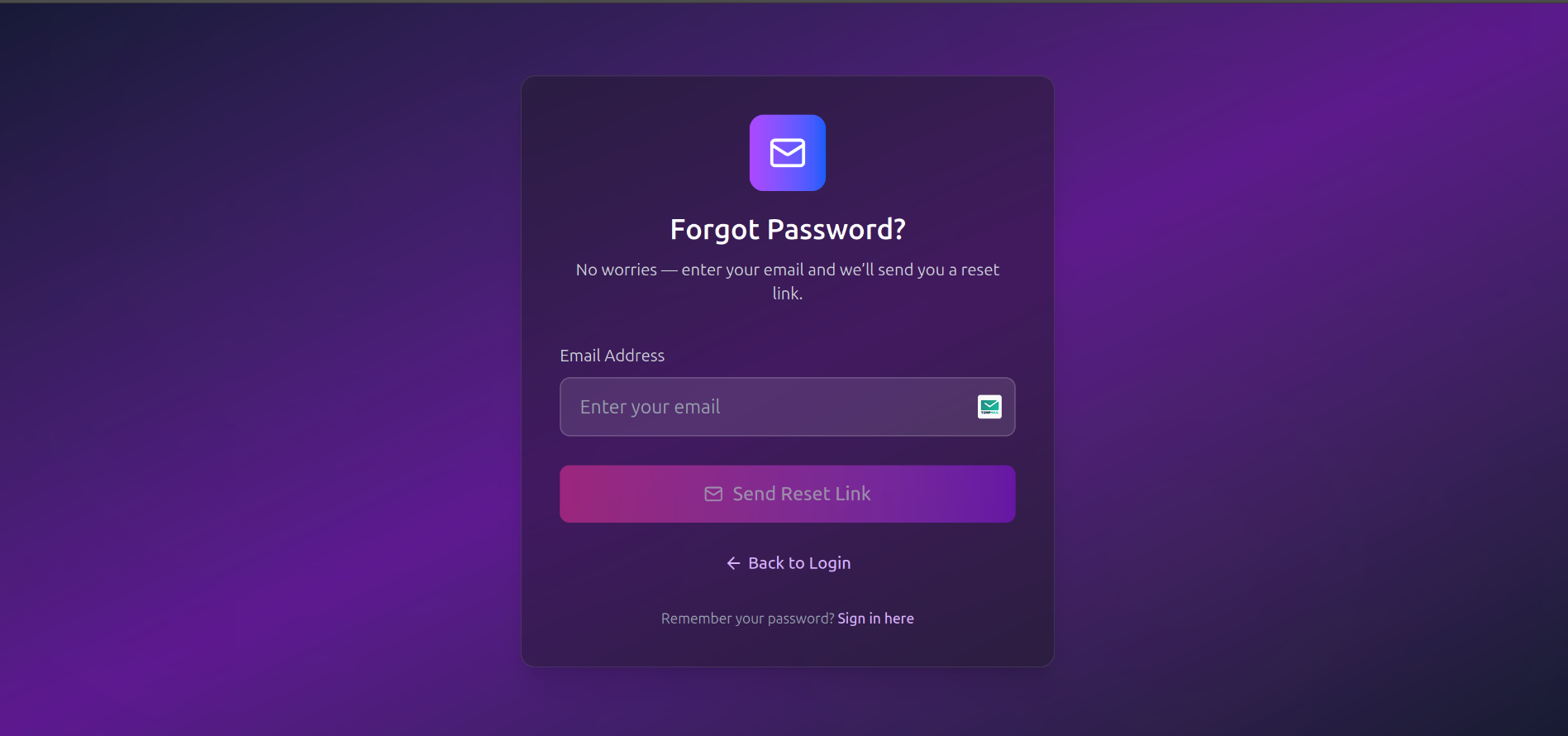
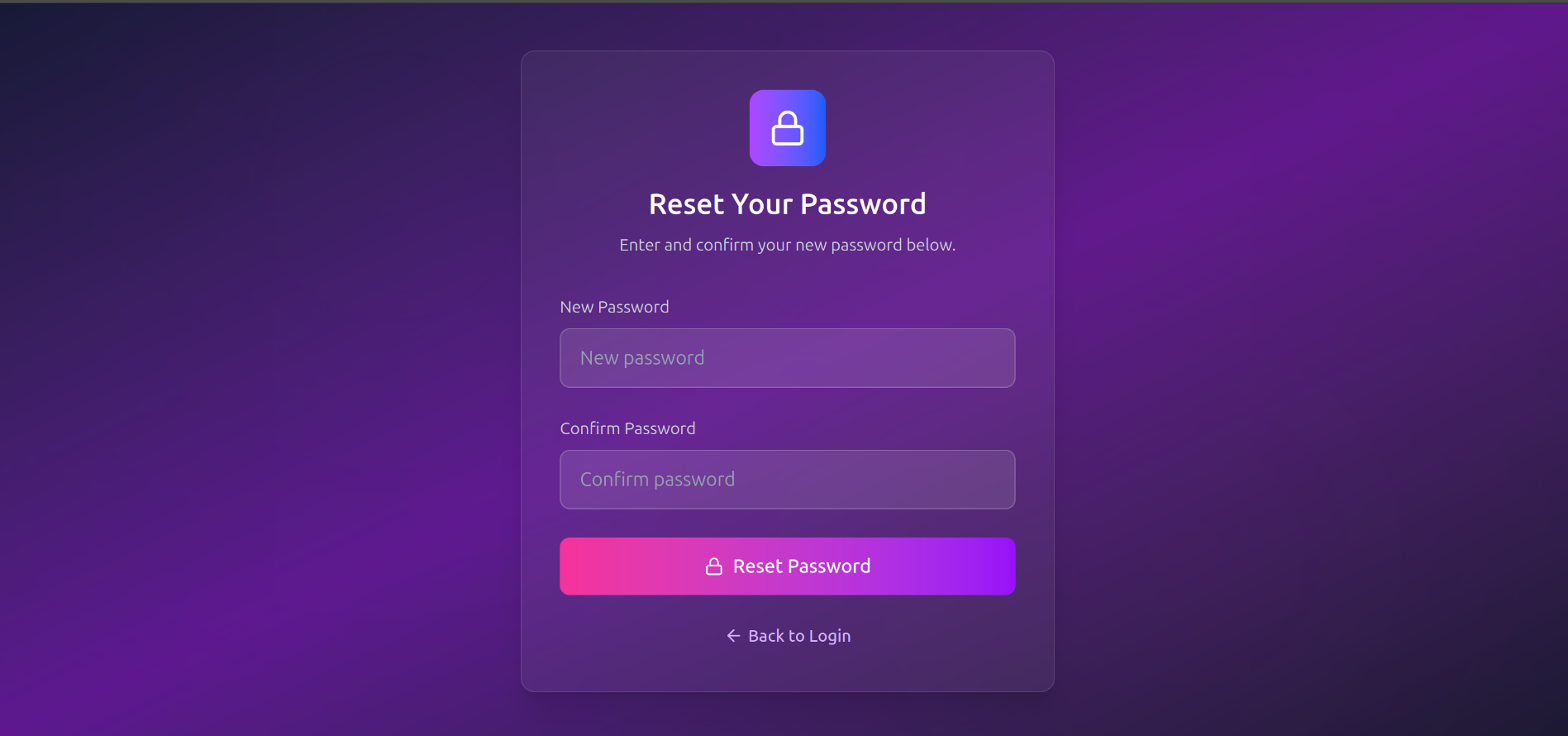
- **Password Reset** - Forgot password with email recovery
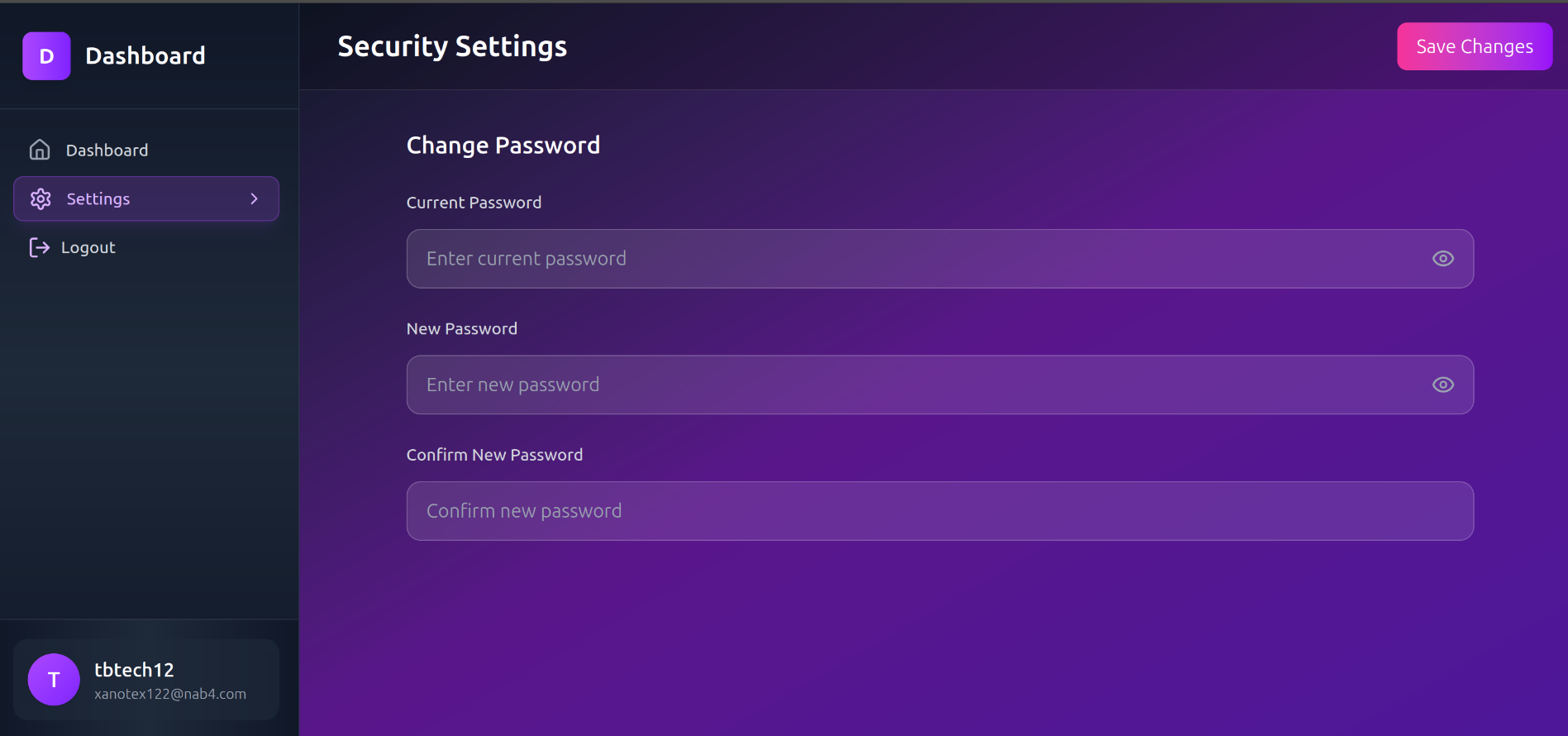
- **Change Password** - Secure password update for authenticated users
- **Logout** - Secure session termination
- **Remember Me** - Persistent login for users
### 🎨 User Interface
- **Responsive Dashboard** - Beautiful sidebar layout that works on all devices
- **Modern UI Components** - Clean, accessible design with Lucide React icons
- **Dark Purple Gradient Theme** - Stunning dark theme with purple gradients
- **Toast Notifications** - User feedback with Sonner
- **Mobile-First Design** - Fully responsive across all screen sizes
### 🛠 Technical Features
- **⚡ Next.js 15** - Latest React framework with App Router
- **🔷 TypeScript** - Full type safety throughout the application
- **🍃 MongoDB** - Mongoose ODM for database operations
- **🔑 JWT Authentication** - Secure token-based authentication with Jose
- **🔒 Password Hashing** - bcryptjs for secure password storage
- **📧 Email Service** - Resend integration for transactional emails
- **🎨 Tailwind CSS** - Utility-first CSS framework with custom gradient theme
- **🚀 React 19** - Latest React features and optimizations
## Image Gallery
### 🏠 Home
### 📊 Dashboard
### 🔑 Authentication
## 🚀 Quick Start
### Prerequisites
- Node.js 18+
- MongoDB database
- Resend account (for email functionality)
### Installation
1. **Clone the repository**
```bash
git clonehttps://github.com/talhabilal-dev/next-auth-kit.git
cd next-auth-kit
```
2. **Install dependencies**
```bash
npm install || pnpm install
```
3. **Environment Setup**
Create a `.env.local` file in the root directory:
```bash
# Database
MONGODB_URI=your_mongodb_connection_string
# JWT Secret
TOKEN_SECRET=your_token_secret
REFRESH_TOKEN_SECRET=your_refresh_token_secret
# Email Service (Resend)
RESEND_API_KEY=your_resend_api_key
FROM_EMAIL_DOMAIN=noreply@yourdomain.com
# Environment
NODE_ENV=development
# App URL
DOMAIN=http://localhost:3000
```
4. **Run the development server**
```bash
npm run dev
```
5. **Open your browser**
Navigate to [http://localhost:3000](http://localhost:3000)
## 📦 Dependencies
```json
{
"bcryptjs": "^3.0.2", // 🔒 Password hashing
"jose": "^6.0.11", // 🔑 JWT handling
"lucide-react": "^0.513.0", // 🎨 Modern icons
"mongoose": "^8.15.1", // 🍃 MongoDB ODM
"next": "15.3.3", // ⚡ Next.js framework
"next-themes": "^0.4.6", // 🌙 Theme management
"react": "^19.0.0", // ⚛️ React library
"react-dom": "^19.0.0", // 🌐 React DOM
"resend": "^4.5.2", // 📧 Email service
"sonner": "^2.0.5", // 🔔 Toast notifications
"tailwind-merge": "^3.3.0" // 🎨 Tailwind utilities
}
```
## 🗂 Project Structure
```
next-auth-kit/
├── node_modules/
├── public/
│ └── images/
├── src/
│ └── app/
│ ├── api/
│ │ └── users/
│ │ ├── change-password/
│ │ ├── forgot-password/
│ │ │ └── sent/
│ │ ├── verify/
│ │ ├── login/
│ │ ├── logout/
│ │ ├── profile/
│ │ ├── register/
│ │ └── user-verify/
│ │ └── sent/
│ ├── user/
│ │ ├── dashboard/
│ │ ├── login/
│ │ ├── register/
│ │ ├── reset-password/
│ │ ├── verify/
│ │ └── verify-token/
│ ├── components/
│ ├── globals.css
│ ├── layout.tsx
│ └── page.tsx
├── components/
├── lib/
├── helpers/
├── types/
├── models/
├── middleware.ts
└── config files (package.json, etc.)
```
## 🔗 Available Routes
### User Authentication Pages
- `/user/login` - User signin
- `/user/register` - User registration
- `/user/verify` - Email verification
- `/user/verify-token` - Token verification
- `/user/reset-password` - Password reset request
- `/user/dashboard` - Protected dashboard
### API Endpoints
- `POST /api/users/login` - User authentication
- `POST /api/users/register` - User registration
- `POST /api/users/verify` - Email verification
- `POST /api/users/forgot-password` - Password reset
- `GET /api/users/forgot-password/sent` - Password reset confirmation
- `POST /api/users/change-password` - Password update
- `POST /api/users/logout` - Session termination
- `GET /api/users/profile` - User profile data
- `POST /api/users/user-verify` - User verification
- `GET /api/users/user-verify/sent` - Verification confirmation
## 🎯 Key Features Breakdown
### Authentication Flow
1. **Registration**: User signs up with email/password
2. **Verification**: Email sent with verification link
3. **Login**: Verified users can sign in
4. **Dashboard Access**: JWT token provides access to protected routes
5. **Password Management**: Users can change or reset passwords
# Automatic Token Refresh System
This authentication system implements automatic token refresh to provide seamless user experience without requiring manual re-authentication.
## How it works
### Token Structure
- **Access Token**: Short-lived (1 hour) - Contains user data and is used for API authentication
- **Refresh Token**: Long-lived (7-30 days) - Used only to generate new access tokens
### Automatic Refresh Flow
1. **Middleware Level** (`src/middleware.ts`):
- Checks every request for token validity
- If access token is expired but refresh token is valid, automatically generates new access token
- If both tokens are expired/invalid, redirects to login
- Seamlessly updates cookies with new access token
2. **API Level** (`src/app/api/users/token/route.ts`):
- Provides endpoint for manual token refresh
- Validates refresh token and generates new access token
- Returns error if refresh token is expired/invalid
3. **Client Side** (`src/helpers/apiUtils.ts`):
- `apiCall()` function automatically handles 401 responses
- Attempts token refresh on authentication failure
- Redirects to login only if refresh fails
### Usage Examples
#### Server-side (Middleware - Automatic)
```typescript
// No code needed - middleware handles automatically
// User stays logged in as long as refresh token is valid
```
#### Client-side API calls
```typescript
import { apiCall } from '@/helpers/apiUtils';
// This will automatically refresh token if needed
const response = await apiCall('/api/protected-endpoint', {
method: 'GET'
});
```
#### Manual token refresh
```typescript
import { useAuthRefresh } from '@/helpers/apiUtils';
const { refreshToken } = useAuthRefresh();
const success = await refreshToken();
```
### Security
1. **HttpOnly Cookies**: Both tokens are stored in httpOnly cookies to prevent XSS attacks
2. **Secure & SameSite**: Cookies are marked secure and use SameSite=none for CSRF protection
3. **Short Access Token Lifetime**: Reduces risk if access token is compromised
4. **Automatic Cleanup**: Expired tokens are automatically removed from cookies
### Token Lifetimes
| Token Type | Remember Me = false | Remember Me = true |
|------------|---------------------|-------------------|
| Access Token | 1 hour | 1 hour |
| Refresh Token | 7 days | 30 days |
### Logout Behavior
- User only gets logged out when refresh token expires
- Manual logout clears both access and refresh tokens
- Invalid/tampered tokens trigger automatic logout
### Environment Variables Required
```env
TOKEN_SECRET=your-access-token-secret
REFRESH_TOKEN_SECRET=your-refresh-token-secret
```
Make sure these are different and securely generated.
### Security Features
- Password hashing with bcryptjs
- JWT token validation
- Protected route middleware
- Email verification requirement
- Secure password reset flow
### UI/UX Features
- Fully responsive design
- Dark purple gradient theme
- Loading states and error handling
- Toast notifications for user feedback
- Clean, modern interface with smooth animations
## 🛡 Security Considerations
- All passwords are hashed before storage
- JWT tokens have expiration times
- Email verification prevents fake accounts
- CSRF protection via Next.js built-in features
- Input validation and sanitization
## 📱 Responsive Design
The application is built mobile-first and includes:
- Responsive sidebar that collapses on mobile
- Touch-friendly interface elements
- Optimized layouts for all screen sizes
- Accessible navigation patterns
## 🎨 Customization
### Theming
The project features a stunning dark purple gradient theme:
- Custom purple gradient backgrounds
- Dark UI components with purple accents
- Consistent color scheme throughout the application
- Modern glassmorphism effects
### Email Templates
Email templates can be customized in the API routes:
- Verification emails
- Password reset emails
- Welcome emails
## 🚀 Deployment
### Vercel (Recommended)
1. Push your code to GitHub
2. Connect your repository to Vercel
3. Add environment variables in Vercel dashboard
4. Deploy automatically
### Other Platforms
The application can be deployed to any platform that supports Next.js:
- Netlify
- Railway
- DigitalOcean App Platform
- AWS Amplify
## 🤝 Contributing
1. Fork the repository
2. Create your feature branch (`git checkout -b feature/amazing-feature`)
3. Commit your changes (`git commit -m 'Add some amazing feature'`)
4. Push to the branch (`git push origin feature/amazing-feature`)
5. Open a Pull Request
## 📄 License
This project is licensed under the MIT License - see the [LICENSE](LICENSE) file for details.
## 🆘 Support
If you encounter any issues or have questions:
- Check the [Issues](https://github.com/yourusername/next-auth-kit/issues) page
- Create a new issue with detailed information
- Review the documentation and code comments
## 🙏 Acknowledgments
- Next.js team for the amazing framework
- Vercel for hosting and deployment tools
- Tailwind CSS for the utility-first CSS framework
- All the open-source contributors whose packages make this possible
---
**Built with ❤️ using Next.js 15 ⚡, TypeScript 🔷, MongoDB 🍃, and React 19 ⚛️**
---