https://github.com/talish1234/chatterbird
A full-stack real-time communication platform built with React.js, Express.js, Socket.IO, and WebRTC. This app enables seamless instant messaging, video calls, online/offline status tracking, and real-time notifications — all in one place.
https://github.com/talish1234/chatterbird
cookie-parser expressjs fuzzy-search mern-stack mongodb mongoose nodejs react-icon reactjs real-time-chat real-time-status socket-io tailwindcss timeago-react toastify webrtc
Last synced: 4 months ago
JSON representation
A full-stack real-time communication platform built with React.js, Express.js, Socket.IO, and WebRTC. This app enables seamless instant messaging, video calls, online/offline status tracking, and real-time notifications — all in one place.
- Host: GitHub
- URL: https://github.com/talish1234/chatterbird
- Owner: Talish1234
- Created: 2025-08-28T10:47:59.000Z (11 months ago)
- Default Branch: main
- Last Pushed: 2025-09-14T11:36:12.000Z (11 months ago)
- Last Synced: 2025-09-14T13:25:11.796Z (11 months ago)
- Topics: cookie-parser, expressjs, fuzzy-search, mern-stack, mongodb, mongoose, nodejs, react-icon, reactjs, real-time-chat, real-time-status, socket-io, tailwindcss, timeago-react, toastify, webrtc
- Language: TypeScript
- Homepage: https://chatter-bird-zeta.vercel.app
- Size: 6.28 MB
- Stars: 1
- Watchers: 0
- Forks: 0
- Open Issues: 0
-
Metadata Files:
- Readme: README.md
Awesome Lists containing this project
README
# 🐦 ChatterBird V2 – Real-Time Chat & Video Calling App
A **full-stack real-time communication app** built with **React.js, Express.js, Socket.IO, Redux, and WebRTC**.
ChatterBird lets users **chat, make video calls, see online/offline status, and receive instant notifications** — all with a modern and responsive UI.
---
## 🚀 Features
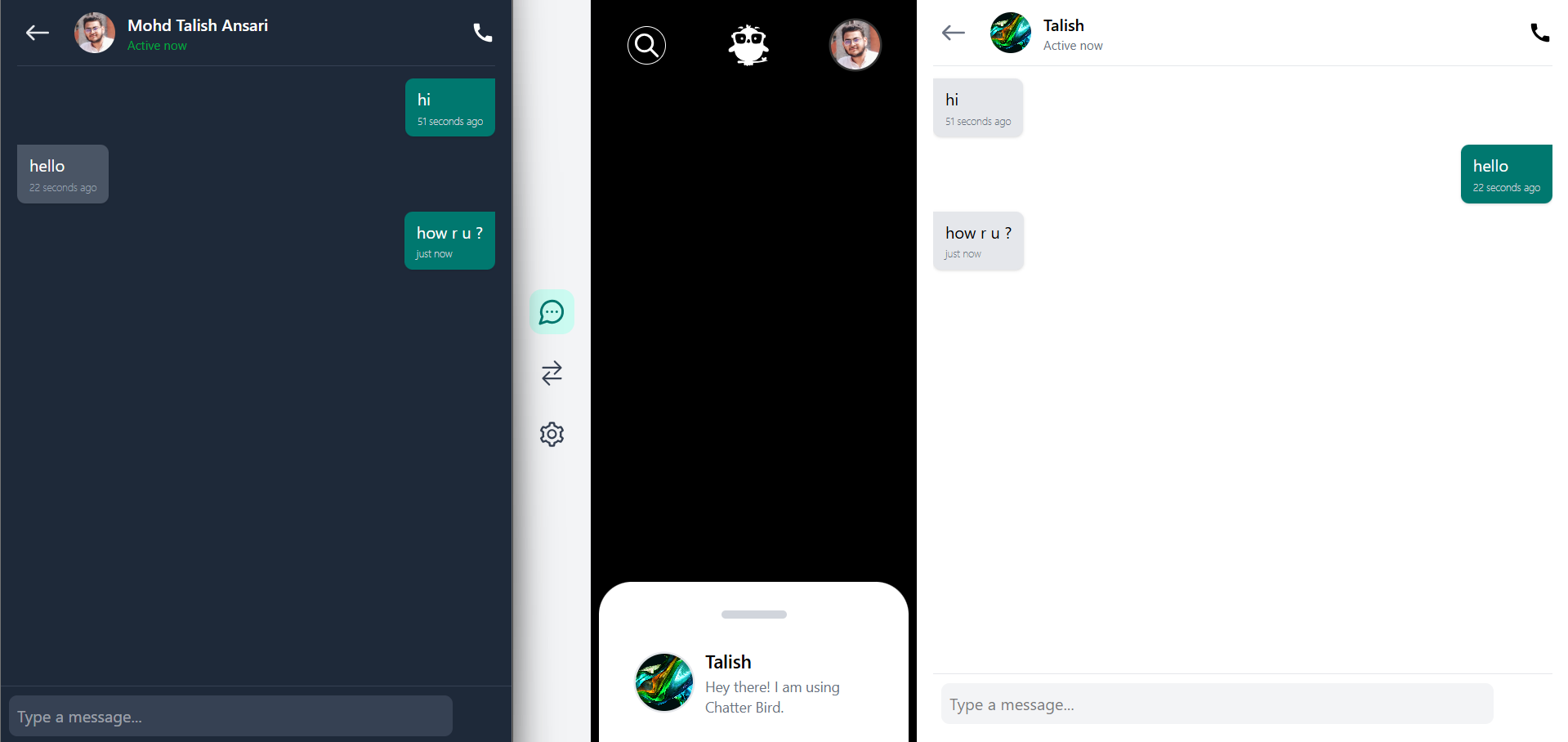
- 💬 **Real-Time Chat** – One-to-one messaging with instant updates.
- 📞 **Video Calling (WebRTC)** – Peer-to-peer video calls with signaling via Socket.IO.
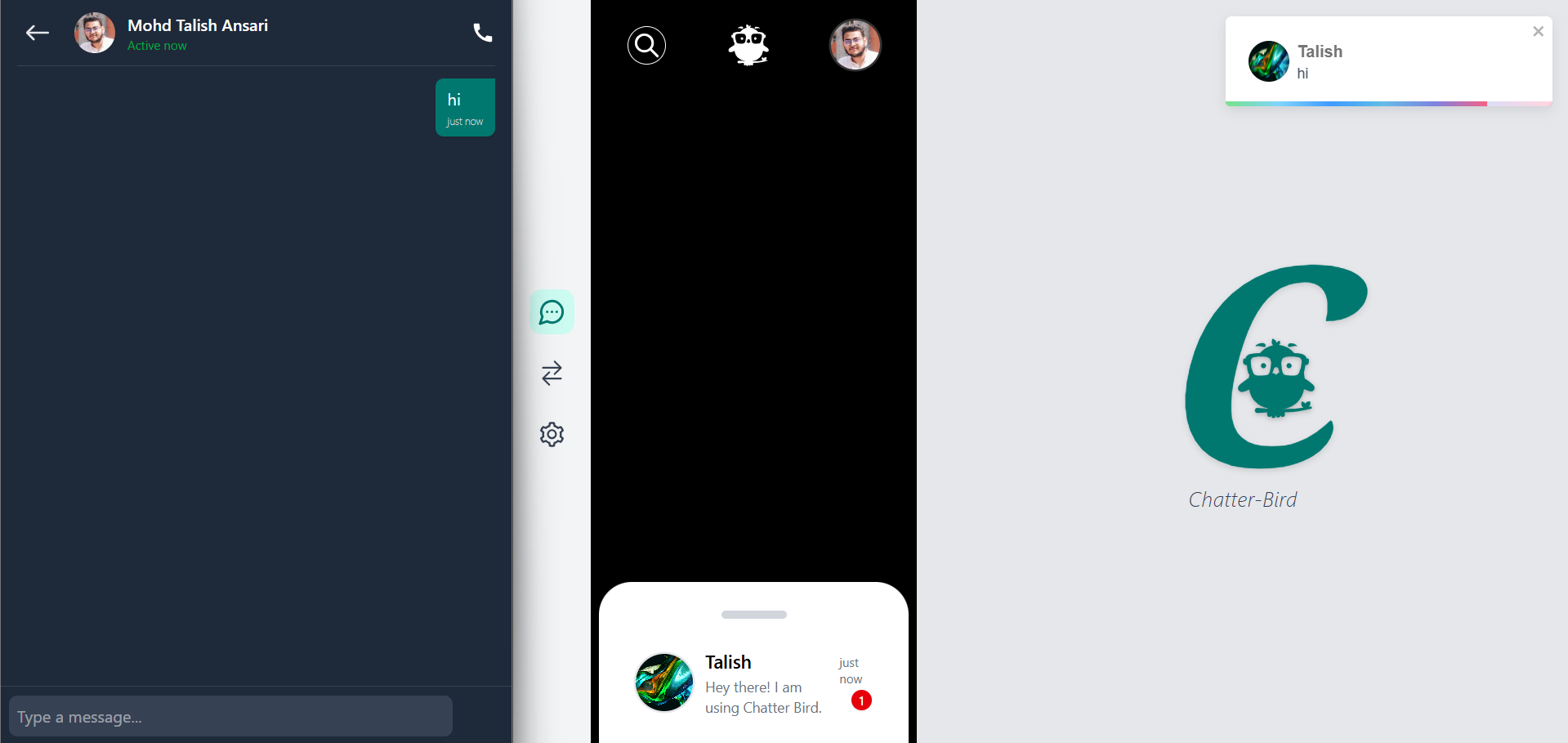
- 🔔 **Live Notifications** – Get notified instantly for incoming messages and calls.
- 🟢 **Presence System** – Know when users are online/offline in real time.
- 🗂️ **Modular Architecture** – Clean separation of backend and frontend.
- 🌗 **Light/Dark Mode** – Switch between themes to fit your preference.
- 📱 **Responsive UI** – Works smoothly on desktop and mobile.
---
## 🛠️ Tech Stack
**Frontend** - React.js + Vite
- Redux Toolkit
- TypeScript
- TailwindCSS
**Backend** - Node.js + Express.js
- Socket.IO
- MongoDB (or your DB choice)
- Cloudinary
**Other** - WebRTC (video calls)
- JWT / Authentication system
- Vercel / Render (deployment ready)
---
## 📂 Folder Structure
```dir
Chatter Bird/
├── backend/ # Express backend
│ ├── config/ # DB & server config
│ ├── controller/ # Controllers
│ ├── middleware/ # Auth & other middlewares
│ ├── model/ # Database models
│ ├── routes/ # API routes
│ ├── utils/ # Utility functions
│ └── index.js # App entry
│
├── frontend/ # React frontend
│ ├── public/ # Static files
│ └── src/
│ ├── assets/ # Images, icons
│ ├── Components/ # Reusable components
│ ├── Interfaces/ # TypeScript interfaces
│ ├── pages/ # Page-level components
│ ├── Redux/ # State management
│ ├── utils/ # Frontend utilities
│ ├── App.tsx # Main app component
│ └── main.tsx # Entry point
│
├── README.md
├── package.json
└── .gitignore
```
---
## ⚡ Getting Started
### 1️⃣ Clone the Repository
```bash
git clone https://github.com/Talish1234/ChatterBird
cd ChatterBird
```
### 2️⃣ Setup Backend
```bash
cd backend
npm install
npm run dev
```
Backend runs at: `http://localhost:8000`
### 3️⃣ Setup Frontend
```bash
cd frontend
npm install
npm run dev
```
Frontend runs at: `http://localhost:5173`
### ⚙️ Environment Variables
To run this project, you will need to create a .env file in the `backend folder` and add the following environment variables.
```.env
GOOGLE_CLIENT_ID=YOUR_GOOGLE_CLIENT_ID
GOOGLE_CLIENT_SECRET=YOUR_GOOGLE_CLIENT_SECRET
BASE_URL=http://localhost:5173
DATABASE_URL=mongodb://127.0.0.1:27017
JWT_SECRET=YOUR_RANDOM_SECRET_STRING
SMTP_AUTH_USER=YOUR_MAILTRAP_USERNAME
SMTP_AUTH_PASS=YOUR_MAILTRAP_PASSWORD
CLOUD_NAME=YOUR_CLOUDINARY_CLOUD_NAME
UNSIGNED_PRESET=chatterBird
CLOUDINARY_KEY=YOUR_CLOUDINARY_API_KEY
CLOUDINARY_SECRET=YOUR_CLOUDINARY_API_SECRET
```
In the `frontend folder` and add the following environment variables.
```.env
VITE_GOOGLE_CLIENT_ID=YOUR_GOOGLE_CLIENT_ID
VITE_BASE_URL=http://localhost:8000
```
### 📸 Screenshots
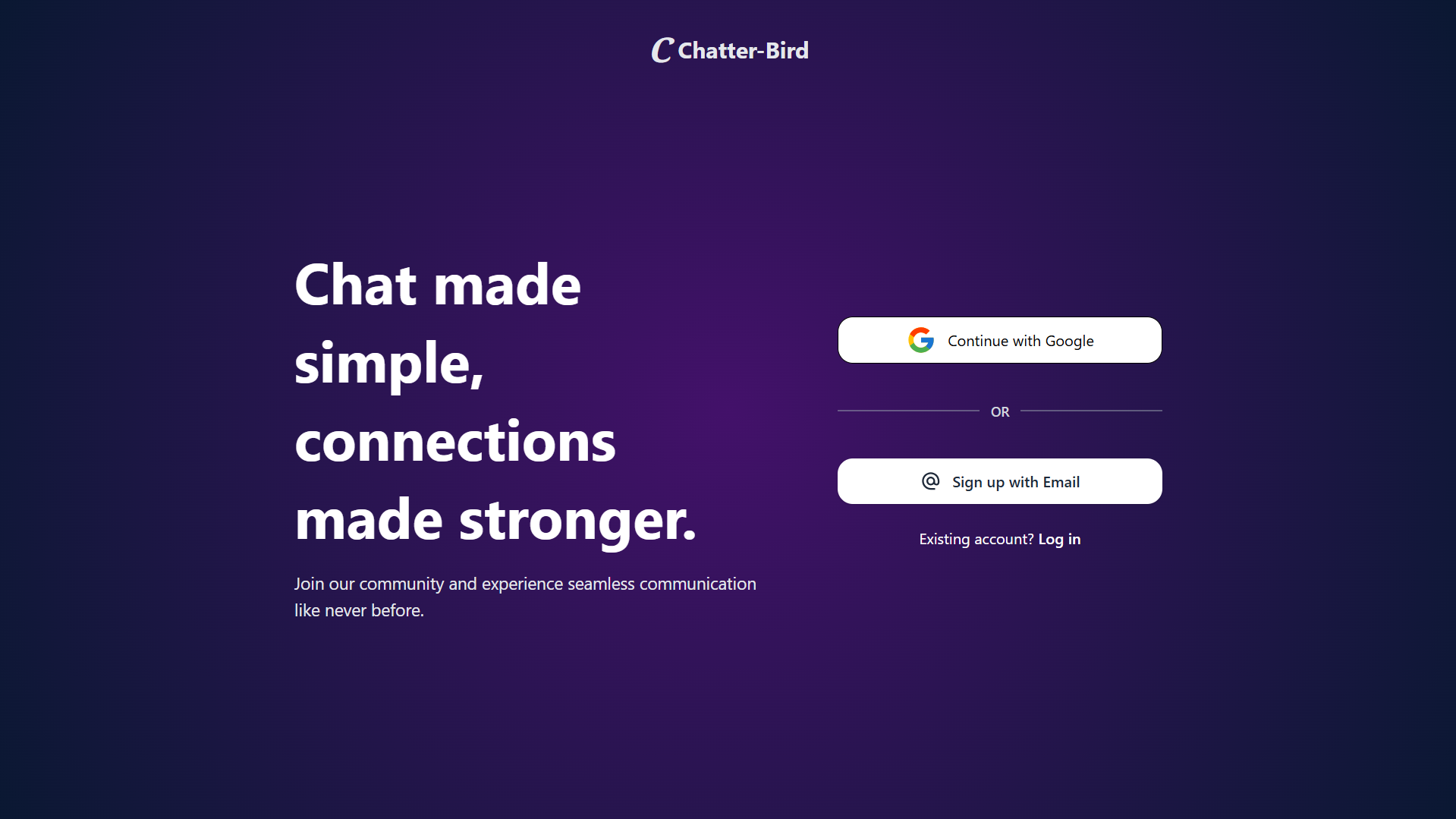
Welcome Page
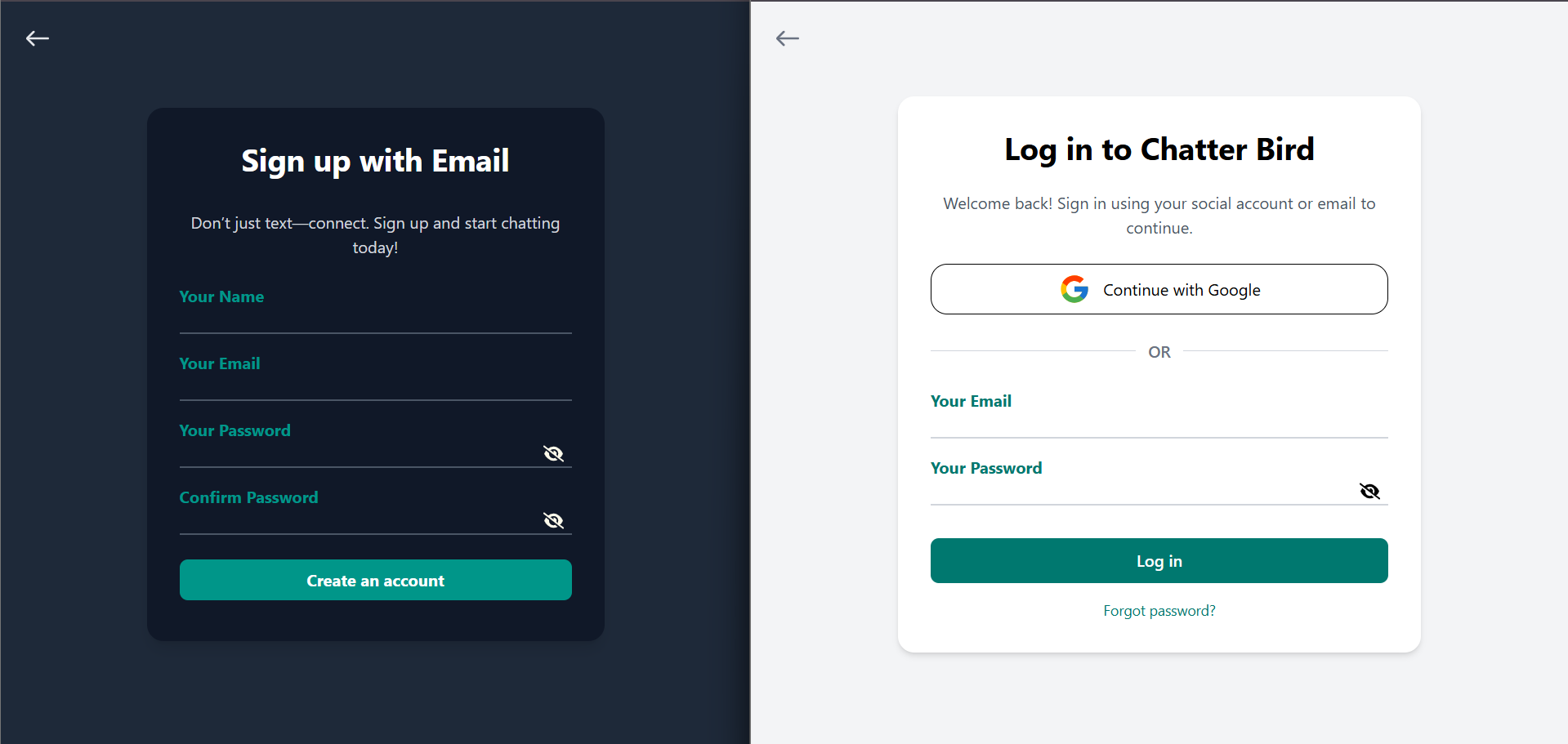
Signup & Login Page
Live Notifications & Chat Page
Video Call Page
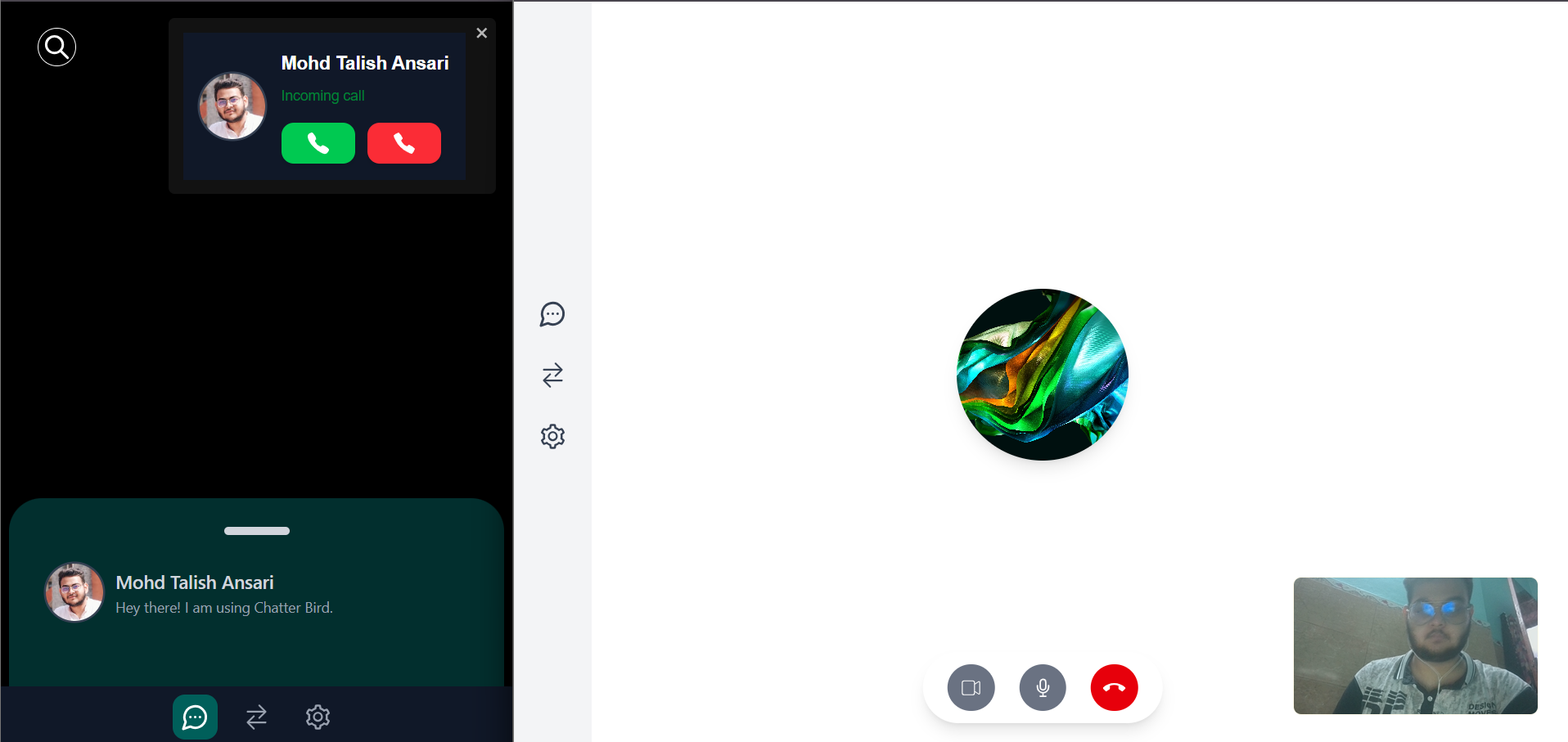
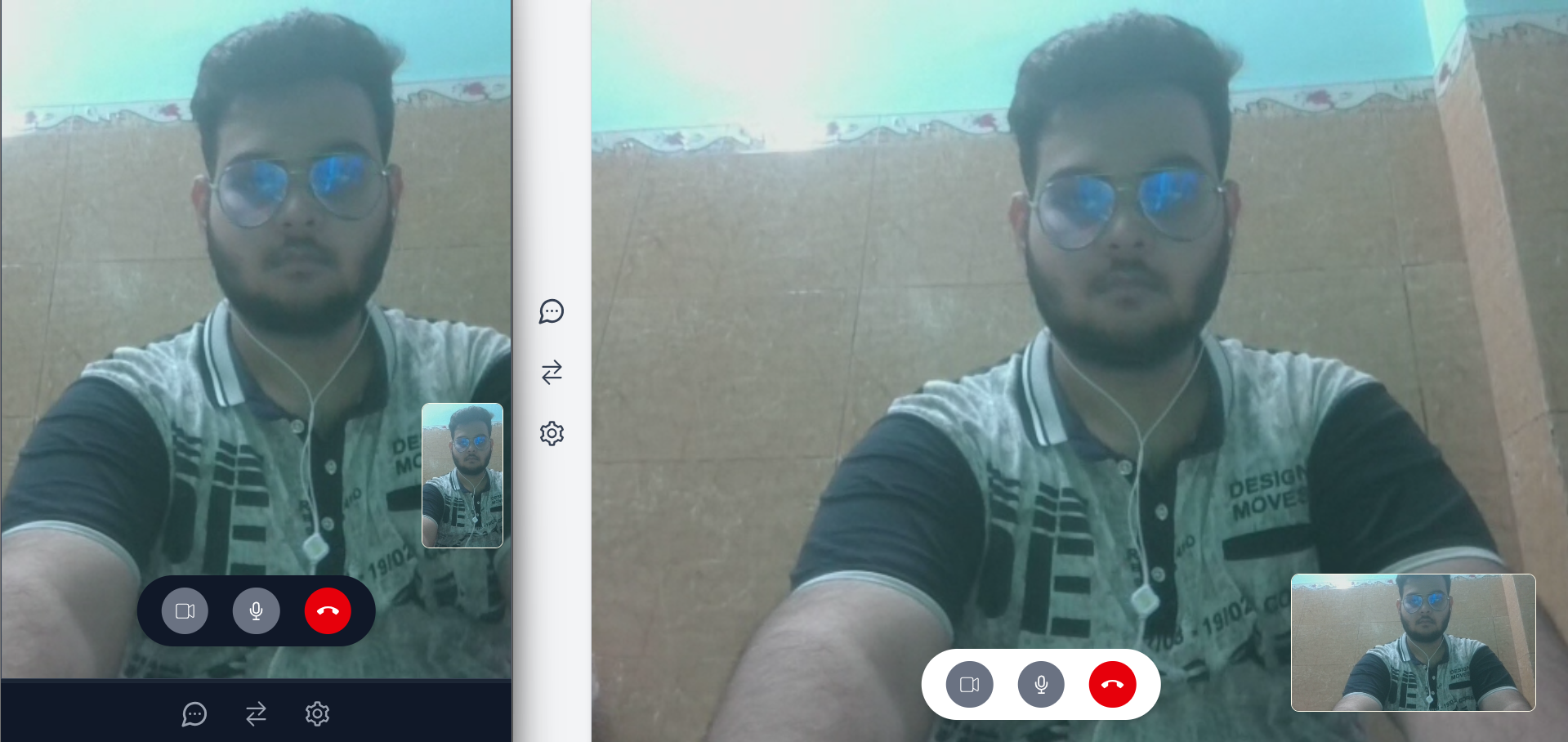
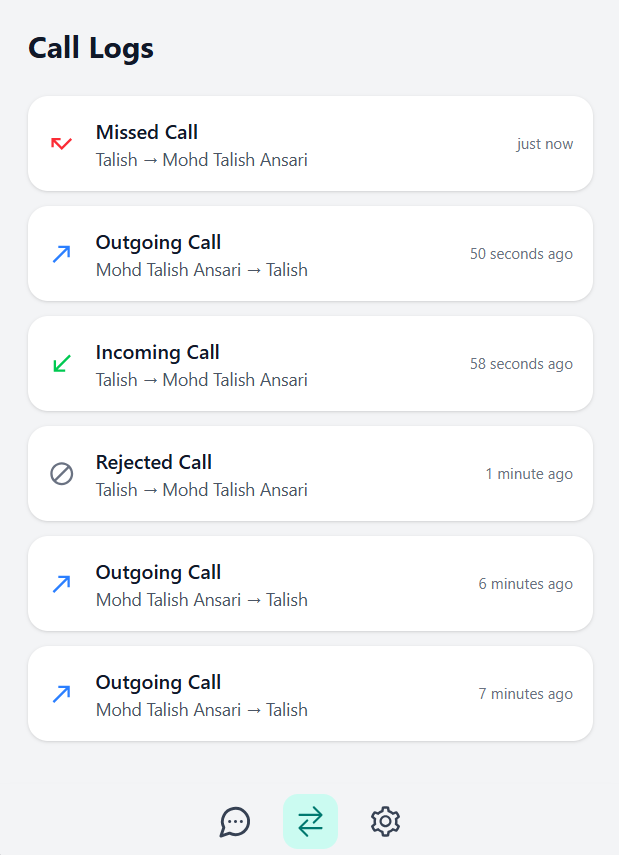
Fuzzy Search , Setting & Call Logs Page
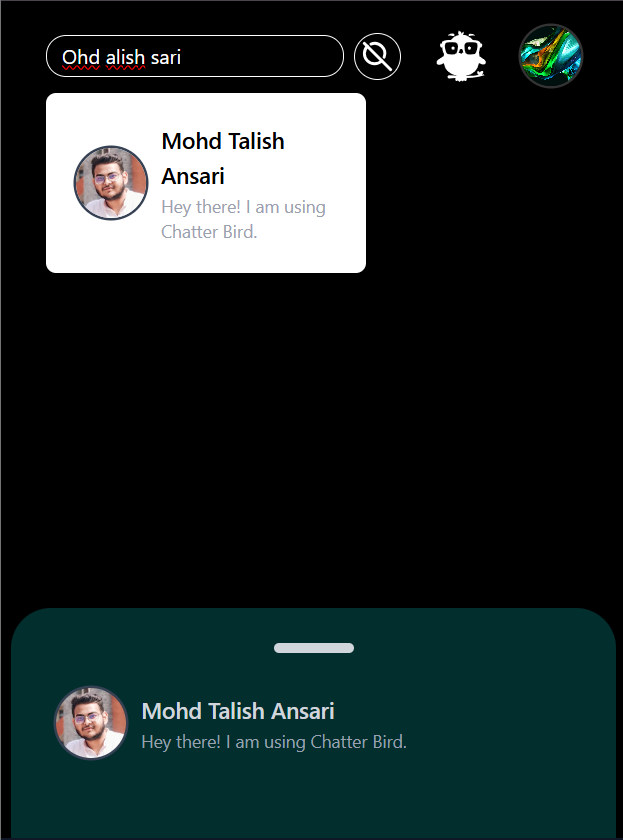
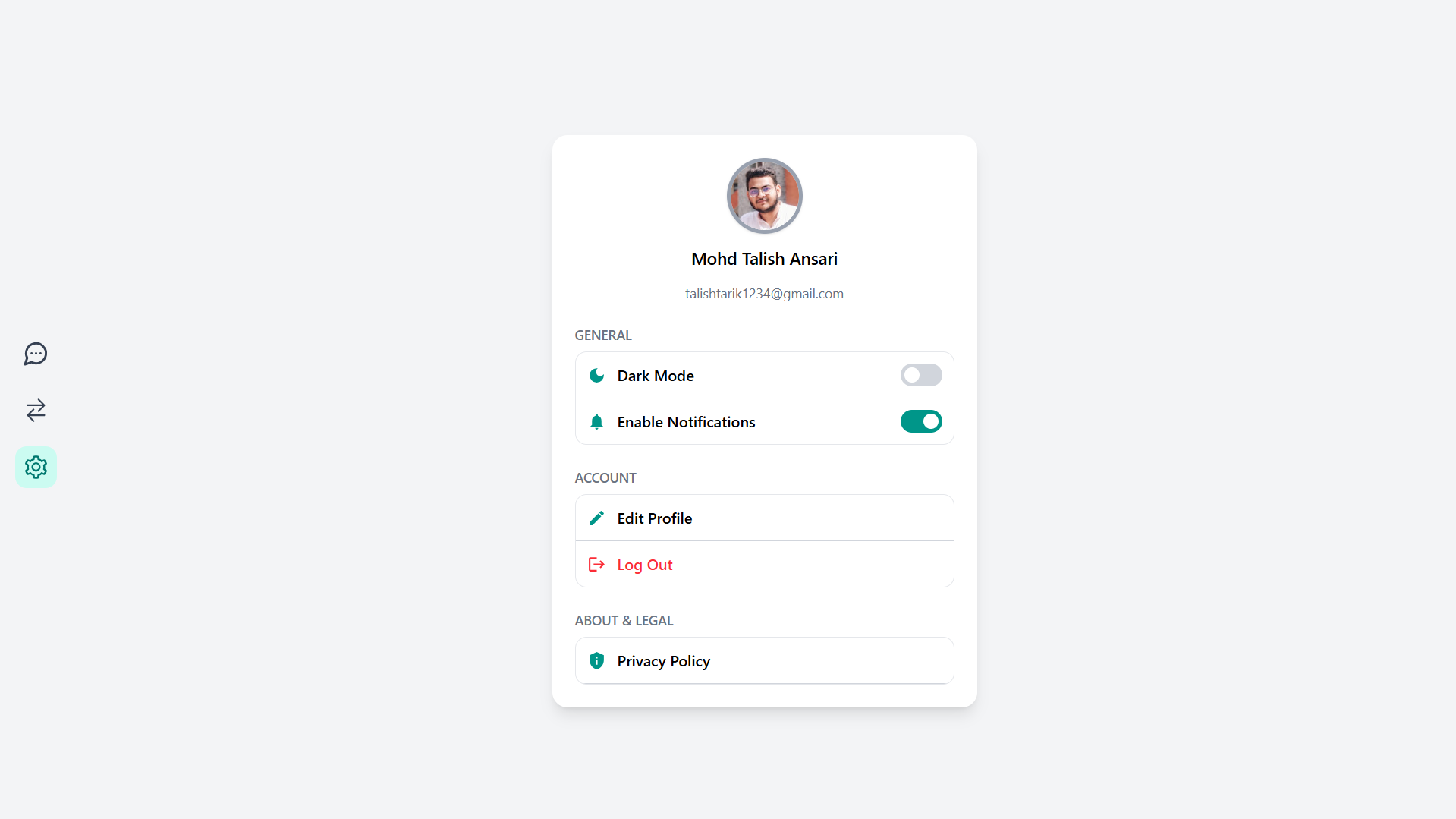
### 🤝 Contributing
Contributions are welcome! Please fork this repo and submit a pull request.