https://github.com/taurusilver7/forge
A full-stack form-building service provider built with next-14, Typescript, dnd-kit, postgresql
https://github.com/taurusilver7/forge
Last synced: 10 months ago
JSON representation
A full-stack form-building service provider built with next-14, Typescript, dnd-kit, postgresql
- Host: GitHub
- URL: https://github.com/taurusilver7/forge
- Owner: taurusilver7
- Created: 2023-11-13T15:55:37.000Z (over 2 years ago)
- Default Branch: main
- Last Pushed: 2025-05-06T11:20:51.000Z (about 1 year ago)
- Last Synced: 2025-05-06T12:37:55.463Z (about 1 year ago)
- Language: TypeScript
- Homepage:
- Size: 685 KB
- Stars: 0
- Watchers: 1
- Forks: 0
- Open Issues: 0
-
Metadata Files:
- Readme: README.md
Awesome Lists containing this project
README
# Forge - Form Generator
> Explore the state-of-art Custom Form Building SaaS built with Next 14, Typescript, PostgreSQL, and Prisma.
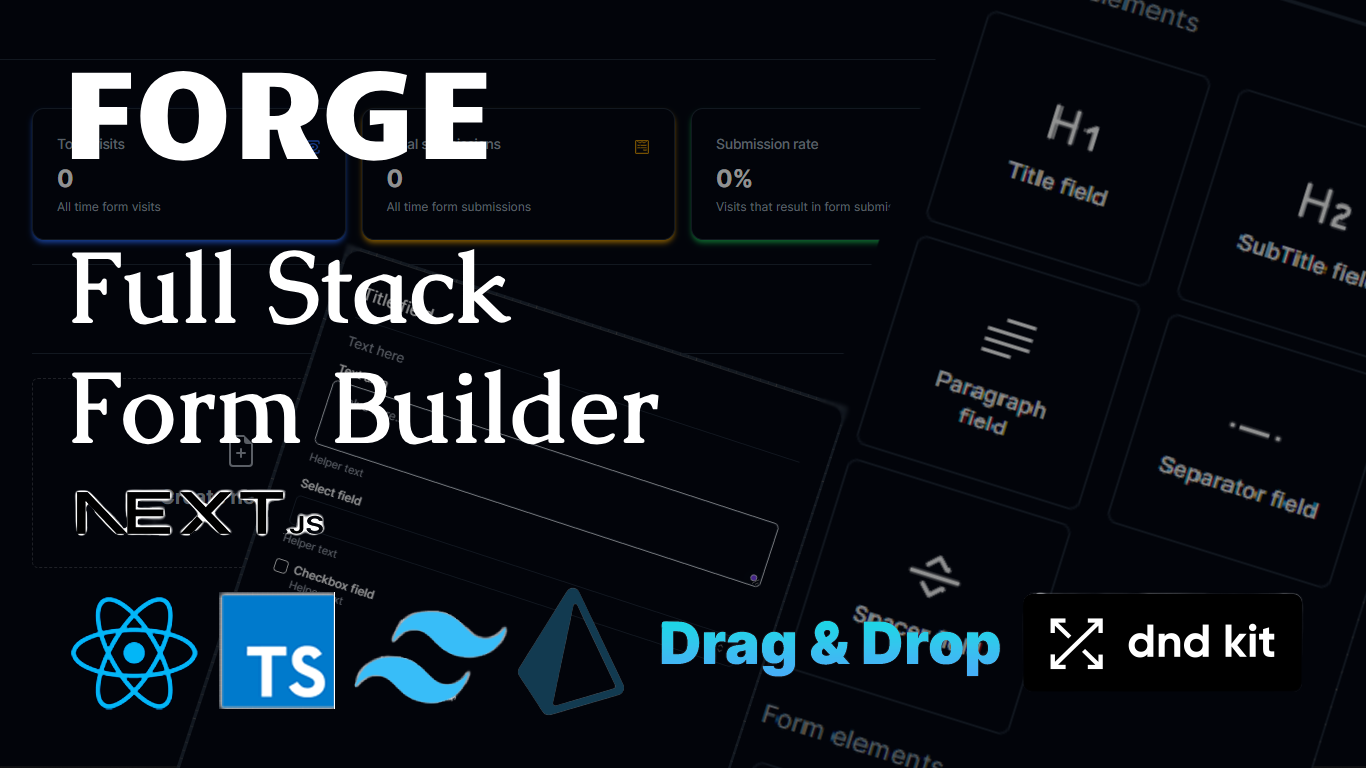
## Features
- Fully responsive: mobile & tablet 💻
- Create forms with a stunning drag and drop designer.
- Layout fields: Title, Subtitle, Spacer, Separator, Paragraph. ⬅➡↕
- Form fields: Text, Number, Select, Date, Checkbox, Textarea.
- Add and customize new fields. 📌
- Form preview dialog. 📃
- Share form urls. 🔘
- Form submission/validation.
- 👍🏻 Form stats: visits and submissions.
## Getting Started
First, run the development server:
```bash
npx create-next-app@latest --typescript --tailwind --eslint
# and
npm run dev
# or
yarn dev
```
```bash
npx shadcn-ui@latest init
# and
npx shadcn-ui@latest add
```
Add prisma ORM to the build
```bash
bun add prisma --save-dev
# and
bunx prisma init
# initialize the prisma client on local dev
bunx prisma generate
# generate data model from schema
bunx prisma db push
# or push the schema to integrate with database
npx prisma migrate
# name the migration database
npx prisma studio
# view the database modelling in UI
```
## Prerequisites
- Node.js 18+
- NPM/Yarn/Bun
- Clerk Accounts
- NeonTech/Vercel Database Account
## Env Variables
Create an `.env.local` file with:
```base
# Next.js
NODE_ENV=development
NEXT_PUBLIC_BASE_URL=http://localhost:3000
# Clerk
NEXT_PUBLIC_CLERK_PUBLISHABLE_KEY=your-clerk-publishable-key
CLERK_SECRET_KEY=your-clerk-secret-key
NEXT_PUBLIC_CLERK_SIGN_IN_URL=/login
NEXT_PUBLIC_CLERK_SIGN_UP_URL=/register
NEXT_PUBLIC_CLERK_AFTER_SIGN_IN_URL=/
NEXT_PUBLIC_CLERK_AFTER_SIGN_UP_URL=/
# Postgresql
POSTGRES_PRISMA_URL=your_postgresql_database_pooling_url
POSTGRES_URL_NON_POOLING=your_postgresql_non_pooling_url
```
## Deploy on Vercel
The easiest way to deploy your Next.js app is to use the [Vercel Platform](https://vercel.com/new?utm_medium=default-template&filter=next.js&utm_source=create-next-app&utm_campaign=create-next-app-readme) from the creators of Next.js.
Check out our [Next.js deployment documentation](https://nextjs.org/docs/deployment) for more details.
```
```