https://github.com/telexintegrations/codex
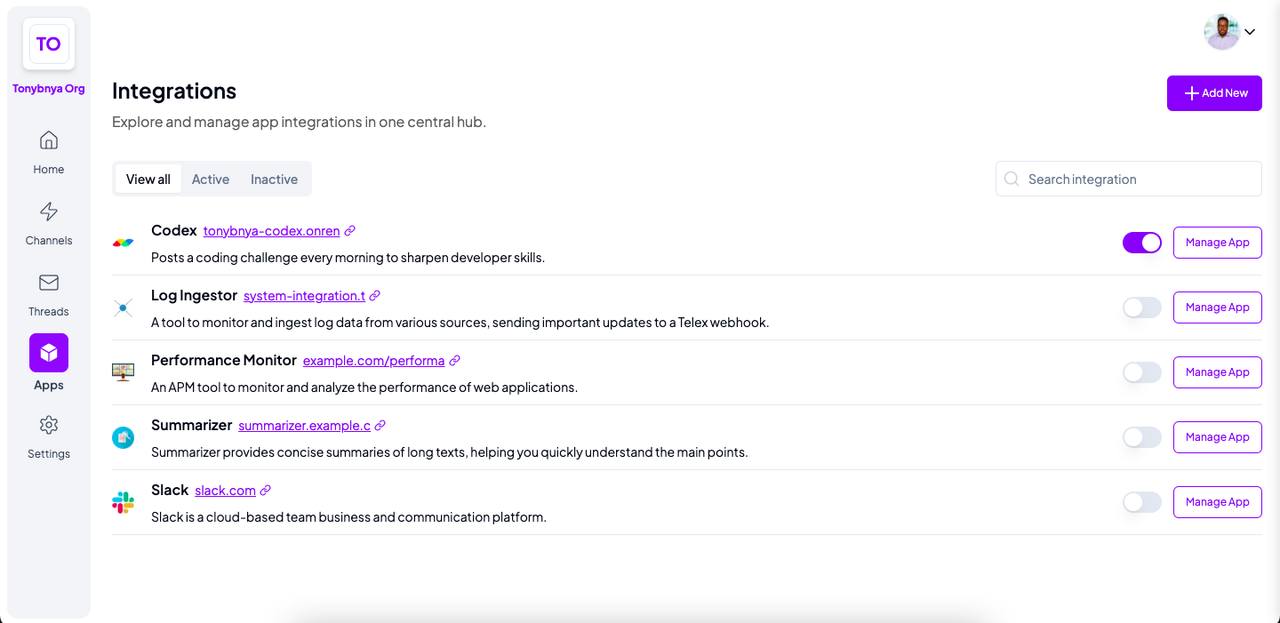
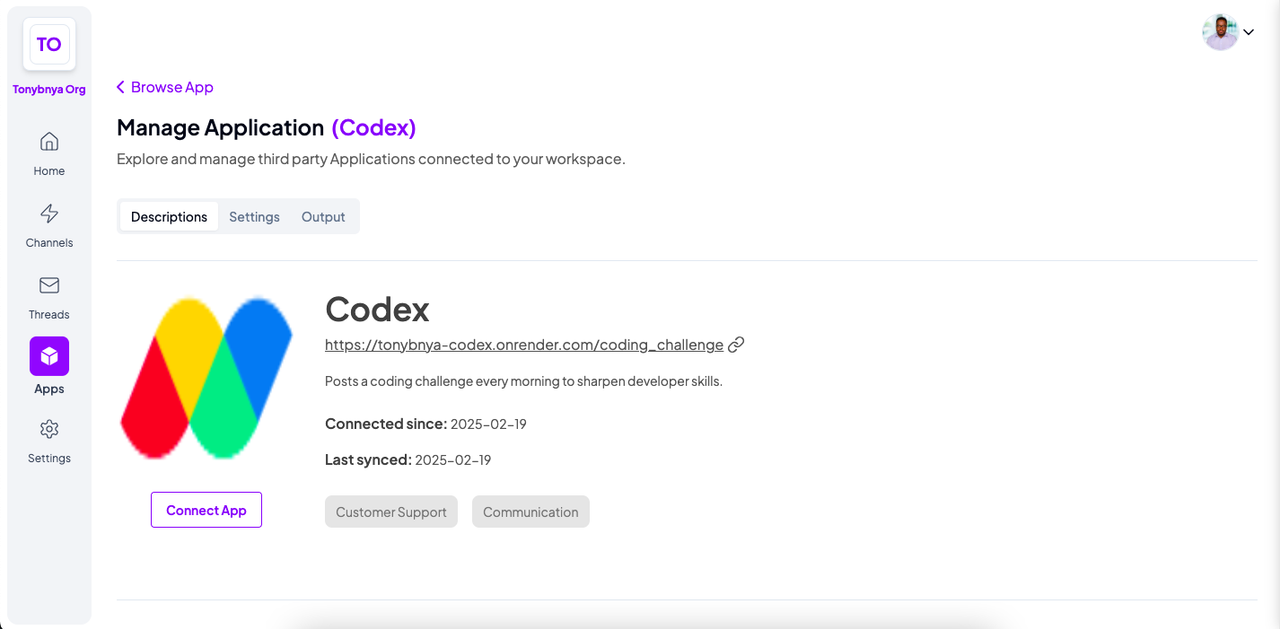
Telex integration/plugin that sends a coding challenge in a channel every morning to sharpen developer skills.
https://github.com/telexintegrations/codex
Last synced: over 1 year ago
JSON representation
Telex integration/plugin that sends a coding challenge in a channel every morning to sharpen developer skills.
- Host: GitHub
- URL: https://github.com/telexintegrations/codex
- Owner: telexintegrations
- Created: 2025-02-18T15:47:30.000Z (over 1 year ago)
- Default Branch: main
- Last Pushed: 2025-02-23T15:23:29.000Z (over 1 year ago)
- Last Synced: 2025-02-23T16:26:33.532Z (over 1 year ago)
- Language: Python
- Size: 18.6 KB
- Stars: 0
- Watchers: 1
- Forks: 0
- Open Issues: 0
-
Metadata Files:
- Readme: README.md
Awesome Lists containing this project
README
# Codex: Telex Coding Challenge Integration
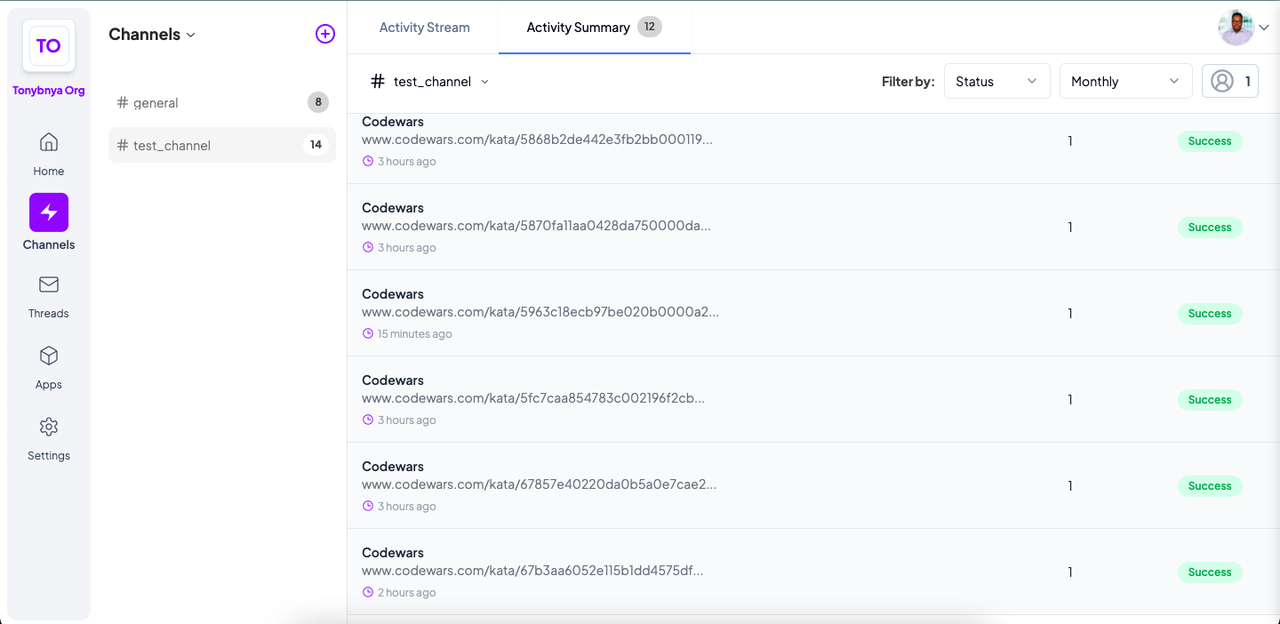
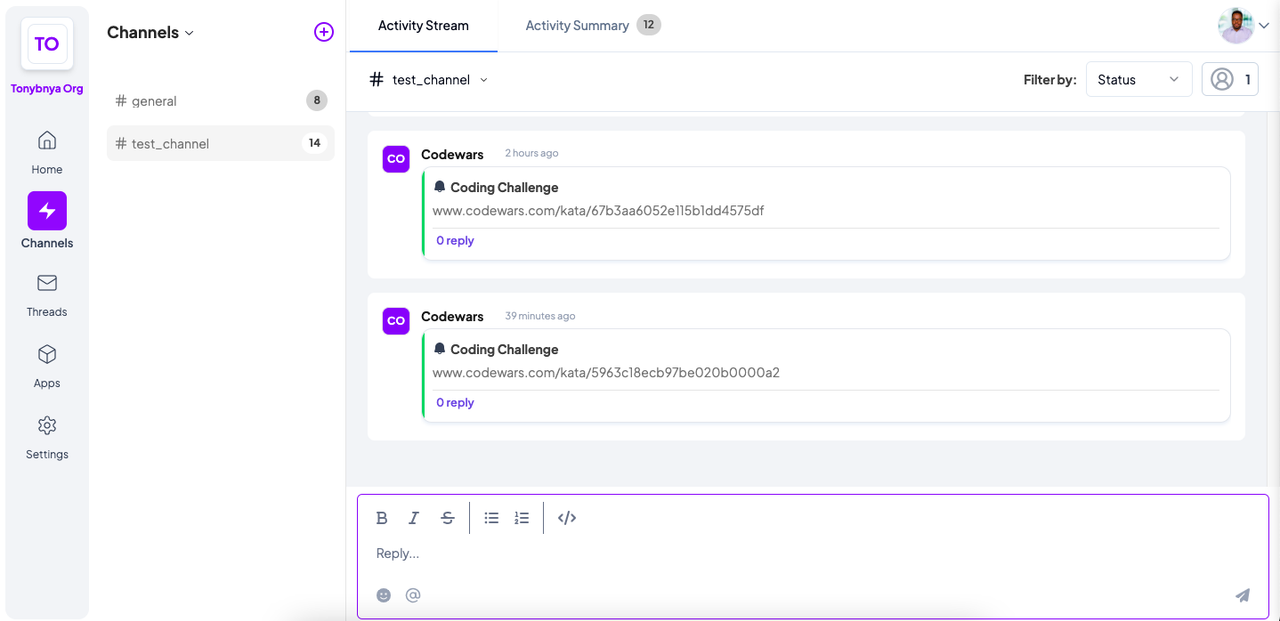
Codex is a [Telex](https://telex.im) integration that posts a coding challenge from [Codewars](https://www.codewars.com) in a specified channel every morning.
This helps developers enhance their problem-solving skills daily.
## Features
- Automatically fetches and posts a new Codewars challenge every day.
- Provides a direct link to the challenge for easy access.
- Encourages continuous skill improvement through daily problem-solving.
- Configurable interval for challenge posting.
## Setup Instructions
### Prerequisites
- Python 3.8+
- [Flask](https://flask.palletsprojects.com/)
- [httpx](https://www.python-httpx.org/)
- Telex account
### Installation
1. Clone this repository:
```sh
git clone https://github.com/tonybnya/codex.git
cd codex
```
2. Create and activate a virtual environment:
```sh
python3 -m venv venv
source venv/bin/activate # On Windows use: venv\\Scripts\\activate
```
3. Install dependencies:
```sh
pip install -r requirements.txt
```
4. Create a `.env` file and add the necessary configuration:
```sh
FLASK_PORT=5000
FLASK_DEBUG=True
```
5. Run the Flask server:
```sh
python3 main.py
```
### Configuration
The integration exposes a `GET` endpoint `/coding_challenge` where Telex can fetch metadata about the app.
- **Tick URL**: This is the webhook Telex will call periodically.
- Endpoint: `POST /tick`
- Payload:
```json
{
"channel_id": "",
"return_url": "",
"settings": [
{"label": "interval", "type": "text", "required": true, "default": "0 9 * * *"}
]
}
```
## Testing the Integration
You can manually test the integration by triggering a tick request:
```sh
curl -X POST http://localhost:5000/tick -H "Content-Type: application/json" -d '{"channel_id": "your_channel_id", "return_url": "your_return_url", "settings": [{"label": "interval", "type": "text", "required": true, "default": "0 9 * * *"}]}'
```
OR
You can run Unit Tests:
```sh
pytest -v
```
## Deployment
### Using Docker
1. Build the Docker image:
```sh
docker build -t codex .
```
2. Run the container:
```sh
docker run -d -p 5003:5003 codex
```
### Deploying to a Server
- Set up a reverse proxy with Nginx or Apache.
- Use a process manager like `gunicorn` or `supervisor` to keep the app running.
- Use a Cloud service (like Render, Vercel, AWS).
## Screenshots



## Contributing
Feel free to open issues or submit pull requests for improvements!