https://github.com/theajack/jsbox
JS online runtime sandbox (JS在线运行环境,在线IDE)
https://github.com/theajack/jsbox
js-online js-sandbox monaco
Last synced: about 1 year ago
JSON representation
JS online runtime sandbox (JS在线运行环境,在线IDE)
- Host: GitHub
- URL: https://github.com/theajack/jsbox
- Owner: theajack
- License: mit
- Created: 2020-03-14T08:04:57.000Z (over 6 years ago)
- Default Branch: master
- Last Pushed: 2024-04-24T14:21:39.000Z (about 2 years ago)
- Last Synced: 2024-04-24T16:55:42.102Z (about 2 years ago)
- Topics: js-online, js-sandbox, monaco
- Language: JavaScript
- Homepage: https://shiyix.cn/jsbox/
- Size: 9.54 MB
- Stars: 55
- Watchers: 4
- Forks: 16
- Open Issues: 1
-
Metadata Files:
- Readme: README.cn.md
- License: LICENSE
Awesome Lists containing this project
README
# 🚀 [JsBox](https://www.github.com/theajack/jsbox) JS在线运行环境
[English](https://github.com/theajack/jsbox#readme) | [立即体验](https://theajack.github.io/jsbox) | [配置体验地址](https://theajack.github.io/jsbox?config=theajack.store)
这是一个在线运行调试js的项目, 也支持多种编程高亮
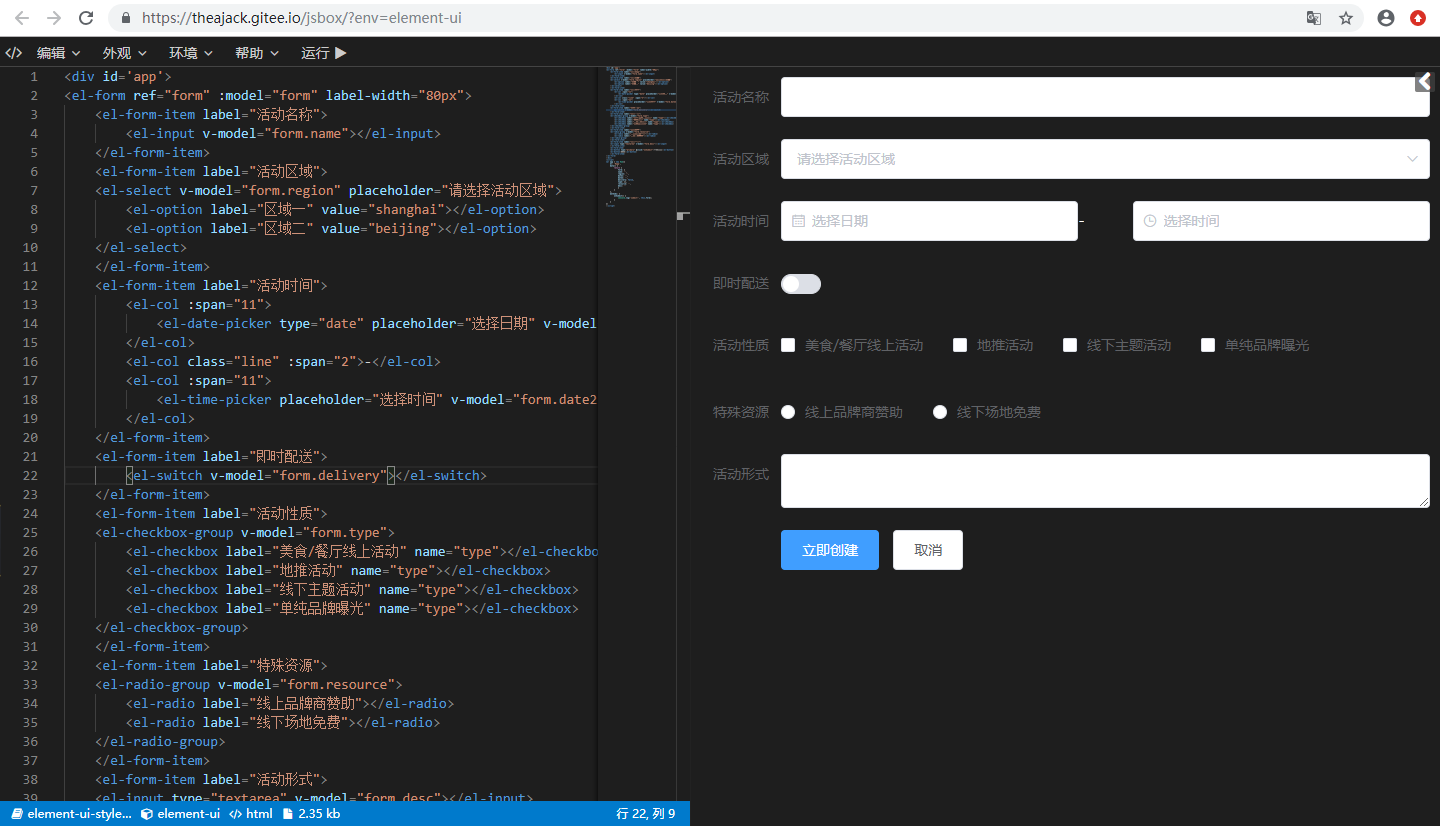
查看更多示例图
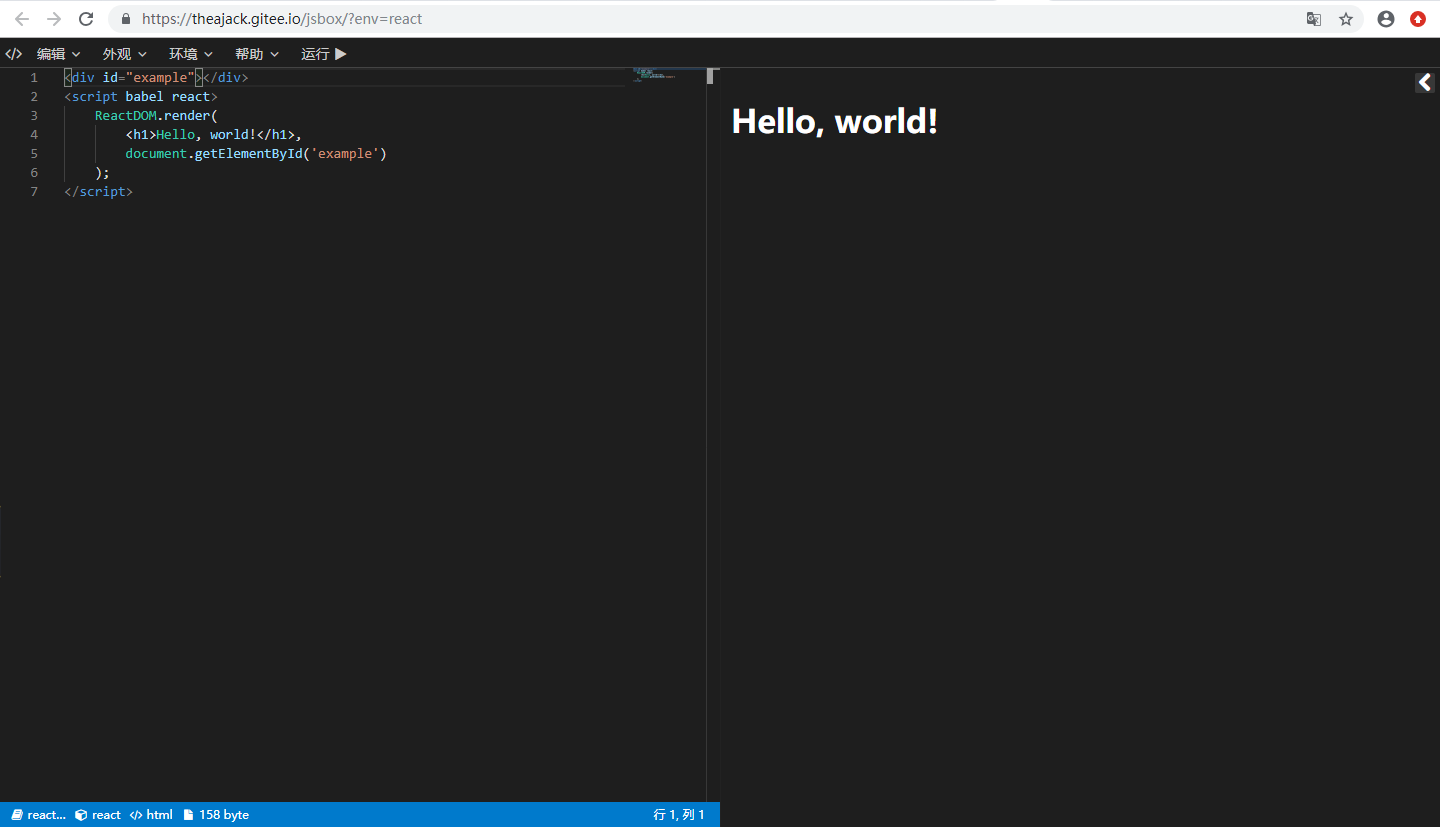
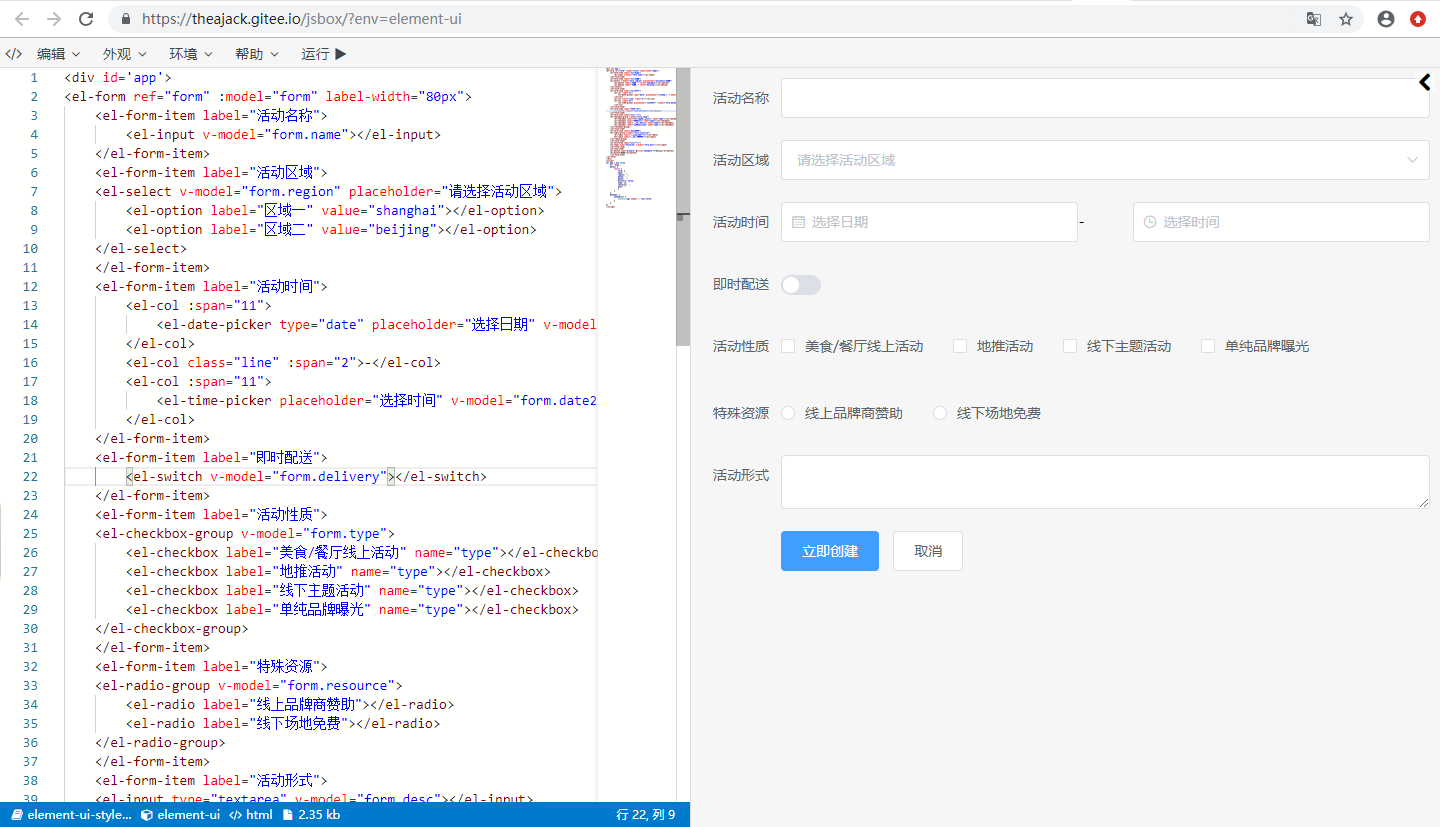
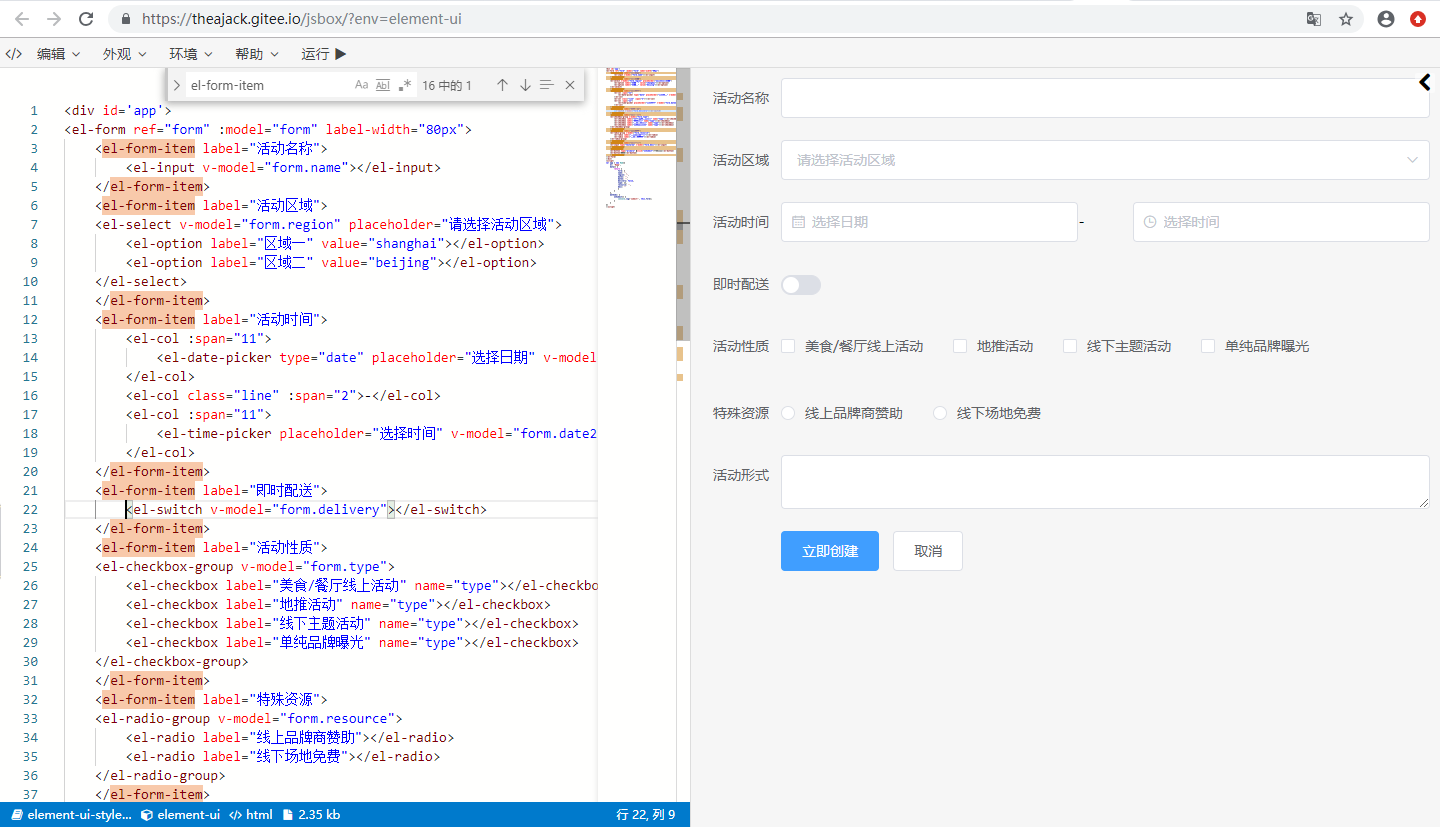
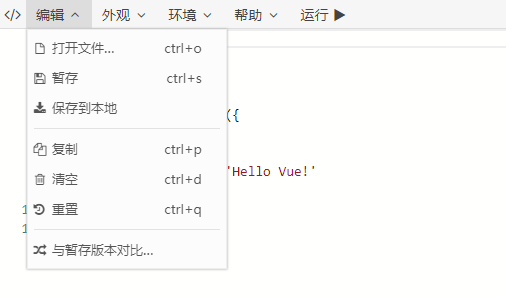
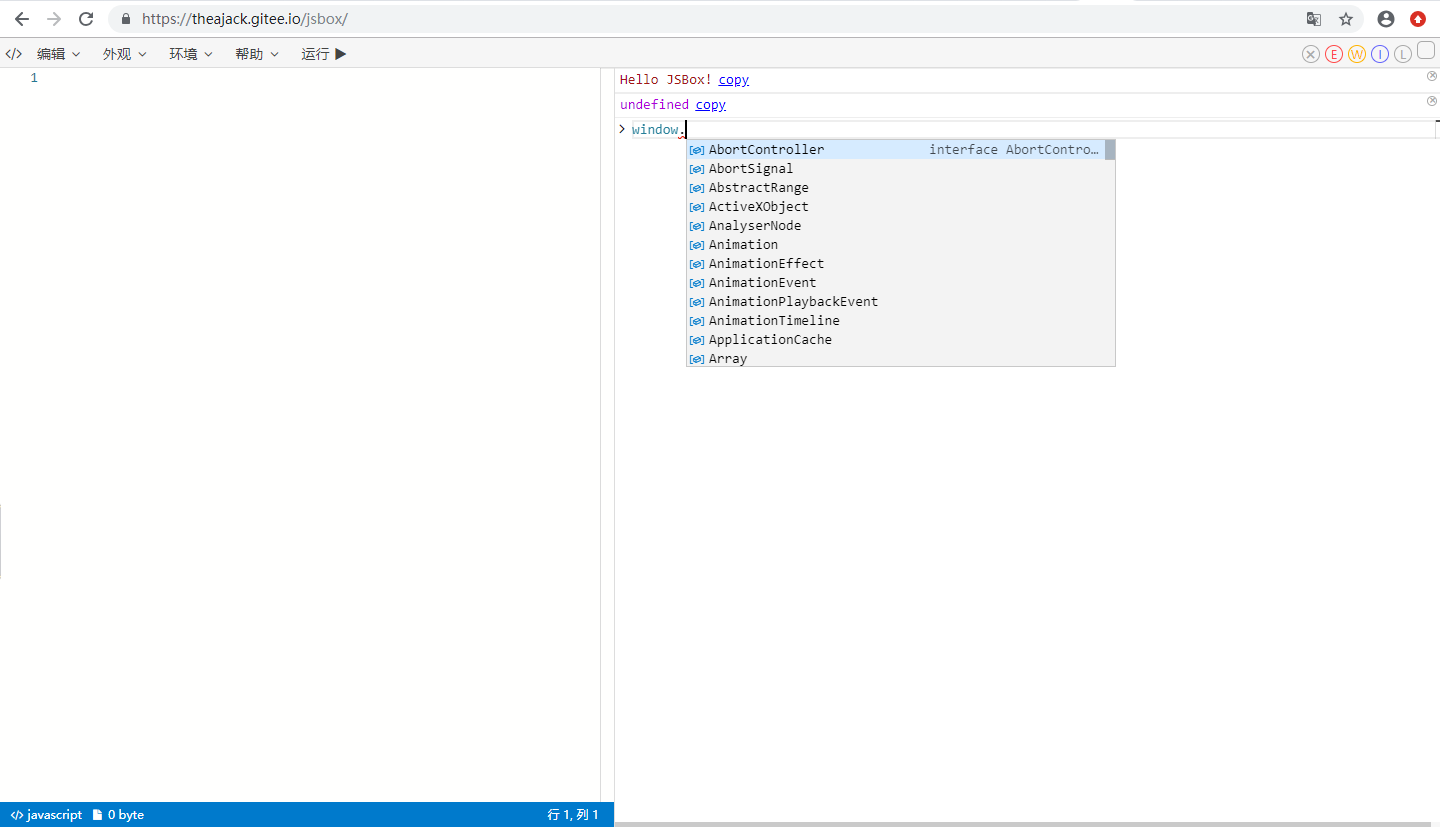
## 0. 快速插入您的在线演示
### 0.1 配置文件
jsbox支持通过参数配置一个cdn文件作为演示内容,其中文件内容形式如下
```js
window.jsboxConfig = {
libs: {
// 需要引入的第三方库的cdn 文件单个库使用字符串,多个使用数组
},
iifeMap: {}, // 使用 cdn 时全局变量的映射
codes: {
// 您的演示代码
},
// 其他配置
theme: 'dark', // 默认为 dark, 可选值为 dark,light
}
```
你也可以使用字符串形式,其他参数全部使用默认值
```js
window.jsboxConfig = ``; // 此处放您的代码 语言默认为javascript
```
这里有一个简单的[示例文件](https://github.com/theajack/store/blob/main/jsbox.config.js)
libs除了使用cdn地址,也可以使用jsbox内置库, 内置库使用name即可,JsBox 内置库list如下 (版本较旧,推荐自行配置)
```js
['jquery', 'vue', 'react', 'react-dom', 'angularjs', 'vuex', 'redux', 'loadsh', 'virtual-dom', 'node-html-parser', 'jest', 'mocha', 'moment', 'dayjs', 'underscore', 'axios', 'qrcode', 'backbone', 'js-xlsx', 'recast', 'cnchar', 'cnchar-poly', 'cnchar-order', 'cnchar-trad', 'cnchar-draw', 'cnchar-idiom', 'cnchar-xhy', 'cnchar-radical', 'cnchar-all', 'easy-icon', 'element-ui', 'element-ui-style']
```
#### libs 详情
libs 为配置第三方库的CDN地址, 如下表示定义了一个第三方库名为 tc-store,下载地址为 https://cdn.jsdelivr.net/npm/tc-store
```json
"libs": {
"tc-store": "https://cdn.jsdelivr.net/npm/tc-store"
},
```
#### iifeMap 详情
通过 CDN 加载下来的库都为 iife 格式的,需要通过 iifeMap 指定挂载在 windows 上的对象名称,后续代码中的 import 语句都会从这个指定规则中读取
以下配置表示 tc-store 的引入 底层会通过 window.TCStore 来使用
```json
"iifeMap": {
"tc-store": "TCStore"
},
```
```js
import {createStore} from "tc-store";
// 会被转换成
const {createStore} = require("tc-srore"); // require内部最终引用的是window.TCStore
```
#### codes 配置详情
codes 为一个Json类型,可以配置多个demo,当有多个key-value时,jsbox左侧会显示列表,当仅有一个时,列表会被隐藏。
```ts
"codes": {
"Demo1": {
code: string,
dep?: string[], // 当前demo的依赖,值为libs中配置的key
lang?: 'html'|'js', // 默认为js
desc?: string, // 当前demo的描述信息
hideLog?: boolean, // 是否需要隐藏调试工具,默认为false
needUI?: boolean, // 是否需要展示UI,当lang=html时默认为true,否则默认为false
title?: string, // 开启新的章节并作为章节标题
doc?: string, // 当前示例的文档
},
// 其他demo
}
```
#### 配置文件自动生成
手动编写配置文件会有些麻烦,可以使用 jsbox-cmd 工具自动生成,请参考[jsbox-cmd](https://github.com/theajack/jsbox/tree/master/cmd)
### 0.1.1 配合github仓库使用(推荐)
将您的单文件放在您的github仓库中,演示url地址为 https://theajack.github.io/jsbox?github=user.rep.file
- user 参数为您的github账号
- rep 参数为您的项目名称,后面可以带 @xxx 来执行 release、branch或commit,默认使用最新的 release号,如果没有则使用master分支
- file 参数可选,表示配置文件在项目中的相对地址,默认为 jsbox.config.js
以下是一些可能的延迟地址
- https://theajack.github.io/jsbox?config=theajack.pure-v
- https://theajack.github.io/jsbox?config=theajack.pure-v@master
- https://theajack.github.io/jsbox?config=theajack.pure-v.helper/custom.code.js
#### 0.1.2 使用cdn地址
将您的js code 配置文件放在部署在某个服务器上,拿到他的http地址,如 http://xxx.com/config.js
则以下是您可以使用的在线演示地址
https://theajack.github.io/jsbox?config=${decodeURIComponent('http://xxx.com/config.js')}
### 0.2 使用硬编码的单链接
#### 0.2.1. 打开jsbox
进入 jsbox [工作台](https://theajack.github.io/jsbox)
#### 0.2.2. 选择环境,输入演示代码
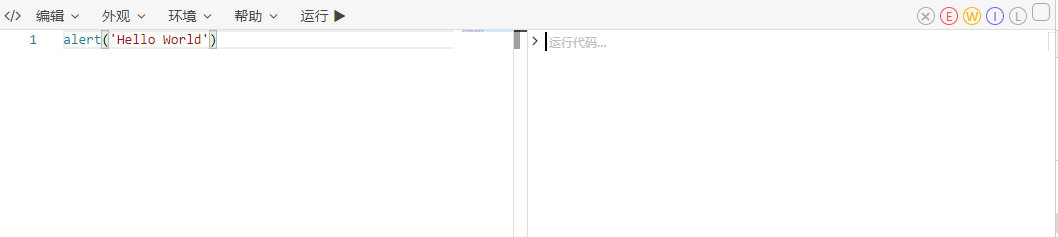
##### 0.2.2.1. 纯js演示代码实例
输入演示代码
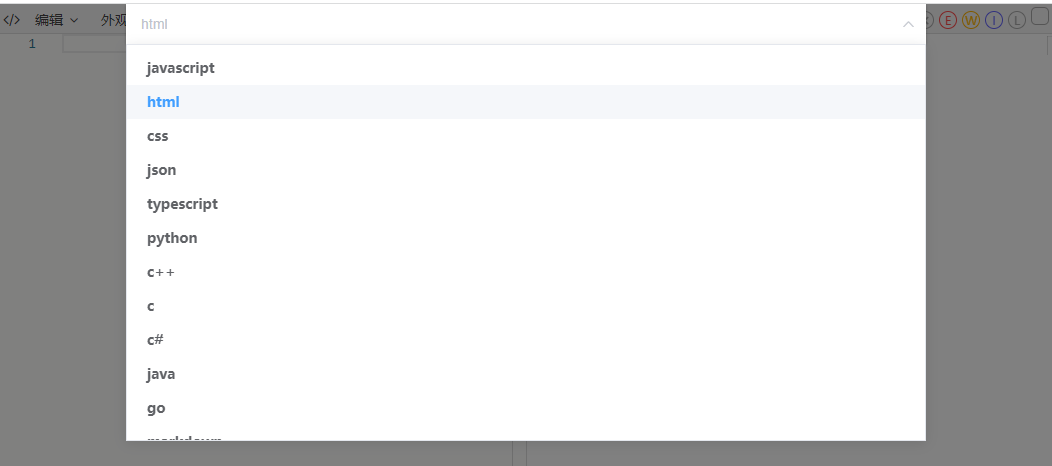
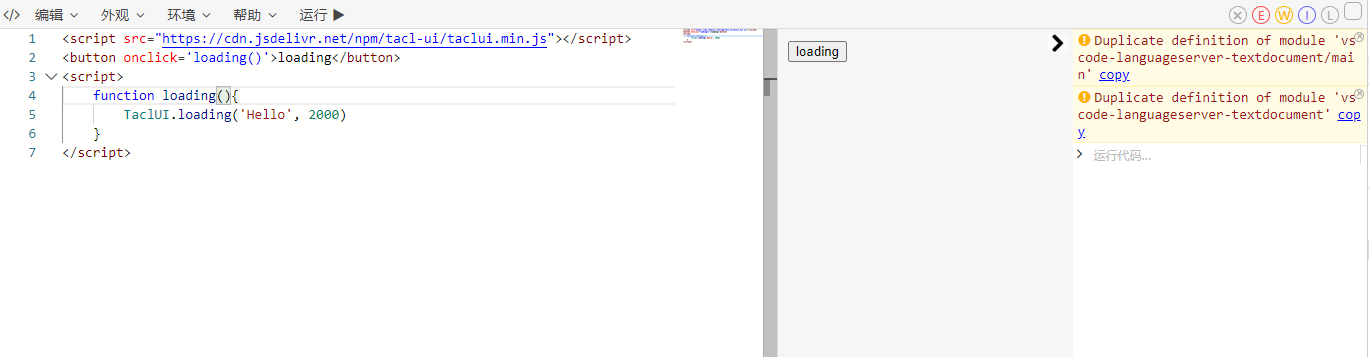
##### 0.2.2.2. 依赖第三方库以及dom交互
选择html语言
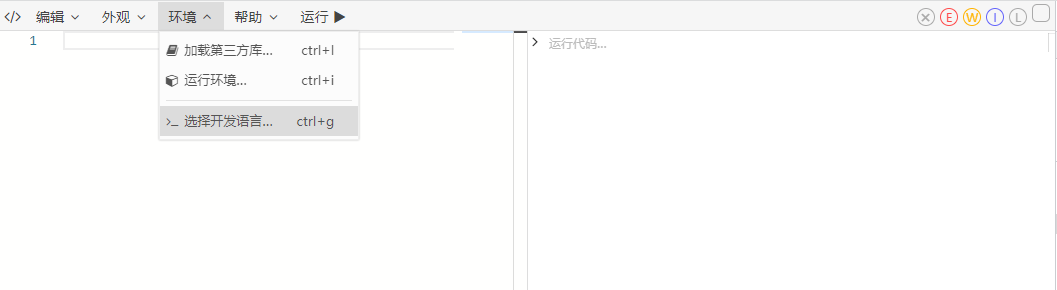
输入演示代码
#### 0.2.3. 生成演示链接
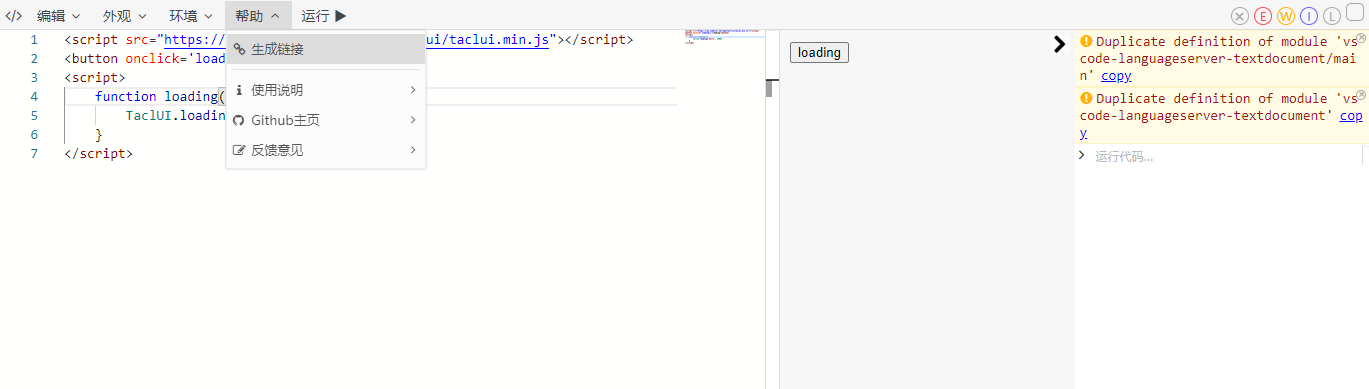
至此,一条含有演示代码的链接复制到了剪切板,你可以在其他地方引用。
除此之外你还可以通过菜单栏配置主题色,第三方包,字体大小等设置,这些设置也会在生成链接的时候被保存到连接中
## 1. 操作手册
### 1.1. 功能
1. 运行和编辑js、html、css代码
2. 加载第三方库的cdn文件
3. 导出链接,其他人使用链接可以直接使用您编辑的代码
4. 导出html文件
5. 颜色主题,风格与vscode对齐
6. 自定义log类型,自定义字体大小
### 1.2. 快捷按键与按钮说明:
1. ctrl + : 放大字体
2. ctrl - : 缩小字体
3. ctrl m : 切换主题
4. ctrl d : 清空代码
5. ctrl s : 暂存代码:暂存之后代码会被保存起来,刷新页面或重置代码都会还原到保存的状态
6. ctrl e : 重置代码:回到初始态或暂存状态
7. ctrl q : 复制代码
8. ctrl n : 打开运行环境选择
9. ctrl l : 生成链接:该链接打开可以还原当前正在编辑的代码
10. ctrl e : 清空log
11. ctrl enter : 运行代码
12. ctrl h : 切换是否代码换行
### 1.3. search参数:
1. theme=dark: 开启dark代码编辑模式,默认为normal
2. code=xxx: 设置编辑器代码,需要经过 encodeURIComponent
3. lib=Array: 加载第三方库,可以是一个url或者[jsbox预定义的库](https://github.com/theajack/jsbox/blob/master/cdn/resources.js),需要经过 encodeURIComponent
如果不是url,且不在jsbox预定义库中,jsbox会尝试从unpkg官网获取,但不保证可用
4. config=link: 使用自定义的配置文件url
5. id=string: 使用指定的id加载代码块,需要与config参数一起使用
6. env: 使用[jsbox预定义的运行环境](https://github.com/theajack/jsbox/blob/master/cdn/env.js)
config > env > lib
### 1.4. config参数
详情见 0.3
### 1.5. hash参数
1. #saved 使用暂存代码填充编辑器
2. #hello 进入欢迎页
### 1.6. 预定义方法
在jsbox中,您可以使用以下方法
1. log(arg1,arg2,...): 打印内容
2. copy(string): 复制内容到剪切板
3. $run(): 重新运行代码
4. $dom: [link-dom API](https://github.com/theajack/link-dom#readme)
5. $: document.querySelector 的快捷方式
6. $app: UI的渲染容器 dom 元素
### 1.7 注意事项
1. 使用 config 参数时,可以使用 config=user.repo@xxx,xxx可以表示分支或者release版本号,注意默认是使用最新的release版本好
2. 修改jsbox之后,jsdelivr会有缓存,需要访问 https://purge.jsdelivr.net/gh/{user}/{repo}/jsbox.code.js 刷新一下缓存
## 2. API 接入
### 2.1. 如何使用
JSBox 是一个通用的 在线js运行环境,您可以通过编写配置文件定制属于自己的js运行环境
#### 2.2. npm 安装
```
npm install jsbox-util
```
```js
import JSBox from 'jsbox-util';
```
#### 2.3. cdn引入
```html
```
#### 2.4. 使用
##### 2.4.1 跳转到新页面打开JSBox
```ts
// 公共配置, 非必须
JSBox.config({
theme?: string;
code?: string;
lib?: Array;
id?: string;
env?: string;
lang?: string;
run?: boolean;
mes?: boolean;
remind?: boolean;
config?: string; // 配置文件 cdn 地址
})
JSBox.open(); // 使用公共配置或默认配置打开jsbox
JSBox.open({
... // 使用临时配置打开JSBox
});
```
theme, lib, env, lang 可用值请参考3.3参数说明
##### 2.4.2 内嵌JSBox
功能开发中......
##### 2.4.3 参数说明
1. theme: 开启dark代码编辑模式,默认为light, 可选dark
2. code: 设置编辑器代码,需要经过 encodeURIComponent
3. lib: 加载第三方库,可以是一个url或者[jsbox预定义的库](https://github.com/theajack/jsbox/blob/master/src/npm/index.d.ts#L26),需要经过 encodeURIComponent
如果不是url,且不在jsbox预定义库中,jsbox会尝试从unpkg官网获取,但不保证可用
4. config: 使用自定义的配置文件url
5. id: 使用指定的id加载代码块,需要与config参数一起使用
6. env: 使用[jsbox预定义的运行环境](https://github.com/theajack/jsbox/blob/master/src/npm/index.d.ts#L58)
7. lang: 设置[开发语言](https://github.com/theajack/jsbox/blob/master/src/npm/index.d.ts#L66),优先级低于 env 和 config+id 中配置的语言
8. run: 当有code时,会自动运行,如不希望自动运行,请设置 run=false
9. remind: 默认当代码改变时离开或刷新页面 会触发弹窗提示,如不希望提示,请设置 remind=false
10. mes: 加载第三方库时会有加载提示,如不希望提示,请设置 mes=false