https://github.com/thealteria/nirikshak
Nirikshak is a lightweight Dio HTTP Inspector tool for Flutter which helps debugging http requests. It's a fork of popular package alice.
https://github.com/thealteria/nirikshak
dart dart-library dio flutter flutter-examples flutter-package http inspector
Last synced: about 1 year ago
JSON representation
Nirikshak is a lightweight Dio HTTP Inspector tool for Flutter which helps debugging http requests. It's a fork of popular package alice.
- Host: GitHub
- URL: https://github.com/thealteria/nirikshak
- Owner: thealteria
- License: apache-2.0
- Created: 2023-03-16T17:15:25.000Z (over 3 years ago)
- Default Branch: main
- Last Pushed: 2023-04-18T14:37:37.000Z (about 3 years ago)
- Last Synced: 2025-06-09T07:55:39.794Z (about 1 year ago)
- Topics: dart, dart-library, dio, flutter, flutter-examples, flutter-package, http, inspector
- Language: Dart
- Homepage: https://pub.dev/packages/nirikshak
- Size: 1.4 MB
- Stars: 5
- Watchers: 1
- Forks: 0
- Open Issues: 0
-
Metadata Files:
- Readme: README.md
- Changelog: CHANGELOG.md
- License: LICENSE
Awesome Lists containing this project
README

# Nirikshak
[](https://pub.dartlang.org/packages/nirikshak)
[](https://github.com/thealteria/nirikshak)
[](https://github.com/thealteria/nirikshak)
[](https://github.com/thealteria/nirikshak)
Nirikshak is a lighweight Dio HTTP Inspector tool for Flutter which helps debugging http requests. Removed all the extra dependencies except Dio. It's a fork of [Alice](https://github.com/jhomlala/alice).
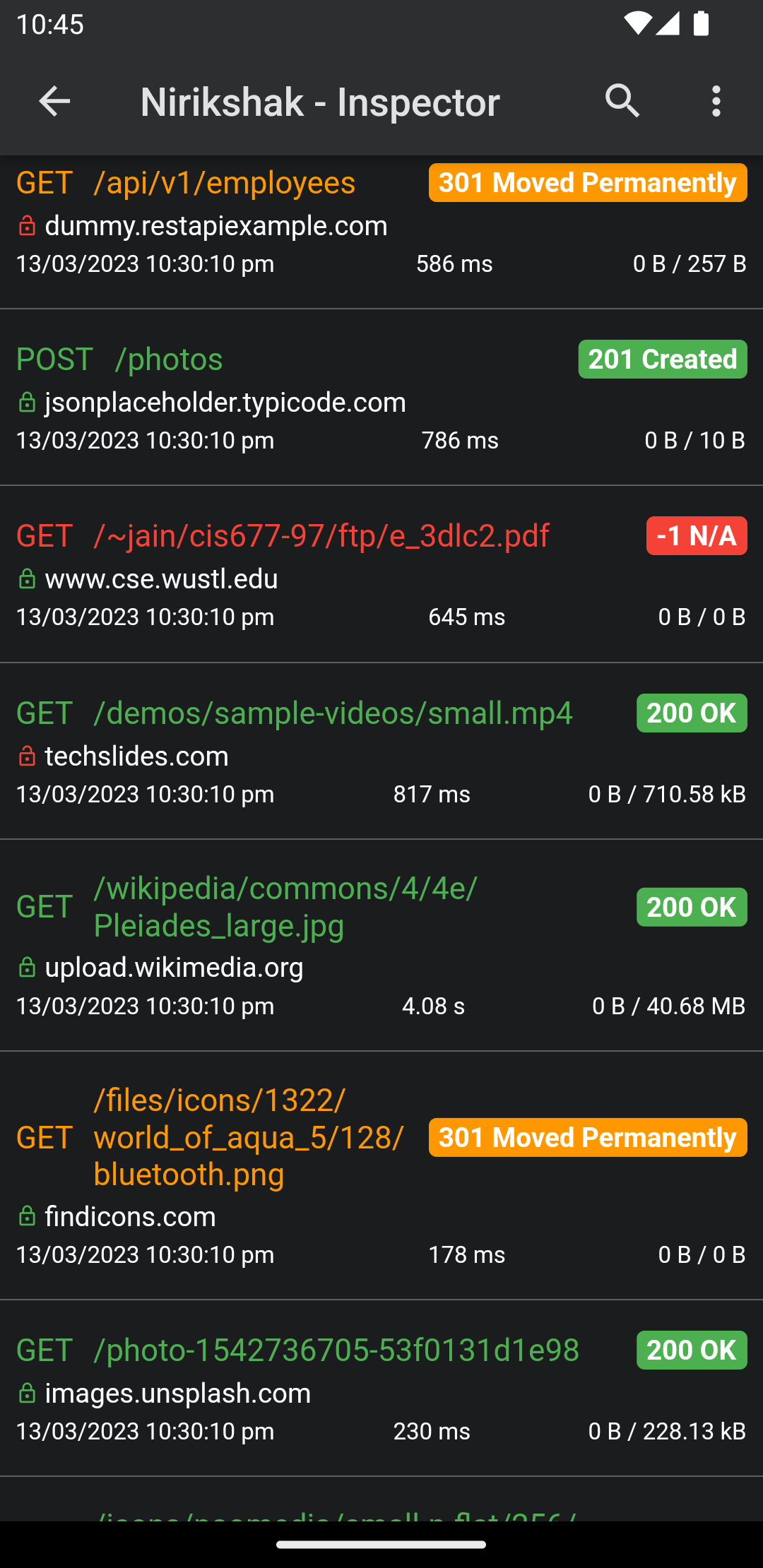
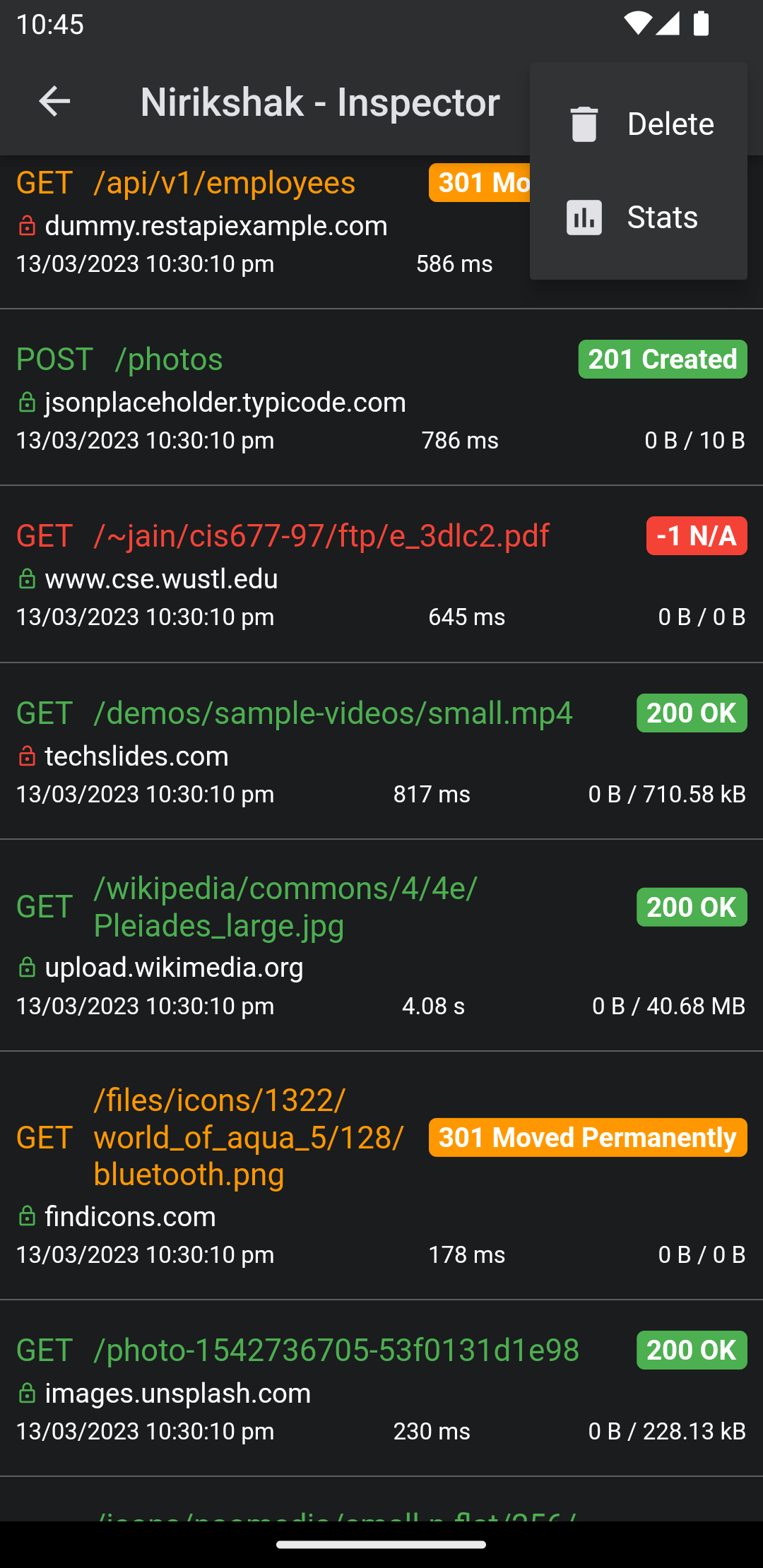
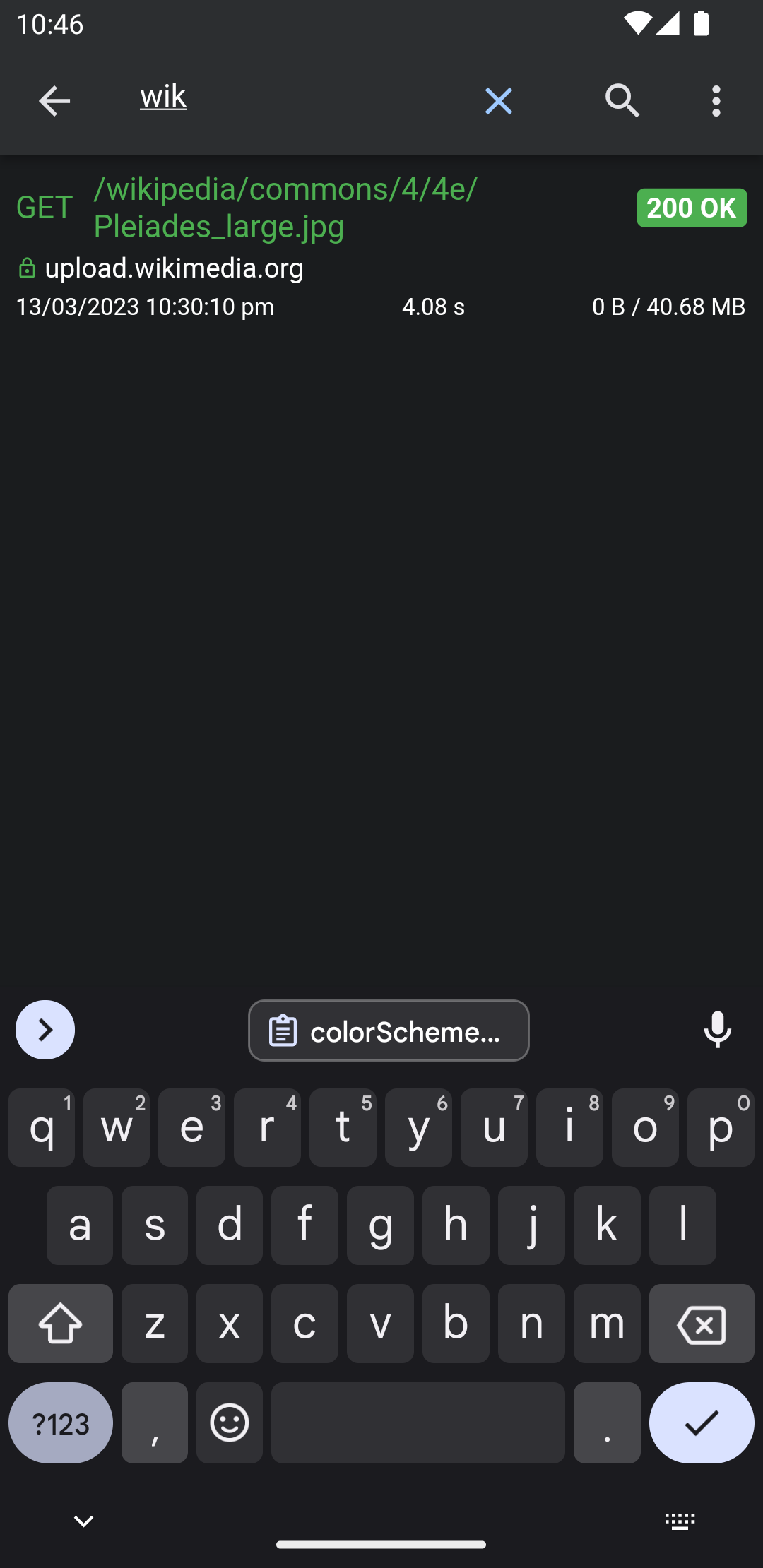
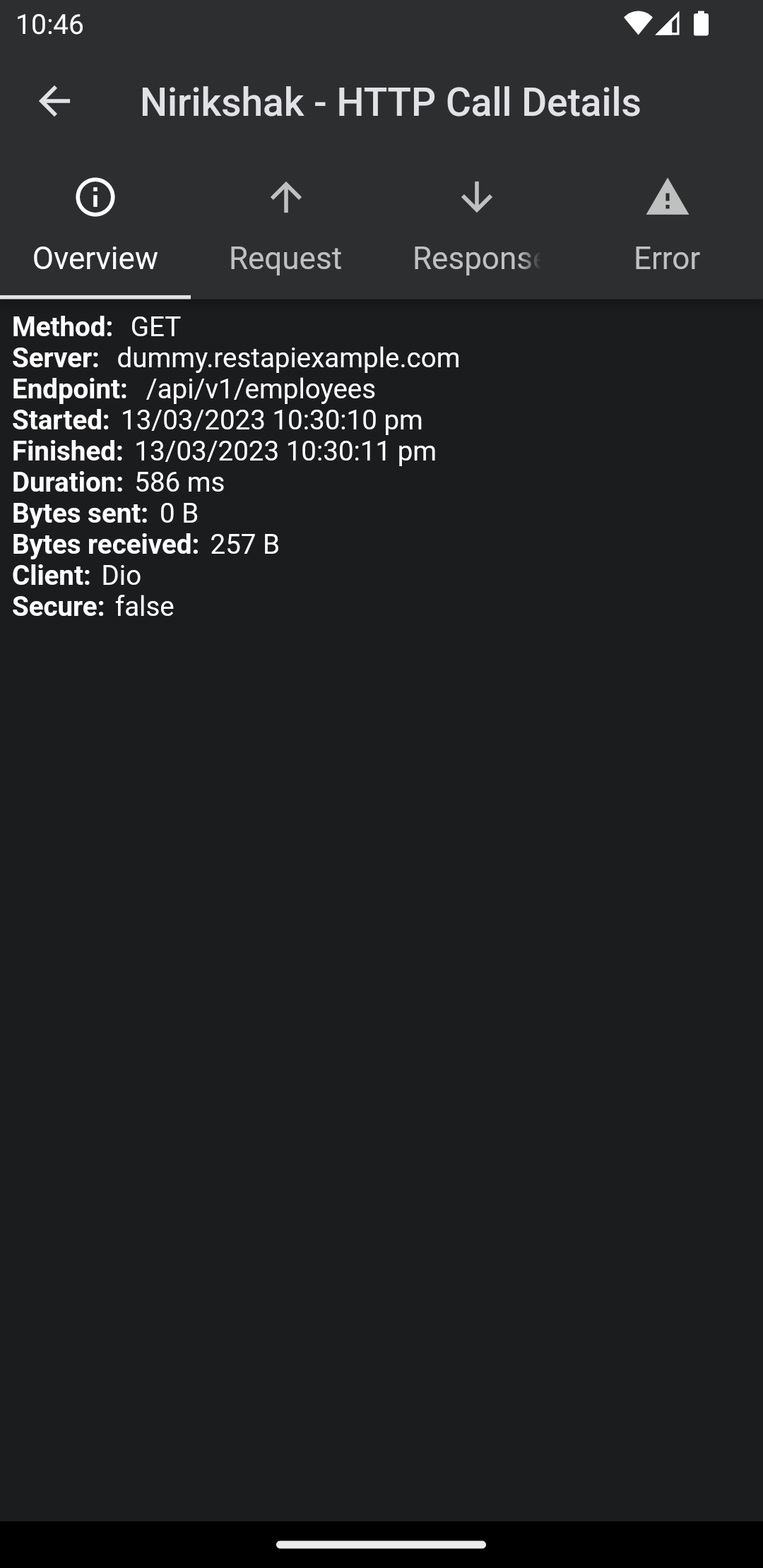
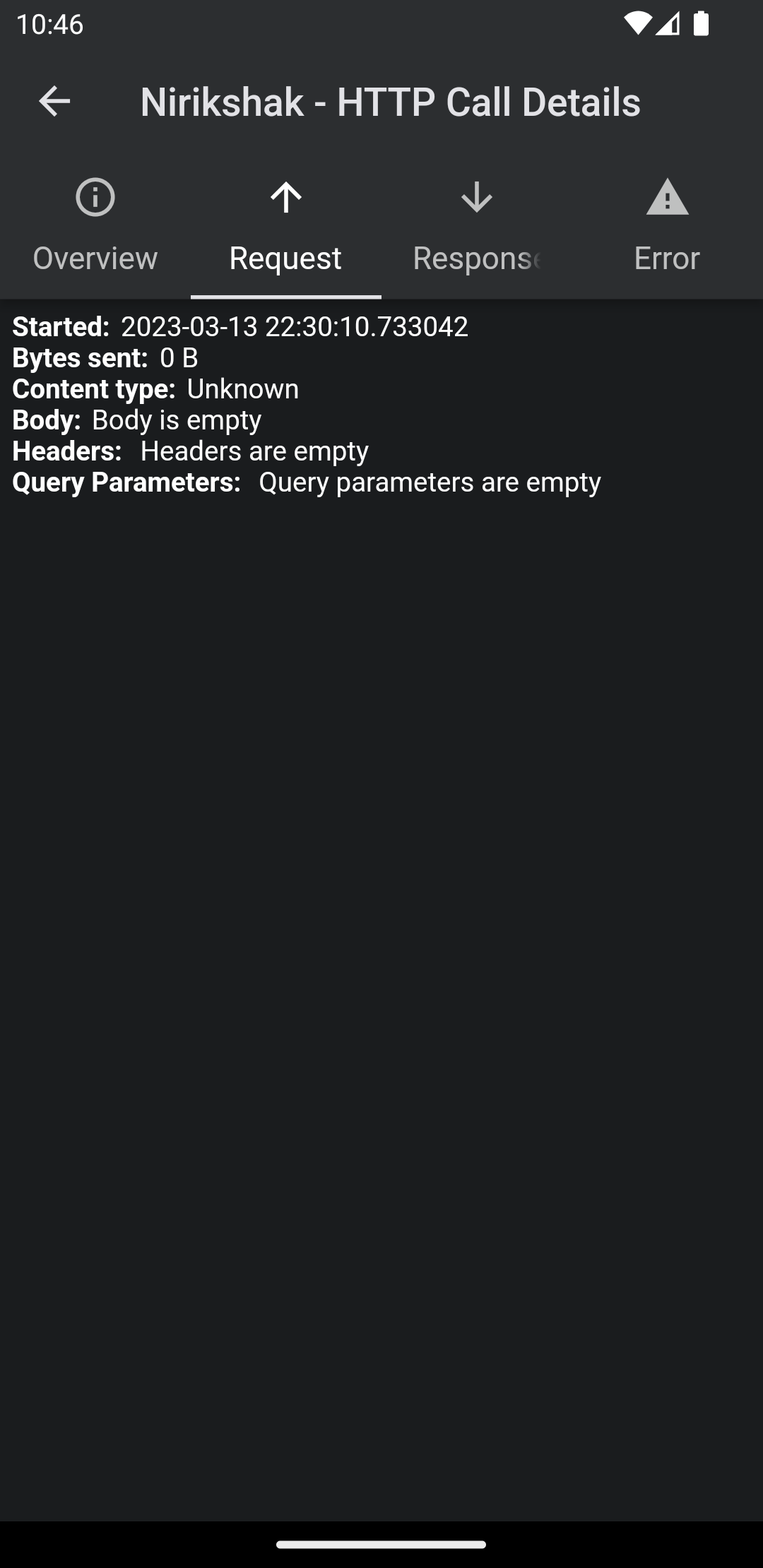
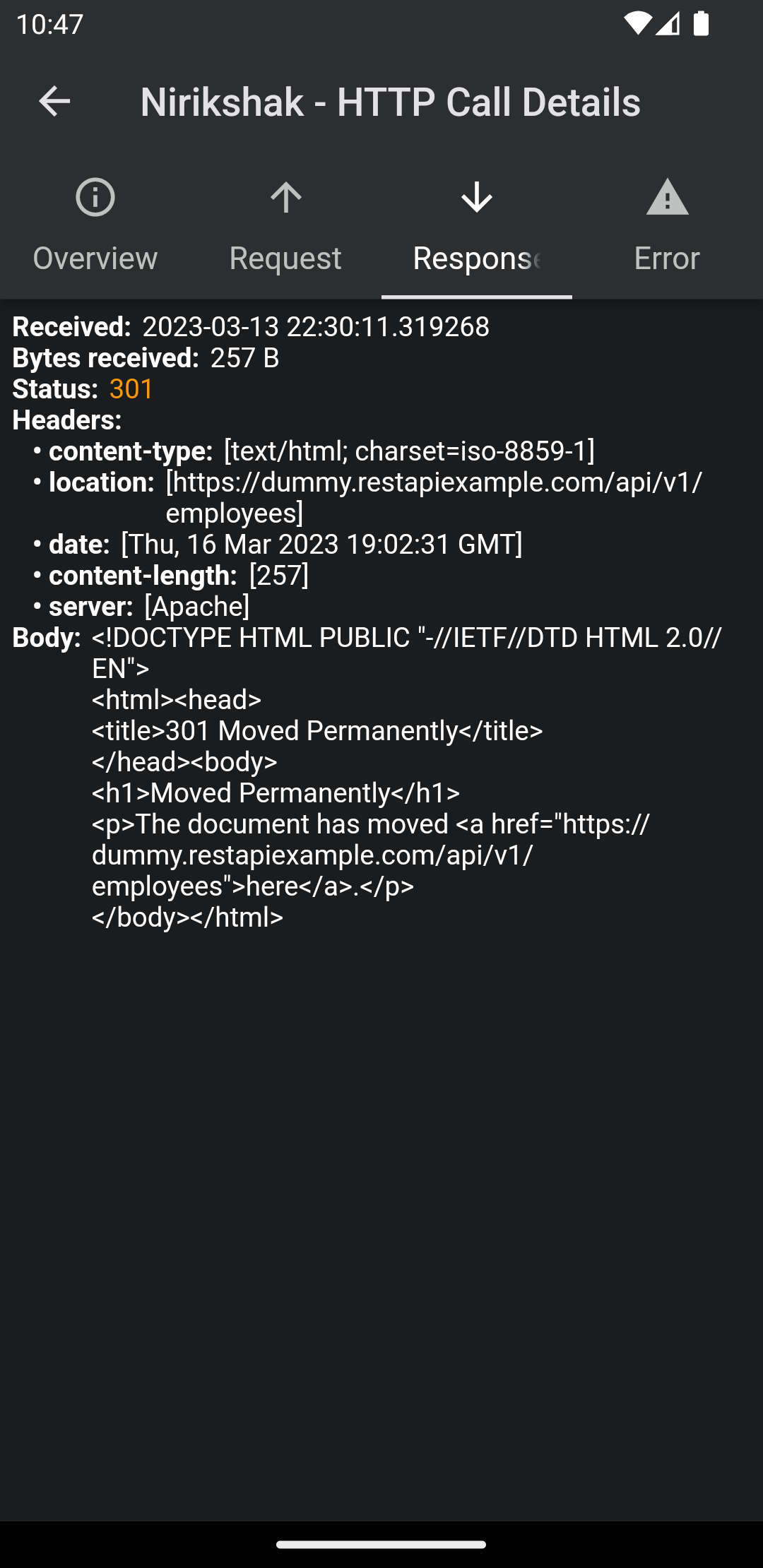
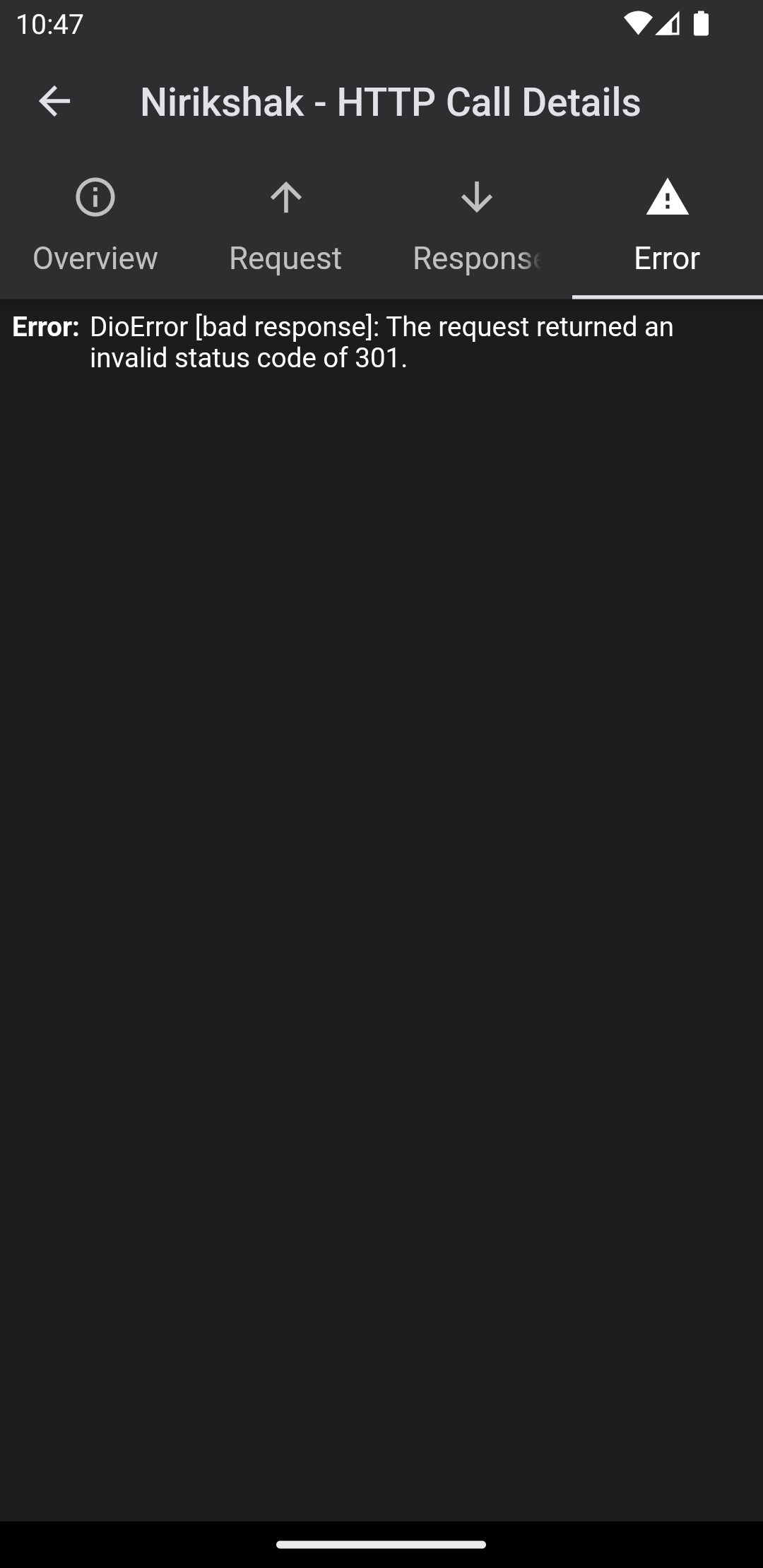
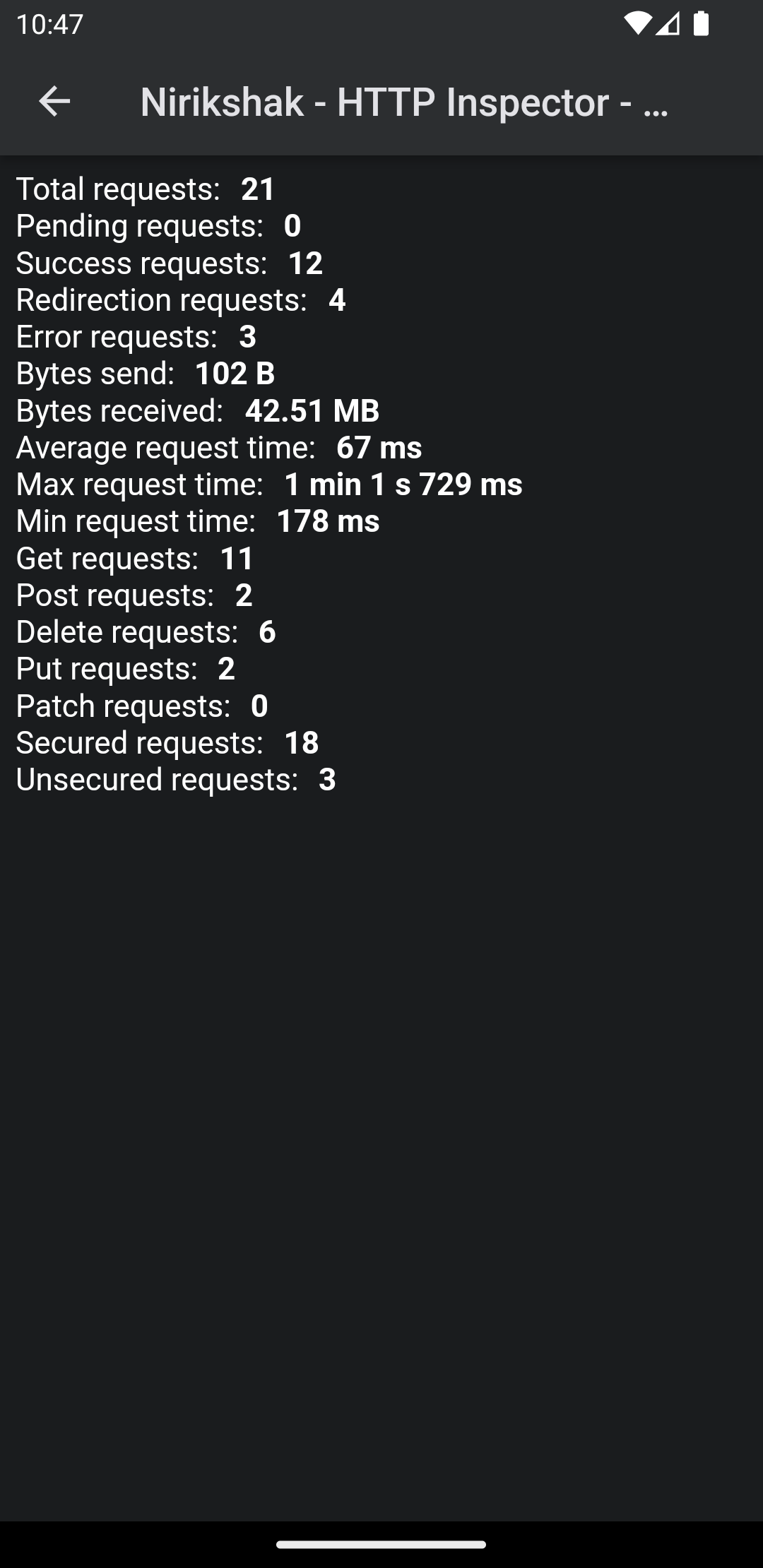
**Features:**
✔️ Removed all the dependenices except Dio
✔️ Detailed logs for each Dio HTTP calls (HTTP Request, HTTP Response)
✔️ Inspector UI for viewing HTTP calls
✔️ Statistics
✔️ Error handling
✔️ HTTP calls search
## Install
1. Add this to your **pubspec.yaml** file:
```yaml
dependencies:
nirikshak: ^latest-version
```
2. Install it
```bash
$ flutter packages get
```
3. Import it
```dart
import 'package:nirikshak/nirikshak.dart';
```
## Usage
### Nirikshak configuration
1. Create Nirikshak instance:
```dart
Nirikshak nirikshak = Nirikshak();
```
And that's it! Nirikshak will automatically takes the theme mode as per your app.
### Dio configuration
You just need to add the Dio interceptor.
```dart
Dio dio = Dio();
dio.interceptors.add(nirikshak.getDioInterceptor());
```
## Show inspector manually
To view the Nirikshak, you need to call `showNirikshak` with `context`:
```dart
nirikshak.showNirikshak(context);
```
## Example
See complete example here: https://github.com/thealteria/nirikshak/blob/main/example/lib/main.dart