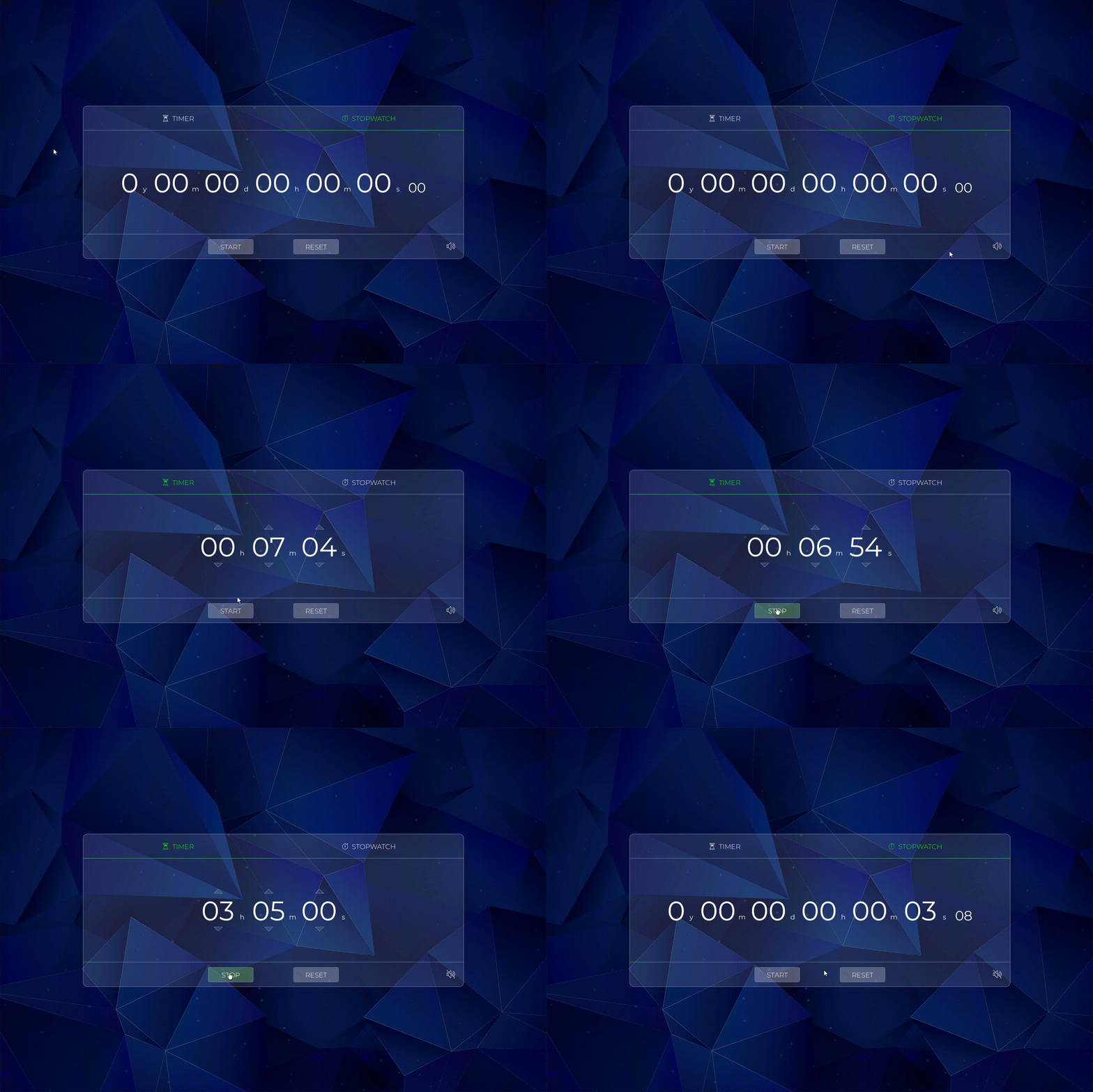
https://github.com/theanasuddin/stopwatch-n-timer
A stopwatch ⏱ along with a timer ⏲ built with Processing and Sound API provided by The Processing Foundation. Executables are available for 32-bit and 64-bit Windows OS.
https://github.com/theanasuddin/stopwatch-n-timer
cross-platform desktop-application pde processing stopwatch timer windows
Last synced: 4 months ago
JSON representation
A stopwatch ⏱ along with a timer ⏲ built with Processing and Sound API provided by The Processing Foundation. Executables are available for 32-bit and 64-bit Windows OS.
- Host: GitHub
- URL: https://github.com/theanasuddin/stopwatch-n-timer
- Owner: theanasuddin
- License: gpl-2.0
- Created: 2021-02-03T06:44:22.000Z (over 5 years ago)
- Default Branch: main
- Last Pushed: 2021-02-03T14:41:53.000Z (over 5 years ago)
- Last Synced: 2025-01-18T04:26:31.457Z (over 1 year ago)
- Topics: cross-platform, desktop-application, pde, processing, stopwatch, timer, windows
- Language: Processing
- Homepage:
- Size: 6.91 MB
- Stars: 0
- Watchers: 1
- Forks: 0
- Open Issues: 0
-
Metadata Files:
- Readme: README.md
- License: LICENSE
Awesome Lists containing this project
README
# Stopwatch-N-Timer
**A stopwatch ⏱ along with a timer ⏲ built with Processing and Sound API provided by The Processing Foundation. [Download](https://drive.google.com/file/d/1MczocKwg9iOETSnWj8aGr2YmomWvsBhj/view?usp=sharing) executables for windows.**
## How To Run?
1. [Download](https://processing.org/download/) Processing. Processing is available for Linux, Mac OS X, and Windows. Select your choice to download the IDE.
2. Download the [sound library](https://processing.org/reference/libraries/sound/index.html) provided by The Processing Foundation which provides a simple way to work with audio. Open Processing, goto *Tools* → *Add Tool...* → *Libraries* → search for *"Sound"* → select *"Sound"* → click *"Install"* placed at the bottom right corner. You can also download the [source code](https://github.com/processing/processing-sound) for this library from GitHub and configure it manually.
3. [Download](https://github.com/theanasuddin/Stopwatch-N-Timer/archive/main.zip) the source code (zipped) for Stopwatch 'N Timer and unzip it.
4. Goto the project folder 📁 and rename the *"Stopwatch-N-Timer-main"* folder to *"stopwatch_n_timer"* found inside the project folder.
5. Move the *"stopwatch_n_timer"* folder to sketchbook location. Default sketchbook location is `C:\Users\\Documents\Processing` for Windows, here `` is the name of your user account.
6. Go inside the *"stopwatch_n_timer"* folder and open the *"stopwatch_n_timer.pde"* source file with Processing.
7. Click on Run ▶ button inside Processing.
## Screenshots:
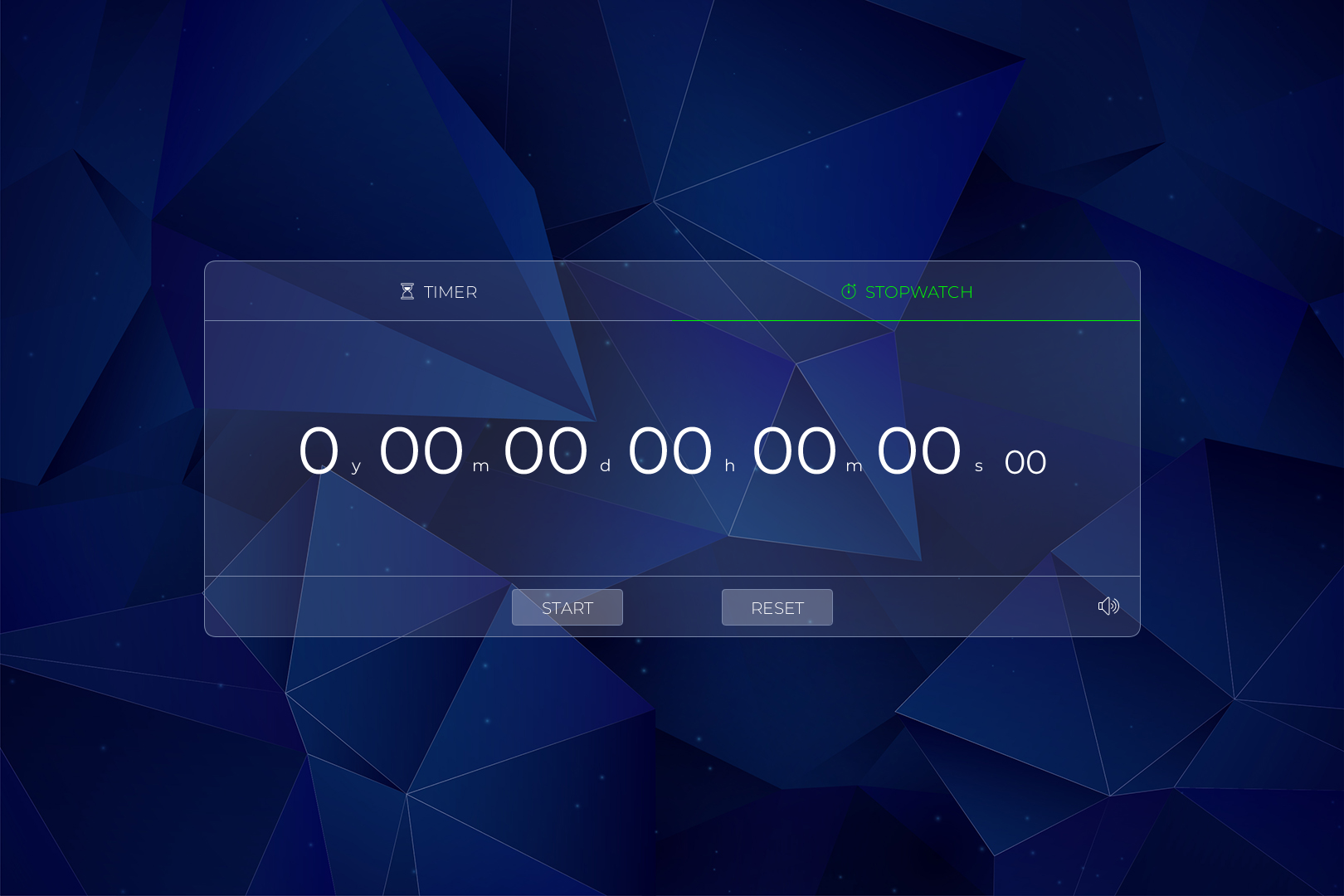
UI Stopwatch
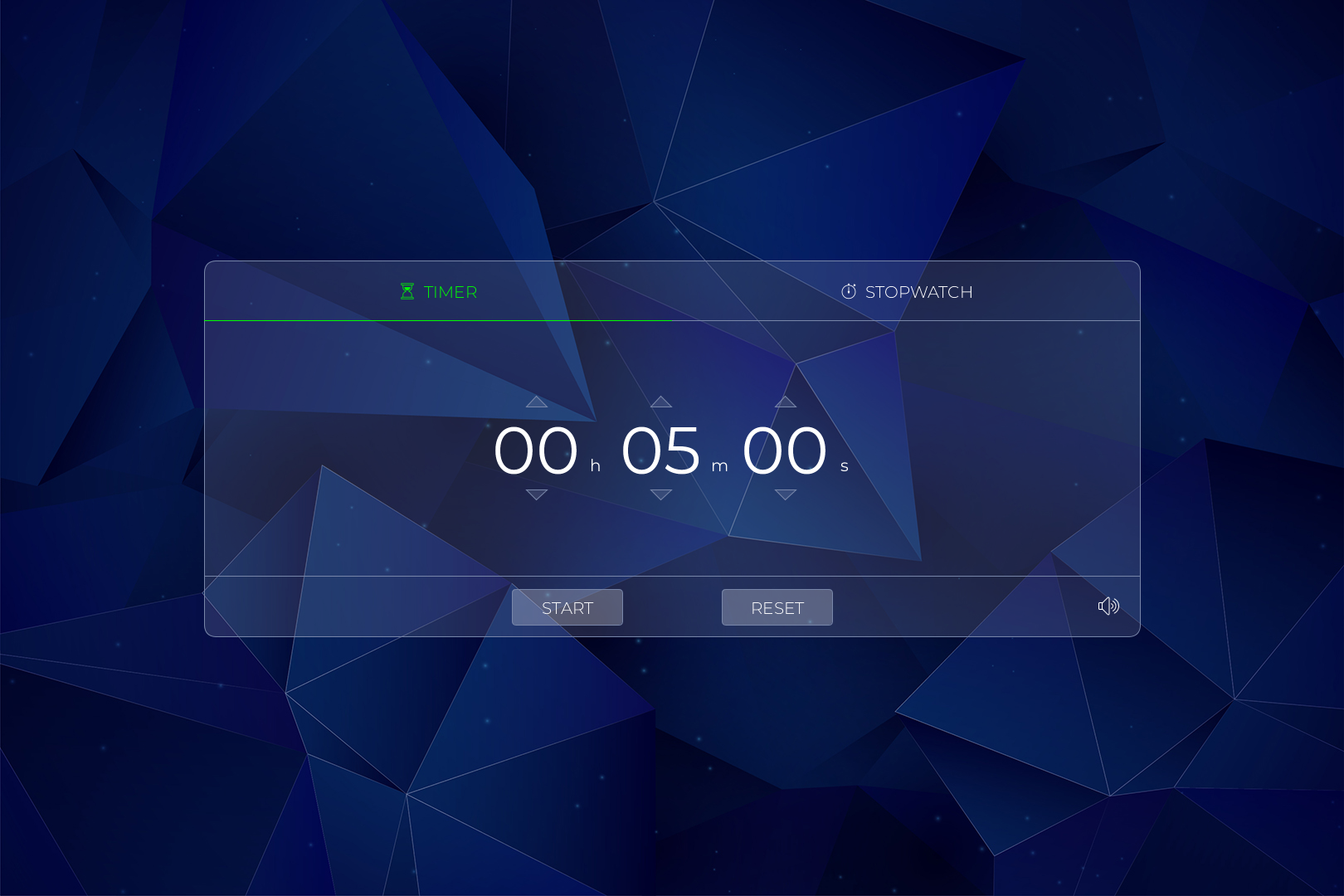
UI Timer
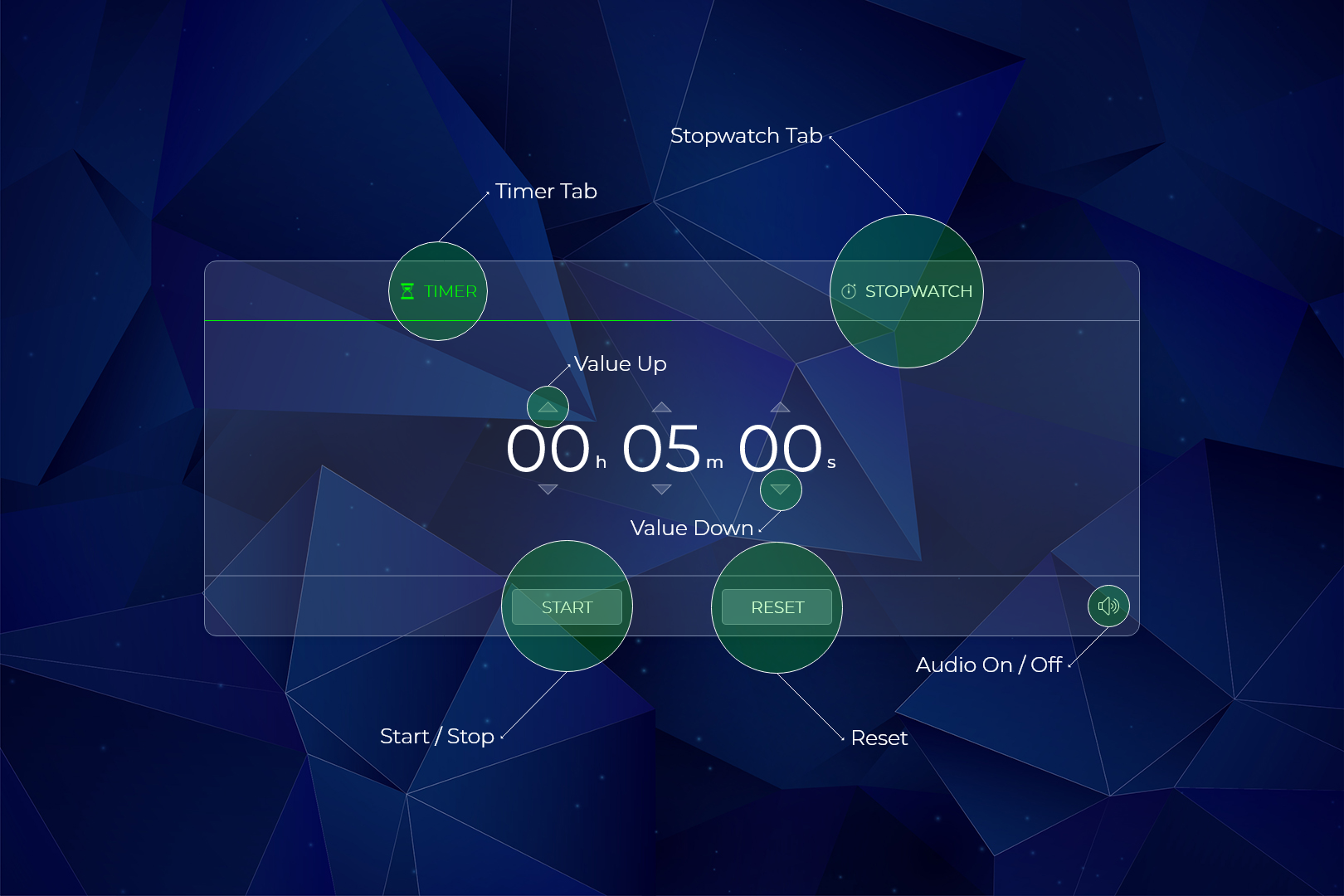
## Controls:
## Demo GIF: