https://github.com/theblackfly/ninaa
An attempt to automate the process of producing neural network pictures with tikz.
https://github.com/theblackfly/ninaa
mako neural-networks python template-metaprogramming tikz
Last synced: about 1 year ago
JSON representation
An attempt to automate the process of producing neural network pictures with tikz.
- Host: GitHub
- URL: https://github.com/theblackfly/ninaa
- Owner: theblackfly
- License: mit
- Created: 2020-04-24T08:29:04.000Z (about 6 years ago)
- Default Branch: master
- Last Pushed: 2020-09-29T14:16:49.000Z (over 5 years ago)
- Last Synced: 2025-01-16T09:08:25.292Z (over 1 year ago)
- Topics: mako, neural-networks, python, template-metaprogramming, tikz
- Language: Python
- Size: 321 KB
- Stars: 0
- Watchers: 1
- Forks: 0
- Open Issues: 0
-
Metadata Files:
- Readme: README.md
- License: LICENSE
Awesome Lists containing this project
README
# ninaa
An attempt to automate the process of producing neural network pictures with tikz.
## What is it?
ninaa is a recursive acronym for "ninaa is not an artist". ninaa is really not a
graphics drawing program. It simply is a collection of a
[tikz](https://github.com/pgf-tikz/pgf) templates and convenience scripts
written in python which allows very easy and quick generation of customized
neural network pictures based on preexisting templates.
## Why?
The idea to work on this project came after I observed myself copying and
pasting tikzpicture code many times over. As a programmer, I strive to be lazy.
So, I tried to abstract the parts of the tikzpicture that I do not change into a
[mako](https://www.makotemplates.org/) template and wrote a simple python script
to render the template based on my needs into a tikzpicture that compiles
out-of-the-box without any modifications.
## Screenshots
Here are some mandatory screenshots.
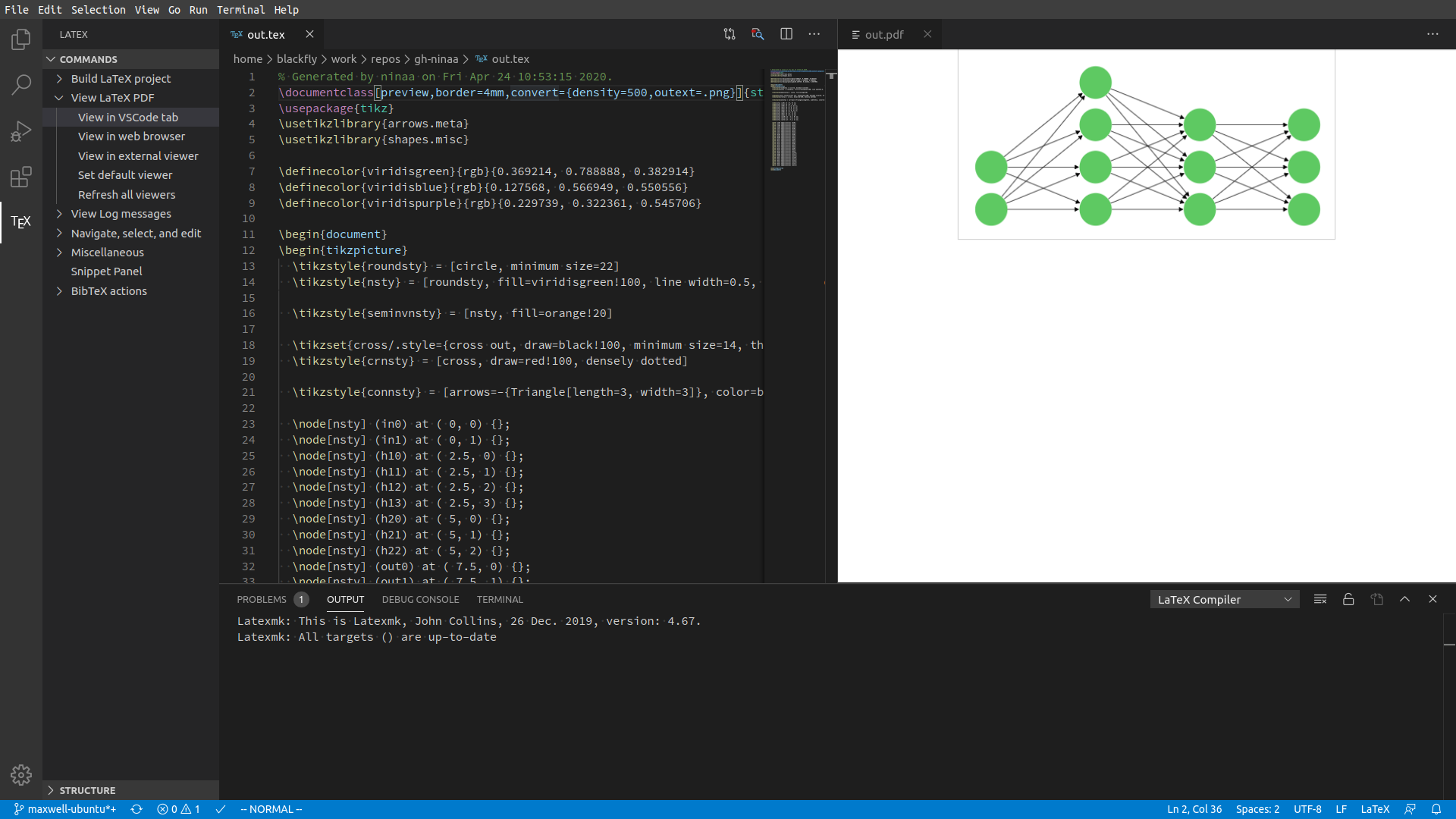
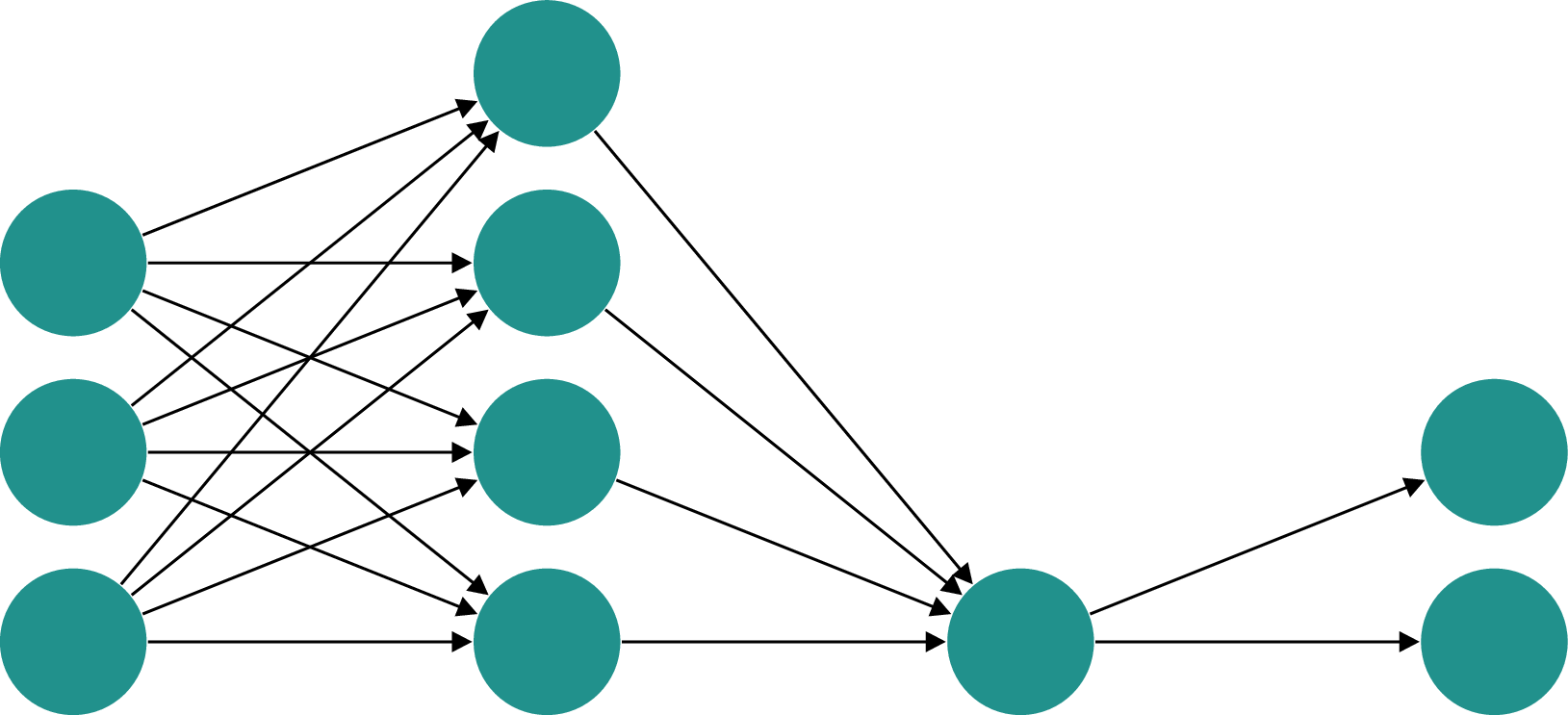
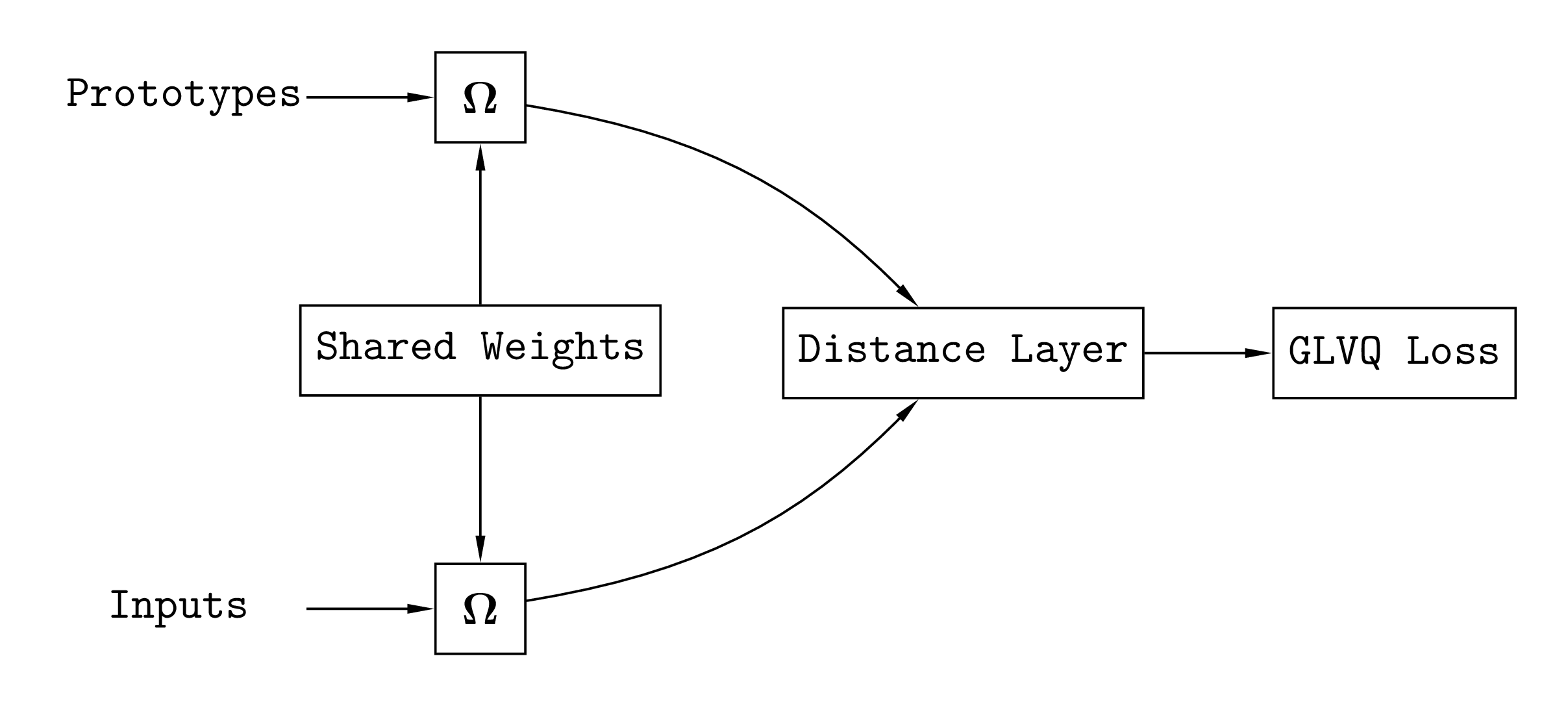
## How to use?
Running the `example.py` script will generate the tikzpicture as a standalone
tex document named `out.tex`.
You can add the standalone document directly into your main tex file by using
the `\includestandalone[]{}` command.
```tex
\documentclass{article}
\usepackage[mode=buildnew]{standalone} % requires -shell-escape
\begin{document}
\includestandalone[width=.8\textwidth]{out}
\end{document}
```
## PNG image instead of PDF
To get the picture in `png` format, run
```bash
pdflatex -shell-escape out.tex
```
If you get a security policy error like, `convert-im6.q16: attempt to perform an
operation not allowed by the security policy`, you may need to change the
`ImageMagick` policy file.
Edit `/etc/ImageMagick-6/policy.xml` and change the line `` to ``.