https://github.com/thebracket/rltk
Roguelike Toolkit - Modern C++ (14) SFML-based toolkit for creating roguelikes.
https://github.com/thebracket/rltk
Last synced: over 1 year ago
JSON representation
Roguelike Toolkit - Modern C++ (14) SFML-based toolkit for creating roguelikes.
- Host: GitHub
- URL: https://github.com/thebracket/rltk
- Owner: thebracket
- License: mit
- Created: 2016-02-26T14:37:30.000Z (over 10 years ago)
- Default Branch: master
- Last Pushed: 2021-08-17T20:36:30.000Z (almost 5 years ago)
- Last Synced: 2025-04-09T16:04:56.208Z (over 1 year ago)
- Language: C++
- Homepage:
- Size: 56.6 MB
- Stars: 319
- Watchers: 28
- Forks: 21
- Open Issues: 3
-
Metadata Files:
- Readme: README.md
- License: LICENSE
Awesome Lists containing this project
README
# rltk : Roguelike Toolkit - Modern (C++14) SFML-based toolkit for creating roguelikes.
It's very early days, but I hope that this can be a useful tool. Black Future was getting messy, and I needed to separate out some
engine logic from game logic for my sanity; I realized that others might find the underlying engine code useful.
Right now, it's a very fast ASCII (code-page 437) terminal renderer compatible with fonts from libtcod and Dwarf Fortress.
Eventually, it will provide assistance with a number of game-related topics including path-finding, line-plotting,
and probably some of the entity-component-system I've been enjoying.
**Credit to Pyridine for the REXPaint format code. Original located at: [https://github.com/pyridine/REXSpeeder](https://github.com/pyridine/REXSpeeder)**
## Building from source
You need SFML for your platform, Boost, and cmake. Make a "build" folder, and use CMake to generate build files for your platform (I'll expand upon this later, when this is a more useful library).
## Building on Visual Studio 2017
* Setup VCPKG, following the instructions [here](https://blogs.msdn.microsoft.com/vcblog/2016/09/19/vcpkg-a-tool-to-acquire-and-build-c-open-source-libraries-on-windows/)
* Ensure that you've integrated it, with `vcpkg integrate install` (see [here](https://github.com/Microsoft/vcpkg/blob/master/docs/examples/using-sqlite.md))
* Install packages: `vcpkg install sfml` and `vcpkg install cereal`. These take a while.
* Open Visual Studio 2017, and use "Open Folder" to open the RLTK folder to which you cloned everything. The CVPKG stuff will ensure that SFML is linked correctly.
* If you've previously opened the project in VS2017, use the CMake menu to delete your cache and regenerate everything. You really shouldn't have to do this, but CMake integration is young.
* You should now be able to select an output, and build/run it.
## Included Examples (with lots of comments!)
I'll write proper documentation as the library evolves; I don't really want to write up a lot of docs and have to revise them
heavily as things solidify. I'm doing my best to include examples evolving towards a real roguelike. Currently, these are:
### Example 1: Hello World
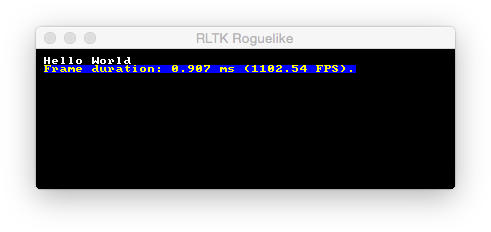
[Example 1](https://github.com/thebracket/rltk/blob/master/examples/ex1/main.cpp): demonstrates a Hello World with frame-rate.
### Example 2: Randomly moving @
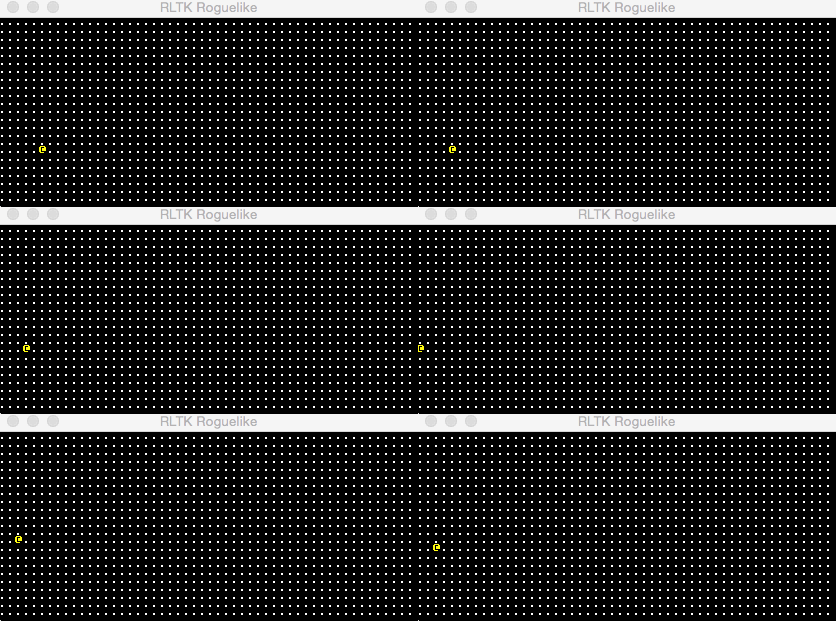
[Example 2](https://github.com/thebracket/rltk/blob/master/examples/ex2/main.cpp): a randomly moving yellow @ on a field of white dots.
### Example 3: Bresenham's Line Pathing
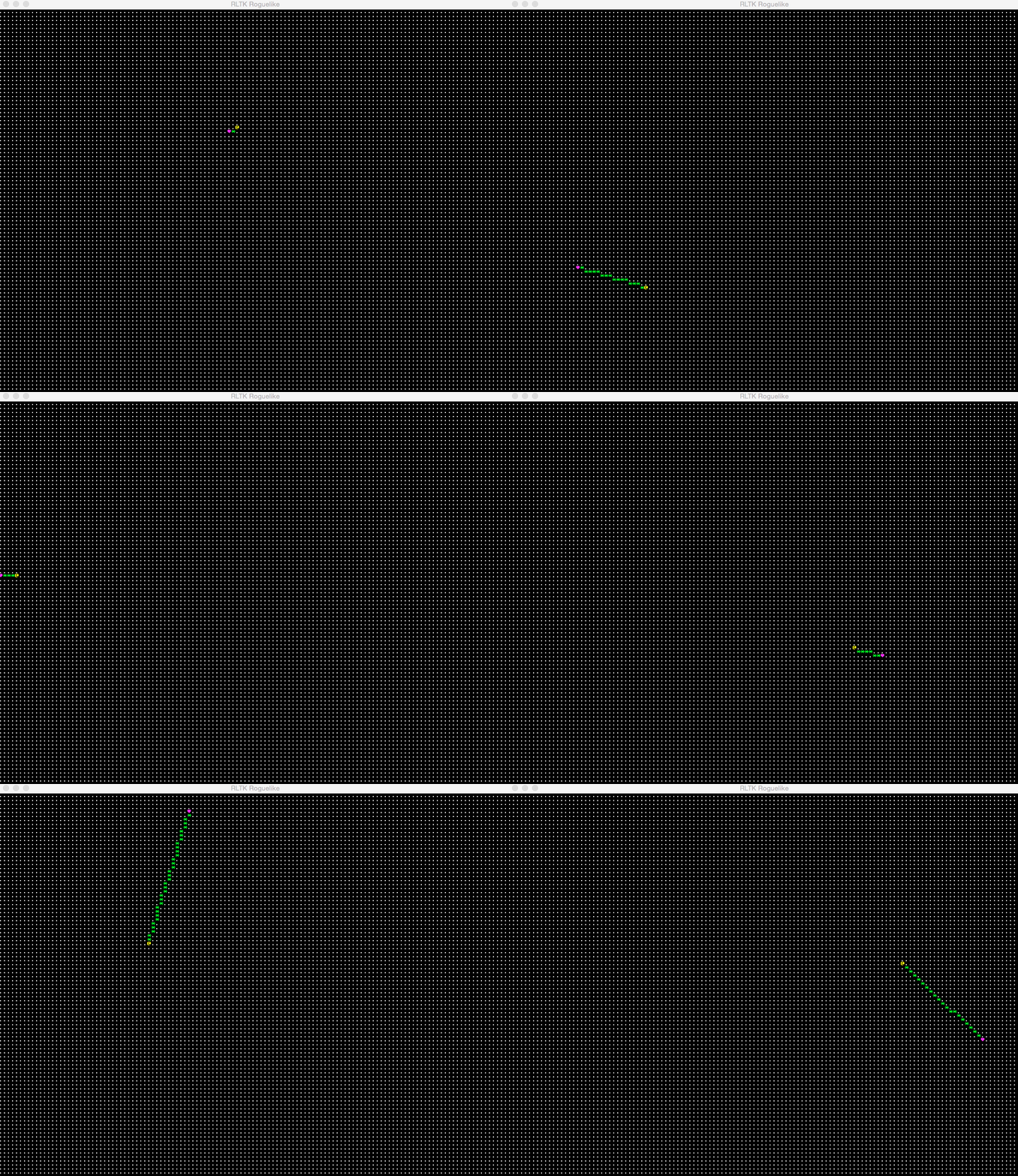
[Example 3](https://github.com/thebracket/rltk/blob/master/examples/ex3/main.cpp): our @ dude again, this time using Bresenham's line to find his way. It also renders additional glyphs, as Mr @ finds his way to his destination.
### Example 4: A-Star Pathing
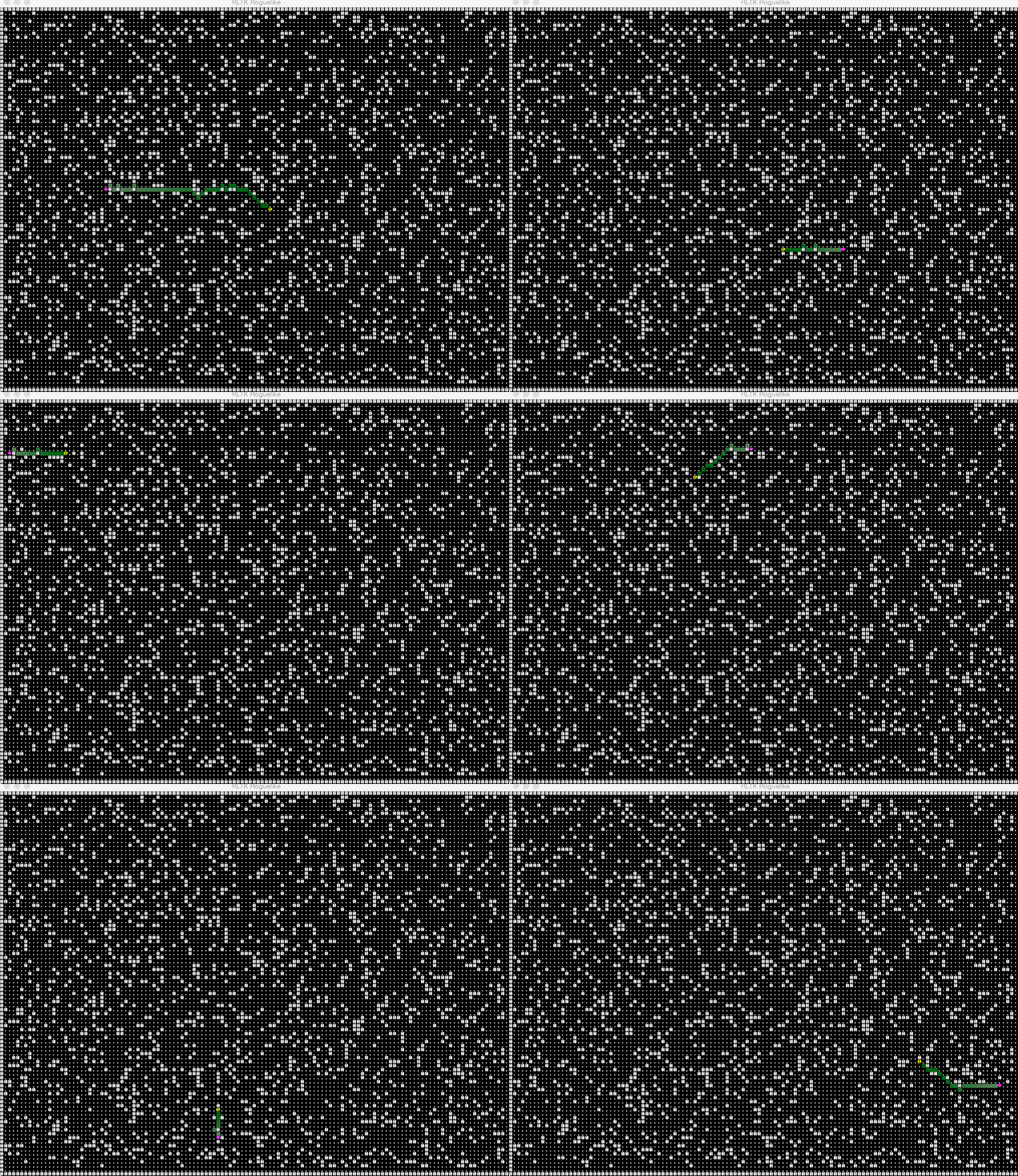
[Example 4](https://github.com/thebracket/rltk/blob/master/examples/ex4/main.cpp): our @ dude again, now on a defined map with obstacles and using A* to find his way to the heart. This demonstrates using templates to specialize map support - we won't force you to use a specific map representation!
### Example 5: Mouse Controlled Path-Finding
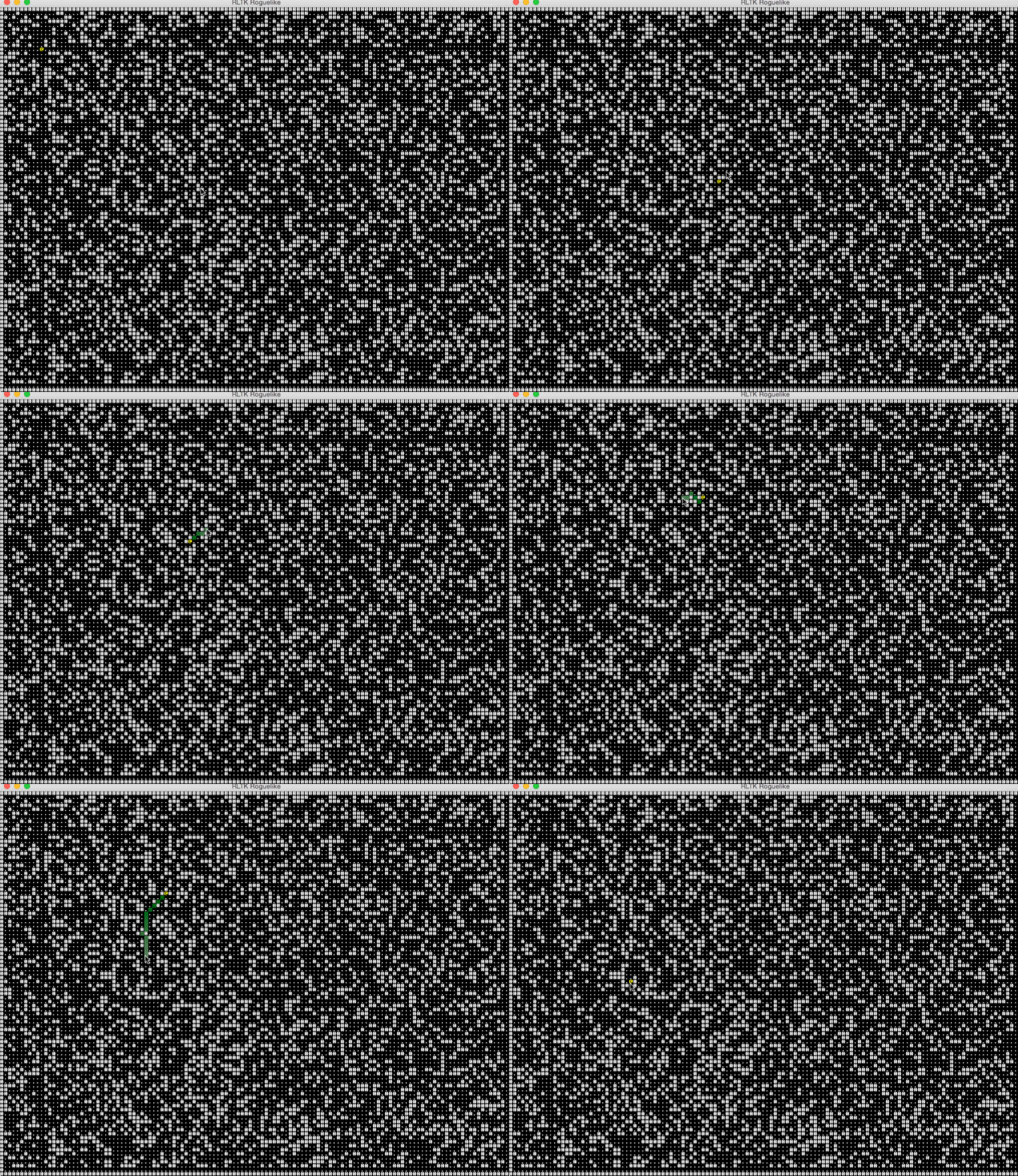
[Example 5](https://github.com/thebracket/rltk/blob/master/examples/ex5/main.cpp): our @ dude again, using A* pathing to find his way to the mouse
cursor. Click and he goes there.
### Example 6: Visibility
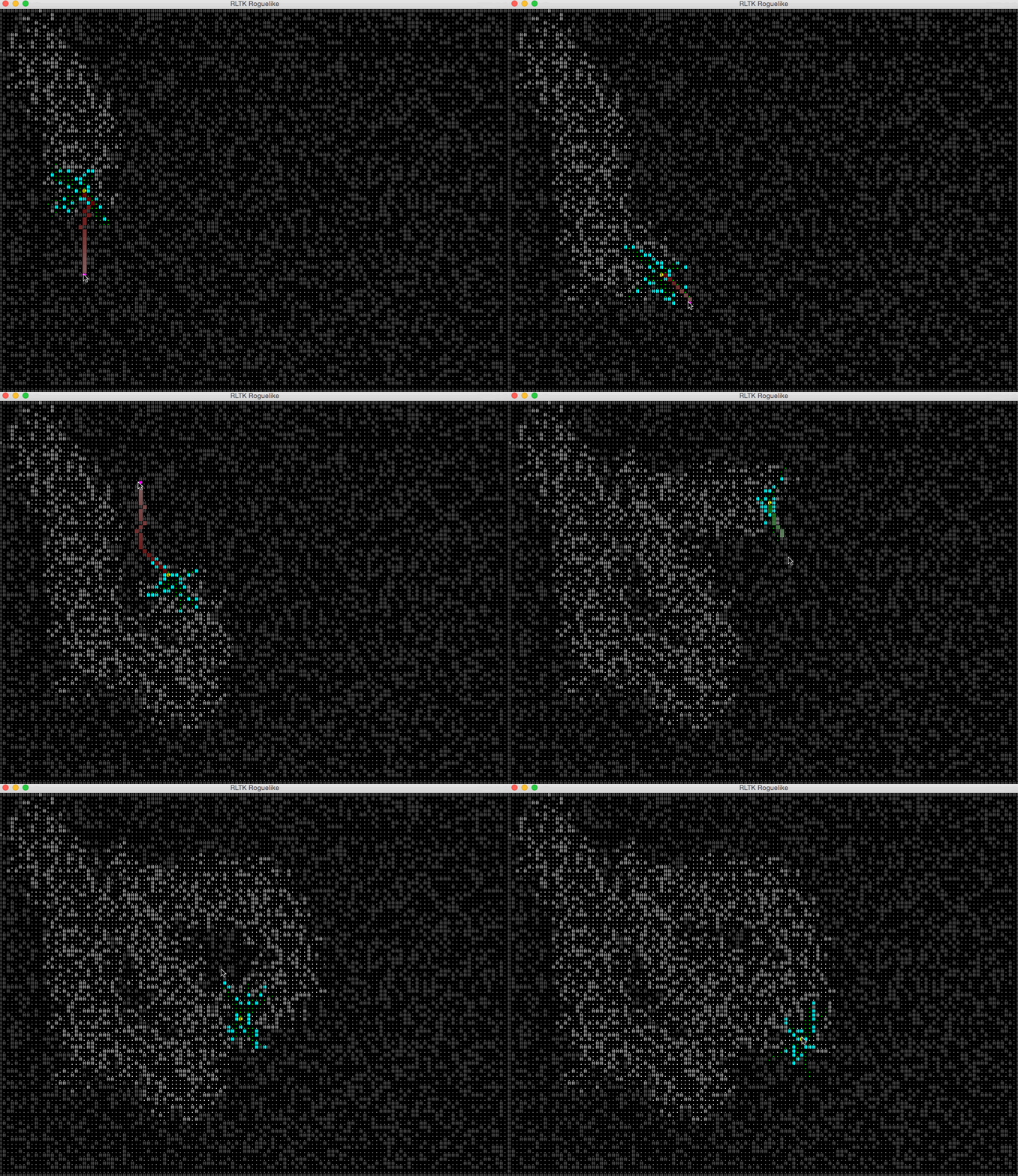
[Example 6](https://github.com/thebracket/rltk/blob/master/examples/ex6/main.cpp): Example 5, but now we have true visibility plotted as you wander.
### Example 7: Multi-font ASCII Layout
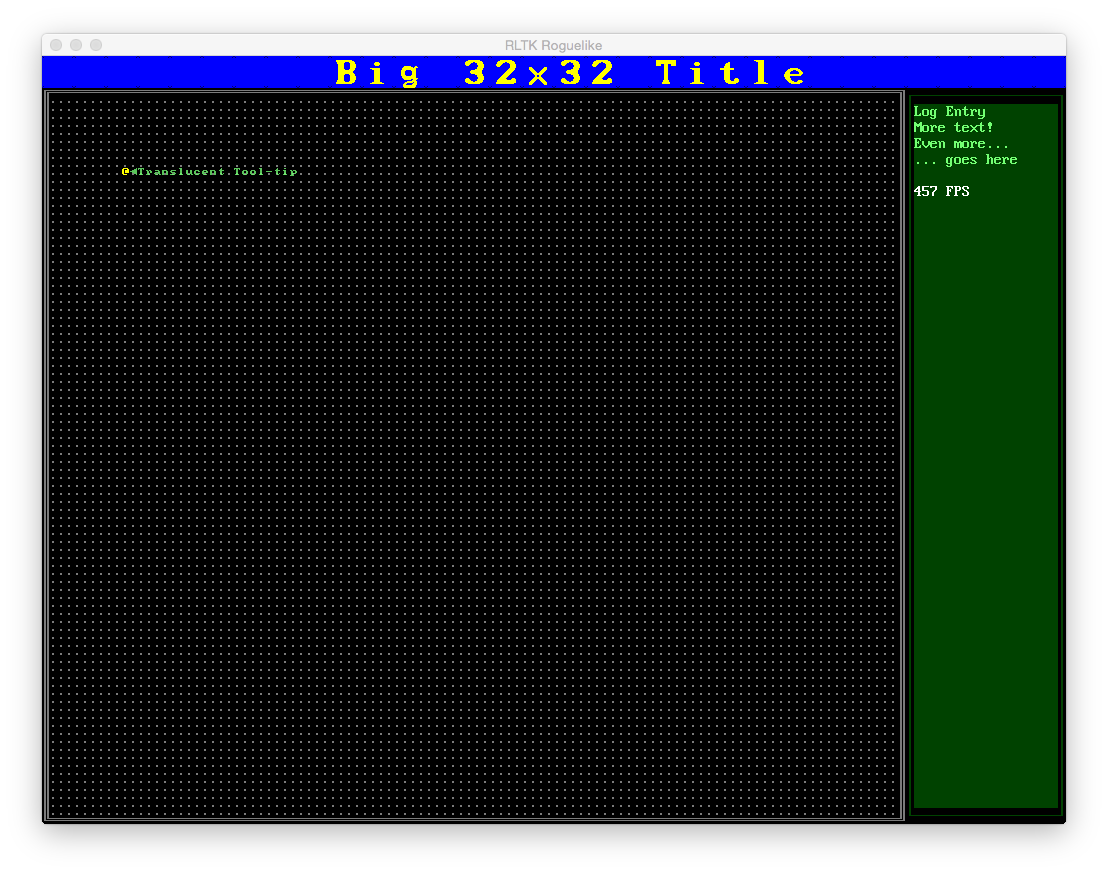
[Example 7](https://github.com/thebracket/rltk/blob/master/examples/ex7/main.cpp): A complex GUI with multiple fonts and layers, dynamically resizable.
### Example 8: Owner draw, and retained-mode GUI elements
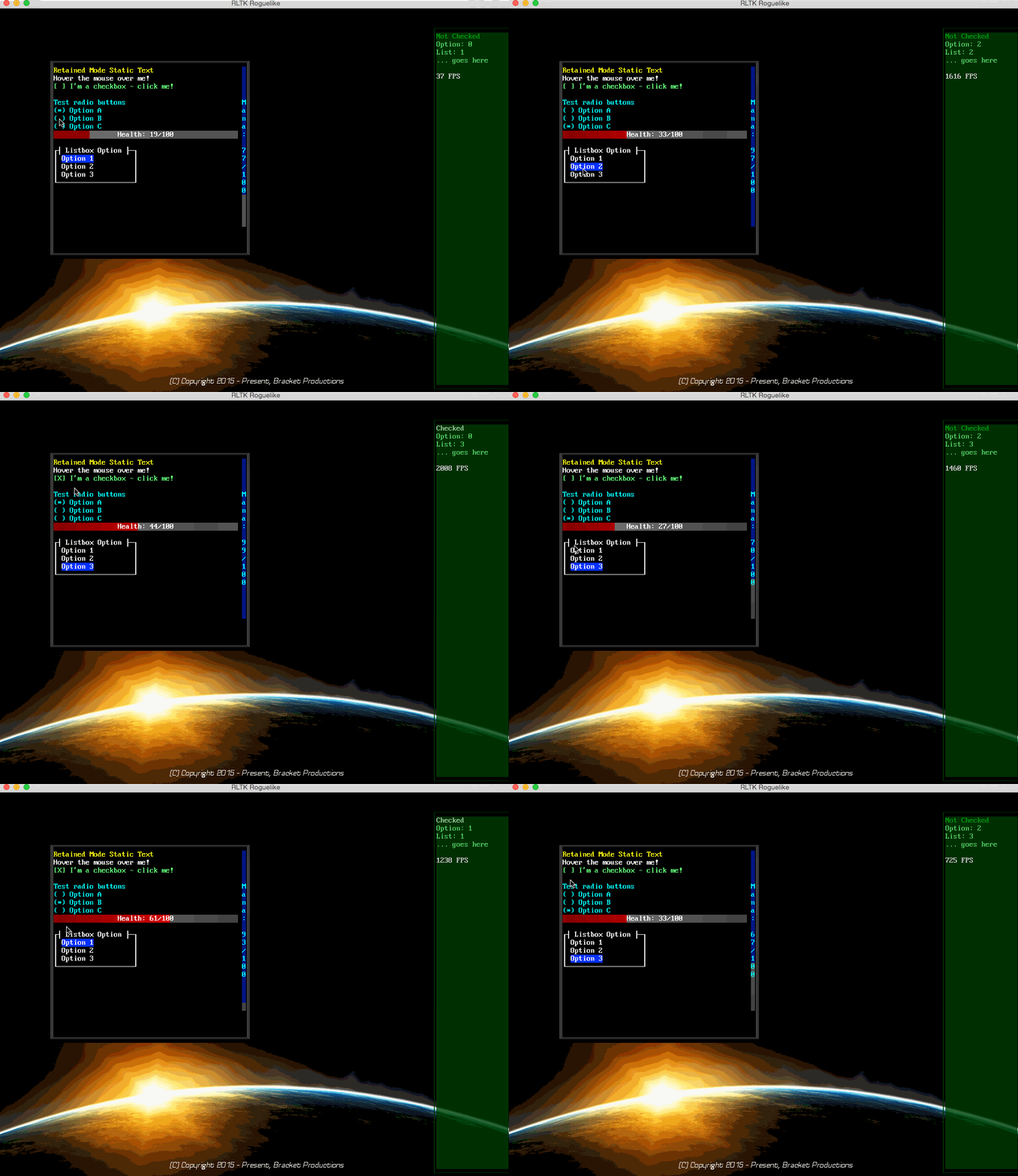
[Example 8](https://github.com/thebracket/rltk/blob/master/examples/ex8/main.cpp): Demonstrates an "owner draw" panel (with SFML render target callback), drawing a background image. Some ASCII consoles are spawned, and one is populated with a mouse-over, a checkbox, radio-button set, a list-box and some status bars. The other panel displays the results.
### Example 9: Sparse layer with effects
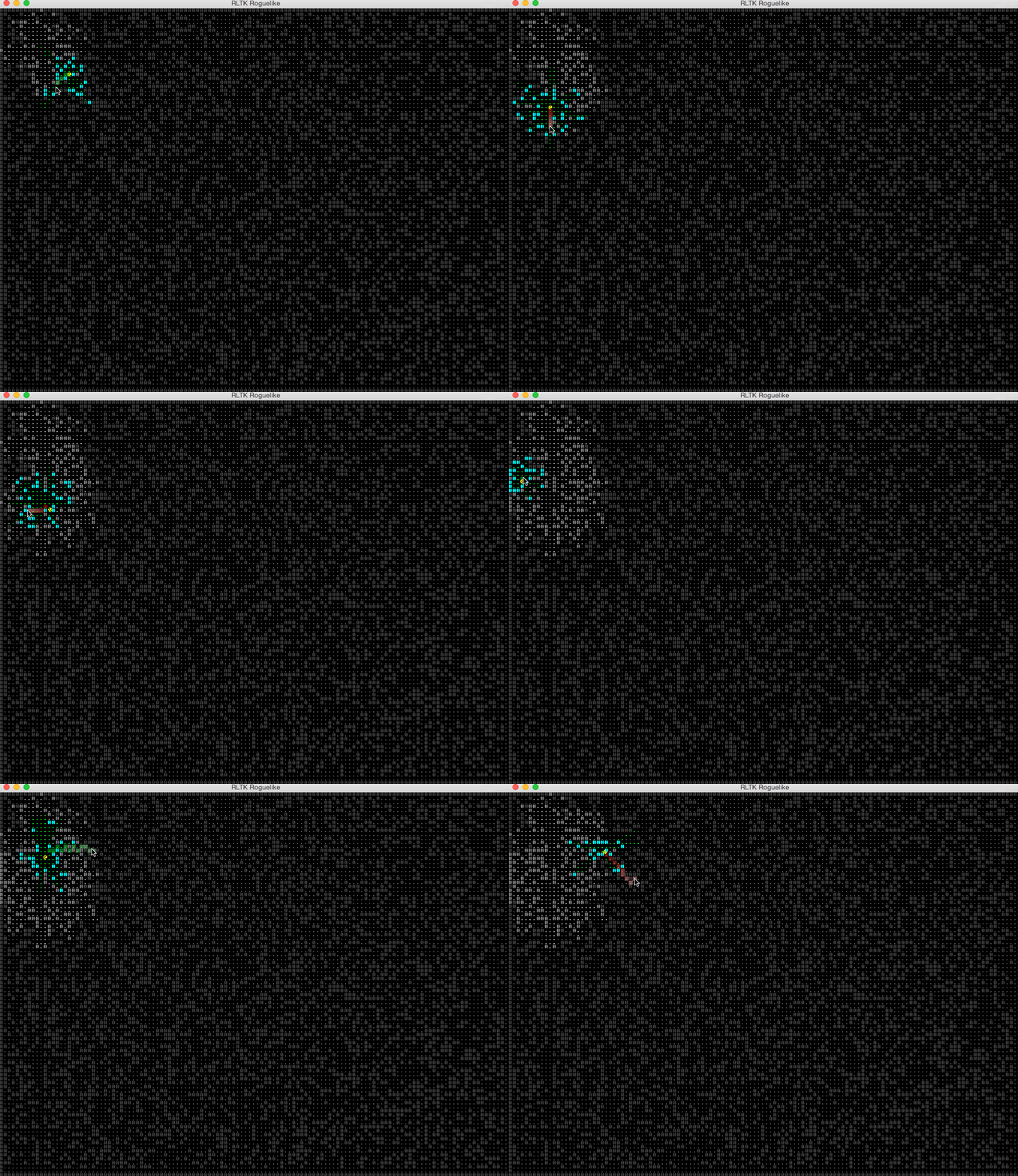
[Example 9](https://github.com/thebracket/rltk/blob/master/examples/ex9/main.cpp): This demo uses a regular console layer to draw the map,
and a "sparse" console layer for the character and traversal path. It uses sub-character alignment to smoothly move the @ around, and
demonstrates rotation of the @ by leaning left or right as he travels (not an effect I recommend for a game, but it works as a demo!).
### Example 10: The beginnings of a roguelike
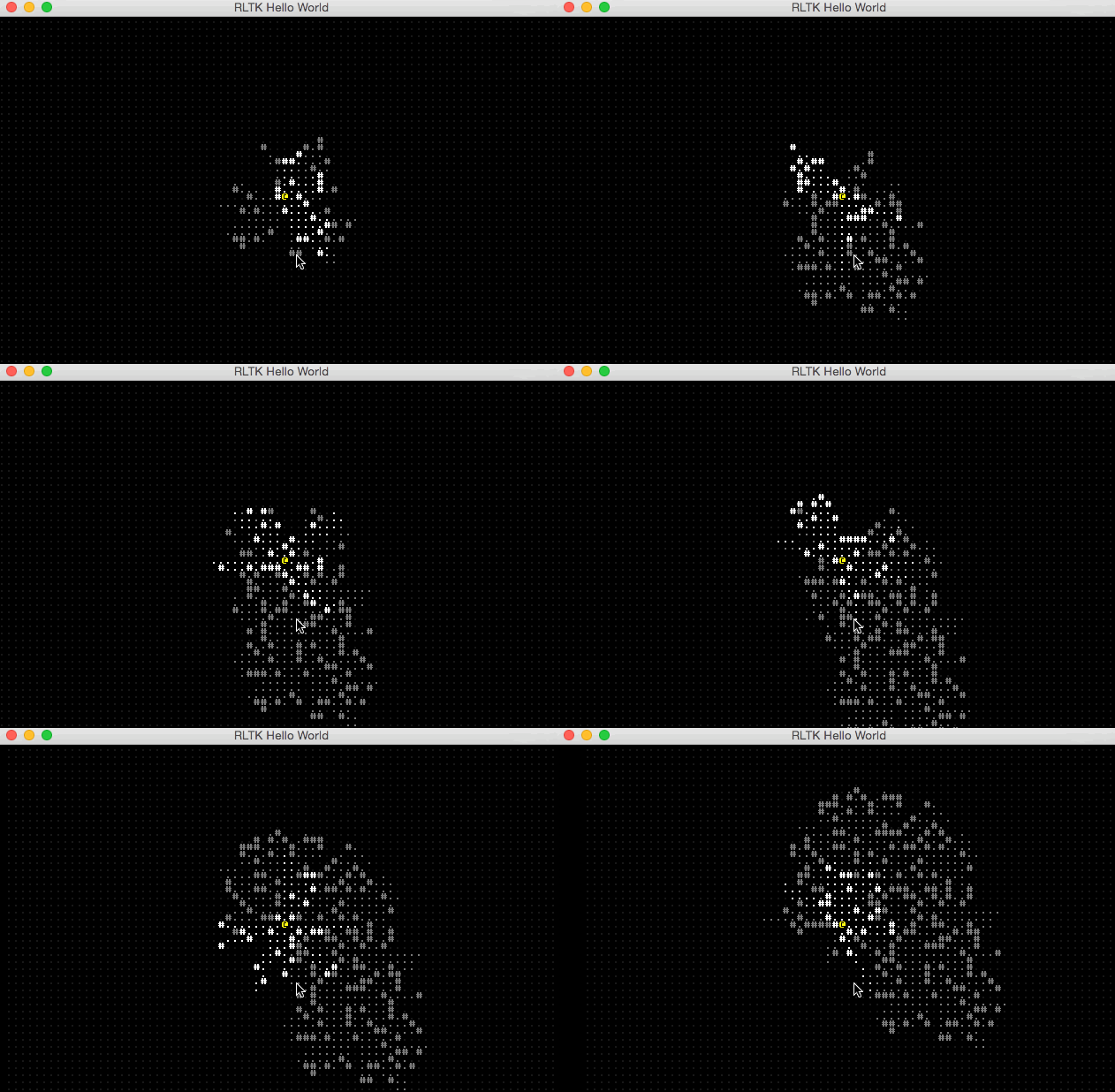
[Example 10](https://github.com/thebracket/rltk/blob/master/examples/ex10/main.cpp): This example generates a random map, and you can move your @ around with the arrow keys. It is the first example to use the Entity-Component-System (ECS) provided by RLTK; it makes for a relatively straightforward and modern way to design a roguelike - with very little code, we have the basics of wandering around a map. Note: message passing isn't implemented yet; when it is - this example will be even smaller!
### Example 11: REXPaint support (http://www.gridsagegames.com/rexpaint/)
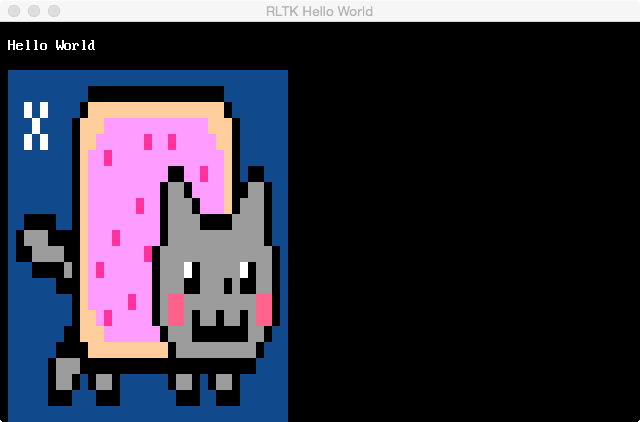
[Example 11](https://github.com/thebracket/rltk/blob/master/examples/ex11/main.cpp): This example is basically Hello World, but with a REX Paint image loaded (Nyan Cat) and displayed.
## Example
The goal is to keep it simple from the user's point of view. The following code is enough to setup an ASCII terminal,
and display **Hello World** with a frame-rate displayed (around 100 FPS on my workstation):
```c++
#include "../../rltk/rltk.hpp"
#include
using namespace rltk;
using namespace rltk::colors;
void tick(double duration_ms) {
std::stringstream ss;
ss << "Frame duration: " << duration_ms << " ms (" << (1000.0/duration_ms) << " FPS).";
console->print(1, 1, "Hello World", WHITE, BLACK);
console->print(1, 2, ss.str(), YELLOW, BLUE);
}
int main()
{
init(config_simple_px("../assets"));
run(tick);
return 0;
}
```