https://github.com/thecodetherapy/mml-playground-r3f
MML Playground + React Three Fiber
https://github.com/thecodetherapy/mml-playground-r3f
Last synced: about 3 hours ago
JSON representation
MML Playground + React Three Fiber
- Host: GitHub
- URL: https://github.com/thecodetherapy/mml-playground-r3f
- Owner: TheCodeTherapy
- License: mit
- Created: 2023-07-09T18:42:10.000Z (about 3 years ago)
- Default Branch: main
- Last Pushed: 2023-07-19T14:52:21.000Z (almost 3 years ago)
- Last Synced: 2025-01-08T11:49:31.983Z (over 1 year ago)
- Language: TypeScript
- Size: 30.3 MB
- Stars: 1
- Watchers: 1
- Forks: 0
- Open Issues: 0
-
Metadata Files:
- Readme: README.md
- Contributing: CONTRIBUTING.md
- License: LICENSE
- Code of conduct: CODE_OF_CONDUCT.md
Awesome Lists containing this project
README
# MML Playground with React Three Fiber
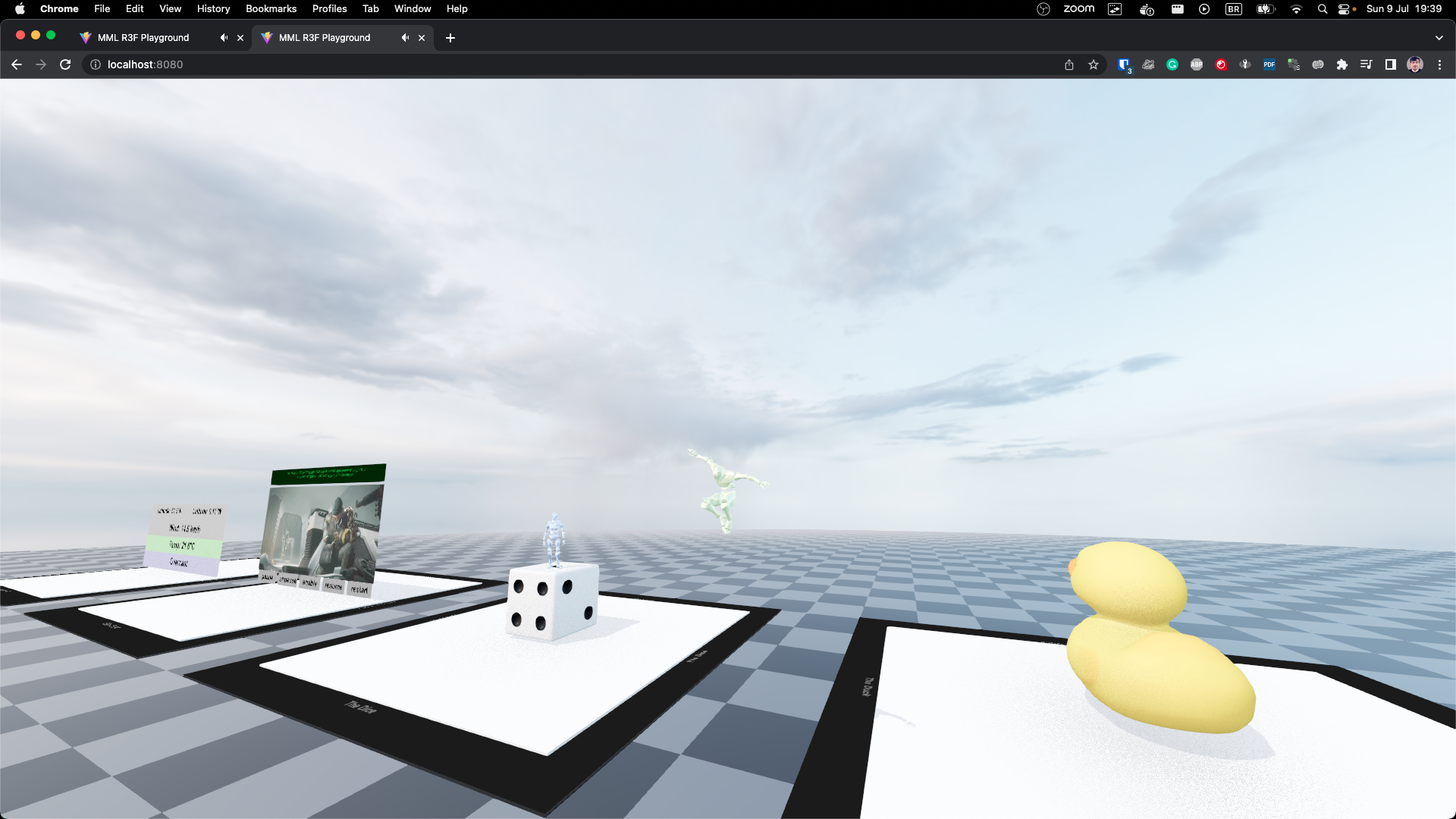
This project implements a minimal 3d 'playground' powered by
[MML (Metaverse Markup Language)](https://mml.io/). It serves as a great starting point to create
your own end-to-end live, multiplayer experience using the the unique, real-time nature of MML.
It can be easily deployed to environments that support Node.js and expose ports to the internet.
## Main features
- Multiple players can connect to the playground and interact with it in real time.
- The MML-based playground showcases example MML documents in the defined slots.
- Players can showcase their own MML creations by adding them via their WebSocket URL to any
available slots on the playground.
- Players can interact with any of the showcased documents simultaneously.
- It's very easy to deploy and get started with.
## Project structure
The project is broken down into four independent packages.
- `server`: creates the main server which serves the page and handles all WebSocket connections.
Additionally, it runs the main MML document, `playground.html`, and all documents within the
`examples` directory.
- `web`: implements the browser-based 3d experience.
- `character-network`: provides an implementation of a WebSocket server that synchronizes character
positions across all connected clients.
## Adding more MML documents
The `server/examples` directory contains the MML documents that are loaded in the playground by
default.
To add a new example, simply create a new HTML file, such as `new-example.html` inside the
`examples` directory. The server will automatically detect it and make it available at
`ws://localhost:8080/examples/new-example.html`. You can then copy this WebSocket URL and add it to
a free slot.
## Run on CodeSandbox
Click the button below to create a new sandbox on CodeSandbox.io.
[](https://codesandbox.io/p/sandbox/4zf432)
Once your sandbox is initialized, select the 'start: 8080' tab to view the running playground.
## Running locally
Making sure you have Node.js installed, run the following from the root of the repository:
```bash
npm install
npm run iterate
```
Once the server is running, open `http://localhost:8080` in your browser.