https://github.com/theiskaa/opacity_button
Opacity Button which make able to convert any widget to button with opacity animation.
https://github.com/theiskaa/opacity_button
flutter flutter-button flutter-package
Last synced: 3 months ago
JSON representation
Opacity Button which make able to convert any widget to button with opacity animation.
- Host: GitHub
- URL: https://github.com/theiskaa/opacity_button
- Owner: theiskaa
- License: mit
- Created: 2021-04-07T18:43:41.000Z (over 5 years ago)
- Default Branch: main
- Last Pushed: 2021-04-15T17:04:52.000Z (over 5 years ago)
- Last Synced: 2025-06-11T13:58:57.333Z (about 1 year ago)
- Topics: flutter, flutter-button, flutter-package
- Language: Dart
- Homepage:
- Size: 7.4 MB
- Stars: 1
- Watchers: 2
- Forks: 0
- Open Issues: 0
-
Metadata Files:
- Readme: README.md
- Changelog: CHANGELOG.md
- License: LICENSE
Awesome Lists containing this project
README
# Opacity Button
[](https://github.com/lomsa-dev/http-mock-adapter "Published package version")
[](https://github.com/lomsa-dev/http-mock-adapter#License "Project's LICENSE section")
---
## Installing
### Depend on it
Add this to your package's `pubspec.yaml` file:
```yaml
dependencies:
opacity_button:
git:
url: git://github.com/theiskaa/opacity_button.git
ref: main
```
### Install it
You can install packages from the command line:
```sh
$ flutter pub get
...
```
### Import it
Now in your Dart code, you can use:
```dart
import 'package:opacity_button/opacity_button.dart';
```
---
## Usage
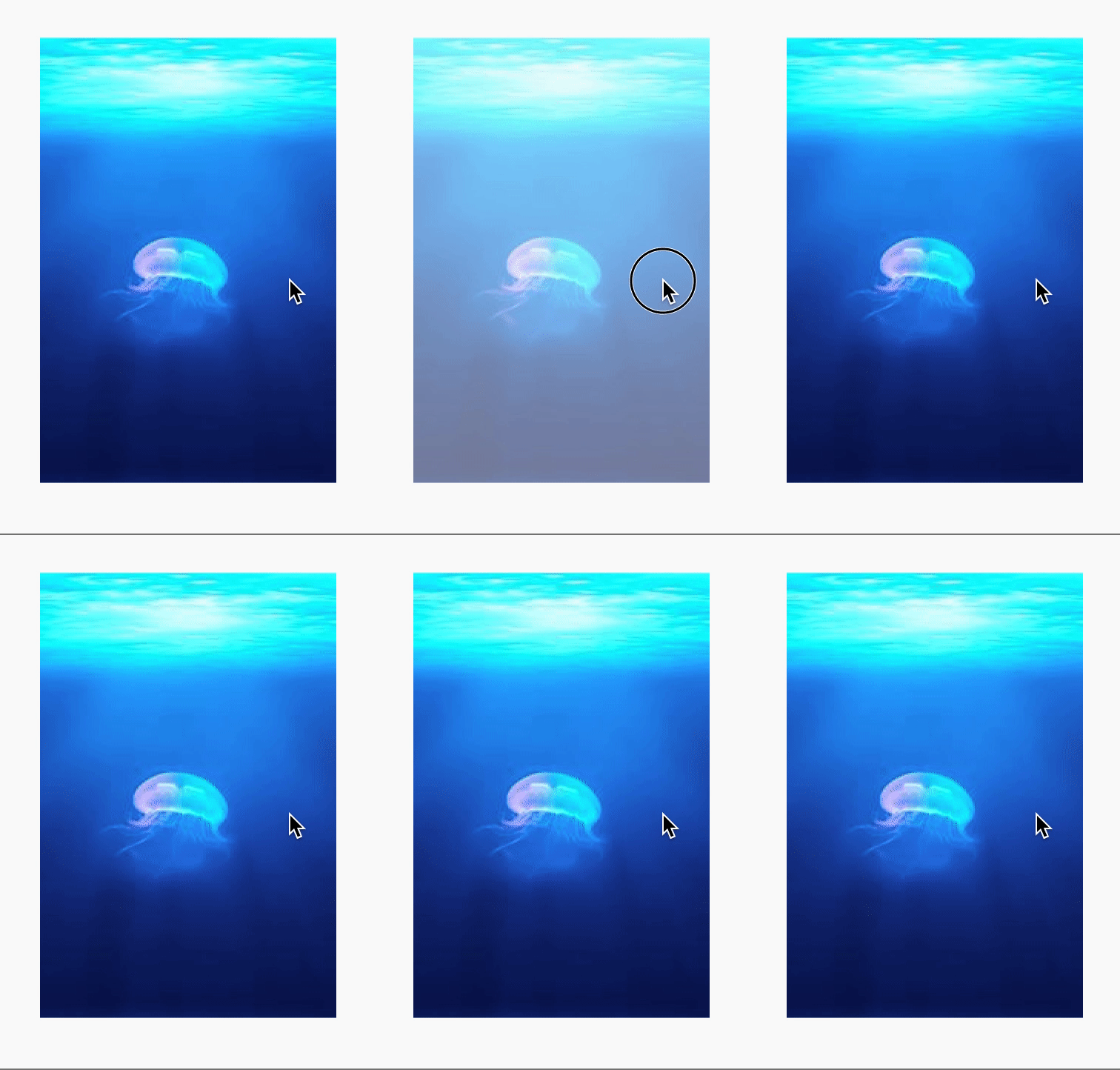
```dart
OpacityButton(
// Required to take a widget.
child: Image.network("https://picsum.photos/200/300"),
onLongPress: () {
// Do something...
}
// Customize the degree of opacity when the button is pressed.
opacityValue: .3,
// Always include semantics of opacity.
alwaysIncludeSemantics: false,
),
```