https://github.com/thepeerstack/thepeer-react-native
Thepeer Official React Native SDK
https://github.com/thepeerstack/thepeer-react-native
payment react-native sdk-react-native
Last synced: 6 months ago
JSON representation
Thepeer Official React Native SDK
- Host: GitHub
- URL: https://github.com/thepeerstack/thepeer-react-native
- Owner: thepeerstack
- License: mit
- Created: 2021-05-24T09:47:52.000Z (about 5 years ago)
- Default Branch: master
- Last Pushed: 2023-06-28T11:58:40.000Z (about 3 years ago)
- Last Synced: 2025-08-24T13:28:30.801Z (11 months ago)
- Topics: payment, react-native, sdk-react-native
- Language: TypeScript
- Homepage: https://thepeer.co
- Size: 787 KB
- Stars: 8
- Watchers: 2
- Forks: 6
- Open Issues: 0
-
Metadata Files:
- Readme: README.md
- Changelog: CHANGELOG.md
- Contributing: CONTRIBUTING.md
- License: LICENSE
Awesome Lists containing this project
README
# Thepeer React Native SDK
Thepeer is a quick and secure way to send money across any business. The SDK handles connecting other businesses to your app.
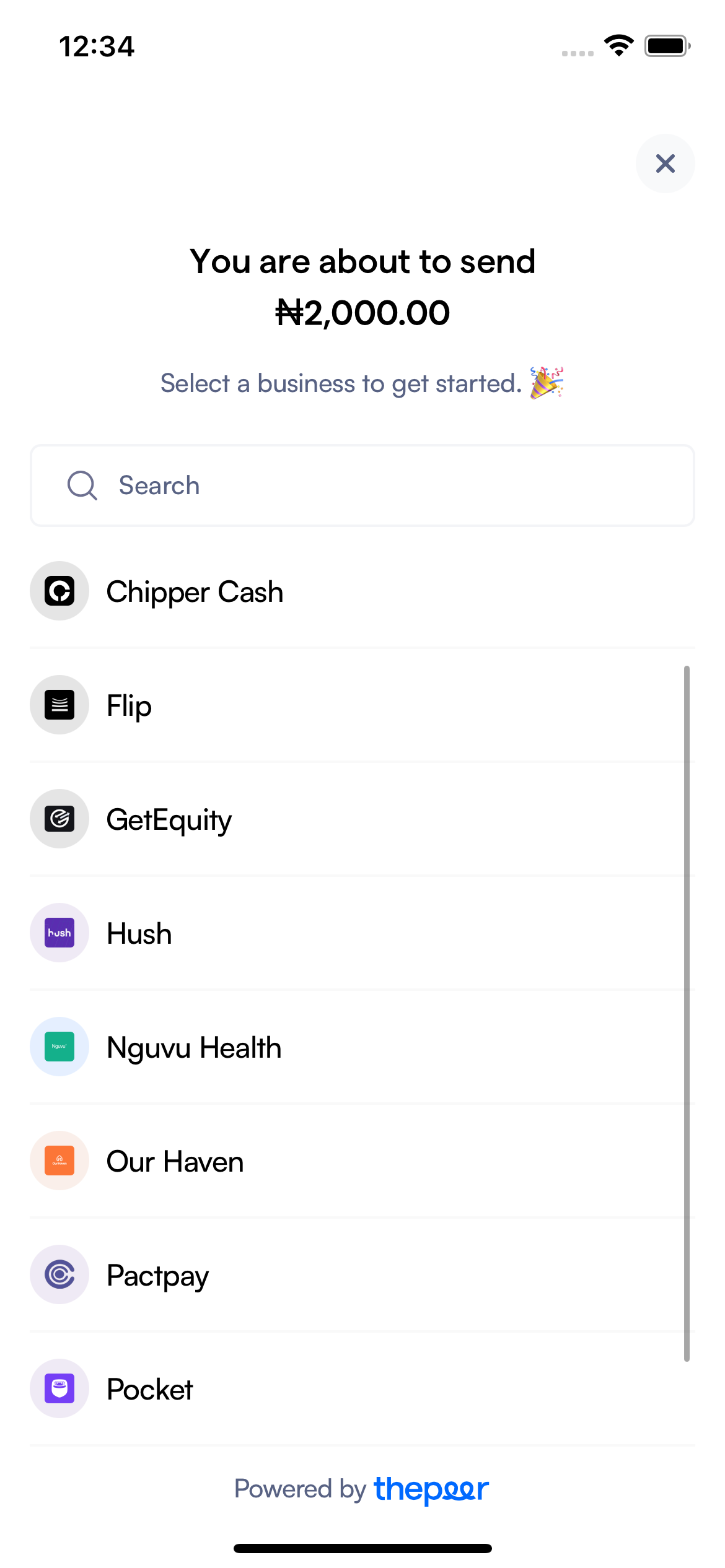
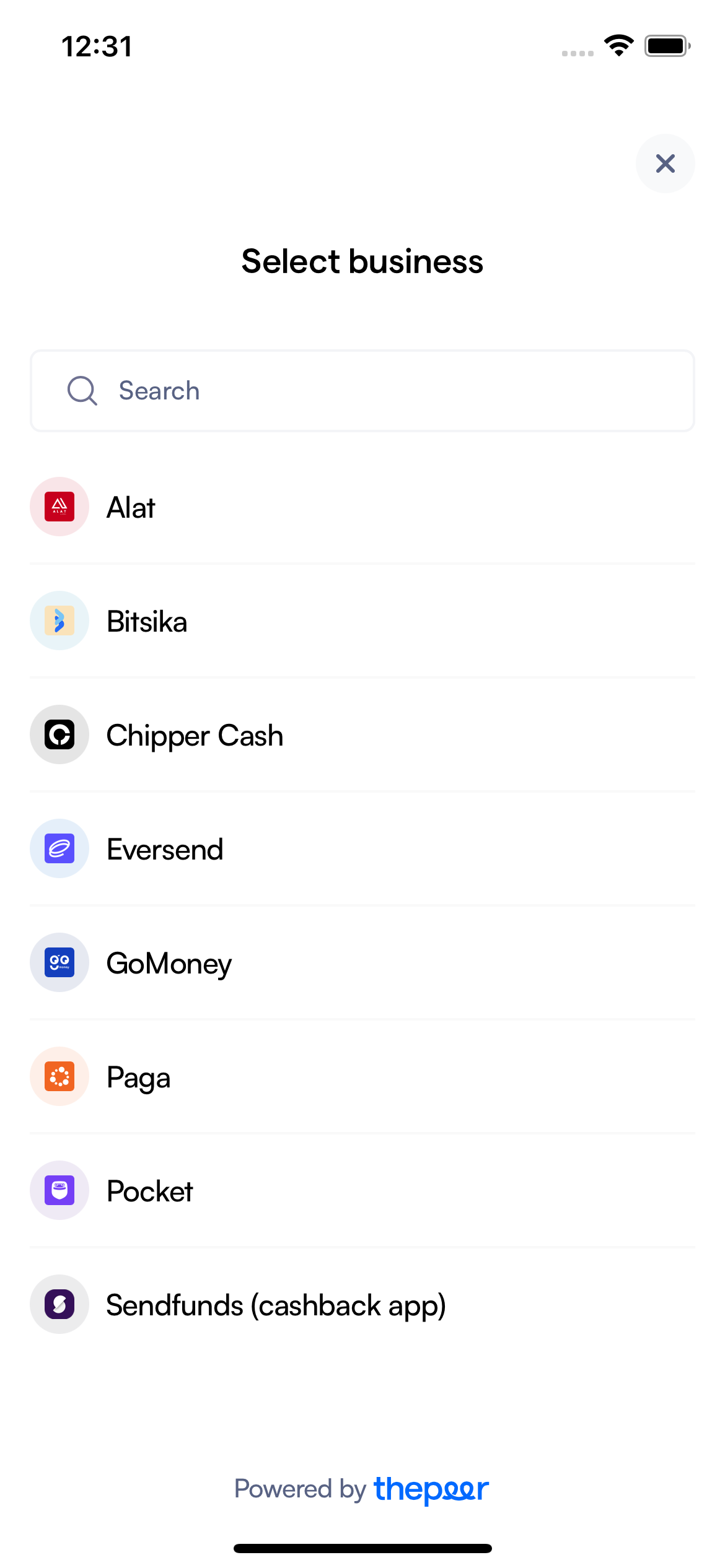
## Installation
```sh
npm install thepeer-react-native
```
or
```sh
yarn add thepeer-react-native
```
You need to install `react-native-webview` if you don't have it installed. It's a dependency for this package. Here's a link to their docs.
## Usage
```js
import React from 'react';
import { View, Pressable, Text } from 'react-native';
import {
ThepeerSend,
ThepeerDirectCharge,
ThepeerCheckout,
} from 'thepeer-react-native';
// ...
const sendApp = () => {
const [openSendSDK, setOpenSendSDK] = useState(false);
const closeSendSDK = () => setOpenSendSDK(false);
return (
{
console.log('response', response);
closeSendSDK();
},
onError: (response) => {
console.log('response', response);
closeSendSDK();
},
onClose: closeSendSDK,
}}
/>
setOpenSendSDK(true)}>
Send
);
};
const directChargeApp = () => {
const [openDirectChargeSDK, setOpenDirectChargeSDK] = useState(false);
const closeDirectChargeSDK = () => setOpenDirectChargeSDK(false);
return (
{
console.log('response', response);
closeDirectChargeSDK();
},
onError: (response) => {
console.log('response', response);
closeDirectChargeSDK();
},
onClose: closeDirectChargeSDK,
}}
/>
setOpenDirectChargeSDK(true)}>
Direct Charge
);
};
const checkoutApp = () => {
const [openCheckoutSDK, setOpenCheckoutSDK] = useState(false);
const closeCheckoutSDK = () => setOpenCheckoutSDK(false);
return (
{
console.log('response', response);
closeCheckoutSDK();
},
onError: (response) => {
console.log('response', response);
closeCheckoutSDK();
},
onClose: closeCheckoutSDK,
}}
/>
setOpenCheckoutSDK(true)}>
Checkout
);
};
```
## Configuration Options
- [`publicKey`](#publicKey)
- [`amount`](#amount)
- [`currency`](#currency)
- [`onSuccess`](#onSuccess)
- [`onError`](#onError)
- [`onClose`](#onClose)
- [`meta`](#meta)
## Configuration Options for Send and Direct charge
- [`userReference`](#userReference)
**string: Required**
Your public key can be found on your dashboard settings.
**string: Required**
The user reference returned by Thepeer API when a user has been indexed
**string|number: Required**
The amount you intend to send in kobo
**string: Optional**
The currency being used. Defaults to **NGN**
**(response) => void: Required**
This is called when a transaction is successfully. It returns a response with event type and transaction object.
See the event types.
See the transaction object.
**(response) => void: Required**
This is called when a transaction fails. It returns a response with event type
See the event types.
**(response) => void: Required**
This is called when a user clicks on the close button.
**object: Optional**
This object should contain additional/optional attributes you would like to have on your transaction response
## Configuration Options for Send
**boolean: Required**
This is a prop to display/hide the sdk
## Configuration Options for Direct charge
**boolean: Required**
This is a prop to display/hide the sdk
## Configuration Options for Checkout
**boolean: Required**
This is a prop to display/hide the sdk
**string: Required**
The user's email address.
## Common Issues
#### Tried to register two views with the same name RNCWebview
- The minimum version of the RN Webview package used for this project is `11.13.0`. Update your version to this version or later to fix this issue.
- To know all the versions of react-native-webview within your project, run `npm ls react-native-webview`, and upgrade to the latest version.
## Support
If you're having trouble with Thepeer React or your integration, please reach out to us at . We're more than happy to help you out.
## Thepeer's API References
- Thepeer's API Docs
- Thepeer's Dashboard
## License
[MIT](https://github.com/thepeerstack/thepeer-react-native/blob/master/LICENSE) for more information.