https://github.com/thirumalesh6630/projectsshowcase
Projects Showcase
https://github.com/thirumalesh6630/projectsshowcase
css react reactjs styledcomponents
Last synced: about 1 month ago
JSON representation
Projects Showcase
- Host: GitHub
- URL: https://github.com/thirumalesh6630/projectsshowcase
- Owner: Thirumalesh6630
- Created: 2024-11-02T14:12:31.000Z (over 1 year ago)
- Default Branch: main
- Last Pushed: 2024-11-02T14:19:39.000Z (over 1 year ago)
- Last Synced: 2025-02-13T20:53:26.931Z (over 1 year ago)
- Topics: css, react, reactjs, styledcomponents
- Language: JavaScript
- Homepage: https://kthirumaleshixgpyrjsceqhz58.drops.nxtwave.tech
- Size: 16.6 KB
- Stars: 0
- Watchers: 1
- Forks: 0
- Open Issues: 0
-
Metadata Files:
- Readme: README.md
Awesome Lists containing this project
README
# ProjectsShowcase
Projects Showcase
The goal of this coding exam is to quickly get you off the ground with **setState Callback Function**.
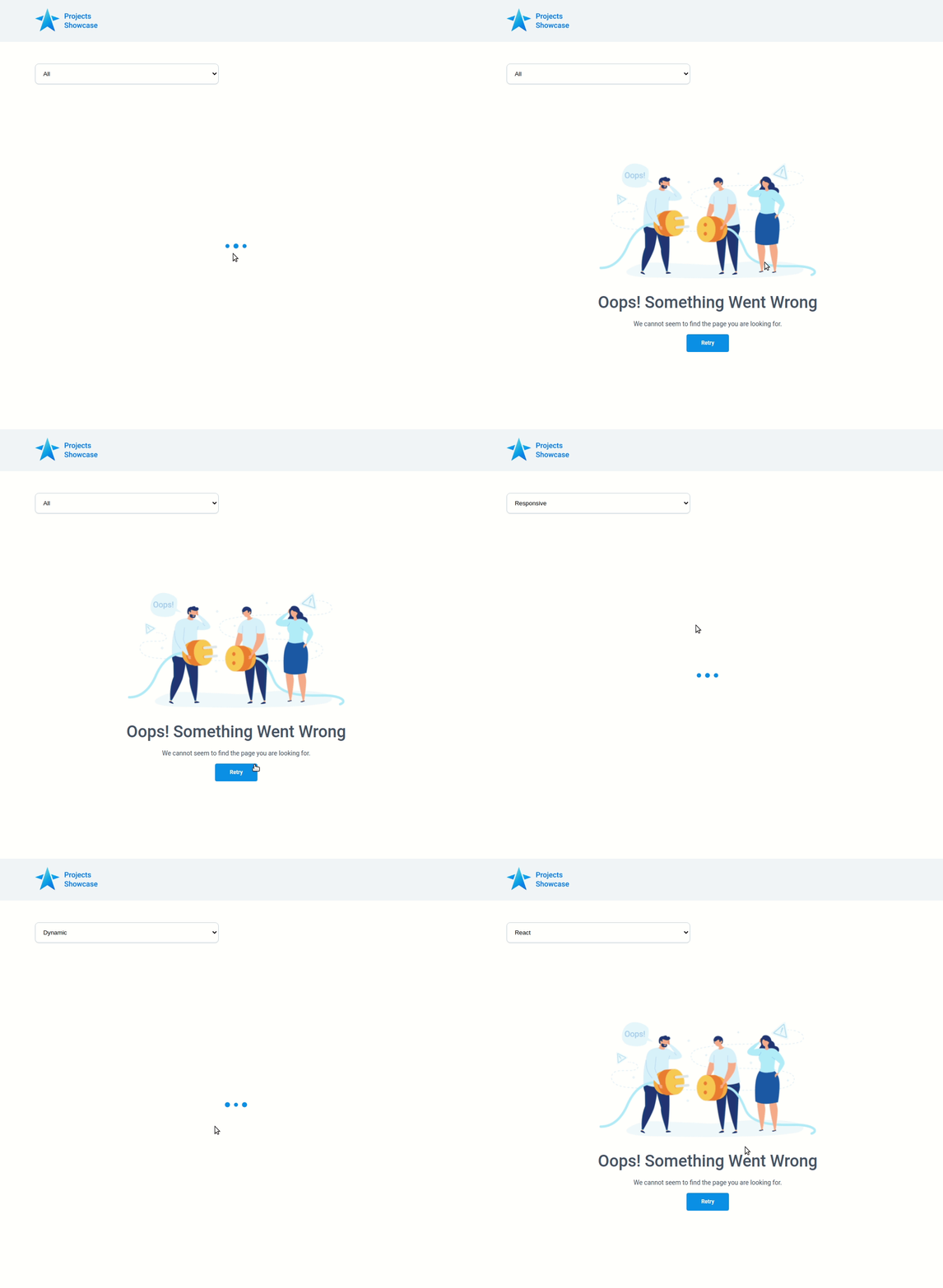
### Refer to the video and image below:
**Failure View**
### Design Files
Click to view
- [Medium (Size >= 768px), Large (Size >= 992px) and Extra Large (Size >= 1200px) - Success](https://assets.ccbp.in/frontend/content/react-js/projects-showcase-success-lg-output.png)
- [Medium (Size >= 768px), Large (Size >= 992px) and Extra Large (Size >= 1200px) - Failure](https://assets.ccbp.in/frontend/content/react-js/projects-showcase-failure-lg-output.png)
### Set Up Instructions
Click to view
- Download dependencies by running `npm install`
- Start up the app using `npm start`
### Completion Instructions
Functionality to be added
The app must have the following functionalities
- When the app is opened initially,
- An HTTP GET request should be made to **projectsApiUrl** with query parameter as `category` and its initial value as `ALL`
- The **_loader_** should be displayed while fetching the data
- After the data is fetched successfully, display the projects list received in the API response
- When a category option is selected,
- An HTTP GET request should be made to the **projectsApiUrl** with the query parameter as `category` and its value as the `id` of the active category option
- The **_loader_** should be displayed while fetching the data
- After the data is fetched successfully, display the projects list received in the API response
- The `App` component is provided with `categoriesList`. It consists of a list of category objects with the following properties in each category object
| Key | Data Type |
| :---------: | :-------: |
| id | String |
| displayText | String |
API Requests & Responses
**projectsApiUrl**
#### API: `https://apis.ccbp.in/ps/projects`
#### Example: `https://apis.ccbp.in/ps/projects?category=ALL`
#### Method: `GET`
#### Description:
Returns a response containing the list of all projects
#### Response:
```json
{
"projects": [
{
"id": "f680c5fb-a4d0-4f43-b356-785d920208df",
"name": "Music Page",
"image_url": "https://assets.ccbp.in/frontend/react-js/projects-showcase/music-page-img.png"
},
...
],
"total": 34
}
```
### Important Note
Click to view
**The following instructions are required for the tests to pass**
- Each category option in the HTML `select` element should have the value attribute as the value of key `id` and text content as the value of the key `displayText` from the `categoriesList` provided
- Wrap the `Loader` component with an HTML container element and add the `data-testid` attribute value as **loader** to it
- The project image in each project item should have the alt as the value of the key `name` from each project object in the projects API response
### Resources
Image URLs
- https://assets.ccbp.in/frontend/react-js/projects-showcase/website-logo-img.png alt should be **website logo**
- https://assets.ccbp.in/frontend/react-js/projects-showcase/failure-img.png alt should be **failure view**
Colors
Hex: #f1f5f9
Hex: #cbd5e1
Hex: #475569
Hex: #ffffff
Hex: #328af2
Hex: #e2e8f0
Hex: #e6e9ec
Font-families
- Roboto
> ### _Things to Keep in Mind_
>
> - All components you implement should go in the `src/components` directory.
> - Don't change the component folder names as those are the files being imported into the tests.