https://github.com/thomd/nice-quotes-app
a simple React-Native app
https://github.com/thomd/nice-quotes-app
react react-native
Last synced: 2 months ago
JSON representation
a simple React-Native app
- Host: GitHub
- URL: https://github.com/thomd/nice-quotes-app
- Owner: thomd
- Created: 2019-03-02T21:26:26.000Z (over 7 years ago)
- Default Branch: master
- Last Pushed: 2019-04-19T21:47:57.000Z (about 7 years ago)
- Last Synced: 2025-02-05T21:42:49.806Z (over 1 year ago)
- Topics: react, react-native
- Language: JavaScript
- Homepage:
- Size: 345 KB
- Stars: 0
- Watchers: 3
- Forks: 0
- Open Issues: 0
-
Metadata Files:
- Readme: README.md
Awesome Lists containing this project
README
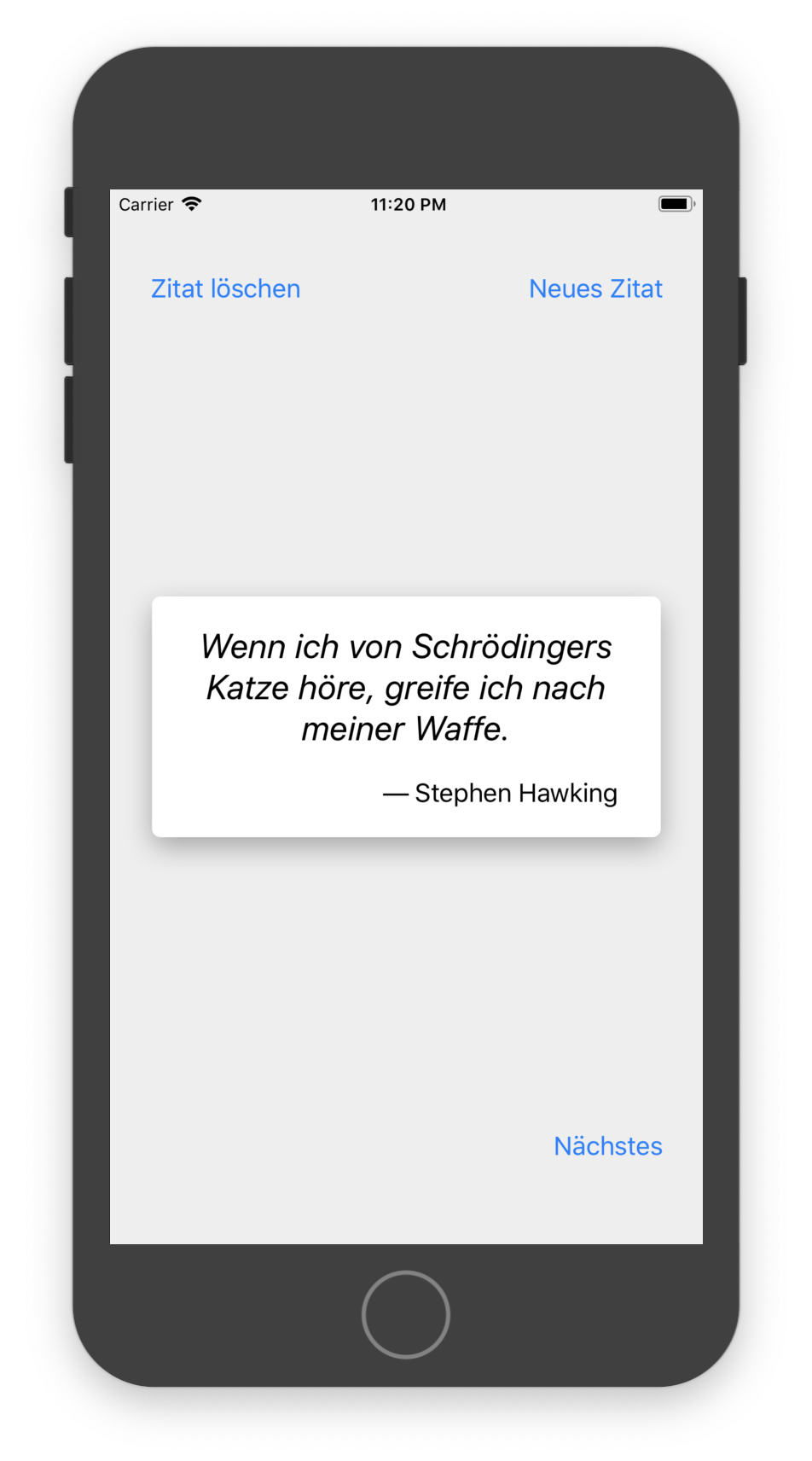
# Quotes React-Native App
An example React-Native app using Firebase as Data-Backend.
## Setup
First create a [Firebase](https://firebase.google.com) project:
1. Open [Firebase Console](https://console.firebase.google.com/)
2. Click on "Add a Project"
3. Enter project name "Quotes", select Locations and click on "Create Project"
4. Select "Database" Service and click "Create database"
5. Select "Start in test mode" and click "Enable"
6. Select "Project Overview" on top-left, then click on "Add an app to get started" `>`
7. copy-paste configuration into a file `./firebase.config.js` like this:
```javascript
export default {
apiKey: '***',
authDomain: 'quotes-***.firebaseapp.com',
databaseURL: 'https://quotes-***.firebaseio.com',
projectId: 'quotes-***',
storageBucket: 'quotes-***.appspot.com',
messagingSenderId: '***'
}
```
Then install [Expo](https://expo.io/) and start project
npm install -g expo-cli
expo start