https://github.com/thomd/smashing-dashboard
my smashing dashoard
https://github.com/thomd/smashing-dashboard
Last synced: over 1 year ago
JSON representation
my smashing dashoard
- Host: GitHub
- URL: https://github.com/thomd/smashing-dashboard
- Owner: thomd
- Created: 2019-10-03T12:34:57.000Z (almost 7 years ago)
- Default Branch: master
- Last Pushed: 2023-03-16T01:32:20.000Z (over 3 years ago)
- Last Synced: 2025-02-05T21:42:49.526Z (over 1 year ago)
- Language: JavaScript
- Size: 989 KB
- Stars: 0
- Watchers: 3
- Forks: 0
- Open Issues: 3
-
Metadata Files:
- Readme: README.md
Awesome Lists containing this project
README
          # Smashing Dashboard

A custom [smashing](https://github.com/Smashing/smashing) dashboard

## Build

    docker build -t smashing .

## Run Dashboard on localhost

    docker run -d --rm --name smashing -p 80:8080 -v $(pwd)/dashboard:/usr/app/dashboard smashing -p 8080 -e production

    open http://localhost/sample

    open http://localhost/sampletv

## Run Dashboard on Heroku

The dashboard application is in a subdirectory, hence we need to push a subtree:

    heroku login

    heroku apps:create my-own-dashboard

    heroku git:remote -a my-own-dashboard

    git subtree push --prefix dashoard heroku master

## Create New Dashboard

Create a new dashboard **ops**:

    cd dashboard

    docker run -v $(pwd):/usr/app/dashboard smashing generate dashboard ops

Open dashboard in browser and push a message:

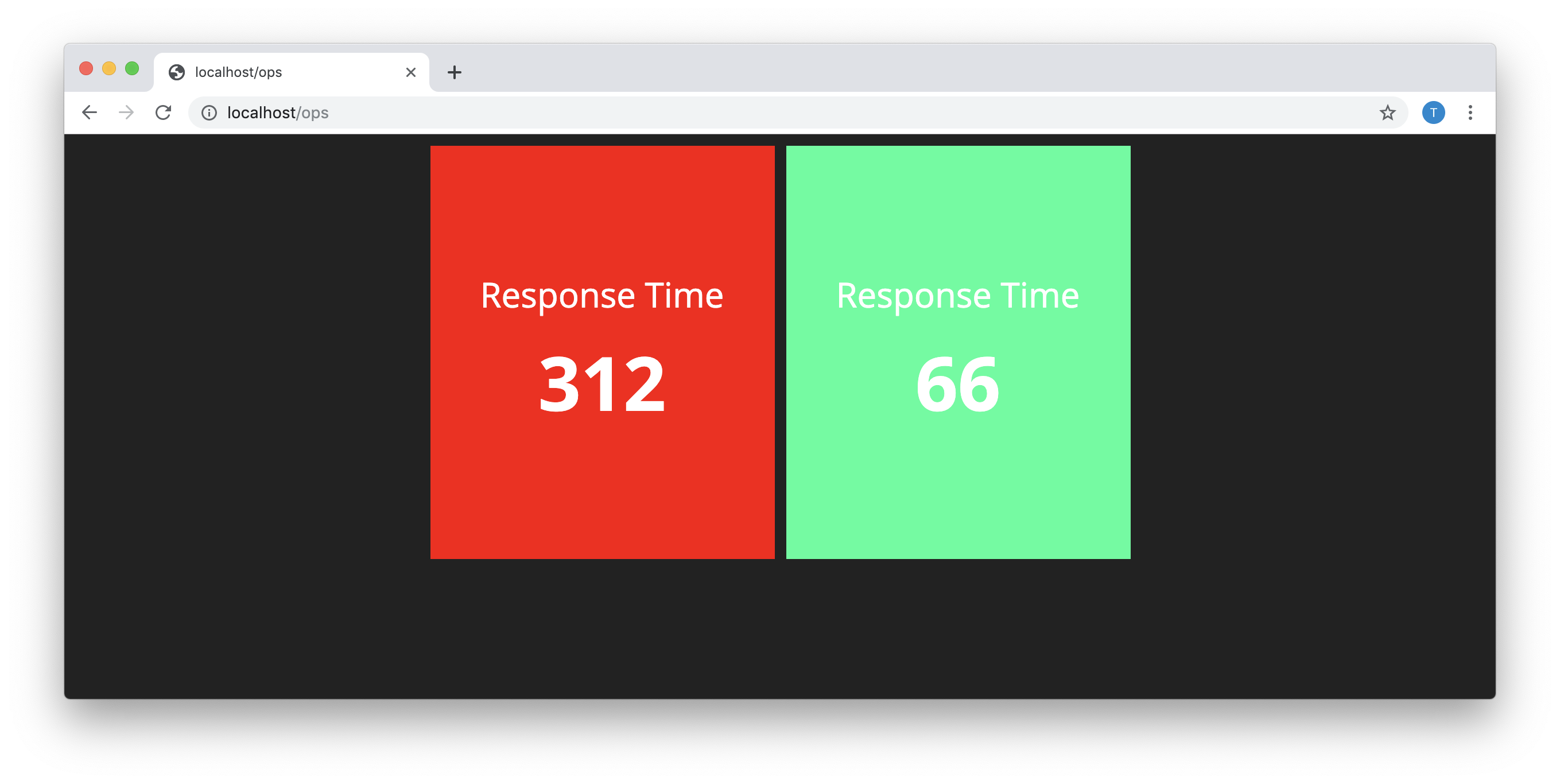
    open http://localhost/ops

    curl -d '{ "auth_token": "123", "text": "Hey!" }' http://localhost/widgets/my_widget

## Create New Widget

Create a new widget **alert**:

    cd dashboard

    docker run -v $(pwd):/usr/app/dashboard smashing generate widget alert

Push an alert:

    curl -d '{ "auth_token": "123", "value": 999 }' http://localhost/widgets/response_time