https://github.com/thompsonemerson/angular2electron
A boilerplate using the Quick Start of Angular 2 with Electron, TypeScript, Sass and NPM Scripts
https://github.com/thompsonemerson/angular2electron
angular angular-2 boilerplate electron sass typescript
Last synced: 3 months ago
JSON representation
A boilerplate using the Quick Start of Angular 2 with Electron, TypeScript, Sass and NPM Scripts
- Host: GitHub
- URL: https://github.com/thompsonemerson/angular2electron
- Owner: thompsonemerson
- Created: 2016-10-10T18:10:20.000Z (almost 10 years ago)
- Default Branch: master
- Last Pushed: 2016-10-30T20:43:14.000Z (over 9 years ago)
- Last Synced: 2025-04-13T13:49:25.281Z (over 1 year ago)
- Topics: angular, angular-2, boilerplate, electron, sass, typescript
- Language: JavaScript
- Homepage:
- Size: 49.8 KB
- Stars: 3
- Watchers: 2
- Forks: 0
- Open Issues: 0
-
Metadata Files:
- Readme: README.md
Awesome Lists containing this project
README
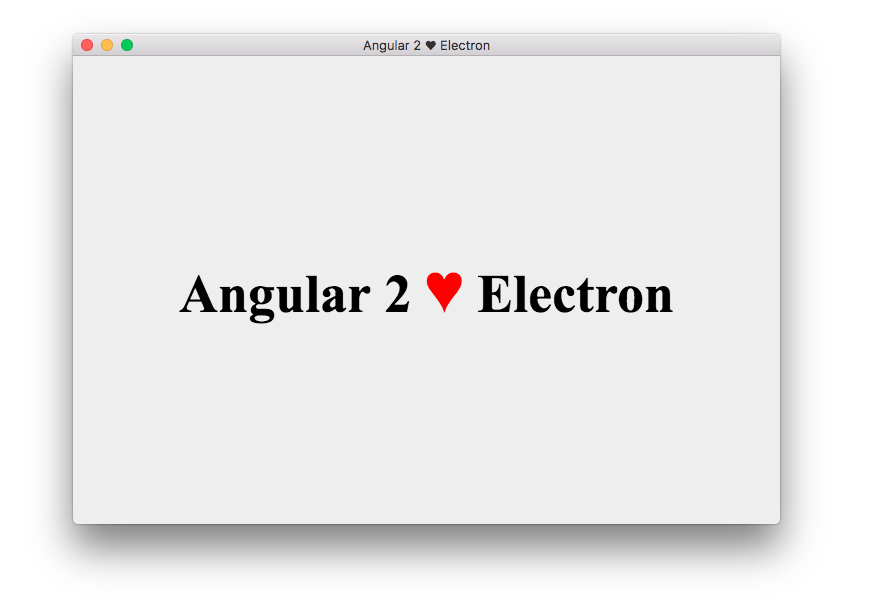
# Angular 2 ♥ Electron
[](http://thompsonemerson.mit-license.org/)
> A boilerplate using the [Quick Start](https://github.com/angular/quickstart) of [Angular 2](https://angular.io/) with [Electron](http://electron.atom.io/), [TypeScript](https://www.typescriptlang.org/), [Sass](http://sass-lang.com/) and [NPM Scripts](https://docs.npmjs.com/misc/scripts)
## What use?
- [Sass](http://sass-lang.com/)
- [Angular2](https://angular.io/)
- [TypeScript](https://www.typescriptlang.org/)
- [Typings](https://github.com/typings/typings)
- [Electron](http://electron.atom.io/)
- [Karma](https://karma-runner.github.io/)
- [Jasmine](http://jasmine.github.io/)
- [Protactor](http://www.protractortest.org)
## Quick start
Make sure you have the [node](https://nodejs.org/en/) installed on your machine and follow the commands...
```bash
# clone application
$ git clone https://github.com/thompsonemerson/angular2electron.git
$ cd angular2electron
# install dependencies
$ npm install
# start application
$ npm start
```
and done!
if everything went right, the application starts to run!
## Commands
`$ npm install`: Install all necessary dependencies of the application.
`$ npm start`: Runs application in development mode.
`$ npm run tsc`: Runs the TypeScript compiler once.
`$ npm run tsc:w`: Runs the TypeScript compiler in watch mode.
`$ npm run sass`: Runs the Sass compiler once.
`$ npm run sass:w`: Runs the Sass compiler in watch mode.
`$ npm test`: Compiles, runs and watches the karma unit tests.
`$ npm run e2e`: Run protractor e2e tests, written in JavaScript (*e2e-spec.js).
## Contributing
Help improve these docs. Open an [issue](https://github.com/thompsonemerson/angular2electron/issues/new) or submit a pull request.
1. Navigate to the main page of the repository
1. [Fork it!](https://github.com/thompsonemerson/angular2electron#fork-destination-box)
1. Create your feature branch: `git checkout -b my-new-feature`
1. Commit your changes: `git commit -m 'Add some feature'`
1. Push to the branch: `git push origin my-new-feature`
1. Submit a pull request =D
## License
[MIT License](http://thompsonemerson.mit-license.org/) © Emerson Thompson