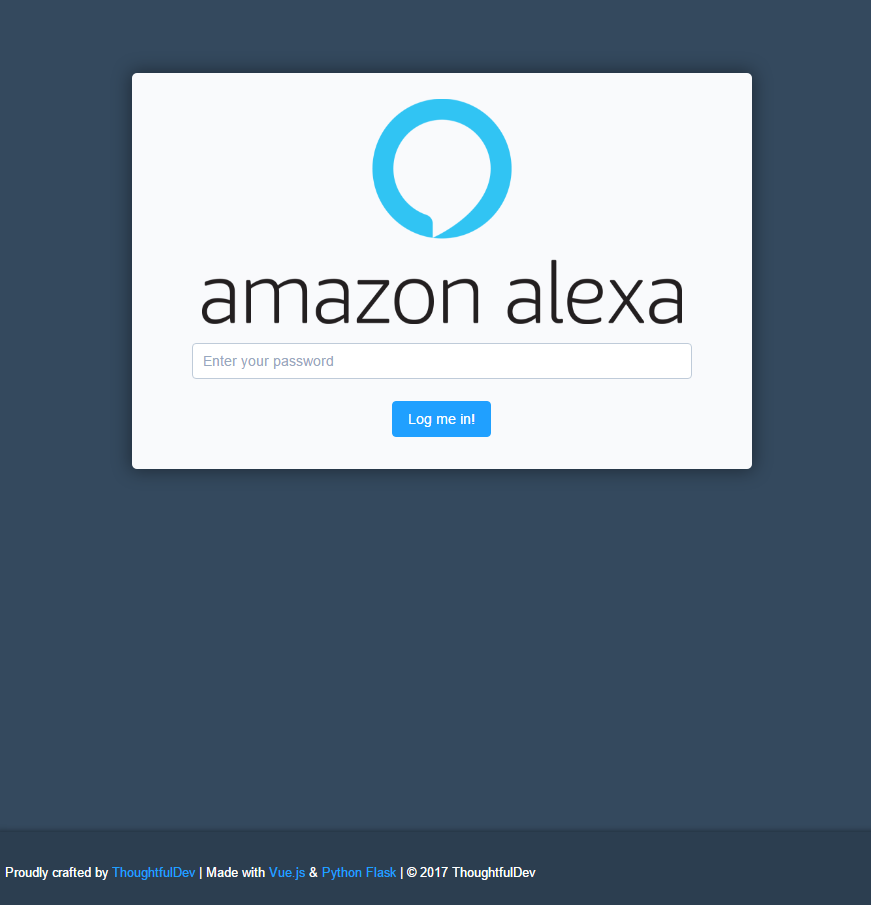
https://github.com/thoughtfuldev/rpi-alexa-webui
A Web UI for Alexa on a Raspberry Pi
https://github.com/thoughtfuldev/rpi-alexa-webui
alexa alexa-voice-service flask python raspberry-pi ui web
Last synced: about 1 year ago
JSON representation
A Web UI for Alexa on a Raspberry Pi
- Host: GitHub
- URL: https://github.com/thoughtfuldev/rpi-alexa-webui
- Owner: ThoughtfulDev
- Created: 2017-03-10T19:13:13.000Z (over 9 years ago)
- Default Branch: master
- Last Pushed: 2017-11-19T19:24:04.000Z (over 8 years ago)
- Last Synced: 2025-04-18T06:51:08.862Z (about 1 year ago)
- Topics: alexa, alexa-voice-service, flask, python, raspberry-pi, ui, web
- Language: Vue
- Size: 105 KB
- Stars: 6
- Watchers: 1
- Forks: 0
- Open Issues: 0
-
Metadata Files:
- Readme: README.md
Awesome Lists containing this project
README
# Rasperry Pi Alexa Web UI (Discontinued)
##### A Web UI for starting the three Alexa Services
---
This little Web UI will start
1. Companion Service
2. Alexa Java Client (with automated Amazon Login)
3. WakeWordAgent
## So i could also start the manually too...why this?
You *could* but you don't want to login everytime via VNC/SSH (with X11) and start the three Services **AND** manually login to Amazon to obtain a token right?
This Web UI/Python API does it all for you with a click of a Button, including a automated Amazon Login to obtain the Token ;)
---
## How to use
### Prerequisites
* Installed and functioning [Alexa Avs Sample App](https://github.com/alexa/alexa-avs-sample-app)
* Python (included in Raspbian)
* Flask (`pip install Flask && pip install pyuserinput && pip install -U flask-cors`)
* NodeJS,NPM (you should already have this, its part of the avs sample app - **Upgrade to a recent node Version, raspbian repos are 0.10...**)
* `curl -sL https://deb.nodesource.com/setup_7.x | sudo -E bash -` for latest Node v7
### Installing
1. Clone the Repository
`git clone https://github.com/ThoughtfulDev/RPi-Alexa-WebUI.git`
2. Install the node modules
`cd [Projectfolder]/UI && npm install`
3. Edit Amazon Credentials in Server/creds.cfg
4. Run the Python API
```
cd [Projectfolder]/Server
export FLASK_APP=main.py
flask run --host=0.0.0.0
```
5. Configure the Client
Change SECRET in `UI/client/config.js` to your desire (hashed with bcrypt). - Default Password is *1234*
6. Run the UI Dev Server
```
cd [Projectfolder]/UI
npm run dev
```
###### **OR**
6. Build the UI
```
cd [Projectfolder]/UI
npm build
```
Move content of UI/dist to your Web Server (you should know how this works...)
---
I know this is not perfect and secure and so on but i just needed something to control/restart the Alexa Services so there you go...
---
## Screenshots