https://github.com/ticlo/rc-dock
Dock Layout for React Component
https://github.com/ticlo/rc-dock
dock drag drag-and-drop drop layout panel react react-dom reactjs tabs
Last synced: about 1 year ago
JSON representation
Dock Layout for React Component
- Host: GitHub
- URL: https://github.com/ticlo/rc-dock
- Owner: ticlo
- License: apache-2.0
- Created: 2019-03-07T07:48:48.000Z (over 7 years ago)
- Default Branch: master
- Last Pushed: 2025-04-30T02:18:51.000Z (over 1 year ago)
- Last Synced: 2025-04-30T03:25:25.371Z (over 1 year ago)
- Topics: dock, drag, drag-and-drop, drop, layout, panel, react, react-dom, reactjs, tabs
- Language: JavaScript
- Homepage: https://ticlo.github.io/rc-dock/examples
- Size: 5.27 MB
- Stars: 735
- Watchers: 11
- Forks: 99
- Open Issues: 50
-
Metadata Files:
- Readme: README.md
- Changelog: HISTORY.md
- Funding: .github/FUNDING.yml
- License: LICENSE
Awesome Lists containing this project
- awesome-game-engine-dev - RC-Dock - Dock layout component for React. (Libraries / JavaScript)
README
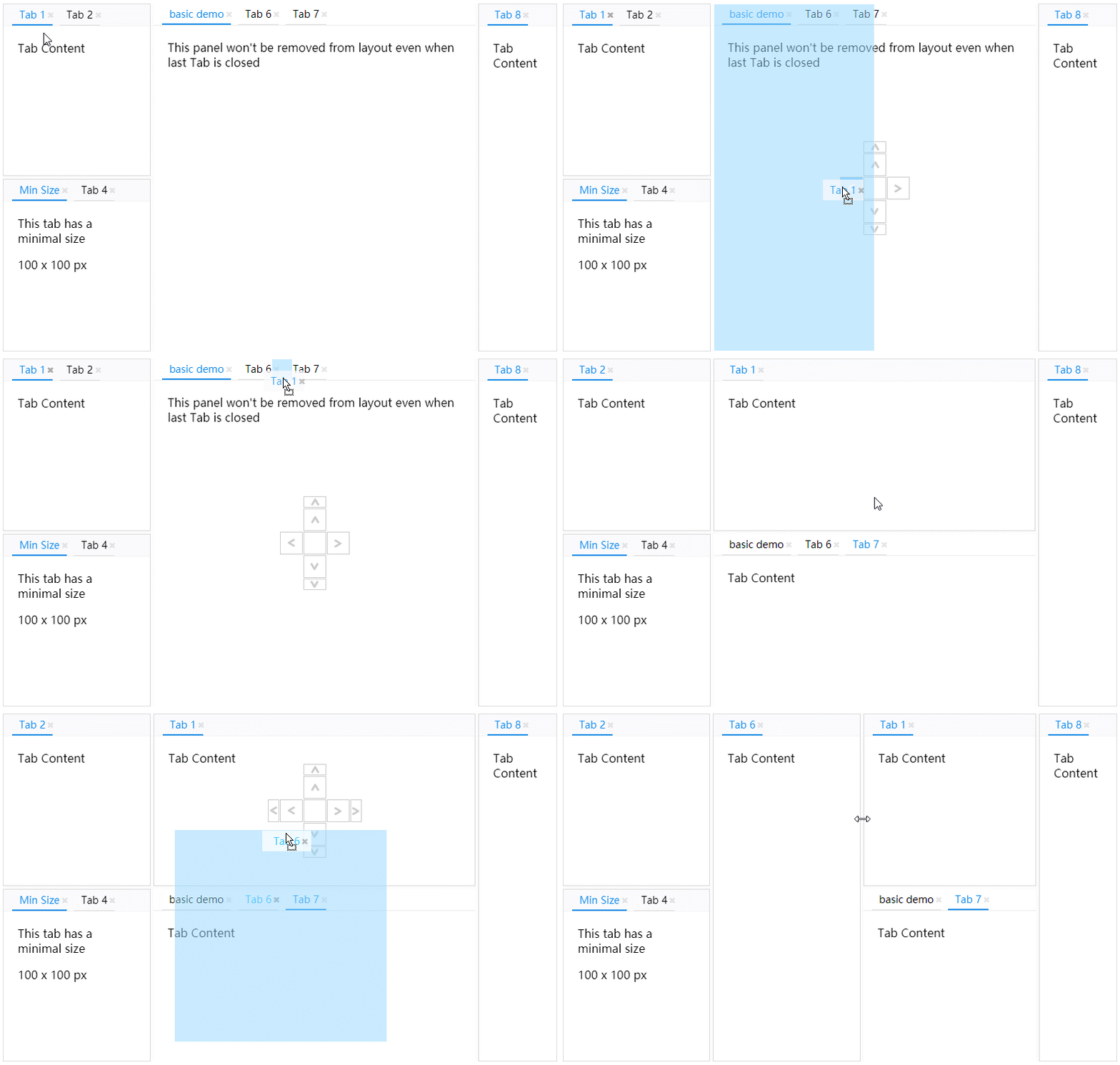
# Dock Layout for React Component
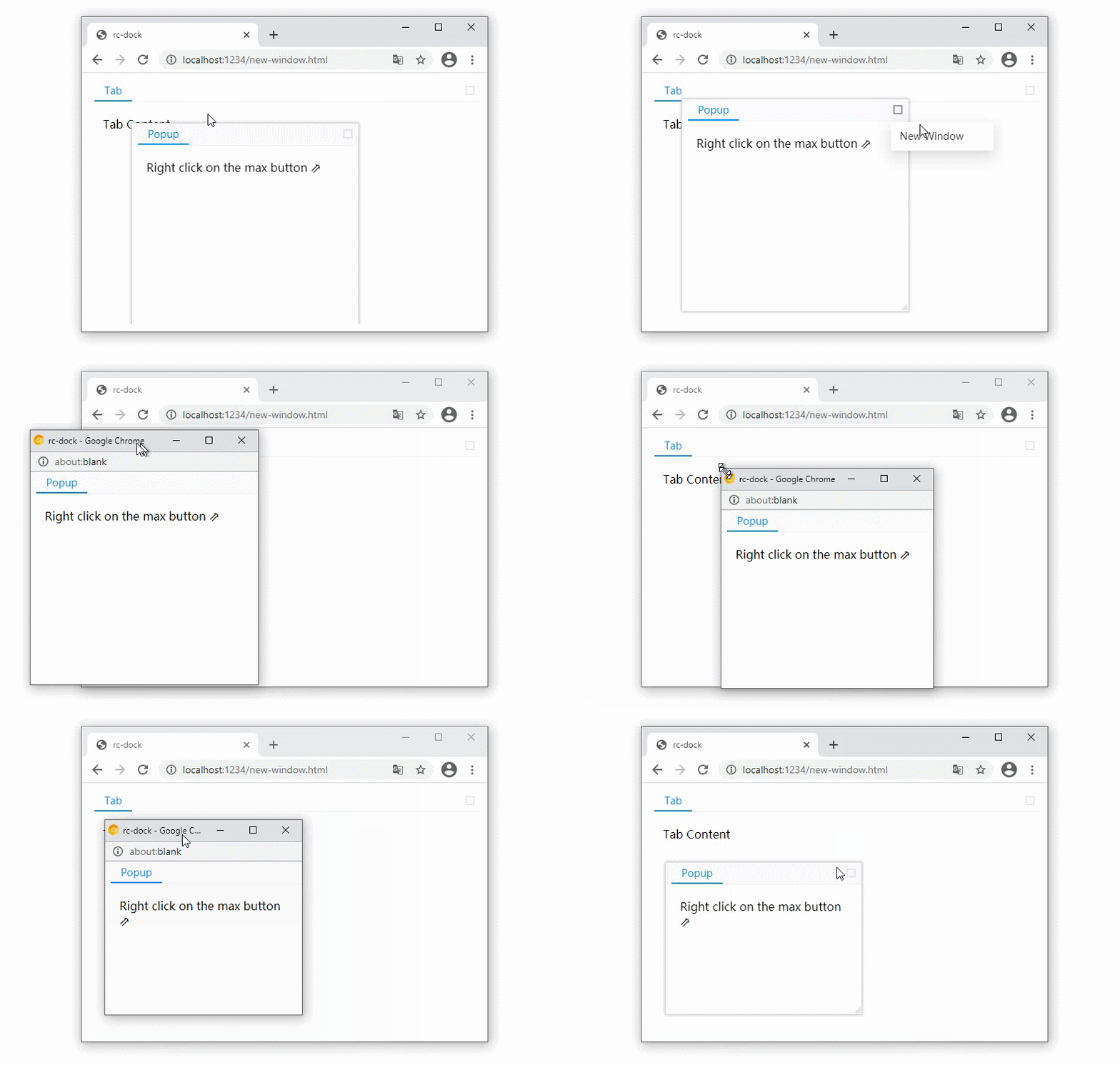
#### Popup panel as new browser window
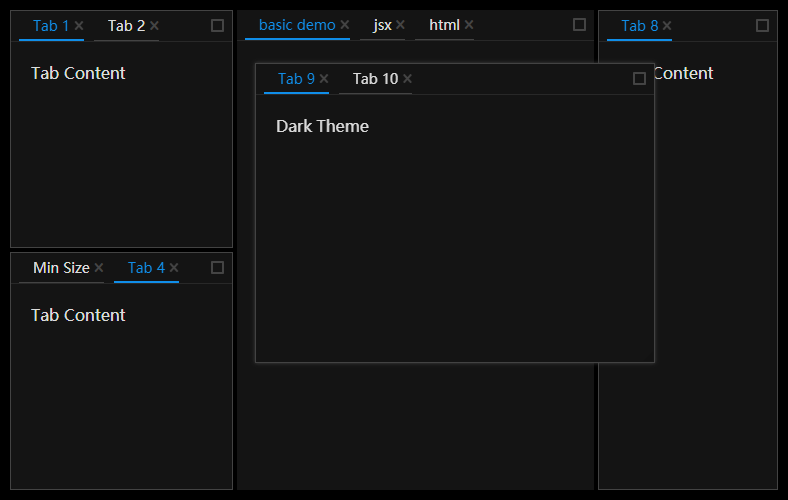
#### Dark Theme
- **Examples:** https://ticlo.github.io/rc-dock/examples
- **Docs:** https://ticlo.github.io/rc-dock
- **Discord:** [](https://discord.gg/G7pw9DR)
## Usage
[](https://npmjs.org/package/rc-dock)
```jsx
import DockLayout from 'rc-dock'
import "rc-dock/dist/rc-dock.css";
...
defaultLayout = {
dockbox: {
mode: 'horizontal',
children: [
{
tabs: [
{id: 'tab1', title: 'tab1', content:
Hello World}
]
}
]
}
};
render() {
return (
)
}
```
- use as **uncontrolled layout**
- set layout object in **[DockLayout.defaultLayout](https://ticlo.github.io/rc-dock/interfaces/docklayout.layoutprops.html#defaultlayout)**
- use as **controlled layout**
- set layout object in **[DockLayout.layout](https://ticlo.github.io/rc-dock/interfaces/docklayout.layoutprops.html#layout)**
## types
### LayoutData [🗎](https://ticlo.github.io/rc-dock/interfaces/dockdata.layoutdata.html)
| Property | Type | Comments | Default |
| :---: | :---: | :---: | :---: |
| dockbox | BoxData | main dock box | empty BoxData |
| floatbox | BoxData | main float box, children can only be PanelData | empty BoxData |
### BoxData [🗎](https://ticlo.github.io/rc-dock/interfaces/dockdata.boxdata.html)
a box is the layout element that contains other boxes or panels
| Property | Type | Comments | Default |
| :---: | :---: | :---: | :---: |
| mode | 'horizontal' | 'vertical' | 'float' | layout mode of the box | |
| children | (BoxData | PanelData)[] | children boxes or panels | **required** |
### PanelData [🗎](https://ticlo.github.io/rc-dock/interfaces/dockdata.paneldata.html)
a panel is a visiaul container with tabs button in the title bar
| Property | Type | Comments | Default |
| :---: | :---: | :---: | :---: |
| tabs | TabData[] | children tabs | **required** |
| panelLock | PanelLock | addition information of a panel, this prevents the panel from being removed when there is no tab inside, a locked panel can not be moved to float layer either | |
### TabData [🗎](https://ticlo.github.io/rc-dock/interfaces/dockdata.tabdata.html)
| Property | Type | Comments | Default |
| :---: | :---: | :---: | :---: |
| id | string | unique id | **required** |
| title | string | ReactElement | tab title | **required** |
| content | ReactElement | (tab: TabData) => ReactElement | tab content | **required** |
| closable | bool | whether tab can be closed | false |
| group | string | tabs with different tab group can not be put in same panel, more options for the group can be defined as TabGroup in DefaultLayout.groups | |
## DockLayout API
get the `ref` of the DockLayout component to use the following API
### saveLayout [🗎](https://ticlo.github.io/rc-dock/interfaces/docklayout.layoutprops.html)
save layout
```typescript
saveLayout(): SavedLayout
```
### loadLayout [🗎](https://ticlo.github.io/rc-dock/interfaces/docklayout.layoutprops.html)
load layout
```typescript
loadLayout(savedLayout: SavedLayout): void
```
### dockMove [🗎](https://ticlo.github.io/rc-dock/classes/docklayout.docklayout-1.html#dockmove)
move a tab or a panel, if source is already in the layout, you can use the find method to get it with id first
```typescript
dockMove(source: TabData | PanelData, target: string | TabData | PanelData | BoxData, direction: DropDirection): void;
```
### find [🗎](https://ticlo.github.io/rc-dock/classes/docklayout.docklayout-1.html#find)
find PanelData or TabData by id
```typescript
find(id: string | ((item: PanelData | TabData | BoxData) => boolean), filter?: Filter): PanelData | TabData | BoxData | undefined;
```
### updateTab [🗎](https://ticlo.github.io/rc-dock/classes/docklayout.docklayout-1.html#updatetab)
update a tab with new TabData
returns false if the tab is not found
```typescript
updateTab(id: string, newTab: TabData): boolean;
```