https://github.com/timbroddin/bauhaus
Admin Generator - The missing Laravel 4 Admin Generator
https://github.com/timbroddin/bauhaus
Last synced: 6 months ago
JSON representation
Admin Generator - The missing Laravel 4 Admin Generator
- Host: GitHub
- URL: https://github.com/timbroddin/bauhaus
- Owner: TimBroddin
- License: gpl-2.0
- Created: 2014-08-04T14:20:52.000Z (almost 12 years ago)
- Default Branch: master
- Last Pushed: 2020-03-14T17:01:37.000Z (over 6 years ago)
- Last Synced: 2025-10-11T22:16:05.361Z (9 months ago)
- Language: CSS
- Homepage: http://bauhaus.krafthaus.nl/
- Size: 7.9 MB
- Stars: 0
- Watchers: 1
- Forks: 16
- Open Issues: 1
-
Metadata Files:
- Readme: README.md
- License: LICENSE
Awesome Lists containing this project
README
Bauhaus - The missing Laravel 4 Admin Generator
---
[](https://travis-ci.org/krafthaus/bauhaus)
[](https://packagist.org/packages/krafthaus/bauhaus)
[](https://packagist.org/packages/krafthaus/bauhaus)
[](https://codeclimate.com/github/krafthaus/bauhaus)
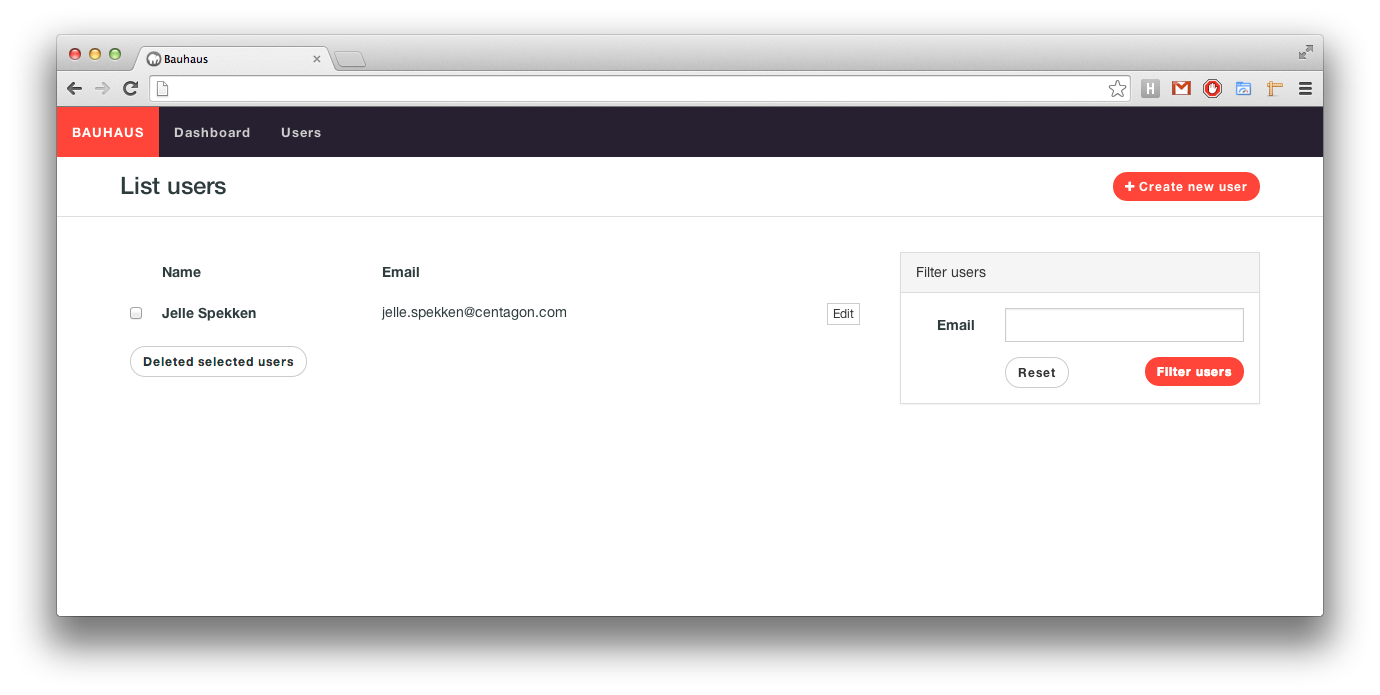
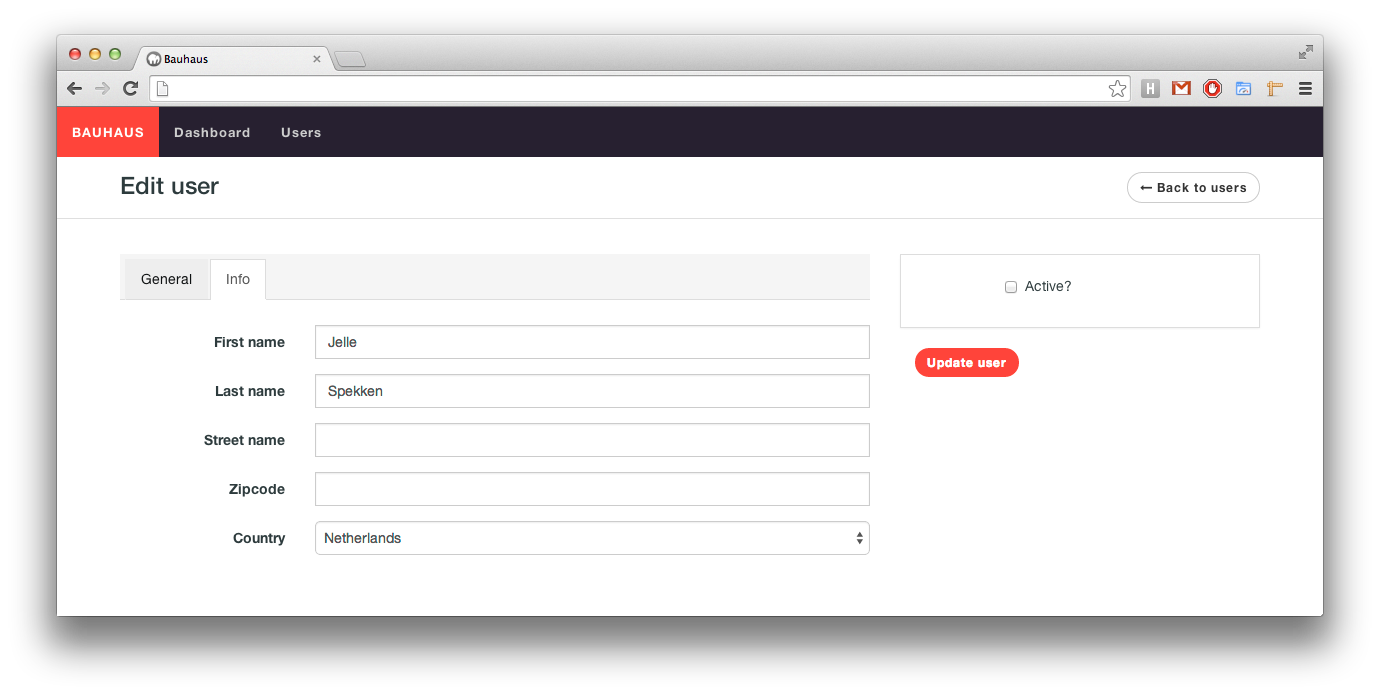
Bauhaus is an admin generator / builder / interface for [Laravel](http://laravel.com) with scoping, exporting and filtering functionality.
With Bauhaus you can easily create visual stunning lists, forms and filters for your models.
Use Bauhaus if you want:
- Create list and forms easily tightly coupled on your models
- A nice and clean admin interface
- and much, much more
Bauhaus is currently available in the following languages:
- English
- Brazilian (Thanks [willmkt](https://github.com/willmkt))
- Dutch
> Warning: Right now, Bauhaus is a moving target. Every day new changes will be pushed possibly breaking the design and/or inner workings. If you're having trouble running this package, please consider running the `php artisan asset:publish krafthaus/bauhaus` and/or the `php artisan config:publish krafthaus/bauhaus` command. Thank you!
[Documentation is located here.](http://bauhaus.krafthaus.nl)
Installation
---
Add bauhaus to your composer.json file:
```
"require": {
"krafthaus/bauhaus": "dev-master"
}
```
Use composer to install this package.
```
$ composer update
```
### Registering the package
```php
'providers' => array(
// ...
'KraftHaus\Bauhaus\BauhausServiceProvider',
'Intervention\Image\ImageServiceProvider',
)
```
Add the `admin` folder to the `app/` directory and put the following line in your composer.json file:
```
"autoload": {
"classmap": [
"app/admin"
]
},
```
Then publish the config file with `php artisan config:publish krafthaus/bauhaus`.
This will add the main bauhaus config file in your application config directory.
And last but not least you need to publish to package's assets with the `php artisan asset:publish krafthaus/bauhaus` command.
Creating your first Bauhaus model
---
To build your first (and most exciting) admin controller you'll have to follow the following easy steps:
Run `$ php artisan bauhaus:scaffold --model=name` where `name` is the name of the model you want to use.
This will create 3 files:
- A new (empty) model in `app/models/YourModelName`.
- A new migration in the `app/database/migrations` directory.
- And ofcourse a Baushaus model file in `app/admin`.
Support
---
Have a bug? Please create an issue here on GitHub that conforms with [necolas's guidelines](https://github.com/necolas/issue-guidelines).
License
---
This package is available under the [MIT license](LICENSE).