https://github.com/timnew/story_page_view
A highly customizable flutter widget that implemented instagram styled story page
https://github.com/timnew/story_page_view
Last synced: 12 months ago
JSON representation
A highly customizable flutter widget that implemented instagram styled story page
- Host: GitHub
- URL: https://github.com/timnew/story_page_view
- Owner: timnew
- License: mit
- Created: 2022-01-05T15:38:26.000Z (over 4 years ago)
- Default Branch: master
- Last Pushed: 2022-01-05T17:16:27.000Z (over 4 years ago)
- Last Synced: 2025-01-11T06:24:17.541Z (over 1 year ago)
- Language: Dart
- Size: 4.08 MB
- Stars: 0
- Watchers: 2
- Forks: 0
- Open Issues: 1
-
Metadata Files:
- Readme: README.md
- Changelog: CHANGELOG.md
- License: LICENSE
Awesome Lists containing this project
README
# story_page_view
[](https://github.com/timnew/story_page_view)
[](https://pub.dev/packages/story_page_view)
[](https://github.com/timnew/story_page_view/actions?query=workflow%3ARun-Test)
## Features
A highly customizable flutter implementation of instagram-style story page view, which renders a page view that turns to next after after a given period of time. An page indicator with animated timer can be included too.
## Getting started
Add `story_page_view` to `pubspec.yaml`:
```bash
flutter pub add story_page_view
```
## Usage
### Basic usage
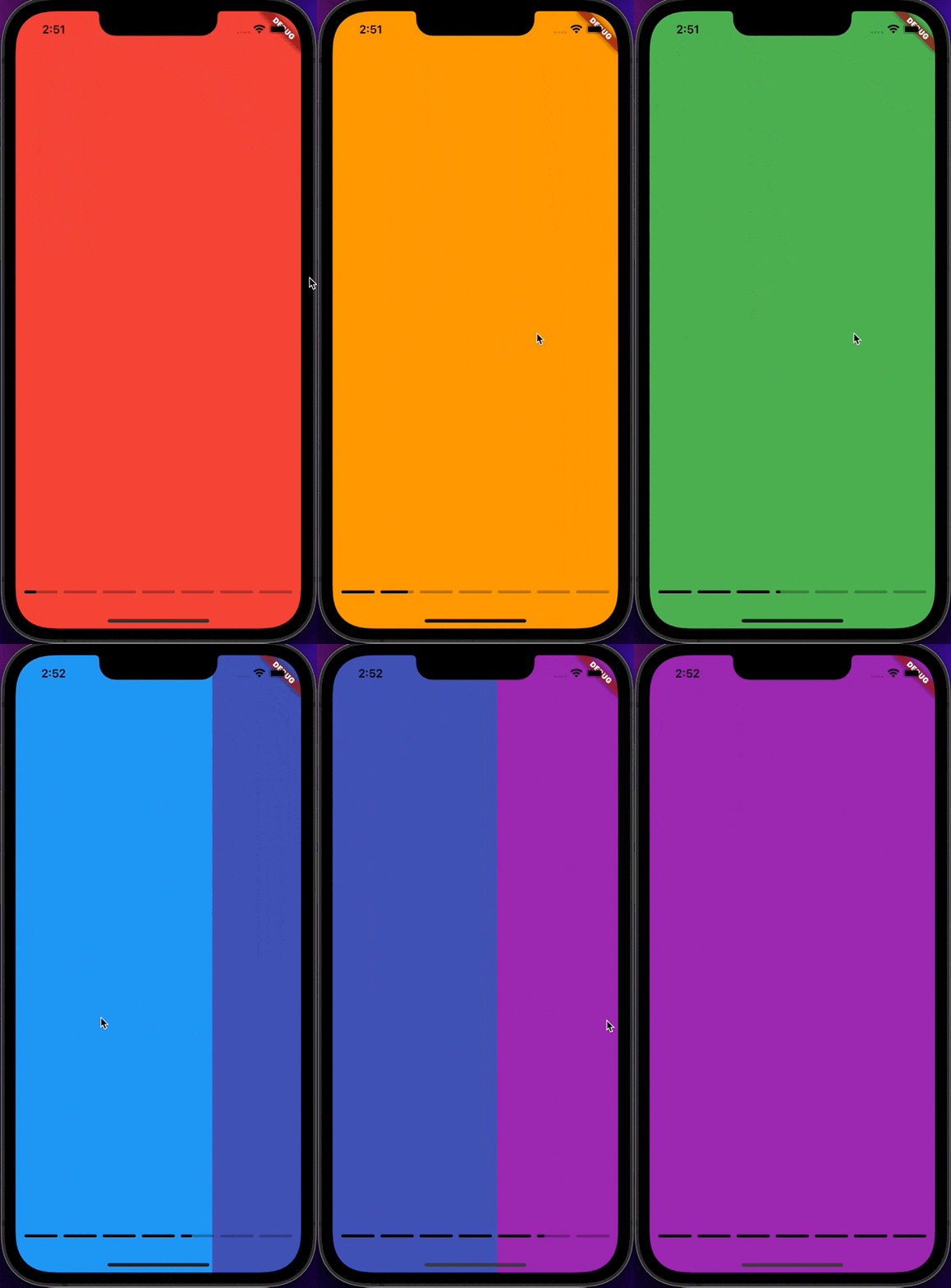
The widget is super easy to use:
```dart
StoryPageView(
children: [
Container(color: Colors.red),
Container(color: Colors.orange),
Container(color: Colors.yellow),
Container(color: Colors.green),
Container(color: Colors.blue),
Container(color: Colors.indigo),
Container(color: Colors.purple),
],
);
```
### Change Story duration
Changing the timer for each page is easy:
```dart
StoryPageView(
storyDuration: const Duration(seconds: 5),
)
```
### Control the page programmatically
Similar to `PageView`, `StoryPageView` uses `StoryPageController` to control its behaviour. `StoryPageController` is a special type of `PageController` that used by `PageView`, which supports all features from `PageController`.
### Customize paging animation
Beyond `PageController`, `StoryPageController` also controls the paging animation. The paging animation can be customised by `StoryPageController`.
```dart
StoryPageView(
controller: StoryPageController(
pagingCurve: Curves.elasticOut,
pagingDuration: const Duration(milliseconds: 2000),
),
)
```
### Customize Page Indicator Style
```dart
StoryPageView(
indicatorStyle: StoryPageIndicatorStyle(
height: 6,
gap: 12,
unvisitedColor: Colors.blue.shade200,
visitedColor: Colors.blue.shade900,
timerBarBackgroundColor: Colors.blue.shade300, // default to unvisitedColor if not given or is null
timerBarColor: Colors.blue.shade700, // default to visitedColor if not given or is null
shape: RoundedRectangleBorder( // Change Shape
borderRadius: BorderRadius.circular(12),
),
),
)
```
### Customize Page Indicator as Overlay
When `StoryPageIndicatorPosition.overlay` is used for `indicatorPosition`, the page indicator will be rendered as an overlay that floating on top of the content. And page indicator can be positioned with absolute coordinates.
e.g:
```dart
StoryPageView(
// Align to the top middle
indicatorPosition: StoryPageIndicatorPosition.overlay(
top: 32,
left: 12,
right: 12,
),
)
```
or
```dart
StoryPageView(
// Align to the bottom middle
indicatorPosition: StoryPageIndicatorPosition.overlay(
bottom: 32,
left: 12,
right: 12,
),
)
```
### Custom layout
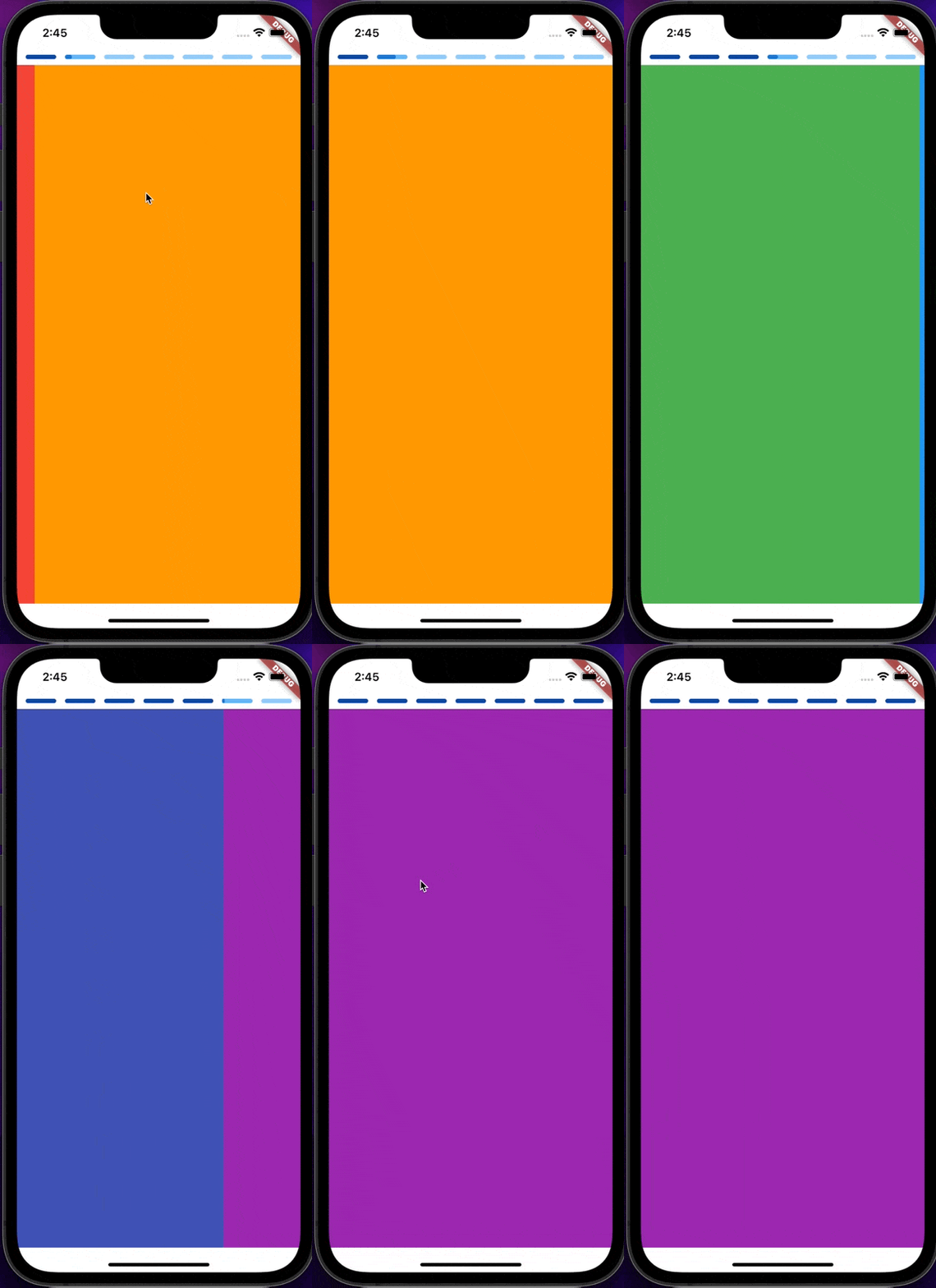
In fact the widget allow developer to fully control the layout by using `StoryPageIndicatorPosition.custom`.
A special builder function is needed to declare the expected layout, the `PageView` widget and `StorypageIndicator` widget instance will be passed as parameter to the builder function.
For example, the following code put the page indicator and page view in a column:
```dart
StoryPageView(
indicatorPosition: StoryPageIndicatorPosition.custom(
layoutBuilder: (c, pageView, indicator) => SafeArea(
child: Column(
children: [
Padding(
padding: const EdgeInsets.symmetric(vertical: 8, horizontal: 12),
child: indicator, // Page Indicator
),
Expanded(
child: pageView, // PageView
),
],
),
),
),
)
```
### Fully customised `StoryPageView`
```dart
StoryPageView(
// Customize indicator looking
indicatorStyle: StoryPageIndicatorStyle(
height: 6,
gap: 12,
unvisitedColor: Colors.blue.shade200,
visitedColor: Colors.blue.shade900,
timerBarBackgroundColor:
Colors.blue.shade300, // default to unvisitedColor
timerBarColor: Colors.blue.shade700, // default to vistedColor
shape: RoundedRectangleBorder(
borderRadius: BorderRadius.circular(12),
),
),
controller: StoryPageController(
// Customize paging animation style
pagingCurve: Curves.elasticOut,
pagingDuration: const Duration(milliseconds: 2000),
),
storyDuration: const Duration(seconds: 5),
// Customize whole layout
indicatorPosition: StoryPageIndicatorPosition.custom(
layoutBuilder: (c, pageView, indicator) => SafeArea(
child: Column(
children: [
// Put page indicator on top of the pager
Padding(
padding: const EdgeInsets.symmetric(
vertical: 8,
horizontal: 12,
),
child: indicator,
),
Expanded(
child: pageView,
),
],
),
),
),
children: [
Container(color: Colors.red),
Container(color: Colors.orange),
Container(color: Colors.yellow),
Container(color: Colors.green),
Container(color: Colors.blue),
Container(color: Colors.indigo),
Container(color: Colors.purple),
],
)
```
### No Page Indicator
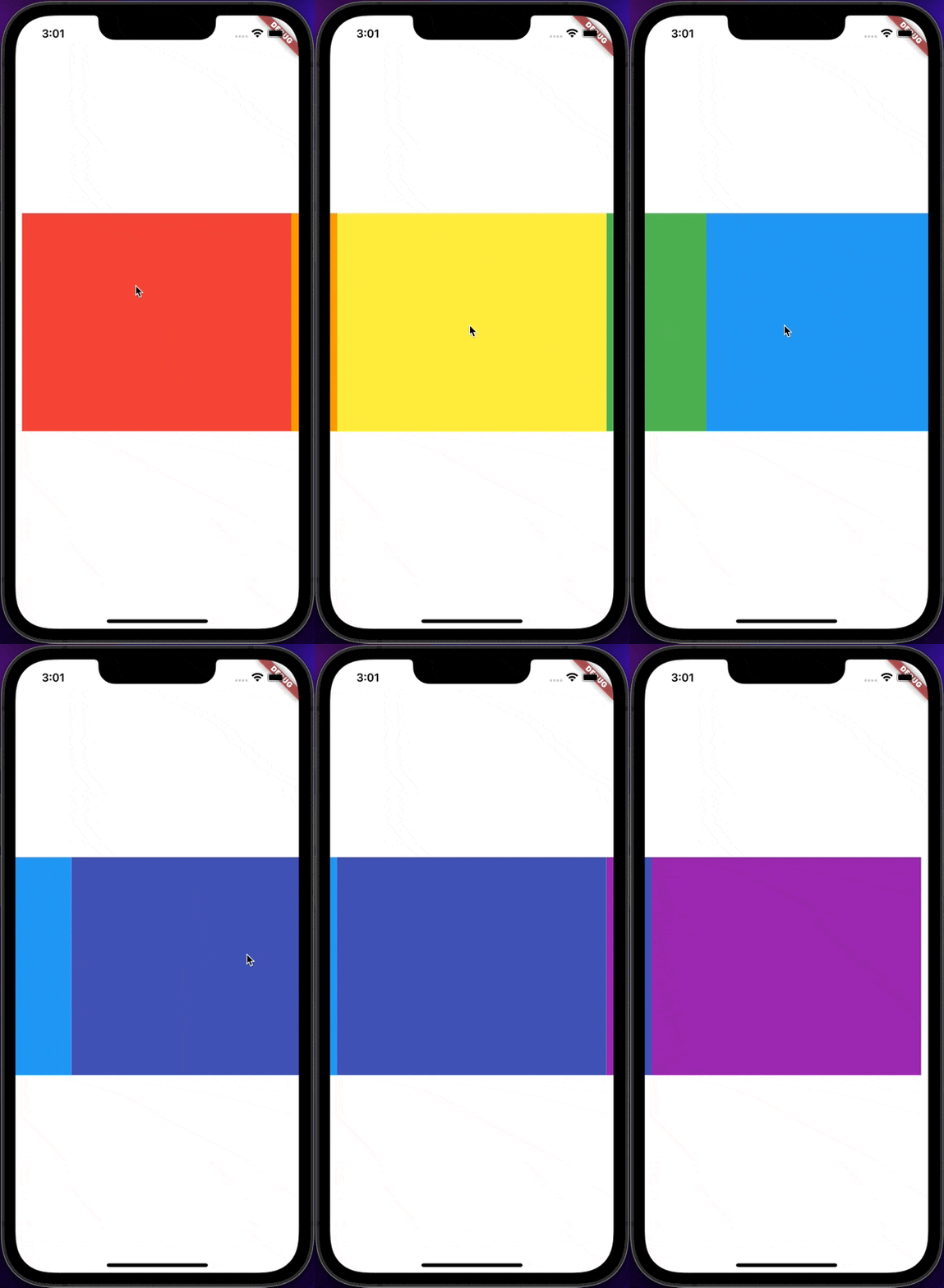
Sometimes developer might want to hide the page indicator, it can be done by using `StoryPageIndicatorPosition.none`.
```dart
StoryPageView(
storyDuration: const Duration(seconds: 1),
// No page indicator, timer only
indicatorPosition: const StoryPageIndicatorPosition.none(),
// Make the view port only 95% of the screen width
controller: StoryPageController(
viewportFraction: 0.95,
),
children: [
Container(color: Colors.red),
Container(color: Colors.orange),
Container(color: Colors.yellow),
Container(color: Colors.green),
Container(color: Colors.blue),
Container(color: Colors.indigo),
Container(color: Colors.purple),
],
),
```