https://github.com/tinacious/sublime-tinacious-design-syntax
:traffic_light: Tinacious Design syntax theme for Sublime Text.
https://github.com/tinacious/sublime-tinacious-design-syntax
Last synced: 8 months ago
JSON representation
:traffic_light: Tinacious Design syntax theme for Sublime Text.
- Host: GitHub
- URL: https://github.com/tinacious/sublime-tinacious-design-syntax
- Owner: tinacious
- Created: 2016-04-13T00:55:49.000Z (about 10 years ago)
- Default Branch: master
- Last Pushed: 2017-03-05T08:27:09.000Z (over 9 years ago)
- Last Synced: 2025-03-15T03:41:13.482Z (about 1 year ago)
- Homepage:
- Size: 697 KB
- Stars: 5
- Watchers: 2
- Forks: 0
- Open Issues: 0
-
Metadata Files:
- Readme: README.md
Awesome Lists containing this project
README
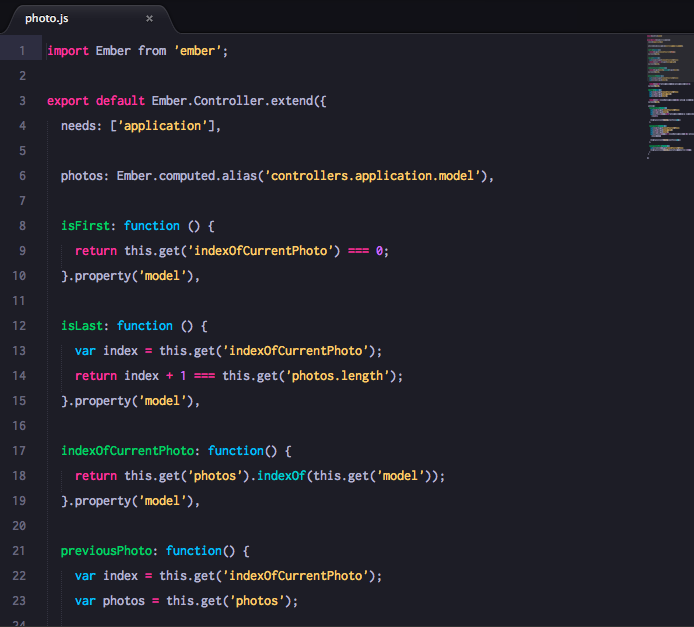
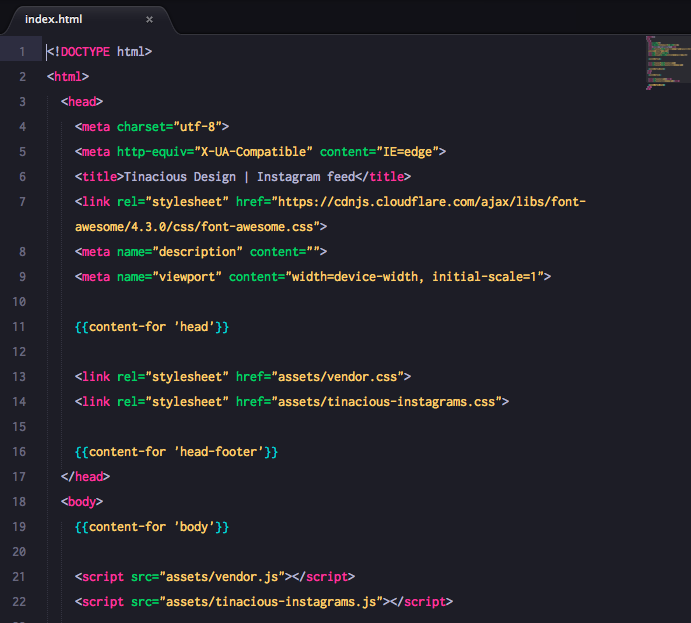
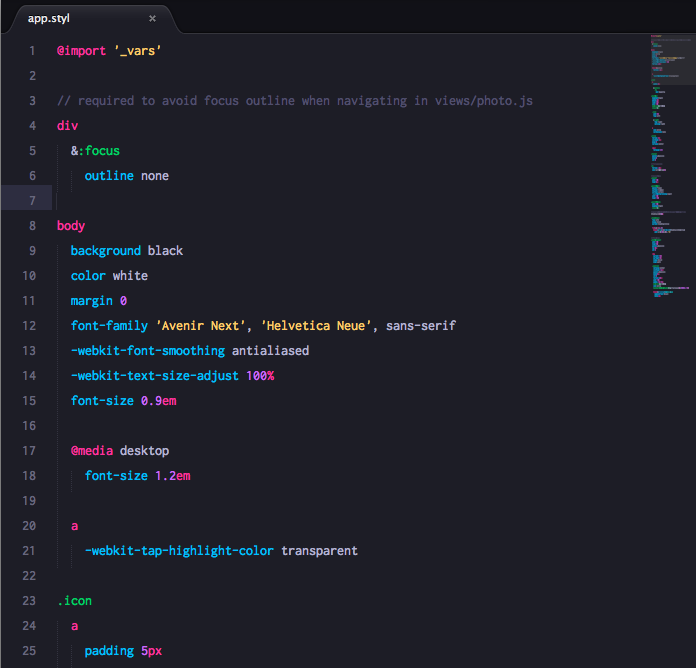
**Tinacious Design Syntax** is a dark syntax theme that uses a bright palette of colours including pink, blue, turquoise, green, purple, and orange.
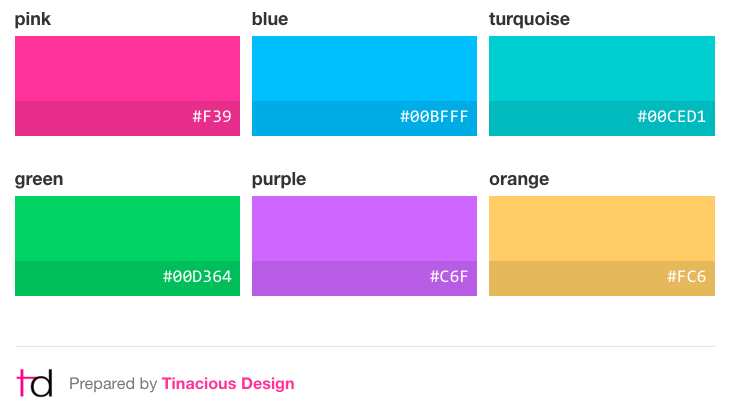
Colours curated by Web and Mobile designer and developer Tina from [Tinacious Design](http://tinaciousdesign.com).
## Variations
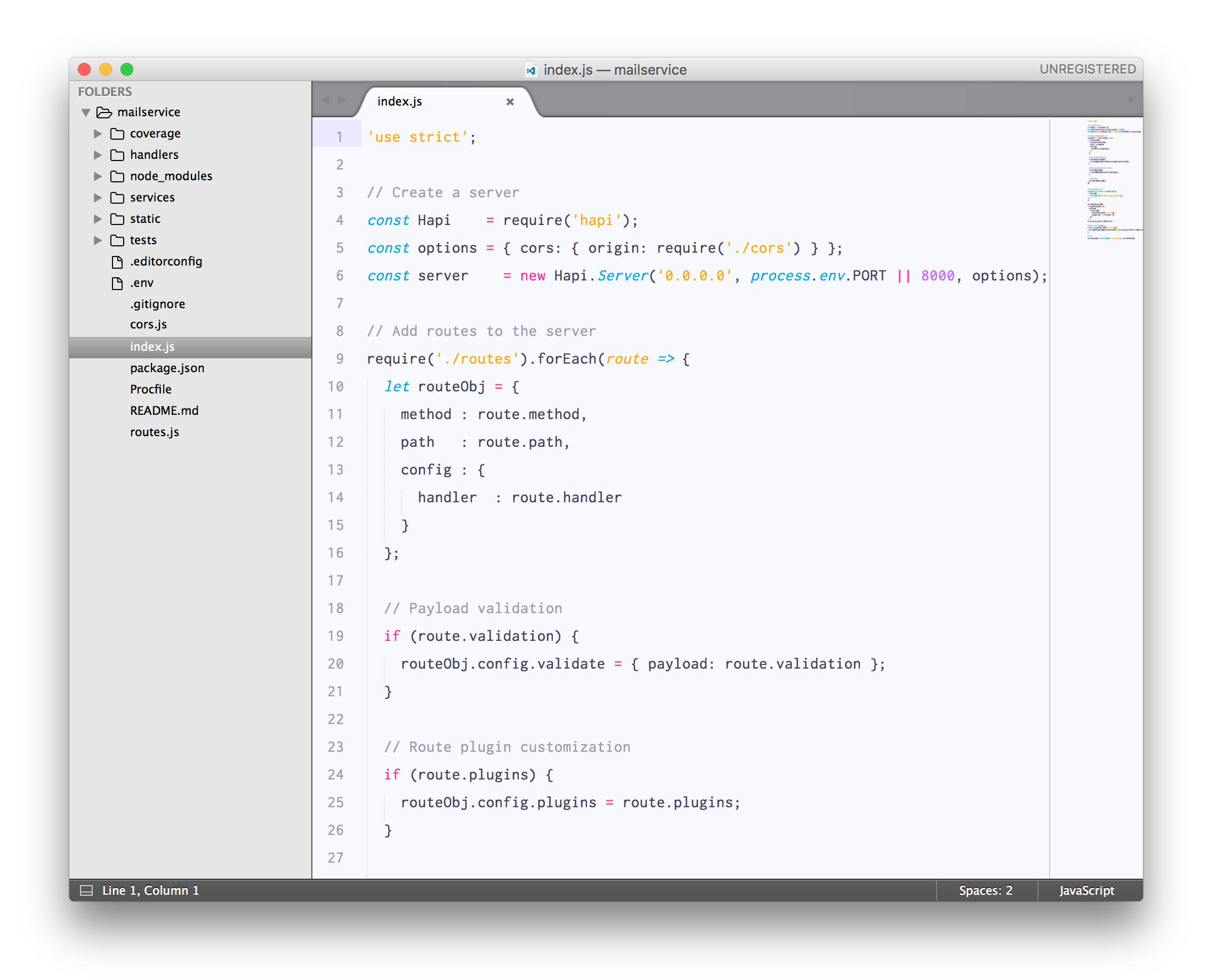
This syntax theme is now available in both dark and light variations.
### Dark
To use the dark syntax theme, add the following to your User Settings:
```json
{
"color_scheme": "Packages/Tinacious Design colour scheme/Tinacious-Design.tmTheme"
}
```

### Light
To use the light syntax theme, add the following to your User Settings:
```json
{
"color_scheme": "Packages/Tinacious Design colour scheme/Tinacious-Design-Light.tmTheme"
}
```
## Changelog
| Date | Version | Change |
|:--------------|:--------|:---------------------------------------------------|
| 5 Mar 2017 | 0.2.0 | Increased contrast of current line & selected text |
| 12 April 2016 | 0.1.0 | Initial release |