https://github.com/tom2strobl/jquery.cleanyoutube
A jQuery plugin for usage of the chromeless YouTube API with a very clean skin.
https://github.com/tom2strobl/jquery.cleanyoutube
Last synced: 6 months ago
JSON representation
A jQuery plugin for usage of the chromeless YouTube API with a very clean skin.
- Host: GitHub
- URL: https://github.com/tom2strobl/jquery.cleanyoutube
- Owner: tom2strobl
- Created: 2013-02-14T17:12:32.000Z (over 13 years ago)
- Default Branch: master
- Last Pushed: 2013-02-14T18:07:50.000Z (over 13 years ago)
- Last Synced: 2025-03-13T18:51:37.081Z (over 1 year ago)
- Size: 719 KB
- Stars: 7
- Watchers: 3
- Forks: 2
- Open Issues: 1
-
Metadata Files:
- Readme: README.md
Awesome Lists containing this project
README
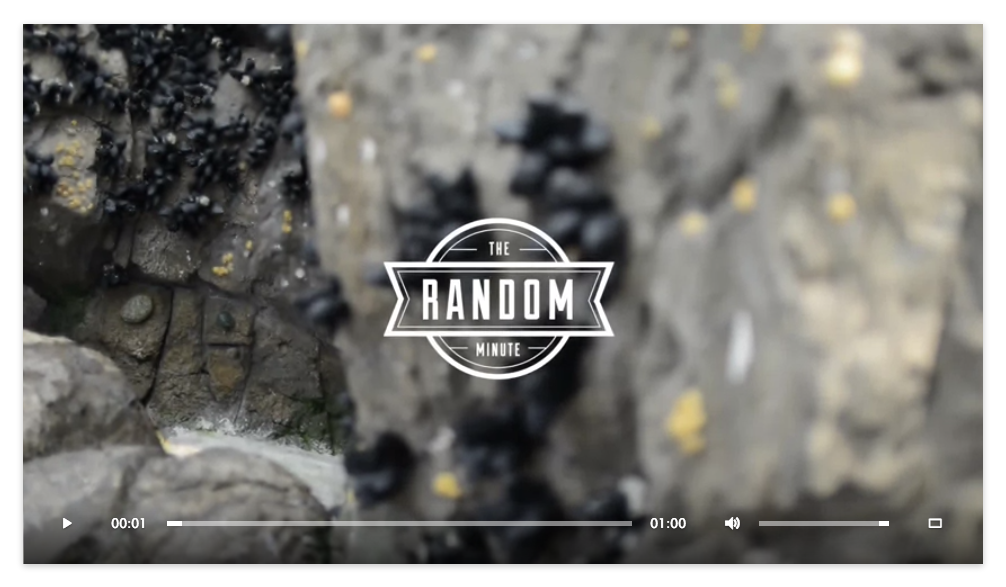
# jquery.cleanYouTube
A jQuery plugin for usage of the chromeless YouTube API with a very clean skin. It also clears the red Youtube-Play-Buttons at the start and the end of the video.
## WARNING
**This Plugin in still under HEAVY development and currently only works in Chrome perfectly. The CSS is messy, you can't define sizes and it may look weird in other browsers than the latest Chrome build.**
## Installation
In your head, include the provided CSS-File (I've stripped the whole CSS to a file so it's easy to customize). The font for the controls is already base-encoded within that CSS file.
Include the script *after* you included the jQuery library (unless you are packaging scripts somehow else):
Then call the plugin on the element you want to insert the video to and at least specify the *videoid*:
$('.video').cleanYouTube({
'videoid' : 'pg4mnnZStU8',
'autoplay' : false,
'loop' : false
});
**Do not include the script directly from GitHub (http://raw.github.com/...).** The file is being served as text/plain and as such being blocked
in Internet Explorer on Windows 7 for instance (because of the wrong MIME type). Bottom line: GitHub is not a CDN.
## Options
### videoid
videoid: 'c1PbjssaNAg'
Define the videoid from a YouTube URL. eg: http://www.youtube.com/watch?v= **c1PbjssaNAg**
### autoplay
autoplay: false
If true, plays as soon as the video is loaded. Can be set to true or false.
### loop
loop: false
If true, starts the video again when it reaches the end. Can be set to true or false.
## Testing
The code is currently only tested on the latest Chrome Build.
## Development
Pull requests are very welcome! Everyone is invited to improve the plugin, it's certainly not js-guru-like.
### Known issues
Altough it completely works in Chrome it drops two Errors from the YouTube API itself:
Unable to post message to http://www.youtube.com. Recipient has origin http://...
GET http://www.youtube.com/get_video... 404 (Not Found)
## Authors
[Thomas Strobl](https://github.com/tom2strobl)