https://github.com/tomasf/swiftscad
Swift preprocessor for OpenSCAD
https://github.com/tomasf/swiftscad
Last synced: 12 months ago
JSON representation
Swift preprocessor for OpenSCAD
- Host: GitHub
- URL: https://github.com/tomasf/swiftscad
- Owner: tomasf
- License: mit
- Created: 2021-07-06T10:59:43.000Z (almost 5 years ago)
- Default Branch: main
- Last Pushed: 2024-11-26T15:57:35.000Z (over 1 year ago)
- Last Synced: 2025-05-29T09:05:38.738Z (about 1 year ago)
- Language: OpenSCAD
- Homepage:
- Size: 996 KB
- Stars: 10
- Watchers: 5
- Forks: 1
- Open Issues: 0
-
Metadata Files:
- Readme: README.md
- License: LICENSE
Awesome Lists containing this project
README
# SwiftSCAD
SwiftSCAD is a library that allows you to create 3D and 2D CAD models in Swift. It acts as a preprocessor for [OpenSCAD][openscad], generating .scad files that can be previewed and rendered using the OpenSCAD application. This offers a more convenient API, breaking away from the limitations of the OpenSCAD language.
SwiftSCAD runs on macOS, Windows and Linux.
[](https://github.com/tomasf/SwiftSCAD/actions/workflows/swift.yml)

# Getting Started
> tl;dr: Create a new executable Swift package, add SwiftSCAD as a dependency, import it in your code, create geometry and use the `save(to:)` method to save it to disk as an OpenSCAD file.
## 1. Install OpenSCAD
[Install OpenSCAD][openscad-download] in order to preview and render your models. Use a development snapshot version because the stable releases are usually very old.
## 2. Install Swift
If you're using macOS, it's easiest to [install the latest version of Xcode][xcode].
For Windows and Linux, [install Swift directly][swift]. I also recommend [installing VS Code][vscode] with the [Swift extension][swift-extension] to make development easier.
## 3. Create a new Swift executable package:
```
$ mkdir thingamajig
$ cd thingamajig
$ swift package init --type executable
```
## 4. Add SwiftSCAD as a dependency for your package in Package.swift:
let package = Package(
name: "thingamajig",
dependencies: [
.package(url: "https://github.com/tomasf/SwiftSCAD.git", upToNextMinor(from: "0.9.0")),
],
targets: [
.executableTarget(name: "thingamajig", dependencies: ["SwiftSCAD"])
]
)
## 5. Use SwiftSCAD
In `main.swift`, import SwiftSCAD, create geometry and save it:
```swift
import SwiftSCAD
Box([10, 10, 5])
.subtracting {
Sphere(diameter: 10)
.translated(z: 5)
}
.save(to: "gadget.scad")
```
Run your code using `swift run` (or using Xcode/VS Code) to generate the `.scad` file. By default, the files are saved to the current working directory. The full path will be printed in the console.
Open it in OpenSCAD to preview your model. For the best experience, hide the editor view using *View > Hide Editor* and enable *Design > Automatic Reload and Preview*. With this in place, OpenSCAD will reload automatically every time you run your code after making changes to the model.
# Libraries
* [Helical][helical] - A SwiftSCAD library providing customizable threads, screws, bolts, nuts and related parts.
* [RichText][richtext] - TextKit-based companion library for SwiftSCAD (macOS only)
# Examples
## Rotated box
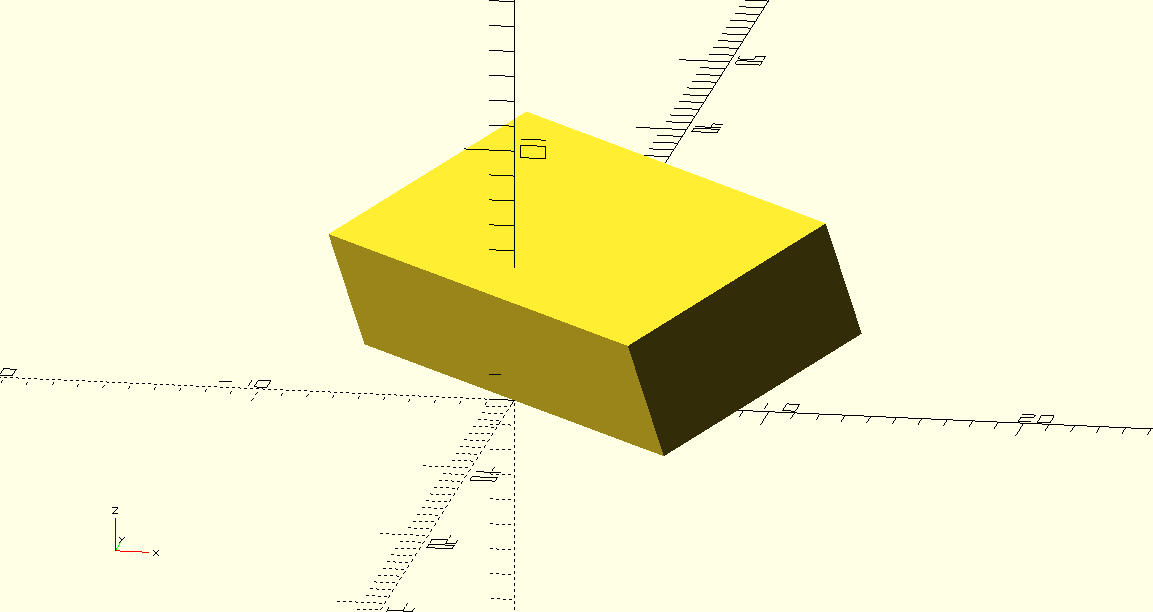
```swift
Box(x: 10, y: 20, z: 5)
.aligned(at: .centerY)
.rotated(y: -20°, z: 45°)
.save(to: "example1.scad")
```
## Extruded star with subtraction
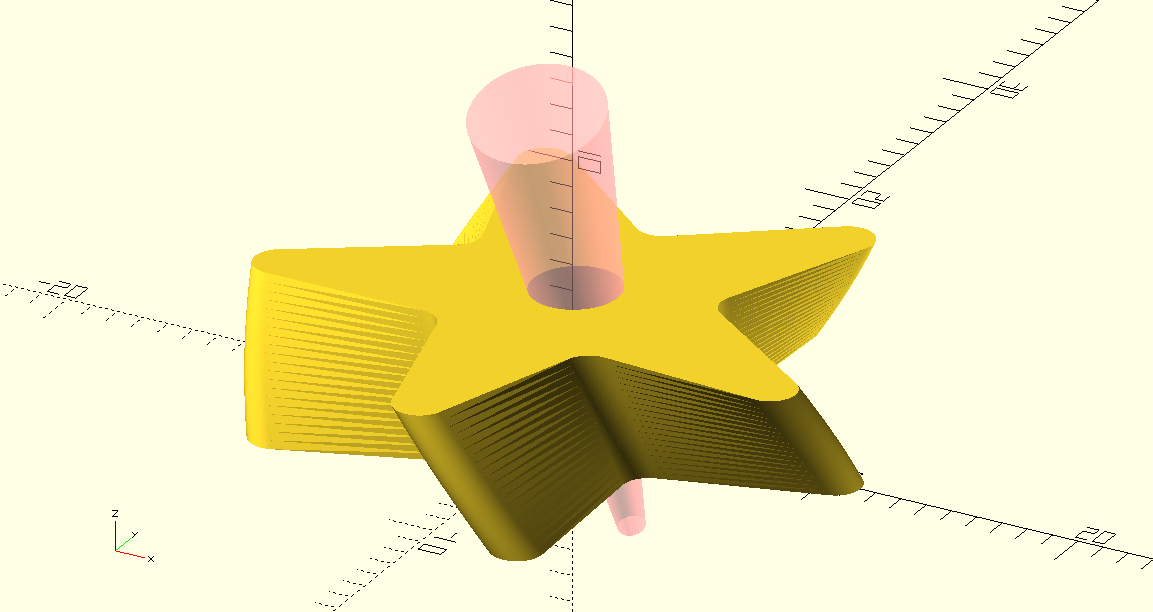
```swift
Circle(diameter: 10)
.withFacets(count: 3)
.translated(x: 2)
.scaled(x: 2)
.repeated(in: 0°..<360°, count: 5)
.rounded(amount: 1)
.extruded(height: 5, twist: -20°)
.subtracting {
Cylinder(bottomDiameter: 1, topDiameter: 5, height: 20)
.translated(y: 2, z: -7)
.rotated(x: 20°)
.highlighted()
}
.save(to: "example2")
```
## Reusable star shape
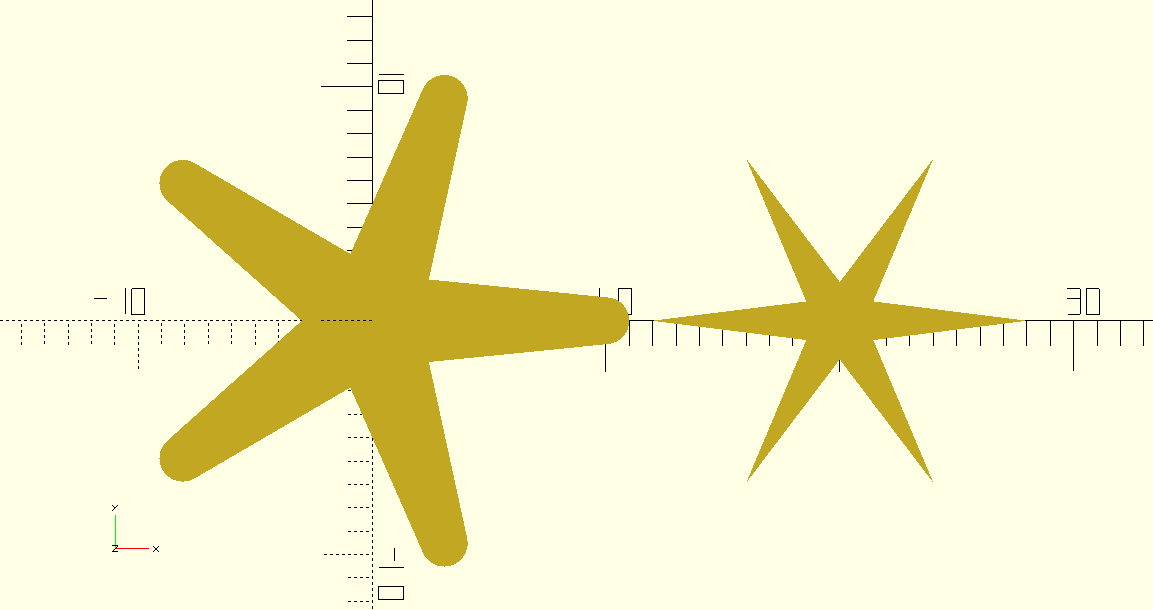
```swift
struct Star: Shape2D {
let pointCount: Int
let radius: Double
let pointRadius: Double
let centerSize: Double
var body: any Geometry2D {
Circle(diameter: centerSize)
.adding {
Circle(radius: max(pointRadius, 0.001))
.translated(x: radius)
}
.convexHull()
.repeated(in: 0°..<360°, count: pointCount)
}
}
save {
Stack(.x, spacing: 1, alignment: .centerY) {
Star(pointCount: 5, radius: 10, pointRadius: 1, centerSize: 4)
Star(pointCount: 6, radius: 8, pointRadius: 0, centerSize: 2)
}
.named("example3")
}
```
## Extruding along a Bezier path
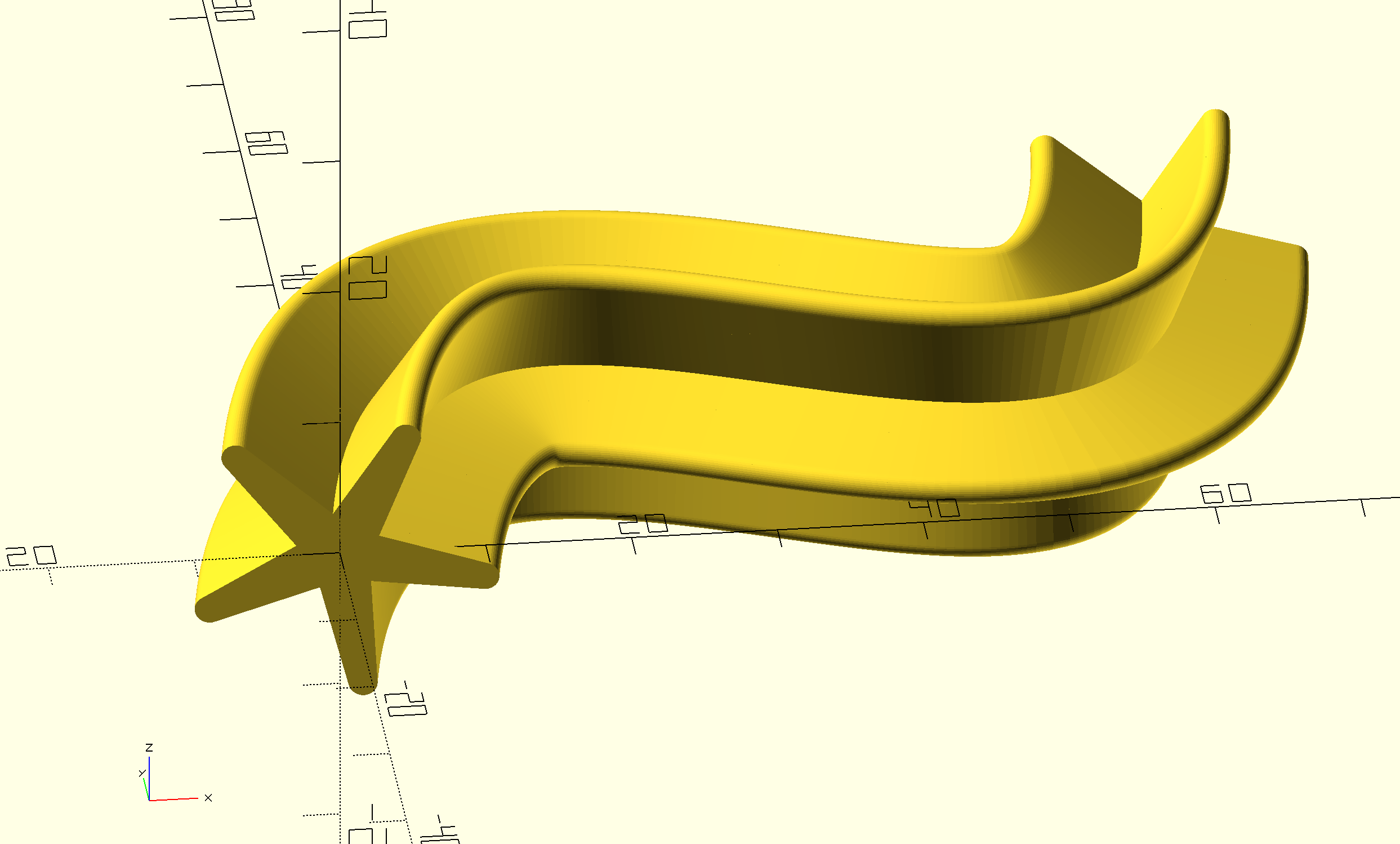
```swift
let path = BezierPath2D(startPoint: .zero)
.addingCubicCurve(
controlPoint1: [10, 65],
controlPoint2: [55, -20],
end: [60, 40]
)
save {
Star(pointCount: 5, radius: 10, pointRadius: 1, centerSize: 4)
.usingDefaultFacets()
.extruded(along: path)
.withPreviewConvexity(4)
.usingFacets(minAngle: 5°, minSize: 1)
.named("example4")
}
```
[openscad]: https://openscad.org
[openscad-download]: https://openscad.org/downloads.html#snapshots
[xcode]: https://developer.apple.com/download/all/?q=xcode
[swift]: https://www.swift.org/install
[vscode]: https://code.visualstudio.com/Download
[swift-extension]: https://marketplace.visualstudio.com/items?itemName=sswg.swift-lang
[helical]: https://github.com/tomasf/Helical
[richtext]: https://github.com/tomasf/RichText