https://github.com/tomatophp/filament-browser
File & Folders & Media Browser With Code Editor
https://github.com/tomatophp/filament-browser
browser filament-plugin file file-browser manager
Last synced: about 1 year ago
JSON representation
File & Folders & Media Browser With Code Editor
- Host: GitHub
- URL: https://github.com/tomatophp/filament-browser
- Owner: tomatophp
- License: mit
- Created: 2024-04-08T06:03:12.000Z (about 2 years ago)
- Default Branch: master
- Last Pushed: 2024-10-14T13:04:38.000Z (over 1 year ago)
- Last Synced: 2025-04-02T11:06:52.144Z (about 1 year ago)
- Topics: browser, filament-plugin, file, file-browser, manager
- Language: PHP
- Homepage: https://tomatophp.com/en/open-source/filament-browser
- Size: 4.68 MB
- Stars: 33
- Watchers: 3
- Forks: 6
- Open Issues: 3
-
Metadata Files:
- Readme: README.md
- Changelog: CHANGELOG.md
- Funding: .github/FUNDING.yml
- License: LICENSE.md
- Security: SECURITY.md
Awesome Lists containing this project
README

# Filament File Browser
[](https://packagist.org/packages/tomatophp/filament-browser)
[](https://packagist.org/packages/tomatophp/filament-browser)
[](https://packagist.org/packages/tomatophp/filament-browser)
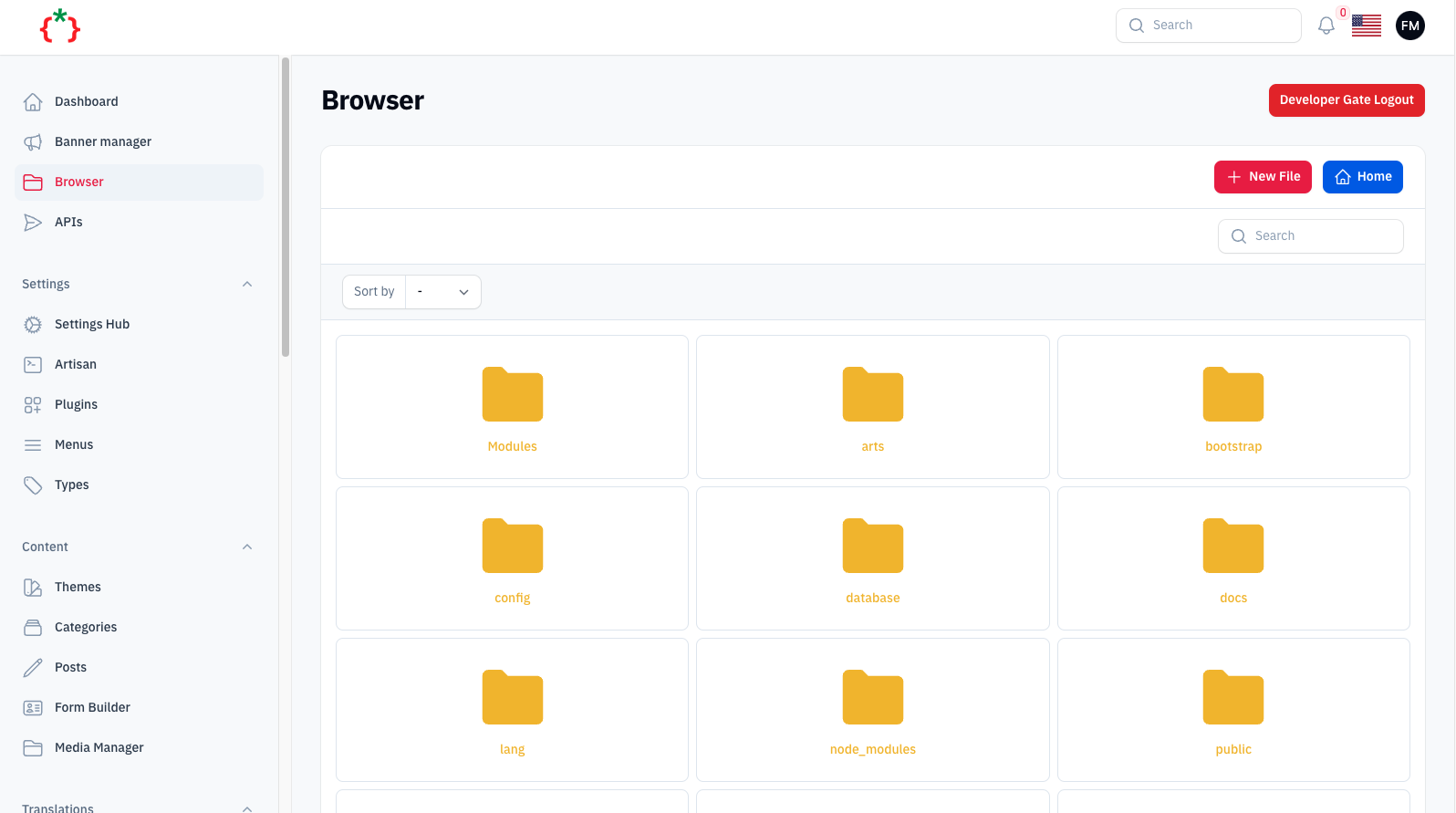
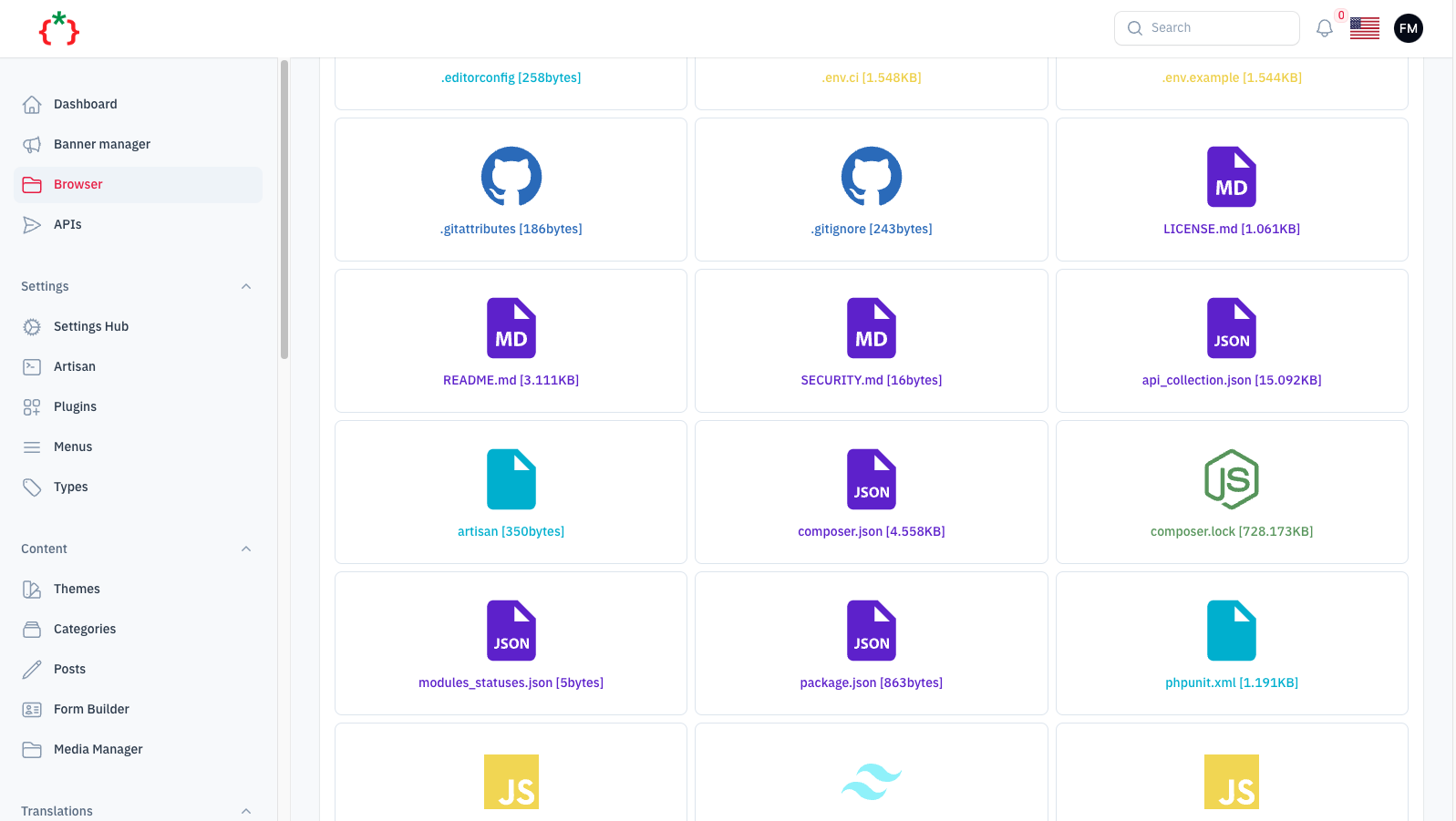
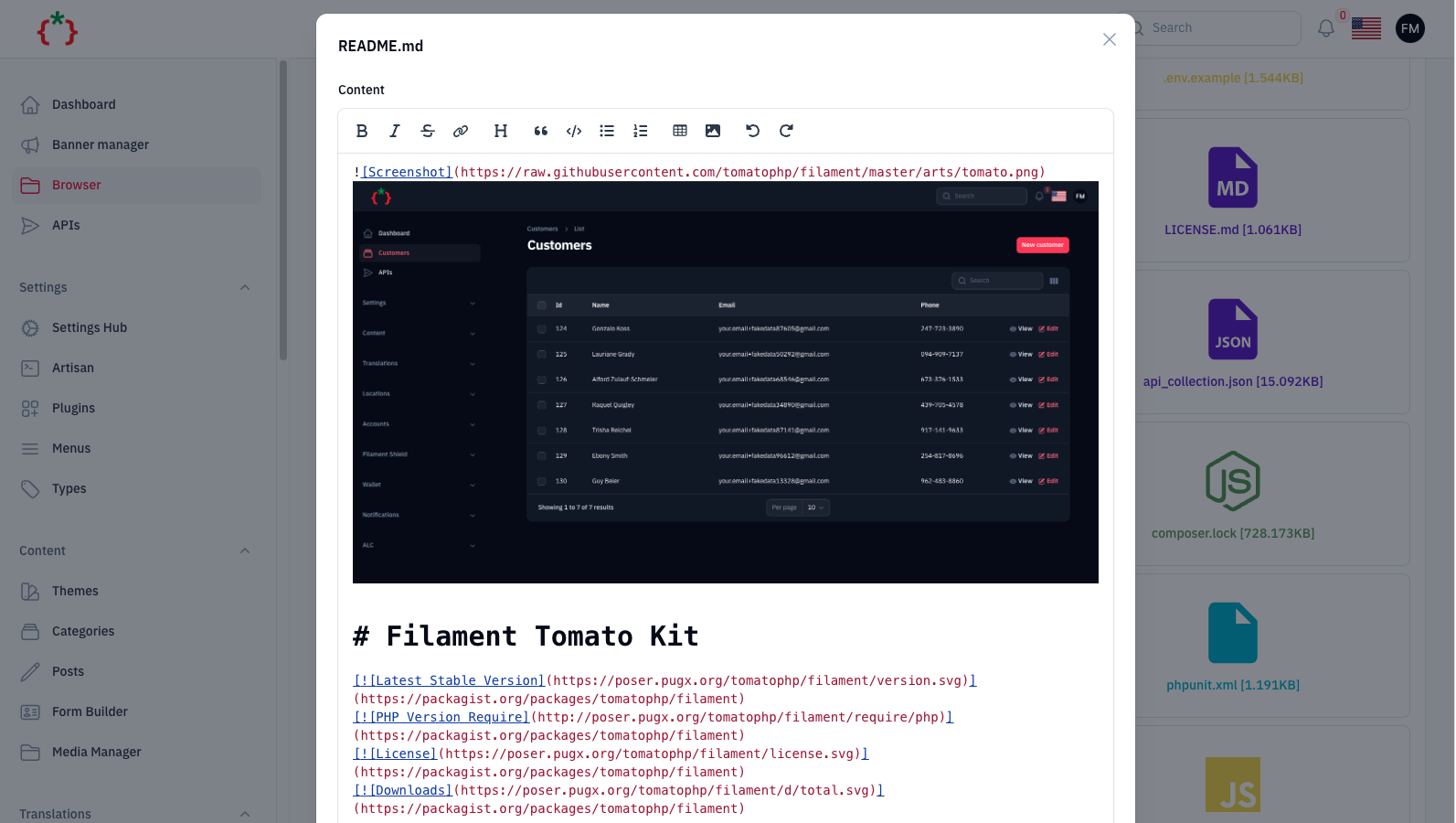
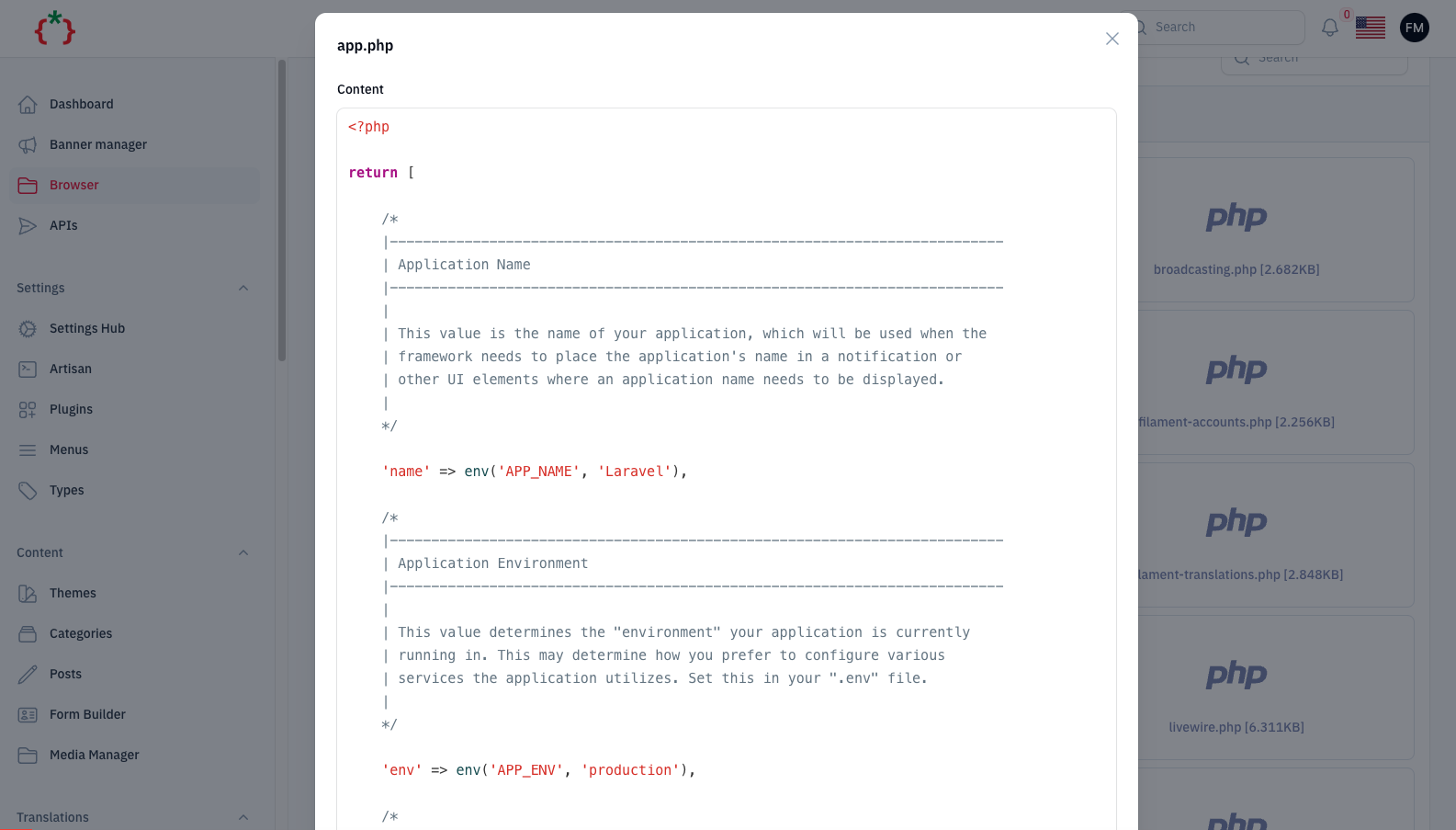
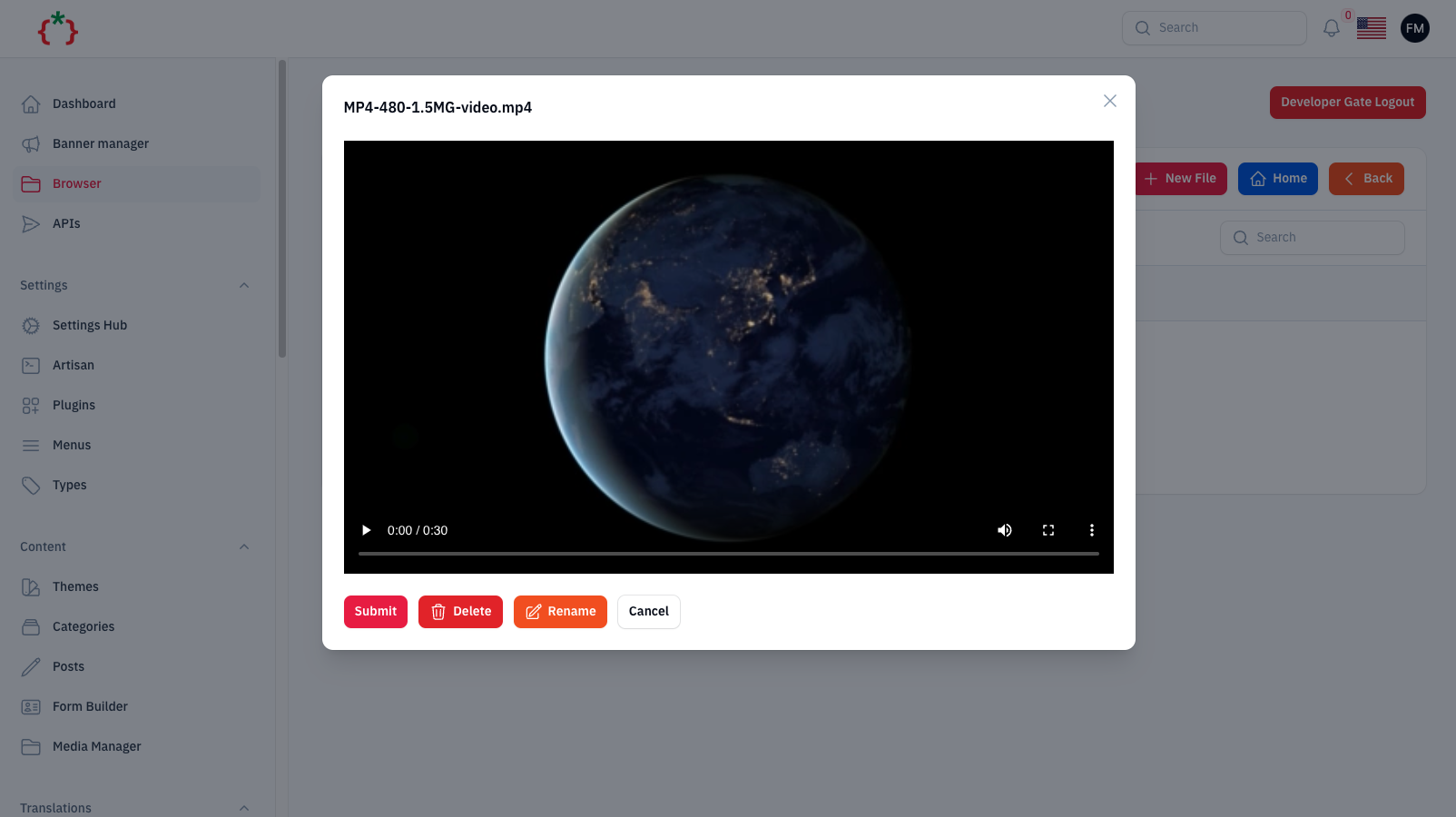
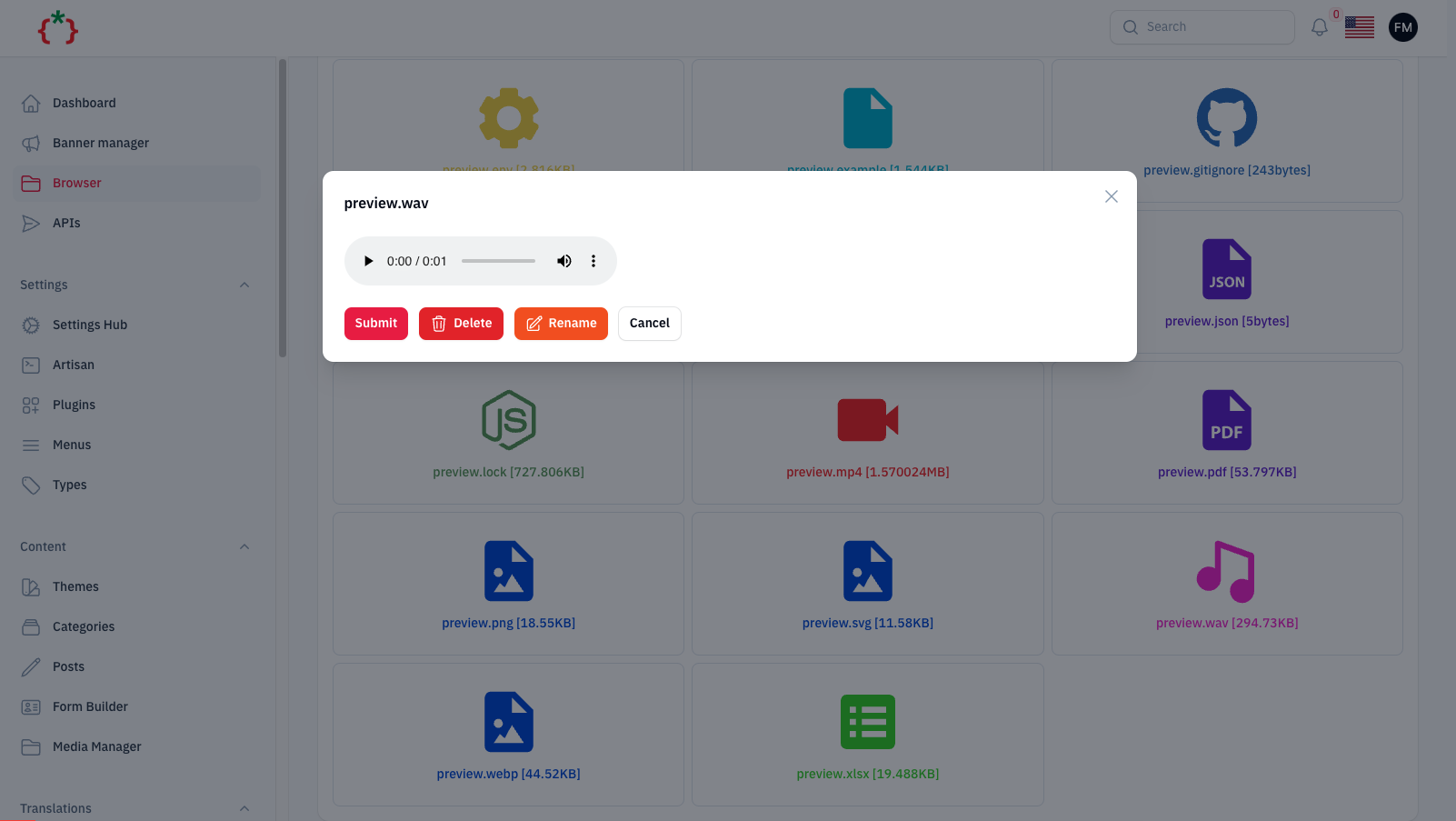
File & Folders & Media Browser With Code Editor
> [!CAUTION]
> This package is for super-admin only and it's not recommended to use it for normal users. because it's give access to all files and folders in your server.
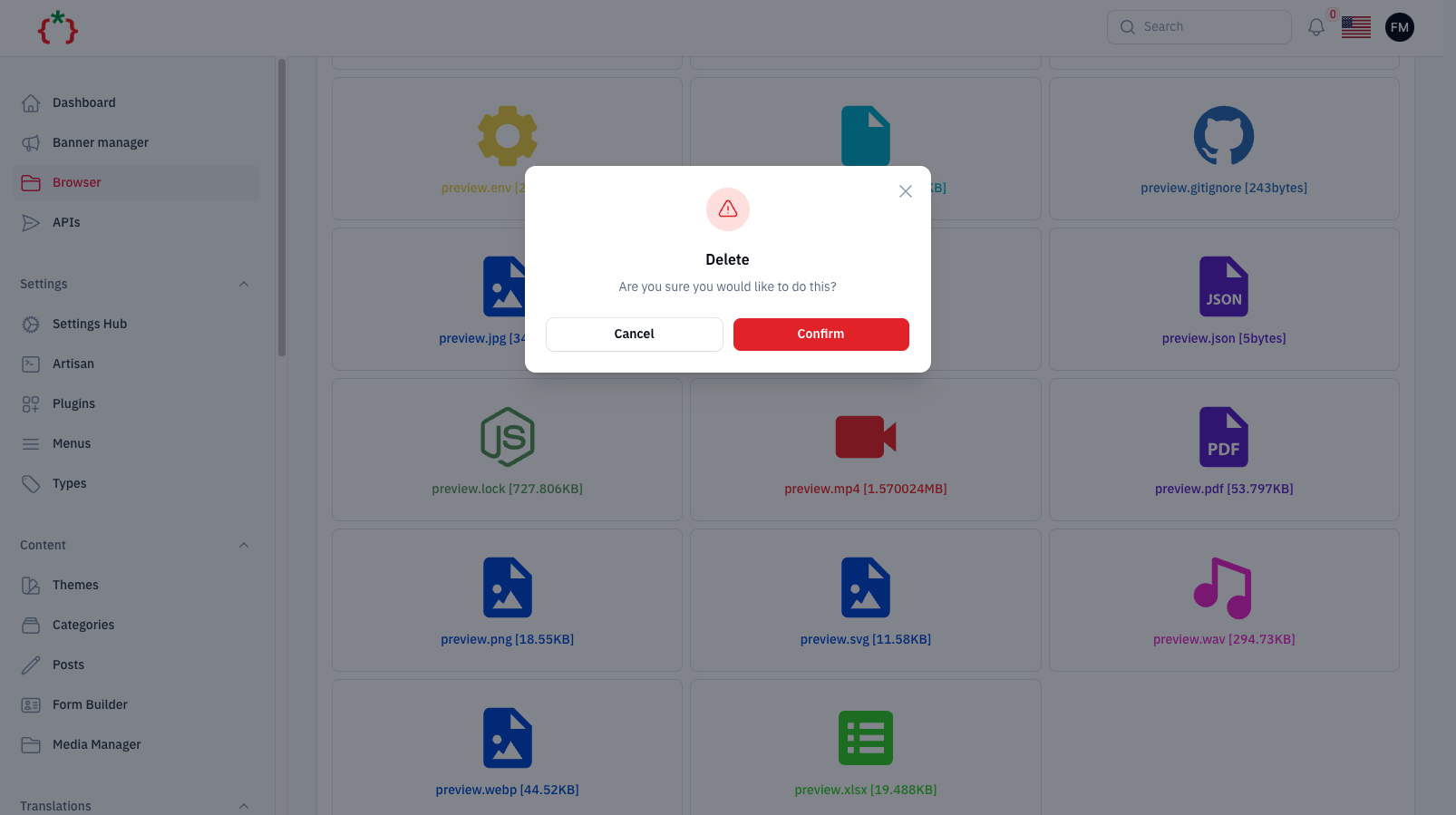
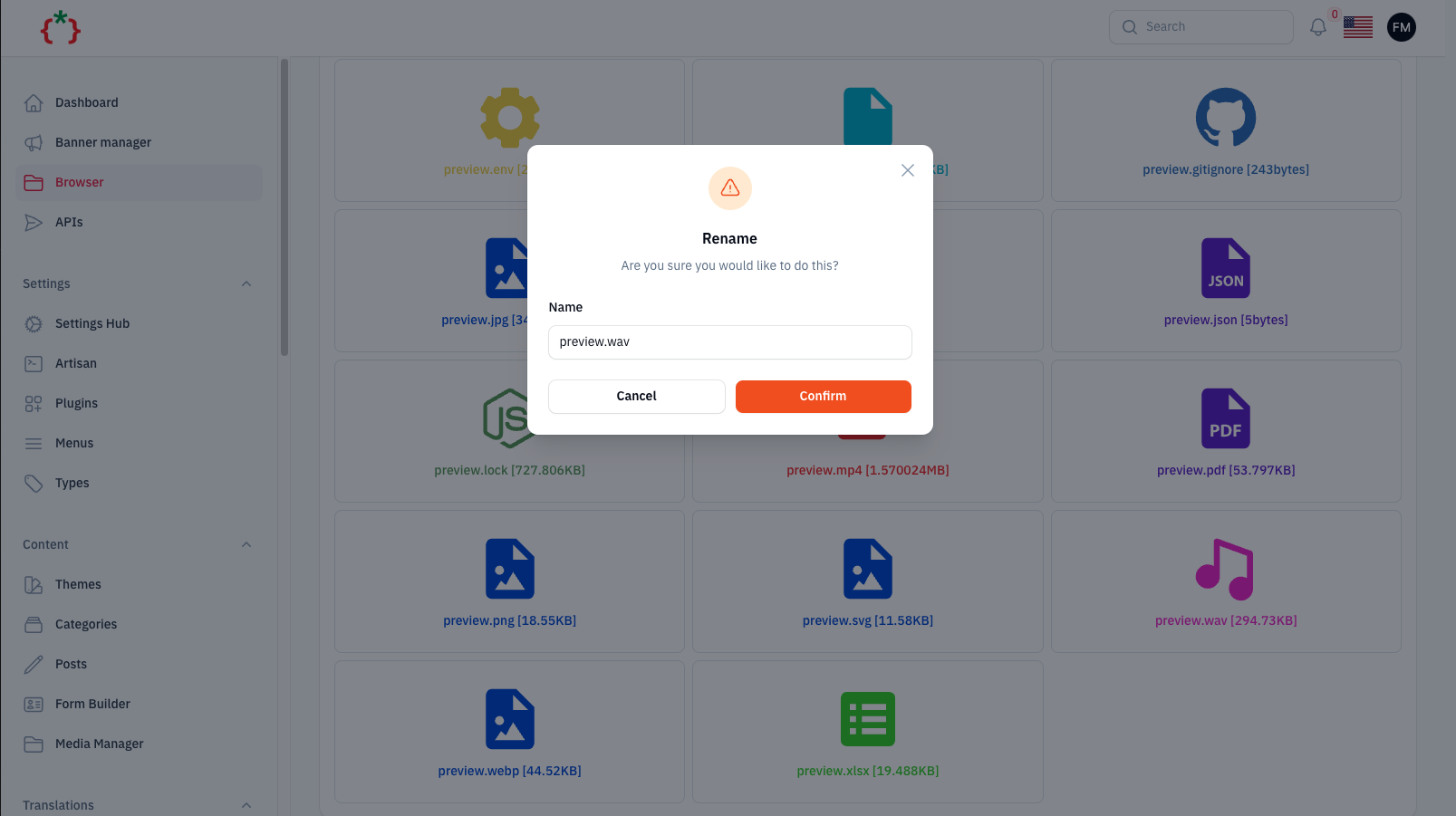
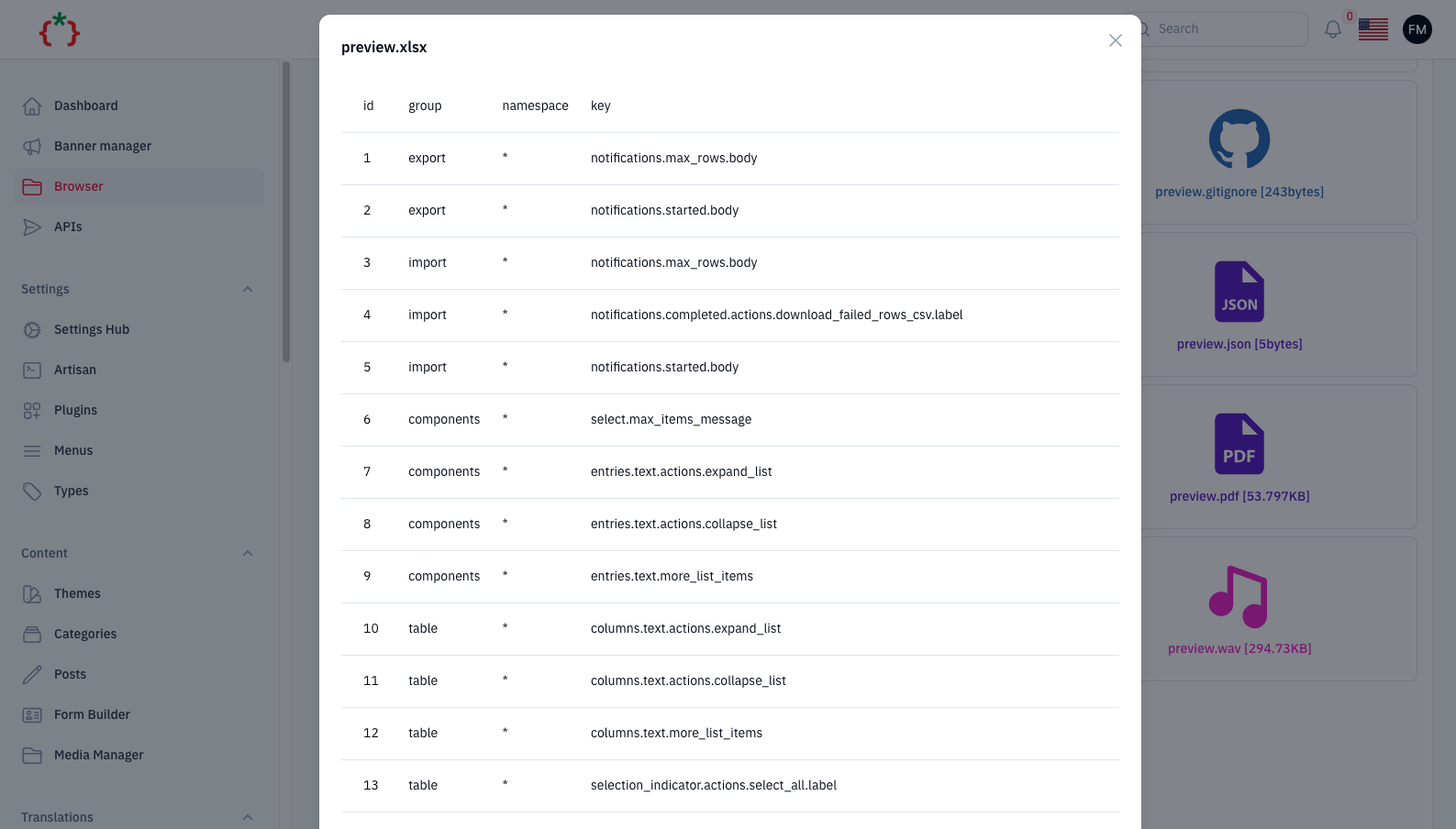
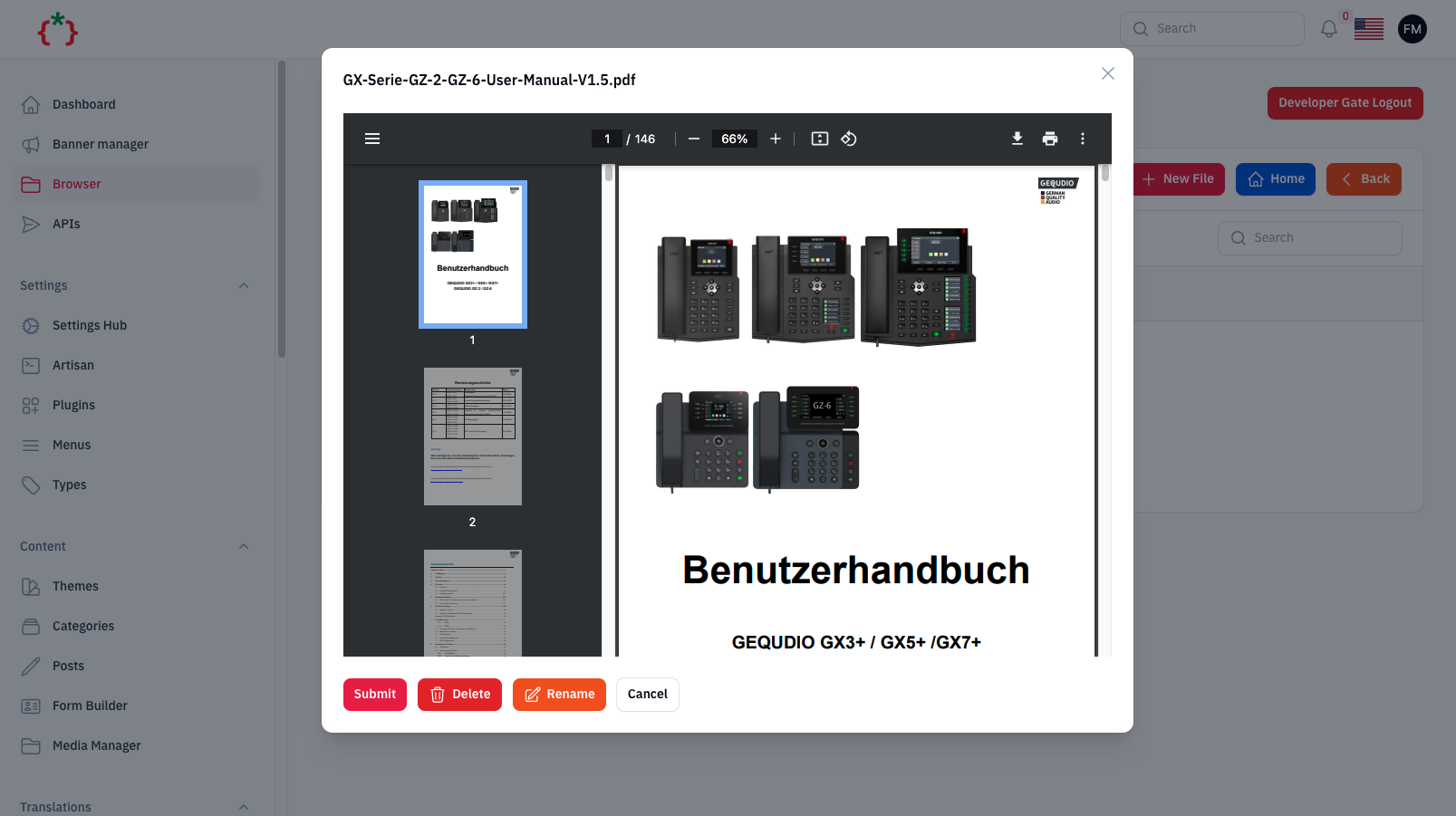
## Screenshots

## Installation
```bash
composer require tomatophp/filament-browser
```
after install your package please run this command
```bash
php artisan filament-browser:install
```
finally reigster the plugin on `/app/Providers/Filament/AdminPanelProvider.php`
```php
->plugin(
\TomatoPHP\FilamentBrowser\FilamentBrowserPlugin::make()
->hiddenFolders([
base_path('app')
])
->hiddenFiles([
base_path('.env')
])
->hiddenExtantions([
"php"
])
->allowCreateFolder()
->allowEditFile()
->allowCreateNewFile()
->allowCreateFolder()
->allowRenameFile()
->allowDeleteFile()
->allowMarkdown()
->allowCode()
->allowPreview()
->basePath(base_path())
)
```
when you try to access the browser it will ask you about password it's `password` and you can change it from your `.env` file
```env
DEVELOPER_GATE_PASSWORD=
```
## Publish Assets
you can publish config file by use this command
```bash
php artisan vendor:publish --tag="filament-browser-config"
```
you can publish views file by use this command
```bash
php artisan vendor:publish --tag="filament-browser-views"
```
you can publish languages file by use this command
```bash
php artisan vendor:publish --tag="filament-browser-lang"
```
you can publish migrations file by use this command
```bash
php artisan vendor:publish --tag="filament-browser-migrations"
```
## Other Filament Packages
Checkout our [Awesome TomatoPHP](https://github.com/tomatophp/awesome)