https://github.com/tomatophp/filament-splade
Integration of Splade Vue Components for Filament
https://github.com/tomatophp/filament-splade
filamentphp filamentphp-plugin integration splade vuejs
Last synced: 11 months ago
JSON representation
Integration of Splade Vue Components for Filament
- Host: GitHub
- URL: https://github.com/tomatophp/filament-splade
- Owner: tomatophp
- License: mit
- Created: 2024-04-08T07:21:01.000Z (about 2 years ago)
- Default Branch: master
- Last Pushed: 2024-06-12T07:47:37.000Z (about 2 years ago)
- Last Synced: 2024-11-14T02:42:25.555Z (over 1 year ago)
- Topics: filamentphp, filamentphp-plugin, integration, splade, vuejs
- Language: PHP
- Homepage: https://filamentphp.com/plugins/3x1io-tomato-splade
- Size: 1.77 MB
- Stars: 7
- Watchers: 2
- Forks: 0
- Open Issues: 0
-
Metadata Files:
- Readme: README.md
- Changelog: CHANGELOG.md
- Funding: .github/FUNDING.yml
- License: LICENSE.md
- Security: SECURITY.md
Awesome Lists containing this project
README

# Filament Splade Integration
[](https://packagist.org/packages/tomatophp/filament-splade)
[](https://packagist.org/packages/tomatophp/filament-splade)
[](https://packagist.org/packages/tomatophp/filament-splade)
[](https://packagist.org/packages/tomatophp/filament-splade)
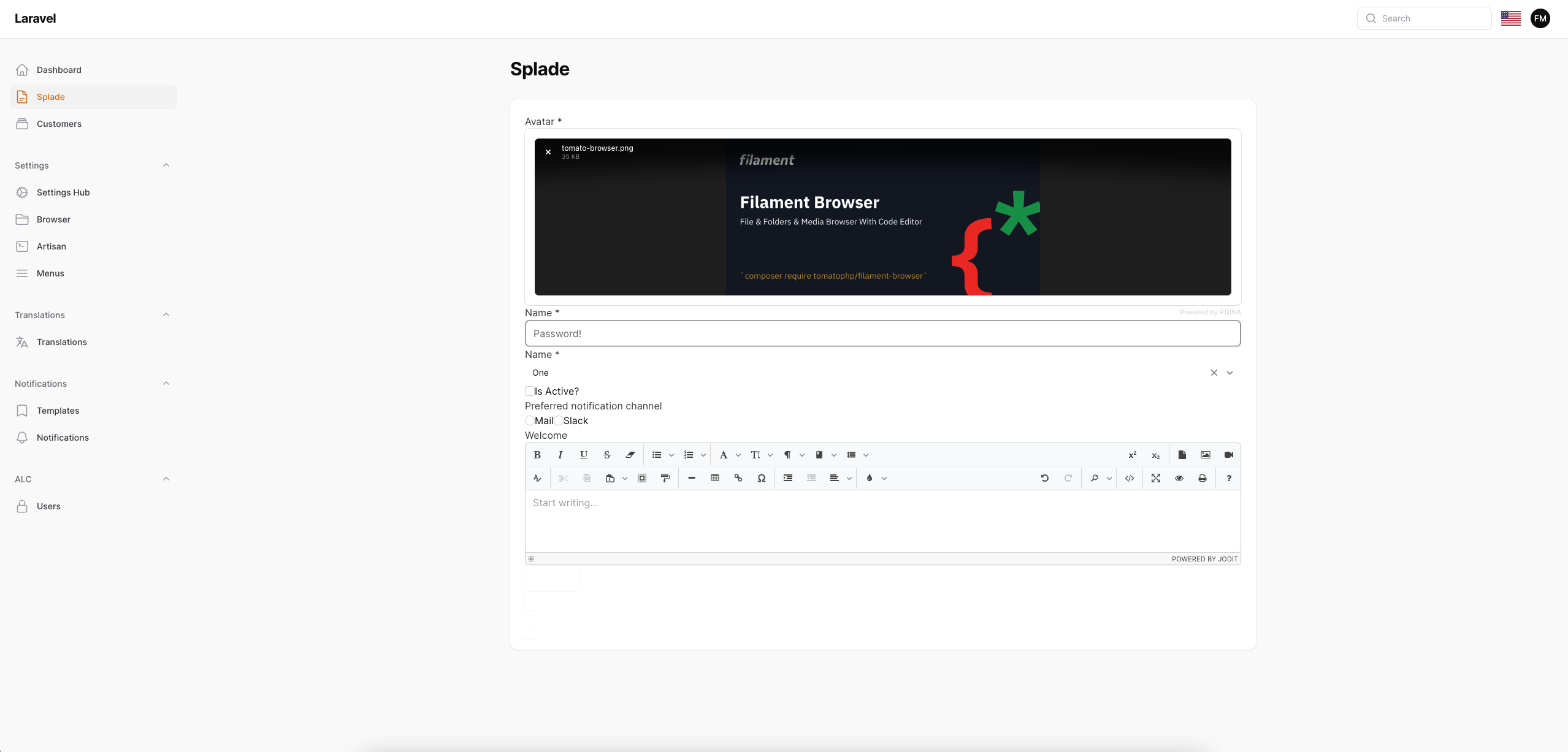
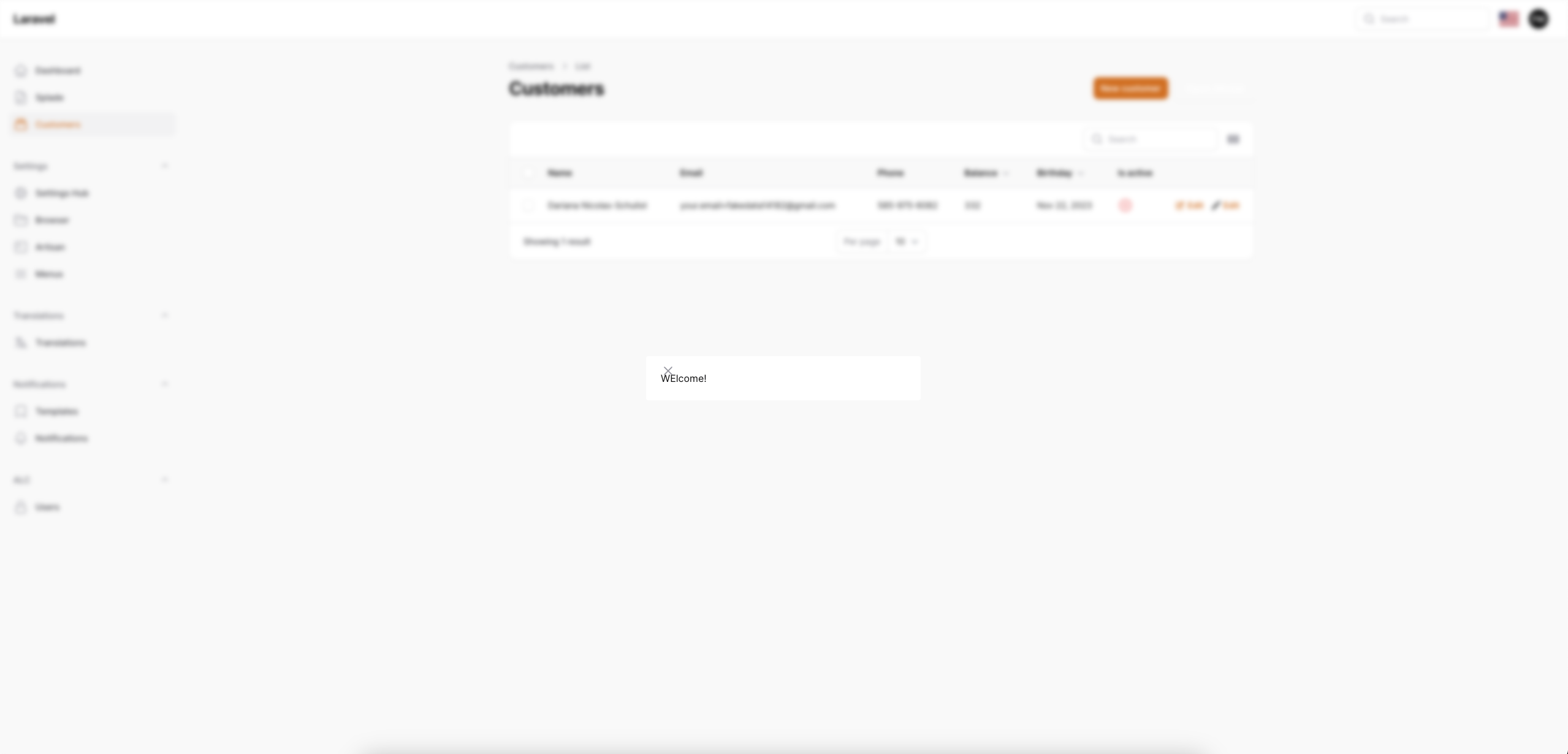
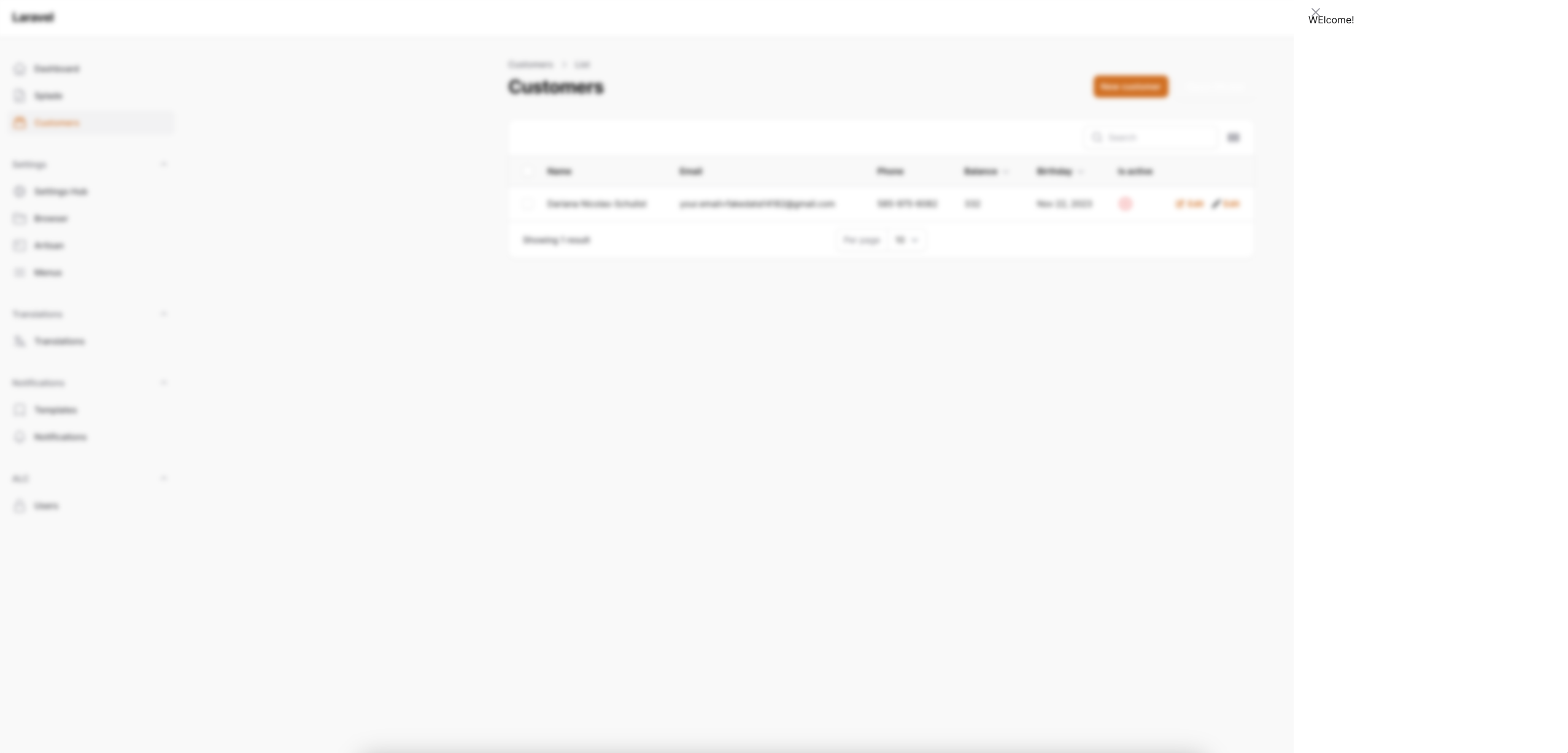
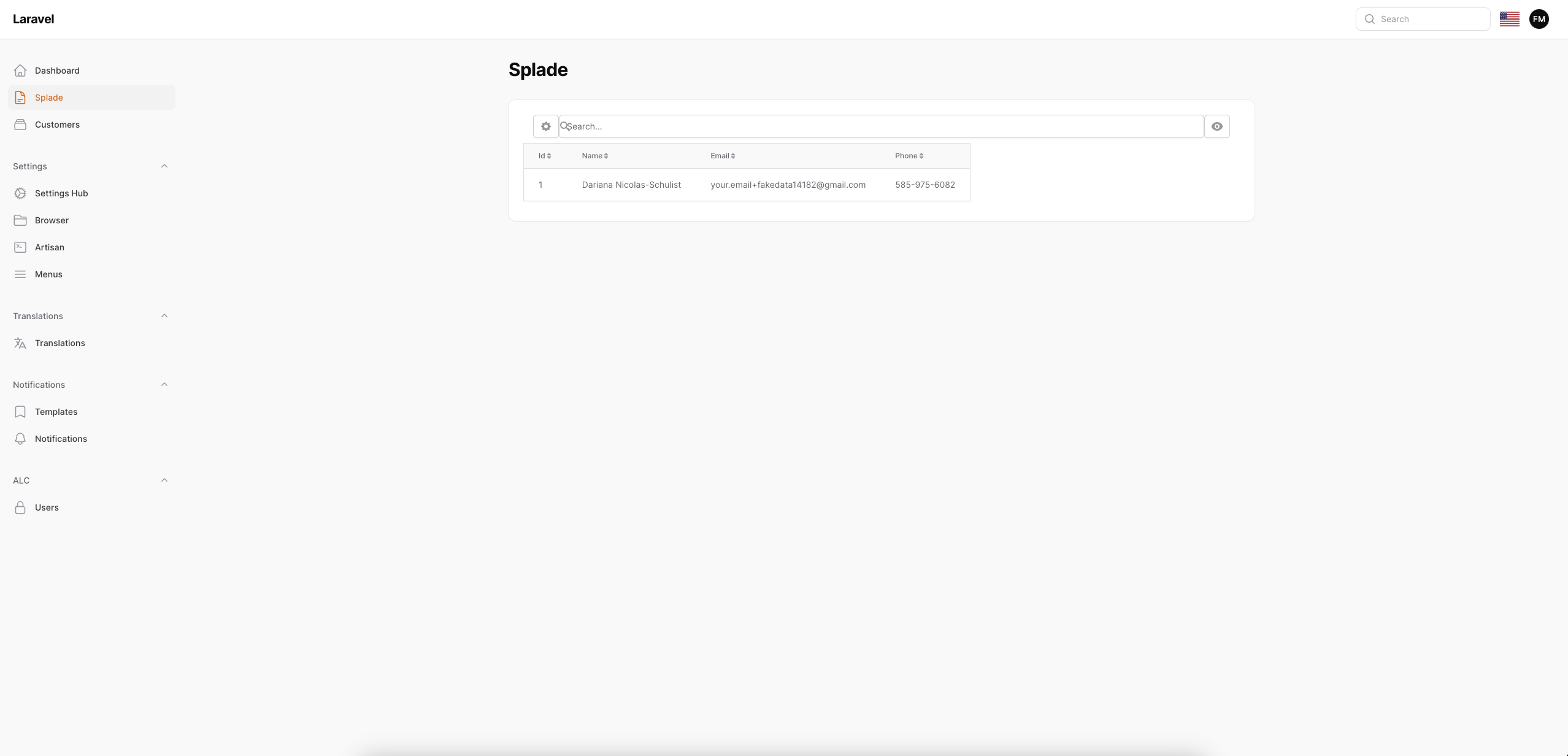
Integration of [Splade](https://splade.dev/) Vue Components for Filament
**NOTE:**
this project still out of filament style, and we are working to move style to filament for all component and merge the component to the Form/Table Components.
## Screenshots
## Installation
```bash
composer require tomatophp/filament-splade
```
after install your package please run this command
```bash
php artisan filament-splade:install
```
now you need to build your js assets
```bash
yarn
yarn build
```
## Usage
to make any page or resource interact with splade you just need to use this trait
```php
use TomatoPHP\FilamentSplade\Traits\InteractsWithSplade;
```
now you can use any splade component inside your resource.
if you like to use splade everywhere reigster the plugin on `/app/Providers/Filament/AdminPanelProvider.php`
```php
->plugin(\TomatoPHP\FilamentSplade\FilamentSpladePlugin::make())
```
and make sure that you are `global_allow => true` on the config file.
## Register Splade Exceptions
on your `boostrap/app.php` file add this line
```php
->withExceptions(function (Exceptions $exceptions) {
$exceptions->renderable(function (\Illuminate\Foundation\Exceptions\Handler $e) {
return \ProtoneMedia\Splade\SpladeCore::exceptionHandler($e);
});
})
```
## Publish Assets
you can publish config file by use this command
```bash
php artisan vendor:publish --tag="filament-splade-config"
```
## Support
you can join our discord server to get support [TomatoPHP](https://discord.gg/Xqmt35Uh)
## Docs
you can check docs of this package on [Docs](https://docs.tomatophp.com/filament/filament-splade)
## Changelog
Please see [CHANGELOG](CHANGELOG.md) for more information on what has changed recently.
## Security
Please see [SECURITY](SECURITY.md) for more information about security.
## Credits
- [Fady Mondy](https://wa.me/+201207860084)
## License
The MIT License (MIT). Please see [License File](LICENSE.md) for more information.