https://github.com/tomjs/vscode-snippets-manager
Snippets Manager for VS Code
https://github.com/tomjs/vscode-snippets-manager
extension manager snippets vscode
Last synced: about 1 year ago
JSON representation
Snippets Manager for VS Code
- Host: GitHub
- URL: https://github.com/tomjs/vscode-snippets-manager
- Owner: tomjs
- License: mit
- Created: 2024-06-19T03:23:00.000Z (about 2 years ago)
- Default Branch: main
- Last Pushed: 2024-11-27T12:45:36.000Z (over 1 year ago)
- Last Synced: 2024-11-27T13:36:39.062Z (over 1 year ago)
- Topics: extension, manager, snippets, vscode
- Language: TypeScript
- Homepage: https://marketplace.visualstudio.com/items?itemName=tomjs.vscode-snippets-manager
- Size: 782 KB
- Stars: 1
- Watchers: 0
- Forks: 1
- Open Issues: 0
-
Metadata Files:
- Readme: README.md
- Changelog: CHANGELOG.md
- License: LICENSE
Awesome Lists containing this project
README
# Code Snippets Manager
VS Code 代码片段管理 / Snippets Manager for VS Code.
## 说明 (Note)
支持全局和当前工作空间中的代码片段的管理。
Supports the management of code snippets in the global and current workspace.
本项目受 [Easy Snippet](https://marketplace.visualstudio.com/items?itemName=inu1255.easy-snippet) 这个扩展的启发,并参考了他的代码和思路,非常感谢。项目中使用的部分图标资源,来自 [vscode-icons](https://github.com/vscode-icons/vscode-icons),仅做了颜色修改。本项目由兴趣和个人需求而开发,不一定满足所有人的需求。
This project is inspired by the extension [Easy Snippet](https://marketplace.visualstudio.com/items?itemName=inu1255.easy-snippet) and refers to his code and ideas. Thanks very much. Some icon resources used in the project are from [vscode-icons](https://github.com/vscode-icons/vscode-icons), and only the color is modified. This project is developed out of interest and personal needs, and may not meet the needs of everyone.
## 功能 Features
- 支持多类型片段 Support multiple types of Snippets
- 语言 Language
- 全局 Global
- 工作空间 Workspace
- 支持片段的拖拽排序 Support drag and sort of snippets
- 国际化 Internationalization
- 简体中文
- English
### 属性 Properties
- `tomjs.snippets.fixedLanguages`:代码片段优先可选语言。Optional languages for snippets to be displayed first
- `tomjs.snippets.scopeLanguages`:代码片段 scope 属性的可选语言,未配置时为所有被支持的语言。Optional languages for the scope attribute of the snippets. If not configured, it will be all supported languages.
比如前端开发者,可以如下设置 For example, front-end developers can set it as follows
```json
{
"tomjs.snippets.scopeLanguages": [
"typescript",
"javascript",
"typescriptreact",
"javascriptreact",
"vue",
"html",
"less",
"scss"
]
}
```
## 截图 Screenshots
部分截图,具体请操作。Some screenshots, please operate for details.
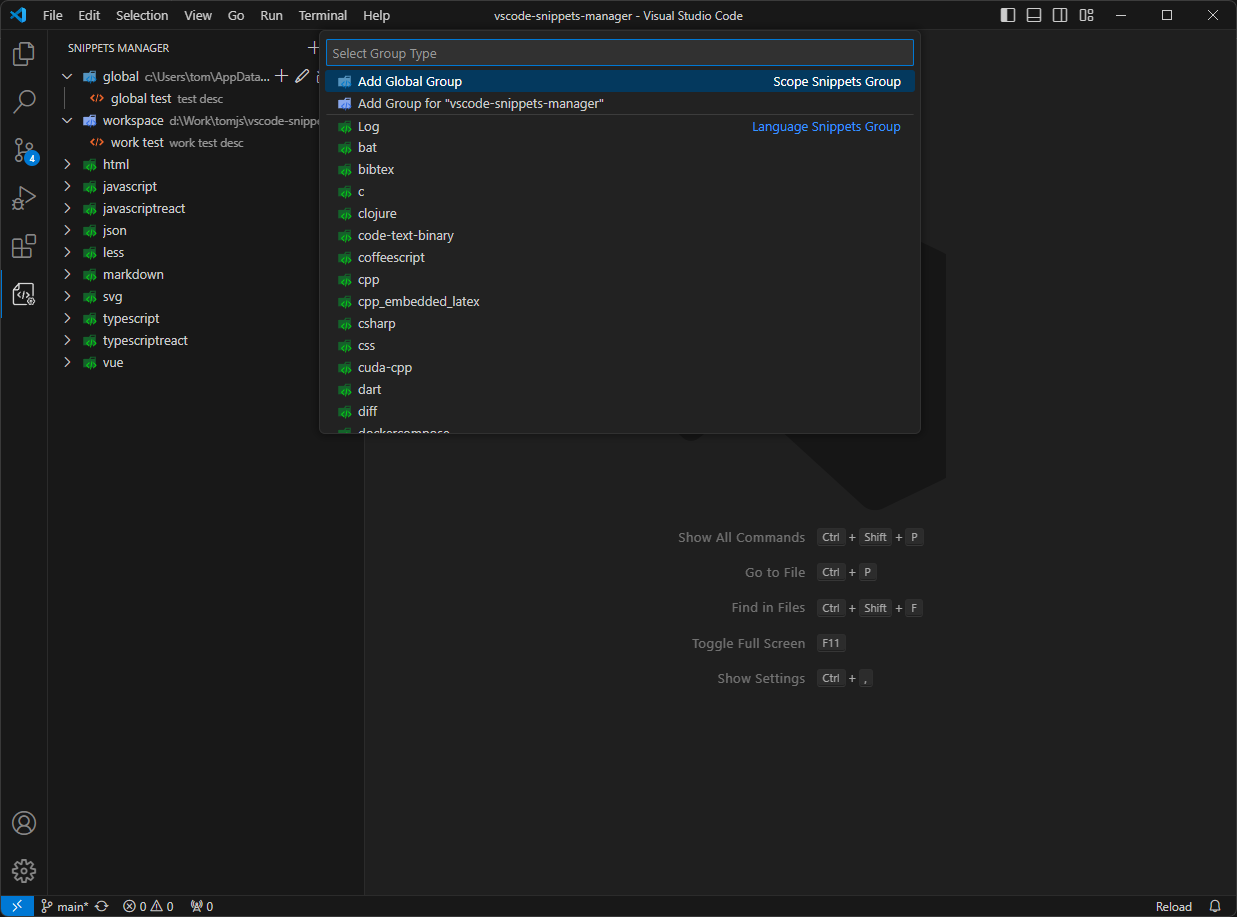
- 新增分组 Add Group
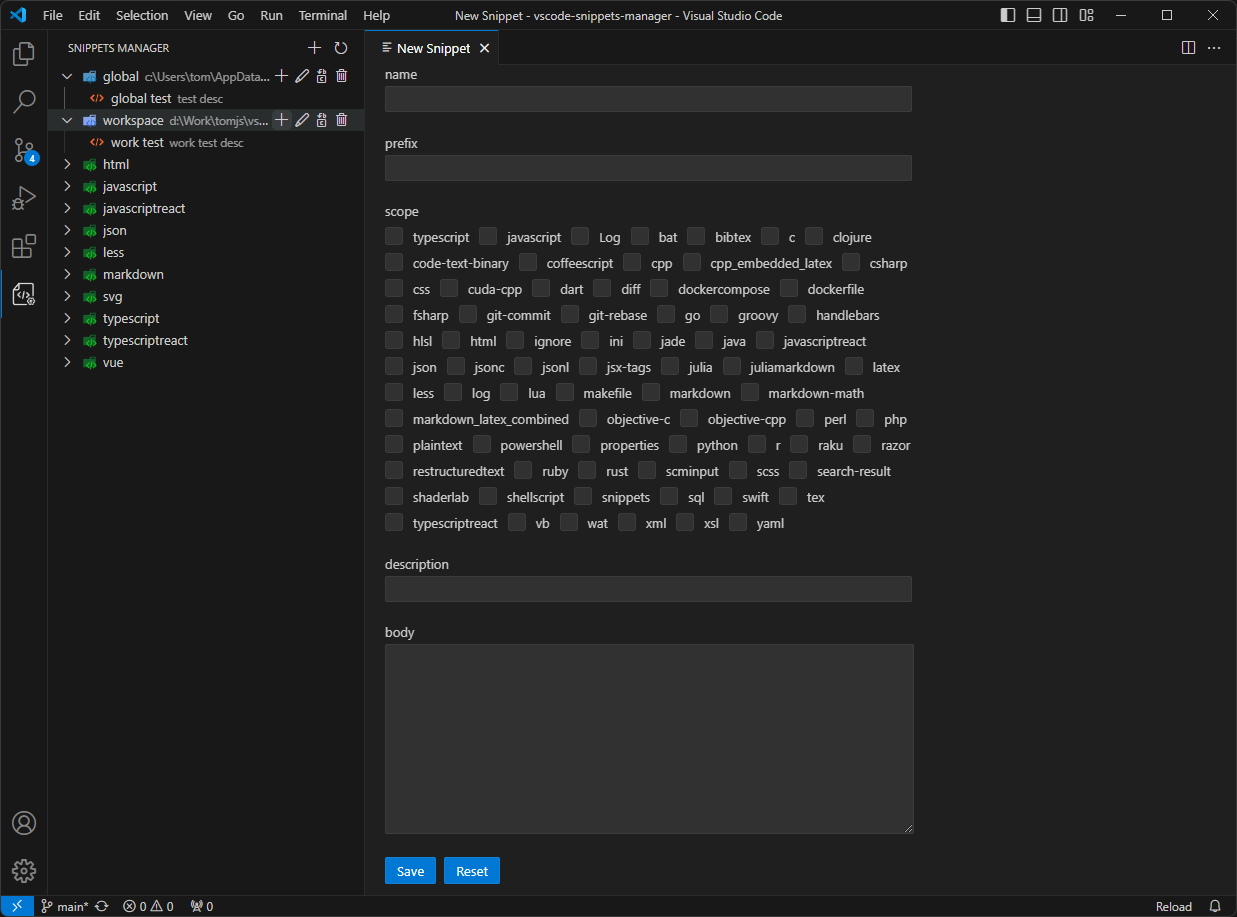
- 新增片段 Add Snippet
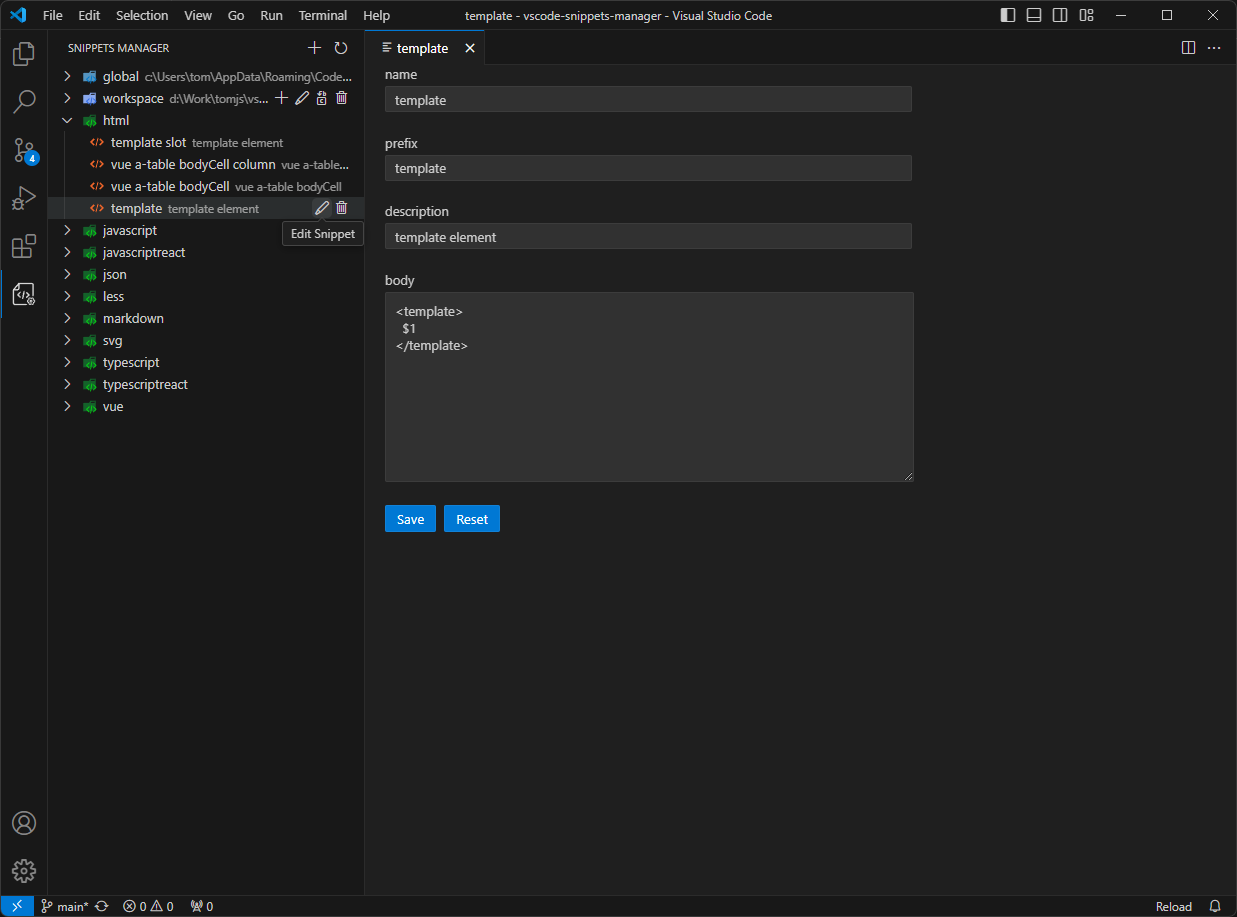
- 编辑片段 Edit Snippet
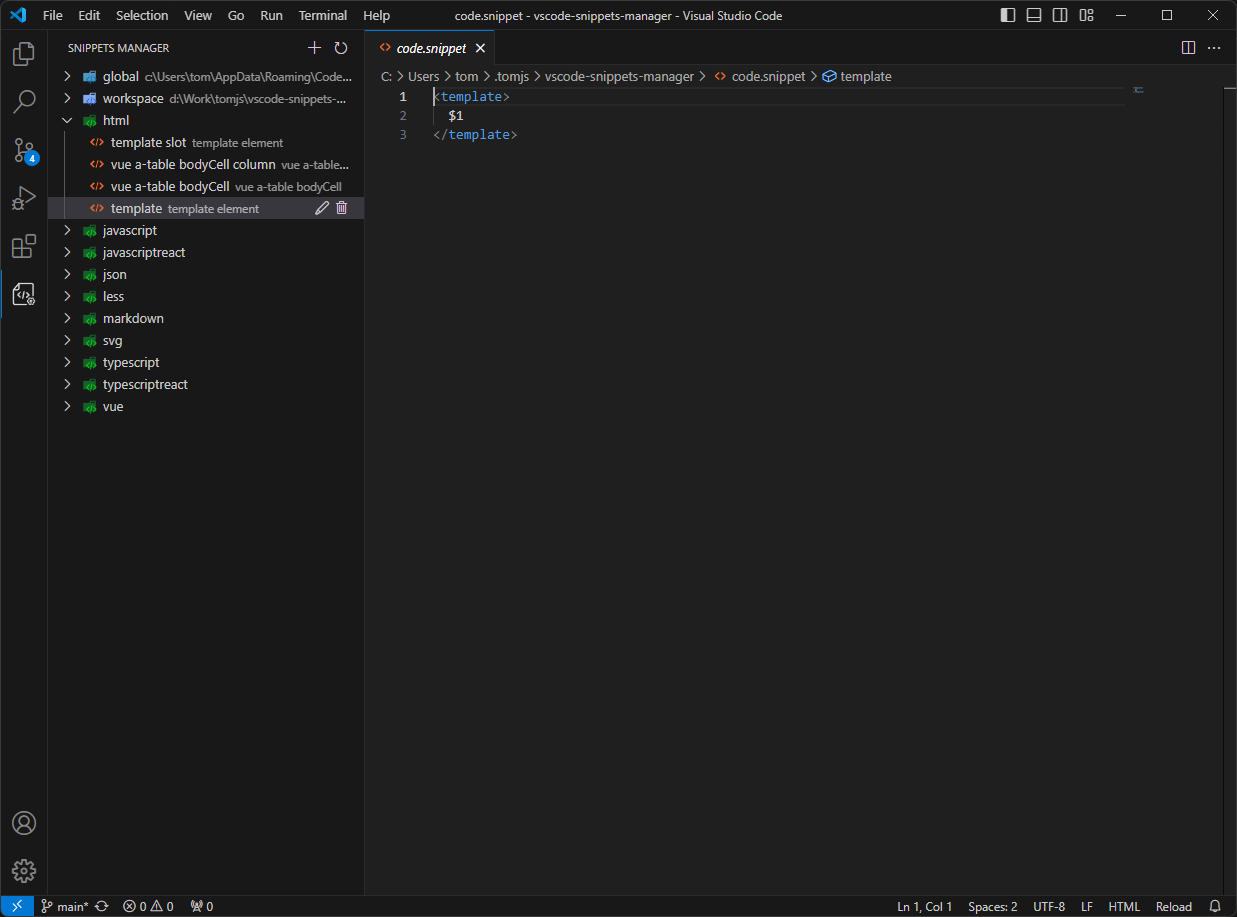
- 编辑代码 Edit Snippet Code
## Related
- [Easy Snippet](https://marketplace.visualstudio.com/items?itemName=inu1255.easy-snippet): Another easy way to manage snippet.
- [vscode-icons](https://github.com/vscode-icons/vscode-icons): Bring real icons to your Visual Studio Code.