https://github.com/topunix/fyyur
:musical_note: Musical venue and artist booking site
https://github.com/topunix/fyyur
bootstrap flask flask-migrate postgresql python sqlalchemy
Last synced: 3 months ago
JSON representation
:musical_note: Musical venue and artist booking site
- Host: GitHub
- URL: https://github.com/topunix/fyyur
- Owner: topunix
- Created: 2020-04-26T19:24:29.000Z (about 6 years ago)
- Default Branch: master
- Last Pushed: 2025-01-08T01:07:40.000Z (over 1 year ago)
- Last Synced: 2025-08-18T21:35:35.979Z (11 months ago)
- Topics: bootstrap, flask, flask-migrate, postgresql, python, sqlalchemy
- Language: HTML
- Homepage:
- Size: 2.25 MB
- Stars: 0
- Watchers: 0
- Forks: 0
- Open Issues: 1
-
Metadata Files:
- Readme: README.md
Awesome Lists containing this project
README
Fyyur
-----
### Introduction
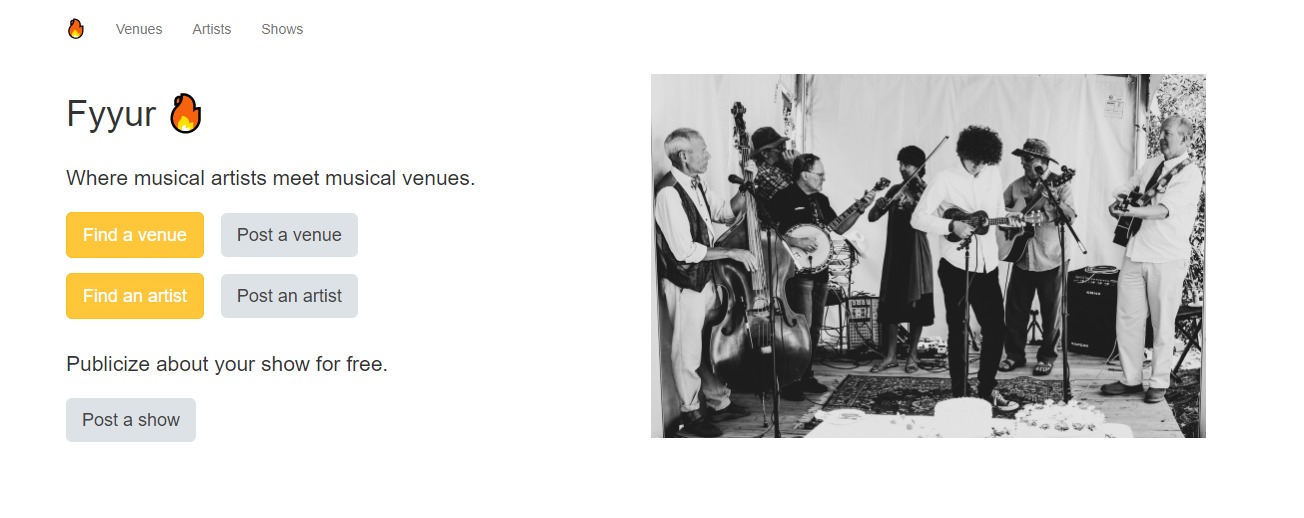
Fyyur is a musical venue and artist booking site that facilitates the discovery and bookings of shows between local performing artists and venues. This site lets you list new artists and venues, discover them, and list shows with artists as a venue owner.
### Tech Stack
The tech stack includes:
* **SQLAlchemy ORM** to be our ORM library of choice
* **PostgreSQL** as our database of choice
* **Python3** and **Flask** as our server language and server framework
* **Flask-Migrate** for creating and running schema migrations
* **HTML**, **CSS**, and **Javascript** with [Bootstrap 3](https://getbootstrap.com/docs/3.4/customize/) for our website's frontend
### Main Files:
```sh
├── README.md
├── app.py *** the main driver of the app. Includes SQLAlchemy models.
"python app.py" to run after installing dependences
├── config.py *** Database URLs, CSRF generation, etc
├── error.log
├── forms.py
├── requirements.txt
├── static
│ ├── css
│ ├── font
│ ├── ico
│ ├── img
│ └── js
└── templates
├── errors
├── forms
├── layouts
└── pages
```
Overall:
* Models are located in the `MODELS` section of `app.py`.
* Controllers are also located in `app.py`.
* The web frontend is located in `templates/`, which builds static assets deployed to the web server at `static/`.
* Web forms for creating data are located in `form.py`
### Development Setup
First, [install Flask](http://flask.pocoo.org/docs/1.0/installation/#install-flask) if you haven't already.
```
$ cd ~
$ sudo pip3 install Flask
```
To start and run the local development server,
1. Initialize and activate a virtualenv:
```
$ cd YOUR_FYYUR_DIRECTORY_PATH/
$ virtualenv --no-site-packages env
$ source env/bin/activate
```
2. Install the dependencies:
```
$ pip install -r requirements.txt
```
3. Run the development server:
```
$ export FLASK_APP=myapp
$ export FLASK_ENV=development # enables debug mode
$ python3 app.py
```
4. Navigate to Home page [http://localhost:5000](http://localhost:5000)