https://github.com/toth2000/convoai
A website to interact with a custom language model
https://github.com/toth2000/convoai
expressjs html-css javascript nodejs react websocket
Last synced: about 2 months ago
JSON representation
A website to interact with a custom language model
- Host: GitHub
- URL: https://github.com/toth2000/convoai
- Owner: toth2000
- License: mit
- Created: 2023-09-03T19:31:40.000Z (almost 3 years ago)
- Default Branch: master
- Last Pushed: 2023-09-14T16:26:14.000Z (almost 3 years ago)
- Last Synced: 2025-06-02T07:39:03.469Z (about 1 year ago)
- Topics: expressjs, html-css, javascript, nodejs, react, websocket
- Language: JavaScript
- Homepage: https://convo-ai-chat.vercel.app
- Size: 1.27 MB
- Stars: 0
- Watchers: 1
- Forks: 0
- Open Issues: 0
-
Metadata Files:
- Readme: readme.md
- Contributing: CONTRIBUTING.md
- License: LICENSE
- Code of conduct: CODE_OF_CONDUCT.md
Awesome Lists containing this project
README
# ConvoAi Repository
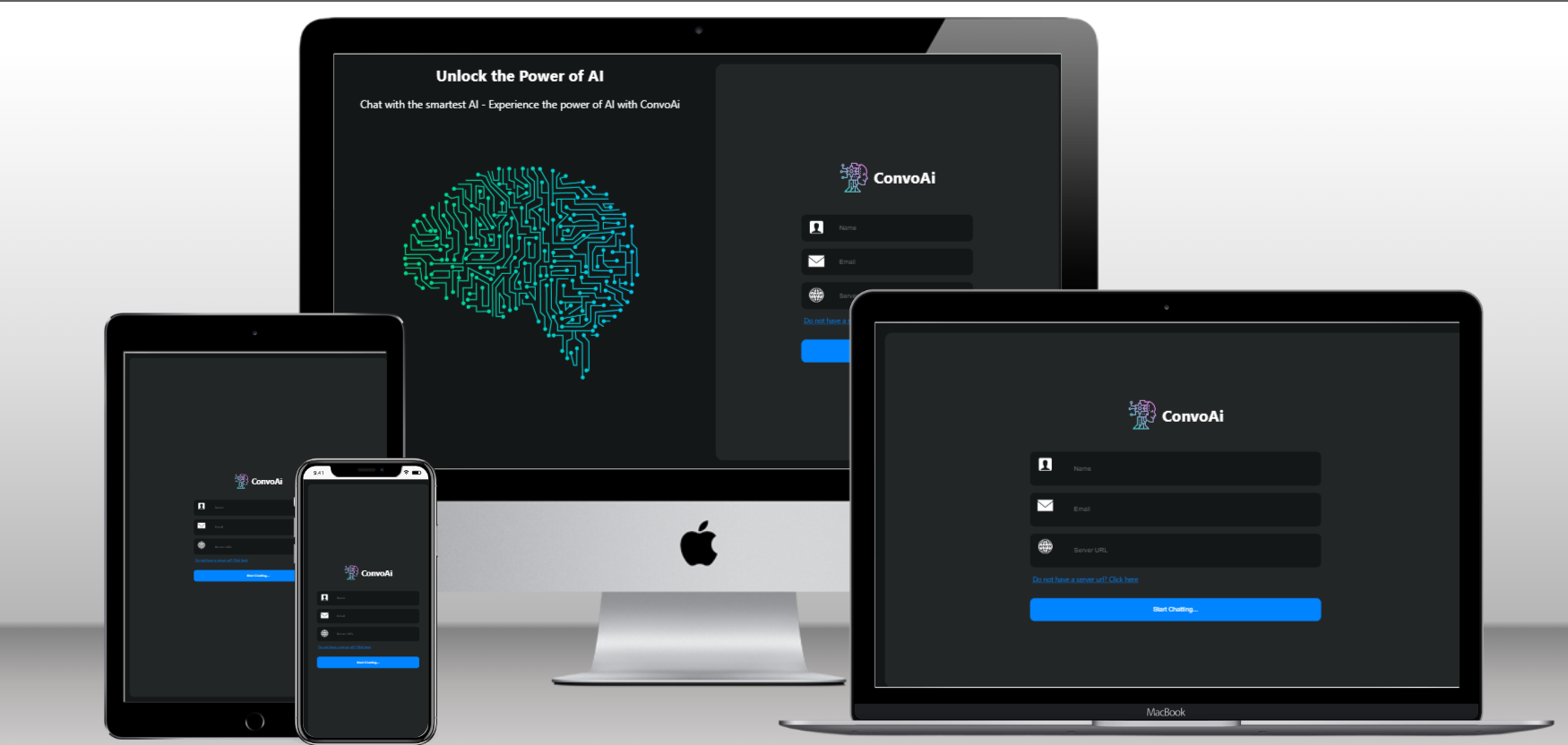
This is the offical repository of ConvoAi, it provides a platform to interact with a custom AI model easily.
Website: https://convo-ai-chat.vercel.app
---
#### Generate Backend URL
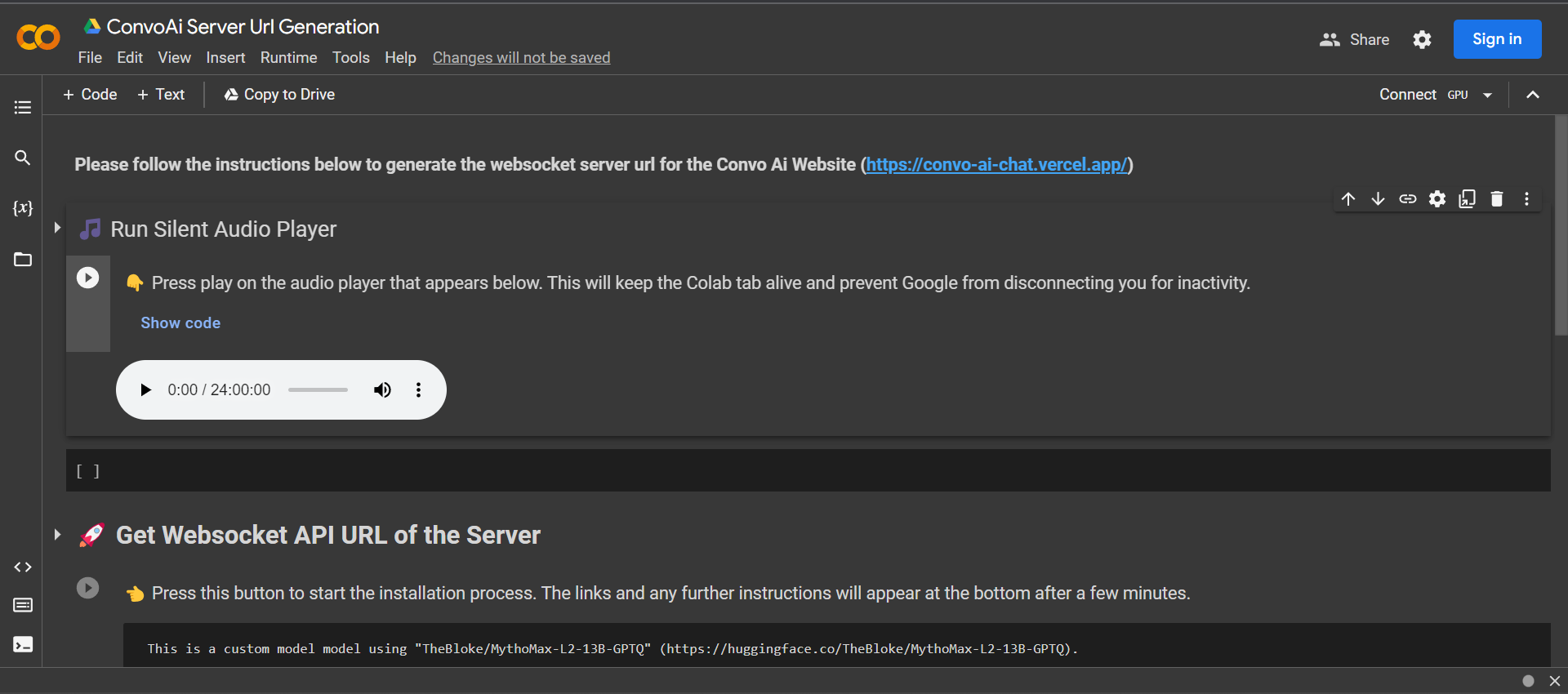
To generate the backend URL that is required as input in the website, please visit the link below and follow the steps mentioned there.
https://colab.research.google.com/drive/1K2_KumvSVtG3tNyiSOhI81h2tqn_GxDN
---
# Features
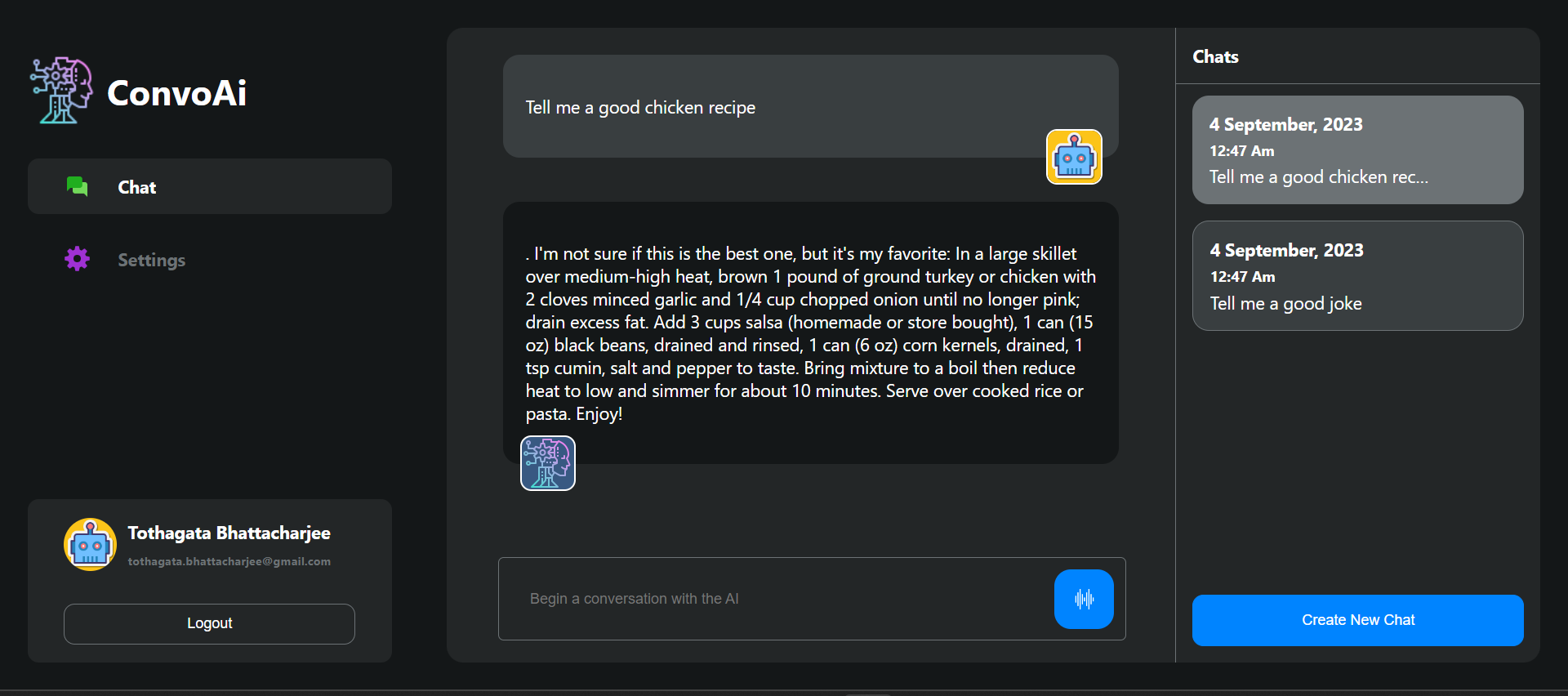
- Ability to chat with AI model
- Quick Responses
- Ability to create multiple chat at the same time
- Good looking UI
- Fully responsive for various screen size
- Response Generation Indication (Showing typing dot animation)
# Upcoming Feature
- Server implementation to enable :
- User Authentication (Login And Sign Up)
- Storing Messages in Database to enable easy access later
- Voice Typing (Delayed as there are not free Speech-to-text API)
---
## Folder Structure
The ``/frontend`` directory contains the ReactJs codebase that is hosted in the vercel.
The ``/server`` directory contains the NodeJs server codebase.
## Requirements
To run the website on you local device, you will only need NodeJs installed in your environement.
### Node
- #### Node installation on Windows
Just go on [official Node.js website](https://nodejs.org/) and download the installer.
Also, be sure to have `git` available in your PATH, `npm` might need it (You can find git [here](https://git-scm.com/)).
- #### Node installation on Ubuntu
You can install nodejs and npm easily with apt install, just run the following commands.
$ sudo apt install nodejs
$ sudo apt install npm
- #### Other Operating Systems
You can find more information about the installation on the [official Node.js website](https://nodejs.org/) and the [official NPM website](https://npmjs.org/).
If the installation was successful, you should be able to run the following command.
$ node --version
v8.11.3
$ npm --version
6.1.0
If you need to update `npm`, you can make it using `npm`! Cool right? After running the following command, just open again the command line and be happy.
$ npm install npm -g
---
## Install
$ git clone https://github.com/toth2000/convoAi
$ cd convoAi
#### To Run the Website locally
$ cd frontend
$ npm install
$ npm start
#### To Run the Backend Server locally
$ cd server
$ npm install
$ npm start
## Contribution guidelines
Please refer to our [Contribution Guide](CONTRIBUTING.md) for contributing to this project. And remeber no contribution is small, every contribution matters.